
What is vidflux?
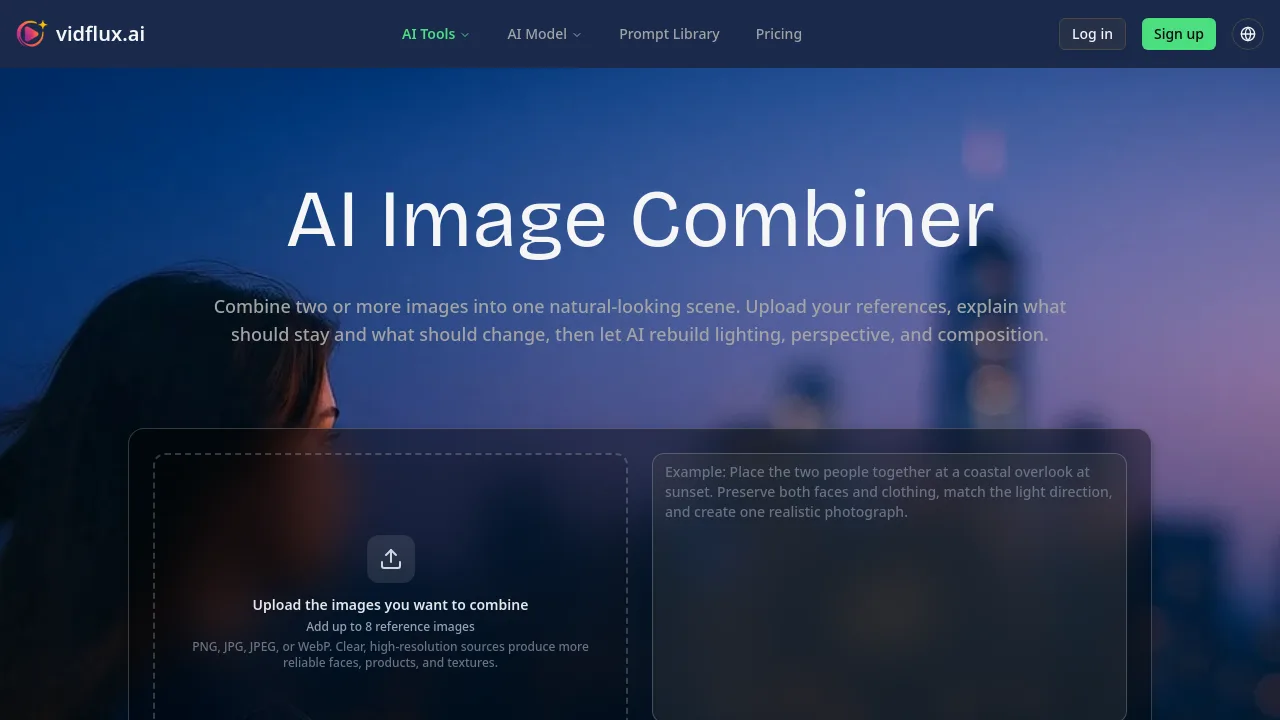
Vidflux AI Image Combiner is an AI tool for creators, marketers, and designers who need to merge separate images into one coherent, naturally lit scene. Instead of placing images side by side, it rebuilds subjects, adjusts scale, perspective, shadows, and color, then outputs a single composition. You upload references, write a prompt describing the relationship between elements, and the model generates a new image. It works best when you need subjects to interact realistically, such as two people together or a product placed in a new setting.
What are the features of vidflux?
- Multi-Reference Upload: Add up to 8 images (PNG, JPG, JPEG, or WebP) as source material. Clear, high-resolution inputs produce more reliable faces, products, and textures.
- Prompt-Driven Composition: Describe who appears, where each subject belongs, their pose, background, lighting, and which details must stay recognizable. The model uses your written instructions to guide the output.
- Lighting and Perspective Harmonization: The AI adjusts shadows, depth, camera angle, and color temperature across references so the final image reads as a single photograph rather than a collage.
- Credit Cost Preview: Before generating, the interface shows the estimated credit cost based on the chosen model, resolution, quality, and output count. Requires sign-in to generate.
- Cross-Tool Animation Path: After generating a composite, you can send the result directly into the Image to Video workflow to add camera movement or subject motion.
What are the use cases of vidflux?
- Portrait Compositing: Combine two separate portraits into one natural waist-up or full-body shot for couple photos, family keepsakes, or creative portraits.
- Product Photography: Place a product image into a new styled background scene for ecommerce hero images, campaign concepts, or social posts without a full studio shoot.
- Pet and Owner Portraits: Merge a person photo with a pet photo into a balanced composition while preserving facial features, coat markings, and clothing details.
- Concept Art and Storytelling: Mix character, object, and environment references into a single illustration where each source controls a specific role such as identity, style, or setting.
How to use vidflux?
- Upload 2 to 8 clear reference images. Use front-facing or three-quarter portraits for people and clean edges for products.
- Write a prompt that identifies each source image, defines placement and interaction, sets camera and environment, and specifies what must not change.
- Select your model, aspect ratio, resolution, and output format. Review the credit estimate, sign in, and start generation.
- Inspect the result for facial identity, edges, shadows, reflections, and small details. Revise one instruction at a time for refinements.