
Venngage logo

Venngage

Venngage generates and edits infographics, reports, and presentations using AI tools, customizable templates, and multi-format export options.

Venngage

Venngage Product Information

What is Venngage?

Venngage is a web-based design platform for creating infographics, reports, and other visual documents using AI generation tools and editable templates. It targets individuals, teams, and organizations producing professional visuals without requiring prior design experience. Users can sign up for free to try the platform, though advanced features require paid plans.

What are the features of Venngage?

  • AI design generation
    Converts text descriptions into structured layouts for formats like infographics, brochures, posters, and reports.
  • Multi-format export
    Downloads completed designs as PNG, PDF, PPTX, HTML, or accessible PDF files.
  • Accessibility auditing
    Uses AI to check contrast ratios, font sizes, alt text, and simulate impairments for WCAG-compliant output.
  • Brand kits
    Centralizes fonts, colors, and logos to apply consistent branding across designs with one click.
  • AI copywriting and translation
    Rewrites, refines, and translates content to produce multilingual infographic designs.
  • Data visualization
    Provides interactive charts, maps, and smart diagrams generated from keywords or content summaries.

What are the use cases of Venngage?

  • Team brand consistency
    Departments reuse shared team templates and centralized brand kits to maintain uniform visual identity across multiple projects.
  • Accessible document publishing
    Creators run AI accessibility audits and export screen-reader-friendly PDFs to meet WCAG standards.
  • Multilingual content creation
    Marketers translate and refine infographic text directly within the editor to reach diverse audiences.

How to use Venngage?

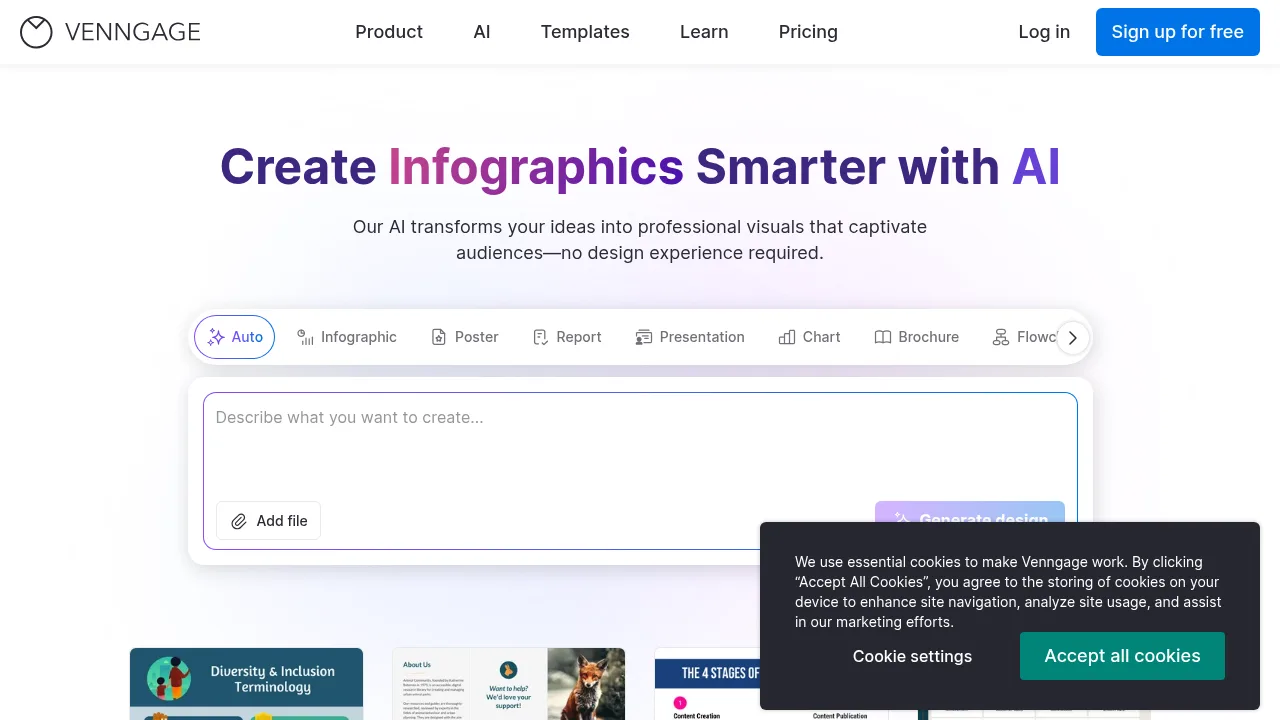
  1. Select format
    Choose a design type such as Infographic, Poster, Report, or Presentation from the available options on the web interface.
  2. Provide input
    Enter a text description, upload a file, or add a link to supply content for the AI generator.
  3. Generate design
    Click Generate to let the AI produce a structured layout based on the provided input.
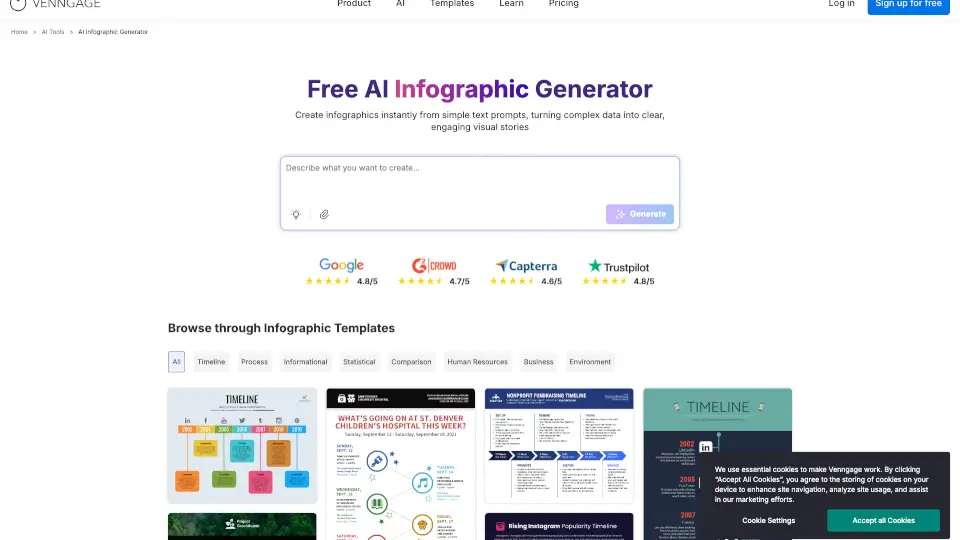
  4. Browse templates
    Alternatively, browse the template library to select and customize a pre-made layout.

Venngage Pricing Information:

  • Free
    No cost; intended for trying the platform and creating a few professional designs with AI.
  • Premium
    Price not stated; provides more templates and customization options for simple projects.
  • Business
    Price not stated; includes advanced AI tools, brand controls, and collaboration features for professionals or teams.
  • Enterprise
    Contact sales; offers top-tier support, security, and custom integrations for large organizations.
Do you like this tool?

Upvote to help others discover it!

Venngage Alternatives

AI Infographic Generator

AI Infographic Generator

Create stunning infographics easily with Venngage's user-friendly tools.

US
22.16%
1.1M
0
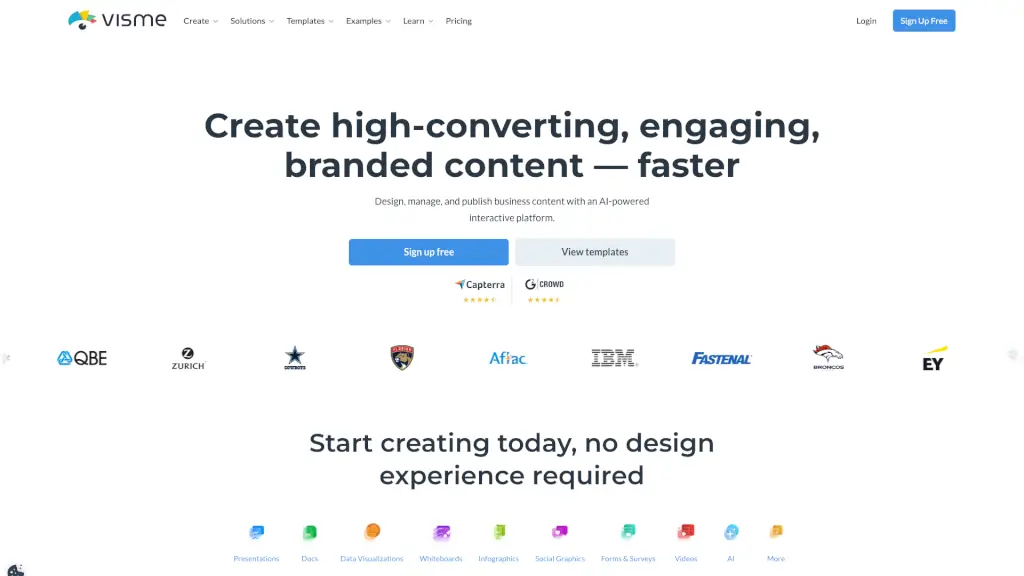
Visme

Visme

Visme is an all-in-one design platform that helps you create professional presentations, infographics, and one-pagers with ease, even if you have no design experience.

US
22.79%
957.9K
0
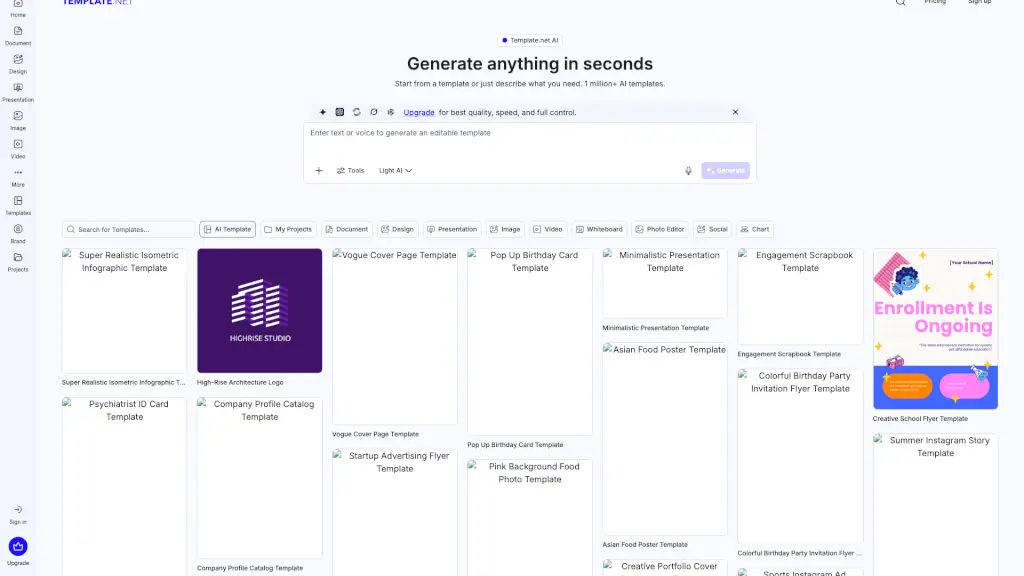
Template.net

Template.net

Template.net uses AI to turn simple prompts into fully editable, branded documents, presentations, and designs ready for real-world use—no signup required.

US
36.20%
2.4M
0
Text2Infographic

Text2Infographic

Transform your text into stunning infographics in minutes with Text to Infographic, the AI-powered design tool.

US
22.25%
13.6K
0
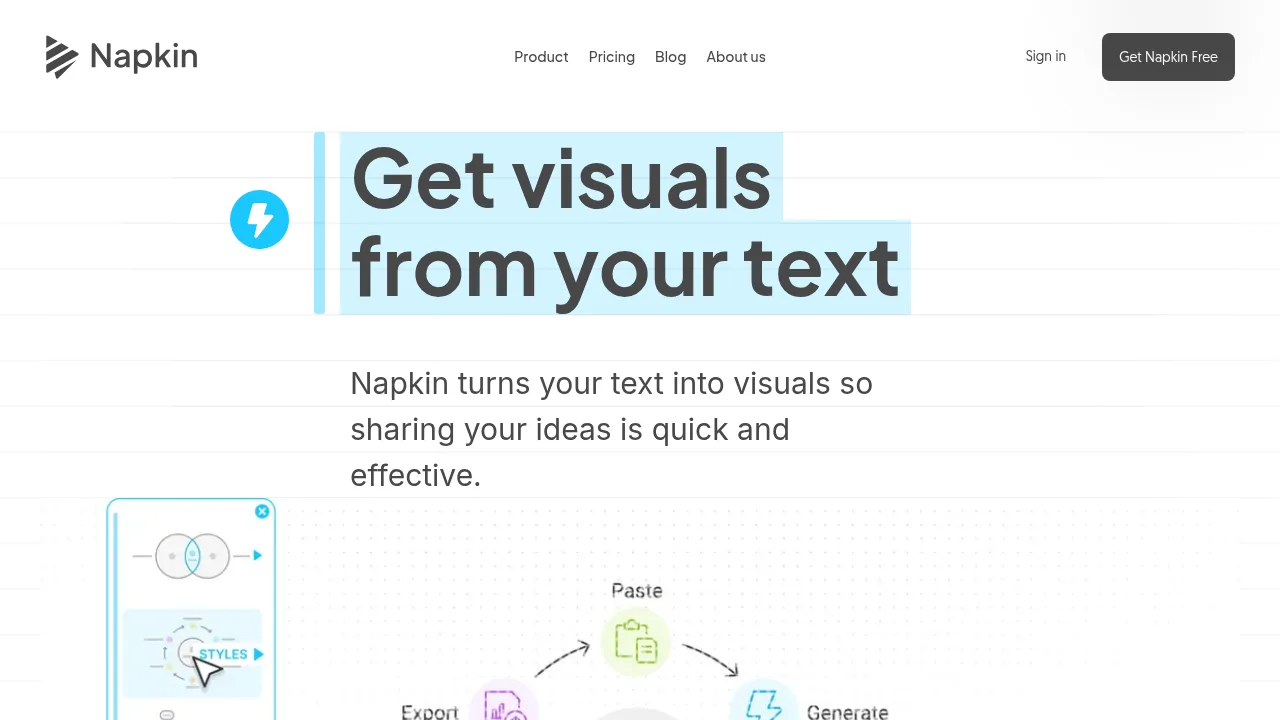
Napkin AI

Napkin AI

Napkin AI generates editable diagrams, flowcharts, mind maps, and slide decks by analyzing pasted or imported text.

IN
14.44%
1.2M
0
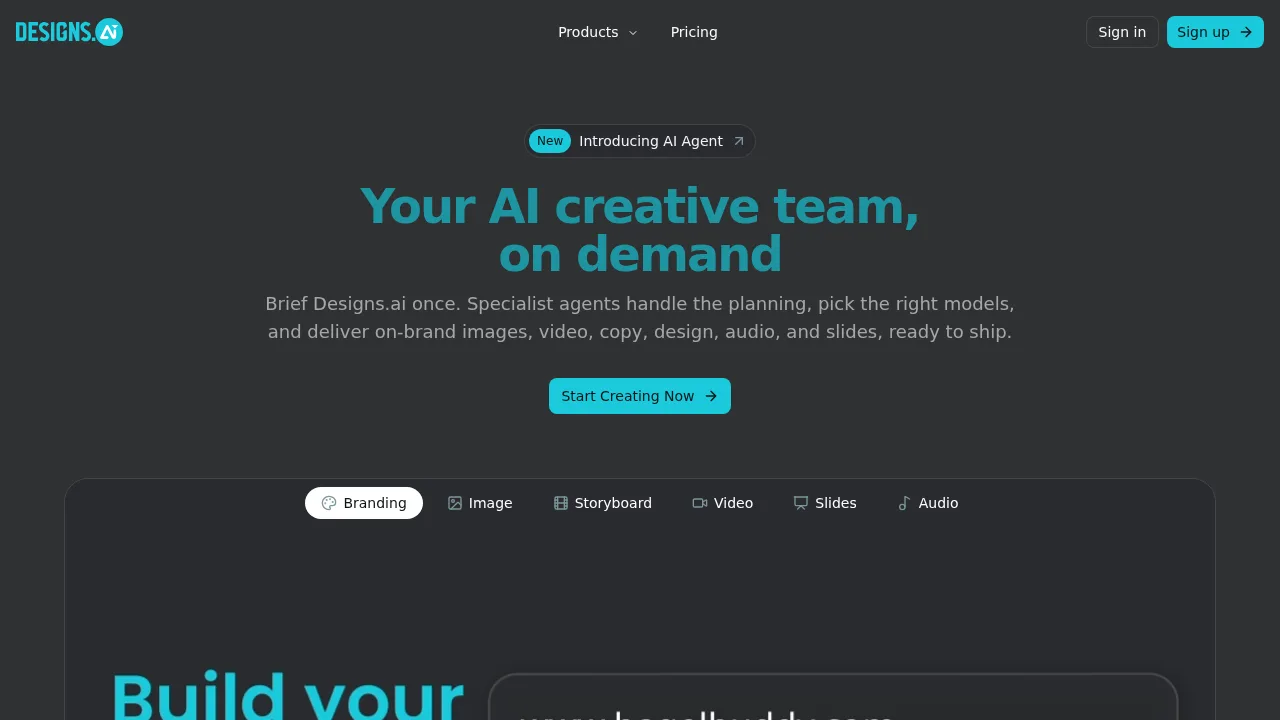
Designs AI

Designs AI

Designs AI generates multi-format campaign assets like images, video, slides, and audio from a single natural-language brief using specialist agents.

DE
12.39%
176.1K
0
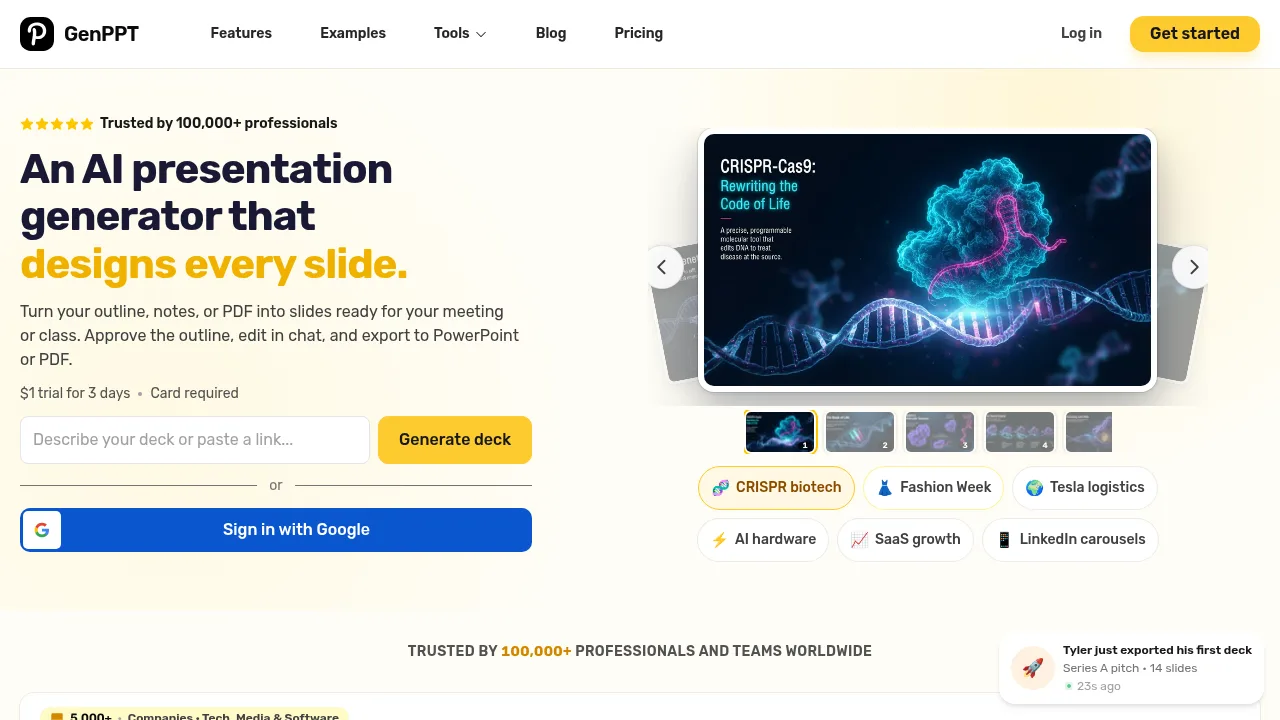
GenPPT - AI PowerPoint Generator

GenPPT - AI PowerPoint Generator

GenPPT - AI PowerPoint Generator builds editable presentation slides from uploaded documents, notes, and multimedia inputs.

IN
38.63%
60.4K
0
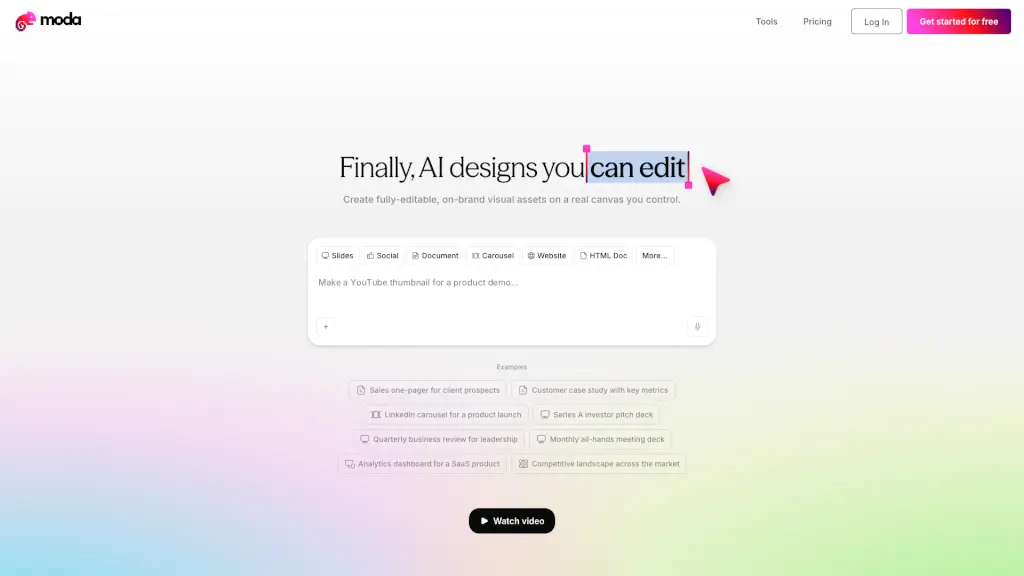
Moda

Moda

Moda is an AI design tool that creates fully editable, on-brand slides, social posts, PDFs, and diagrams on a real canvas you control.

US
14.62%
292.7K
0

Venngage Related Other Categories

Venngage Traffic Analysis

Website traffic estimates for venngage.com. Visits are not unique users or product usage.

💡 Insights

📈
High Traffic
Over 1M monthly visits. Widely recognized and stable choice.
⚠️
Slight Decline
Traffic has slightly decreased recently.
👍
Good Experience
Bounce rate of 52%. Users are willing to explore features.
  • Monthly Visits

    1.12M

  • Bounce Rate

    51.69%

  • Pages Per Visit

    2.84

  • Visit Duration

    00:01:39

  • Global Rank

    47100

  • Country Rank

    44146

Visits Over Time

Traffic Sources

Search Organic67.36%
Direct20.32%
Referrals5.97%
Social Organic3.05%
Gen Ai1.12%
Search Paid0.93%
Mail0.85%
Display Ads0.27%
Social Paid0.09%
Affiliate0.02%

Top Keywords

1
infografia
CPC$0.32
8.83KTraffic
2
mapa mental
CPC$0.51
5.84KTraffic
3
venngage
CPC$3.51
5.29KTraffic
4
infografía
CPC$0.33
4.53KTraffic
5
fontes
CPC$0.37
3.44KTraffic

Top Regions

RegionPercentage
United States
United States
22.16%
Brazil
Brazil
9.07%
India
India
8.43%
Philippines
Philippines
4.38%
Mexico
Mexico
4.23%
Low
High

Powered by SimilarWeb

Venngage FAQ

What file formats can I export my designs in?

Venngage supports exporting visuals as PNG, PDF, PPTX, HTML, and accessible PDF files.

Does Venngage help ensure designs meet accessibility standards?

Yes, the platform includes AI accessibility audits that verify contrast ratios, font sizes, and alt text, and it offers WCAG-compliant templates and accessible PDF exports.

Venngage Reviews

0
0 Reviews
Sign Into leave a review

Recent Reviews

No reviews yet

Venngage Embed

Use website badges to drive community support for SeekTool.ai. They are easy to embed in your homepage or footer.

Light
Dark
Venngage - Featured on SeekTool.aiVenngage - Featured on SeekTool.ai
How to install?