
What is Typeframes?
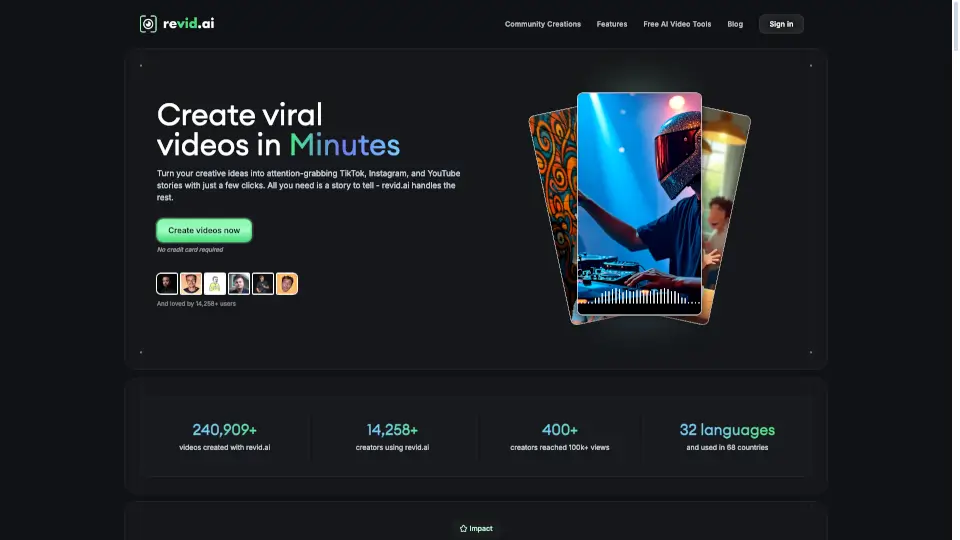
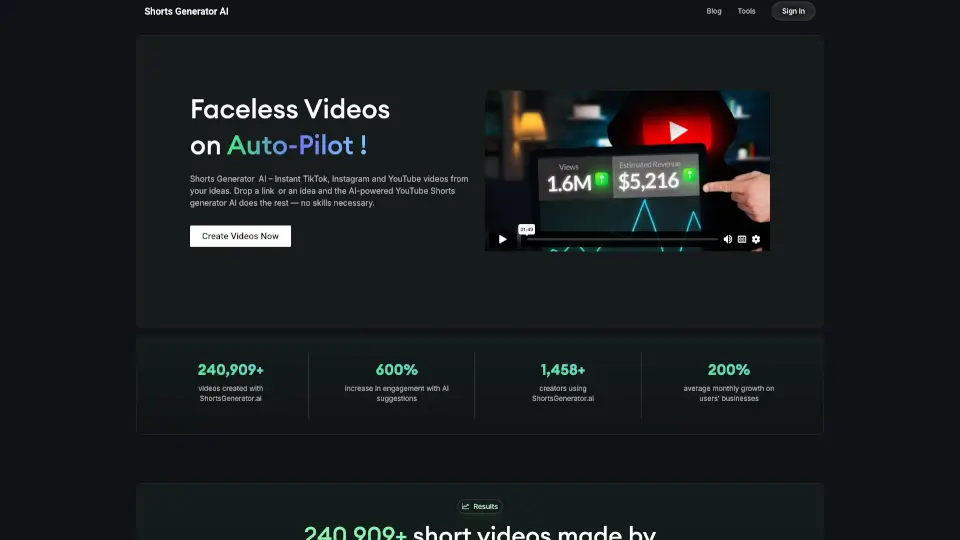
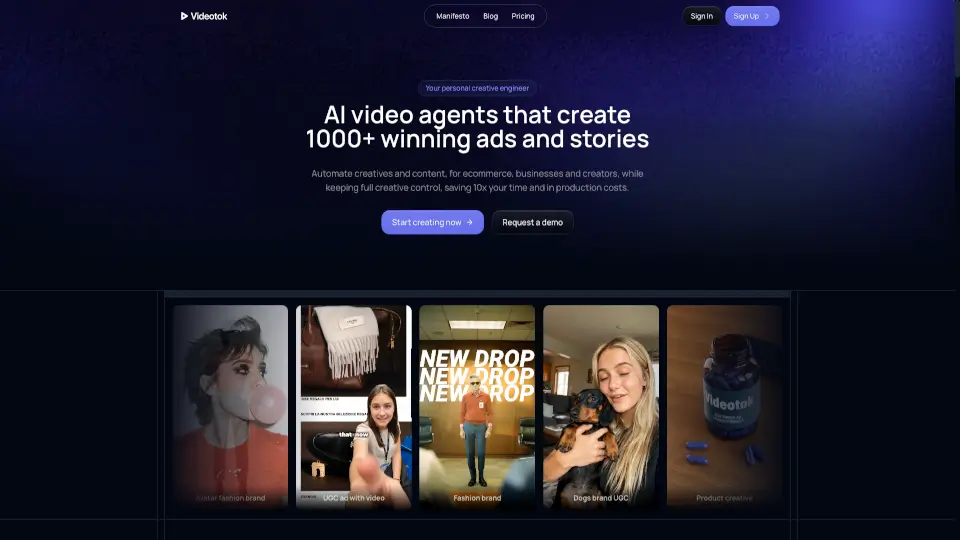
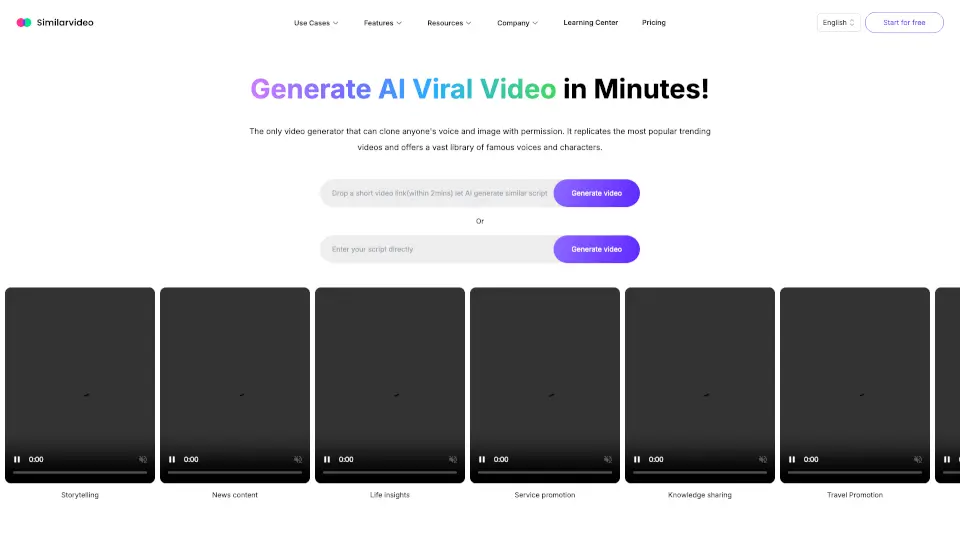
Revid AI is the all-in-one AI video generator built for creators who want to go viral—fast. Whether you’re posting on TikTok, Instagram Reels, or YouTube Shorts, Revid turns your ideas into polished, engaging videos in minutes, no editing skills required. Just type a prompt, paste a link, or upload audio, and let the AI handle scripting, voiceovers, visuals, and even subtitles.
With over 240,900+ videos created by more than 14,258 users across 68 countries, Revid AI has proven its power to help everyday creators produce content that grabs attention and drives real results. From historical storytelling to music videos and product promos, it’s designed to make high-quality, platform-optimized short videos feel effortless.
What are the features of Typeframes?
- AI Script Generator: Automatically writes compelling, viral-ready scripts from just a topic or URL—no writer’s block needed.
- 50+ Ultra-Realistic Voices: Choose from natural-sounding male and female AI voices to match your brand’s tone.
- Multiple Video Formats: Create TikTok-style clips, YouTube Shorts, talking-avatar videos, or cinematic AI movies—all in vertical format.
- AI Music Video Generator: Sync visuals perfectly to your song by uploading audio or pasting a Spotify link; animations react to the beat.
- Ultra-Intuitive Editor: Drag, tweak, and customize scenes, text, and media without complex timelines or learning curves.
- High-Quality Exports: Download watermark-free videos in full resolution—100% yours to keep, share, or monetize forever.
- One-Click Publishing: Share directly to TikTok, Instagram, and YouTube without switching apps or reformatting.
What are the use cases of Typeframes?
- An independent musician creates a dynamic music video for a new single in under 10 minutes using the AI Music Video Generator.
- A history teacher turns a fun fact (like the War of the Bucket) into an engaging educational short for social media.
- A small business owner repurposes a blog post into a viral-style explainer video for Instagram Reels.
- A content creator struggling with burnout uses AI to auto-generate daily Shorts from podcast transcripts.
- A parent makes a personalized kids’ song video by typing lyrics and selecting a playful visual style.
- A marketer tests 5 different ad hooks in one afternoon to see which performs best organically.
How to use Typeframes?
- Start by clicking “Create my first video” and signing up—no credit card needed.
- Choose a tool (like AI Movie Maker or Music Video Generator) based on your content type.
- Enter your idea as text, paste a link, or upload audio—the AI will generate a script and visuals automatically.
- Preview your video, then fine-tune voice, pacing, or scenes using the simple editor.
- Add captions, adjust timing, or swap visual styles to match your brand.
- Hit publish to download or share directly to TikTok, Instagram, or YouTube with one click.