Trunk logo

Trunk

0
4.0
(0 Reviews)
United States19.41%

Trunk keeps your CI pipeline healthy by detecting and quarantining flaky tests, speeding up merges, and providing real-time insights and integrations for your team.

Added on: 2025.11.10 · Updated on: 2025.11.10
Social Media:
Visit Site
View Alternatives
Trunk

Trunk Product Information

What is Trunk?

Trunk is a CI Reliability Platform designed to help development teams keep their Continuous Integration (CI) pipelines running smoothly. It automatically detects, quarantines, and helps eliminate flaky test failures and merge bottlenecks, making it easier for teams to merge code quickly and confidently.

What are the features of Trunk?

  • Flaky Test Detection: Automatically finds and isolates flaky tests in any language, test runner, or CI provider.
  • Automated Quarantine: Quarantines flaky tests to prevent them from blocking developers, while still collecting failure data.
  • Merge Queue: Advanced merge queue protects your main branch and speeds up code merges.
  • AI-Powered Failure Analysis: Explains root causes of failed tests and CI jobs with clear summaries and inline GitHub annotations.
  • Integrated Ticketing: Connects with Linear or Jira to create and update tickets automatically.
  • CI Health Dashboard: Visualizes CI performance trends and test status history.
  • Seamless Integrations: Works with GitHub, Slack, Linear, VSCode, and more for real-time notifications and updates.
  • Auto-Debug Assistant: Helps debug errors quickly within code editors like Cursor.

What are the use cases of Trunk?

  • Development Teams: Keep CI pipelines green and reduce time spent on flaky tests.
  • DevOps Teams: Monitor CI health and respond to incidents immediately.
  • QA Engineers: Track and resolve flaky or broken tests efficiently.
  • Enterprise Teams: Secure, scalable solution with SAML, SSO, and custom admin controls.

How to use Trunk?

  • Sign up and connect Trunk to your CI provider and code repository.
  • Enable flaky test detection and automated quarantine.
  • Integrate with tools like Slack, GitHub, Linear, or Jira for notifications and ticketing.
  • Use the CI health dashboard to monitor trends and address issues as they arise.
  • Leverage the merge queue and auto-debug assistant to streamline code reviews and fixes.
Do you like this tool?

Upvote to help others discover it!

Trunk Alternatives

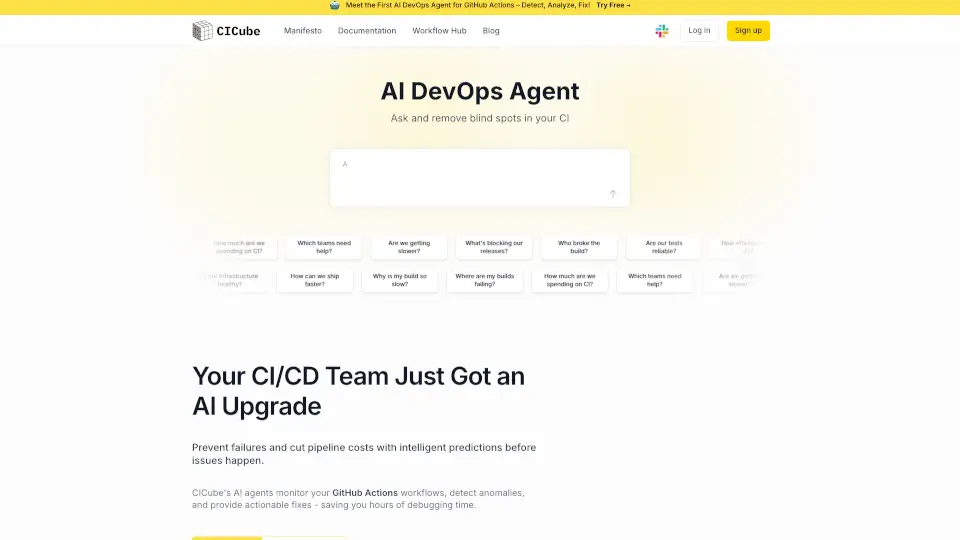
CICube

CICube is the first AI-driven observability platform for GitHub Actions, offering real-time insights, cost optimization, and actionable fixes to keep your CI pipelines running smoothly.

US
28.90%
|
14.2K
|
4.0
Bugster

Bugster is the AI testing tool that helps developers catch bugs early, automate QA, and ship faster. No scripts, no fluff—just smart tests that grow with your app.

US
24.11%
|
18.0K
|
4.0
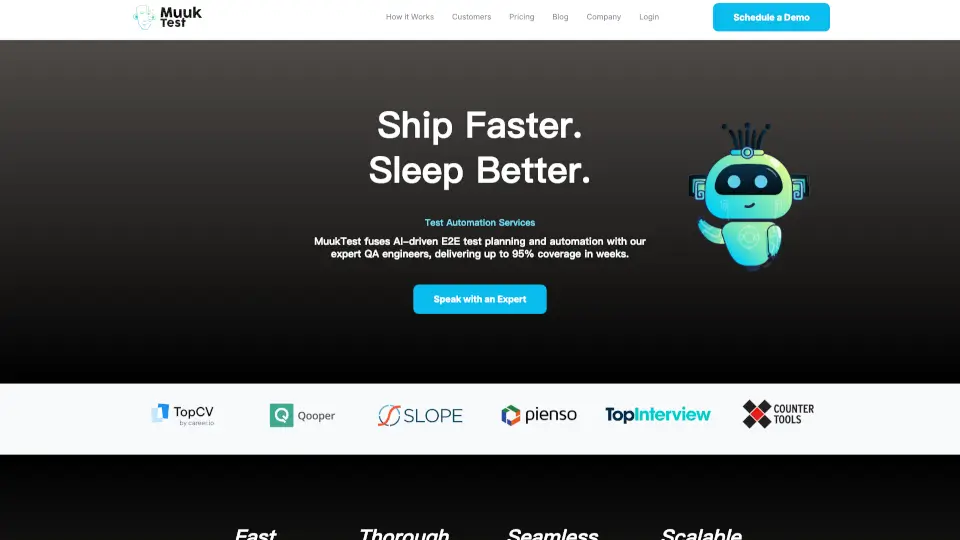
MuukTest

MuukTest is the ultimate AI-driven test automation service that boosts your QA efficiency, delivering 95% test coverage in 3 months with minimal effort and cost.

IN
24.85%
|
16.6K
|
4.0
ContextQA

ContextQA is a powerful automated testing solution that helps you save time, reduce errors, and ensure high-quality software. With features like low-code automation, AI-powered insights, and seamless integration, ContextQA is the ultimate tool for modern software development teams.

IN
39.21%
|
11.9K
|
4.0
RelicX

Relicx is a Generative AI-powered testing tool that simplifies test creation, execution, and maintenance, helping teams ship quality releases faster.

NP
90.37%
|
2.8K
|
3.0
Momentic

Momentic is the modern standard for software testing, offering AI-powered tools to streamline QA processes, reduce manual effort, and accelerate development cycles.

US
32.63%
|
39.3K
|
4.0
Trigger.dev

Trigger.dev is a developer-friendly platform for building and deploying background jobs with no timeouts and zero infrastructure management. It’s ideal for AI tasks, video processing, and more.

US
22.46%
|
211.9K
|
5.0
KaneAI

KaneAI is the ultimate GenAI-Native Testing Agent, simplifying test creation, execution, and debugging with natural language and intelligent automation.

IN
23.56%
|
680.7K
|
5.0
Trunk Related Other Categories

Trunk Traffic Analysis

💡 Insights

🌱
Emerging Tool
10K-100K monthly visits. Niche or new tool with potential unique value.
📉
Traffic Decline
Significant traffic drop recently. Check for alternatives.
👍
Good Experience
Bounce rate of 40%. Users are willing to explore features.
🌐
Global Reach
Balanced user distribution worldwide.
  • Monthly Visits

    40.83K

  • Bounce Rate

    39.96%

  • Pages Per Visit

    1.64

  • Visit Duration

    00:00:09

  • Global Rank

    824755

  • Country Rank

    878143

Visits Over Time

Traffic Sources

Search42.20%
Direct39.86%
Referrals12.07%
Social4.60%
Paid0.95%
Mail0.15%

Top Keywords

1
trunk
CPC$0.74
160Traffic
2
trunkio
150Traffic
3
trunk fmt
140Traffic
4
trunk check
110Traffic
5
trunk io
80Traffic

Top Regions

RegionPercentage
United States
United States
19.41%
Vietnam
Vietnam
7.92%
Nigeria
Nigeria
7.85%
India
India
6.67%
Brazil
Brazil
6.33%
Low
High

Trunk FAQ

What is a flaky test?

Does Trunk work with any programming language?

Can Trunk integrate with my existing tools?

How does Trunk help with debugging?

Is Trunk secure for enterprise use?

Trunk Reviews

0

0

0 Reviews

Write a Review

0

Login to leave a review
Sign In

Recent Reviews

No reviews yet

Trunk Pricing

Free

Free for open source projects and teams up to 5. Includes core features for small teams.
$0/committer/month
  • Up to 5 Repo Committers
  • Up to 5M Test Spans per Month
  • Flaky Tests
  • Quarantining
  • PR Comments
  • 1M test spans per committer
  • CLI usage
  • VS Code usage
  • Inline annotations on GitHub PRs
  • CI Autopilot (Private Beta)
  • Root-cause analysis
  • Stacked pull requests
  • MCP access
  • Data encryption in transit and at rest
  • US data residency
  • SOC 2 Type 2
  • SSO (Google + Microsoft + GitHub)
  • Community Support

Team

Everything you need to manage your team's workflow. Suitable for growing teams.
$0/committer/month
  • Unlimited Committers
  • +1M Test Spans per Committer
  • Flaky Tests
  • Quarantining
  • PR Comments
  • 1M test spans per committer
  • Merge Queue
  • GitHub integration & support
  • Multi-CI support
  • Parallelism controls
  • Slack notifications to channel
  • Slack notification DMs
  • CLI usage
  • VS Code usage
  • Inline annotations on GitHub PRs
  • CI Autopilot (Private Beta)
  • Root-cause analysis
  • Stacked pull requests
  • MCP access
  • Data encryption in transit and at rest
  • US data residency
  • SOC 2 Type 2
  • Admin tools
  • Advanced authentication controls
  • SSO (Google + Microsoft + GitHub)
  • Community Support
  • Priority Email Support
  • Onboarding Support

Enterprise

Enterprise includes powerful admin controls, dedicated support, custom billing, and more.
Custom
  • Everything in Team
  • Unlimited test spans
  • SAML Support
  • Custom Billing
  • Custom Payment Terms
  • Custom Slack Connect Support Channel
  • Early Access to new products/features
  • Feature Prioritization
  • Custom Integrations
  • Priority Email Support
  • Onboarding Support

Trunk Embed

Use website badges to drive community support for SeekTool.ai. They are easy to embed in your homepage or footer.

Light
Dark
Trunk - Featured on SeekTool.aiTrunk - Featured on SeekTool.ai
How to install?

Looking for Trunk Alternatives?

Compare top AI tools similar to Trunk. Find the best option for your needs.

View Alternatives

Trending

Featured

Subscribe to our AI Newsletter

Get the top AI stories delivered to your inbox weekly.