

Tosea AI logo

Tosea AI

Tosea.ai is the most powerful AI slide generator, converting PDFs, papers, and reports into accurate, editable presentations with every chart and data point preserved.

Social Media:
Tosea AI

Tosea AI Product Information

What is Tosea AI?

Tosea.ai is a powerful AI slide generator that transforms PDFs, papers, and reports into polished, accurate presentations. Unlike generic AI tools, Tosea keeps every chart, formula, and data point true to your source — no hallucinations, no guessing. Whether you're preparing an investment committee deck, a research talk, or a consulting deliverable, Tosea helps you go from document to presentation in minutes, not hours.

What are the features of Tosea AI?

  • 1:1 Source Fidelity
    Formulas, charts, tables, and data are extracted exactly as they appear in your original document — no AI inventing numbers.
  • Smart Outline Collaboration
    Generate a structured outline, then guide the AI to add sections, rearrange slides, or refine the narrative flow.
  • Hundreds of Professional Templates
    Choose from 100+ templates across business, education, pitch decks, branding, healthcare, and more.
  • Multi-Format Export
    Export to PPTX, PDF, or other formats — all slides remain fully editable in PowerPoint.
  • High-Volume Processing
    Pro and Max plans handle up to 100 slides per generation, with priority compute for faster results.
  • Custom Branding
    Add your logo, brand colors, and custom templates for a consistent corporate look.

What are the use cases of Tosea AI?

  • Convert a 60-page credit research report into a 14-slide investment committee deck with macro frame, strategy, and case studies.
  • Turn a 30-page academic paper (like "Deep Residual Learning") into a 10-minute presentation with accurate figures and citations.
  • Transform a quarterly earnings report into a board-ready presentation with all numbers, footnotes, and sources preserved.
  • Create a pitch deck from a business model document, where every data point links back to the original model.
  • Build course materials from textbooks or research papers — one teacher can do in a few hours what used to take a team of four.

How to use Tosea AI?

  • Upload your document
    Drop a PDF, Word file, or other supported format onto Tosea.
  • Set your preferences
    Tell the AI your audience (e.g., investment committee, students), depth (summary vs. full detail), and focus areas.
  • Review the outline
    Tosea generates a slide structure — you can edit, reorder, or request additions before slides are built.
  • Generate and refine
    Click to generate slides, then use the AI to tweak individual slide layouts, speaker notes, or content.
  • Export and share
    Export to PPTX or PDF, then present or share — all data remains accurate and editable.
Do you like this tool?

Upvote to help others discover it!

Tosea AI Alternatives

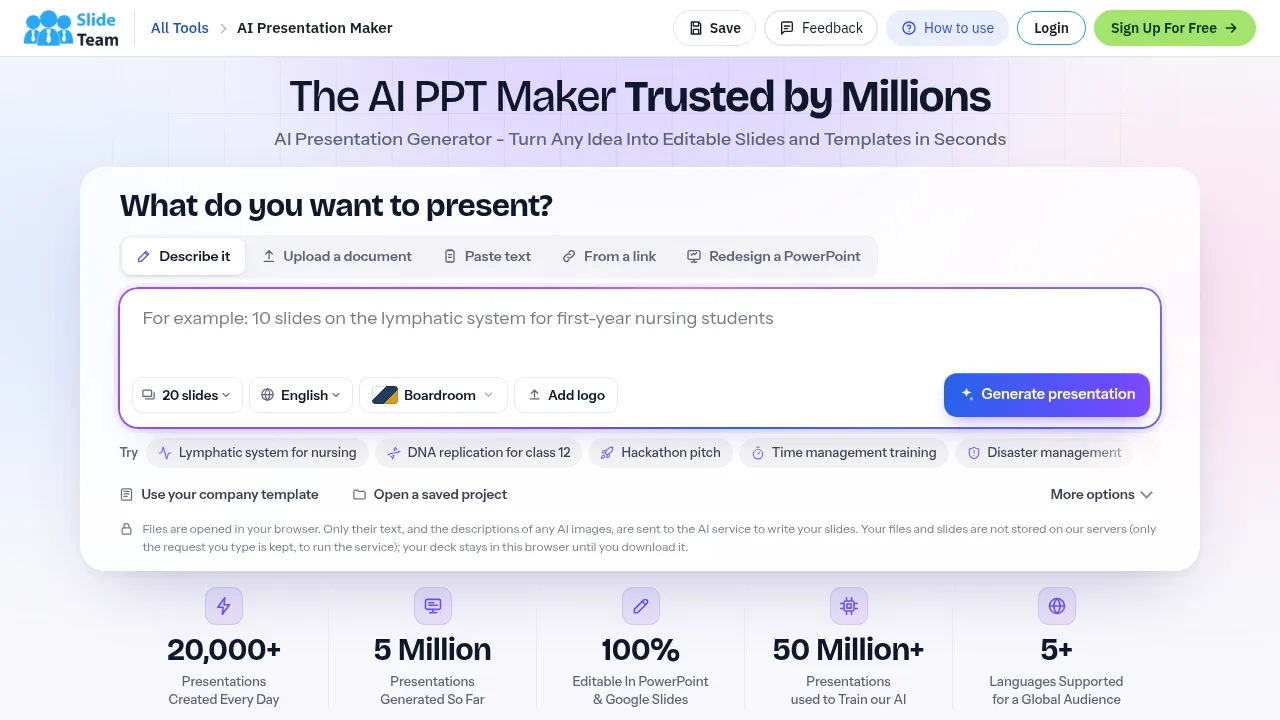
SlideTeam AI Presentation Generator

SlideTeam AI Presentation Generator

SlideTeam AI Presentation Generator converts uploaded documents, web links, and existing PowerPoints into fully editable .pptx slide decks.

US
22.40%
1.0M
0
SlidesAI

SlidesAI

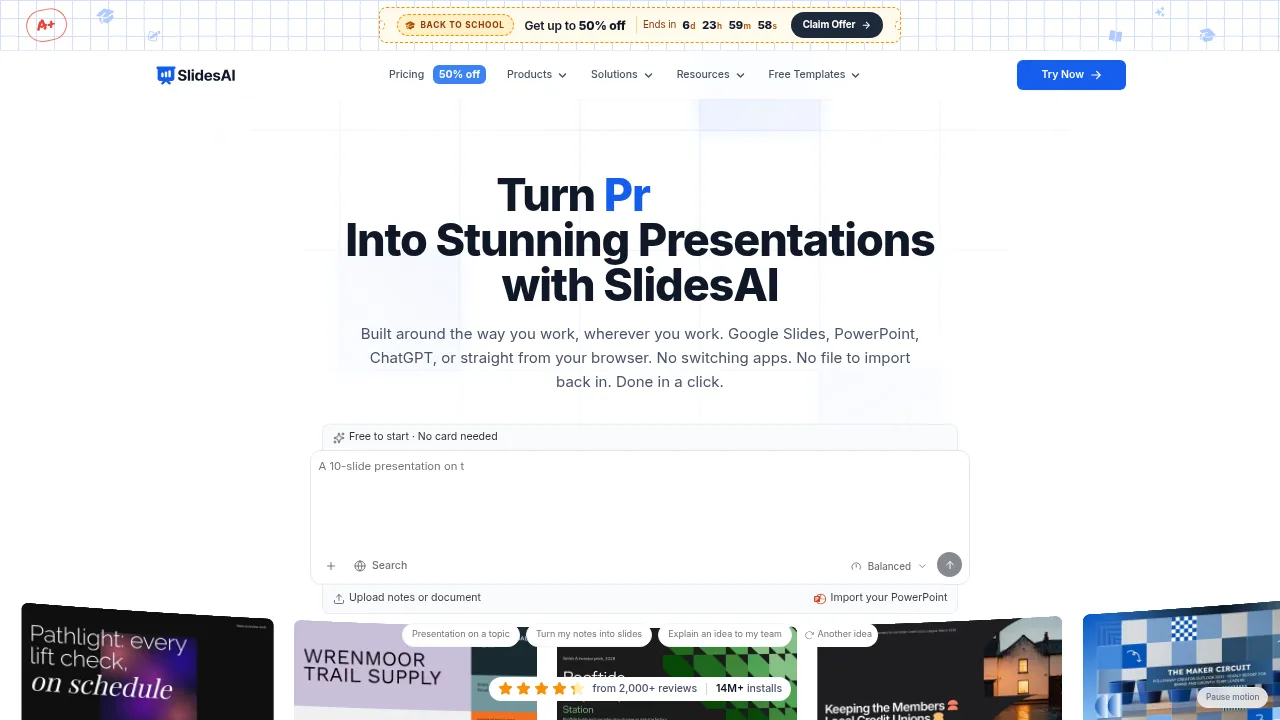
SlidesAI builds presentations from notes, documents, or prompts across web, Google Slides, PowerPoint, and ChatGPT interfaces.

US
18.65%
288.6K
0
PresentationAI

PresentationAI

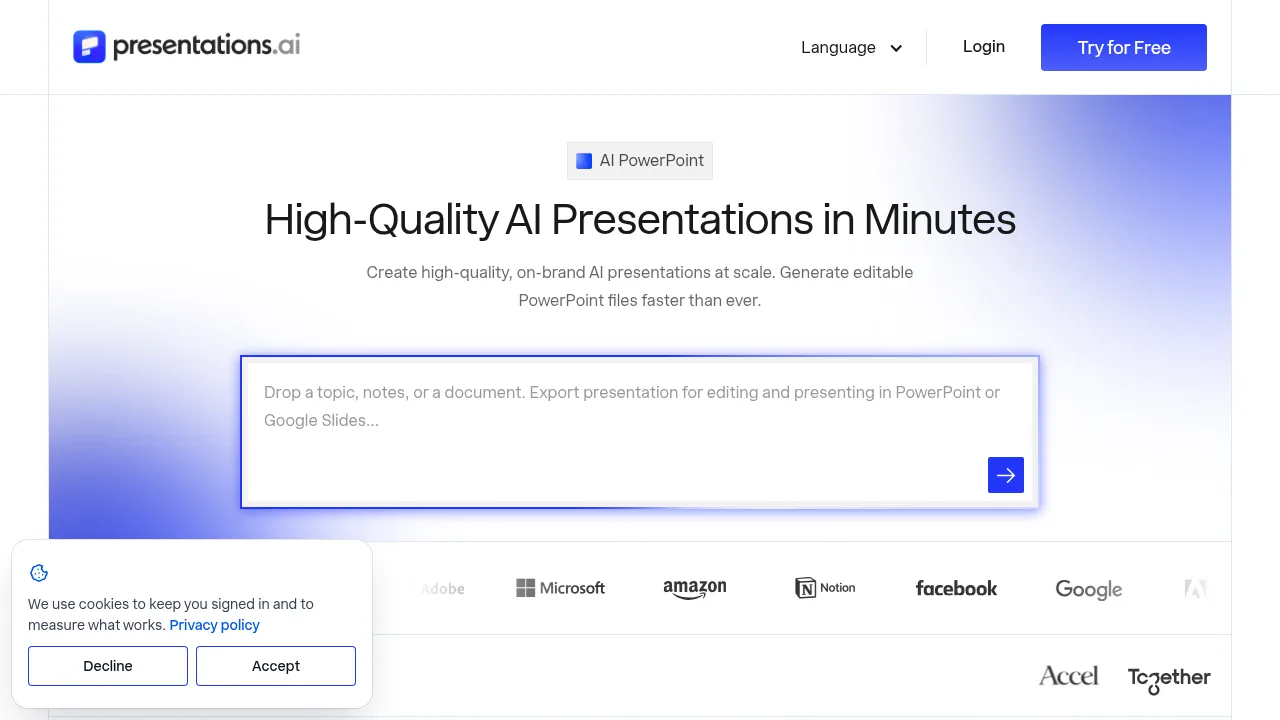
PresentationAI converts documents, URLs, and prompts into editable PowerPoint decks with automatic branding and live data synchronization.

IN
12.95%
588.8K
0
Tome App AI

Tome App AI

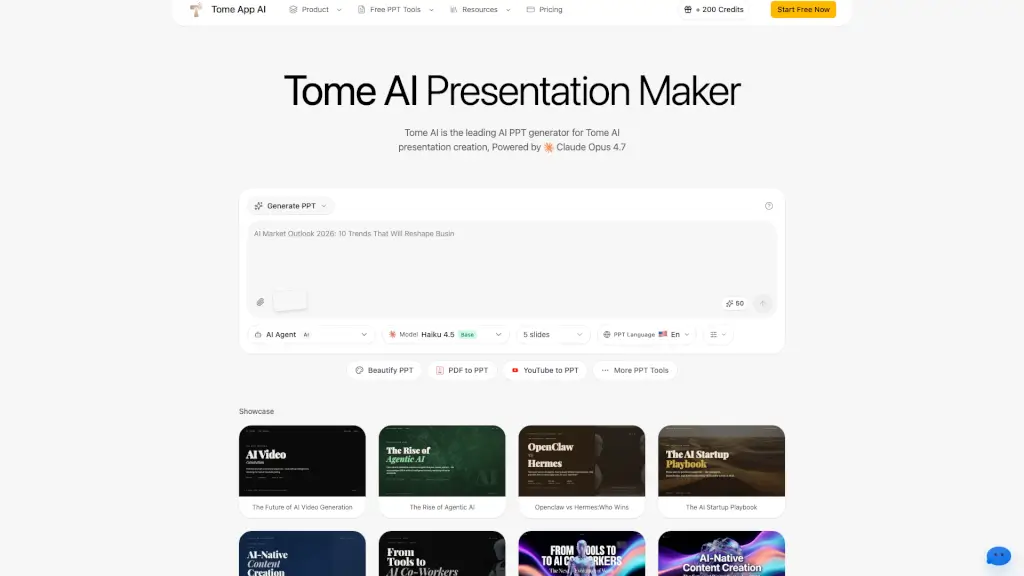
Tome App AI is an AI-powered presentation maker that generates, beautifies, and converts slides in minutes, saving you hours of design work.

IN
42.95%
28.4K
0
SlideAI

SlideAI

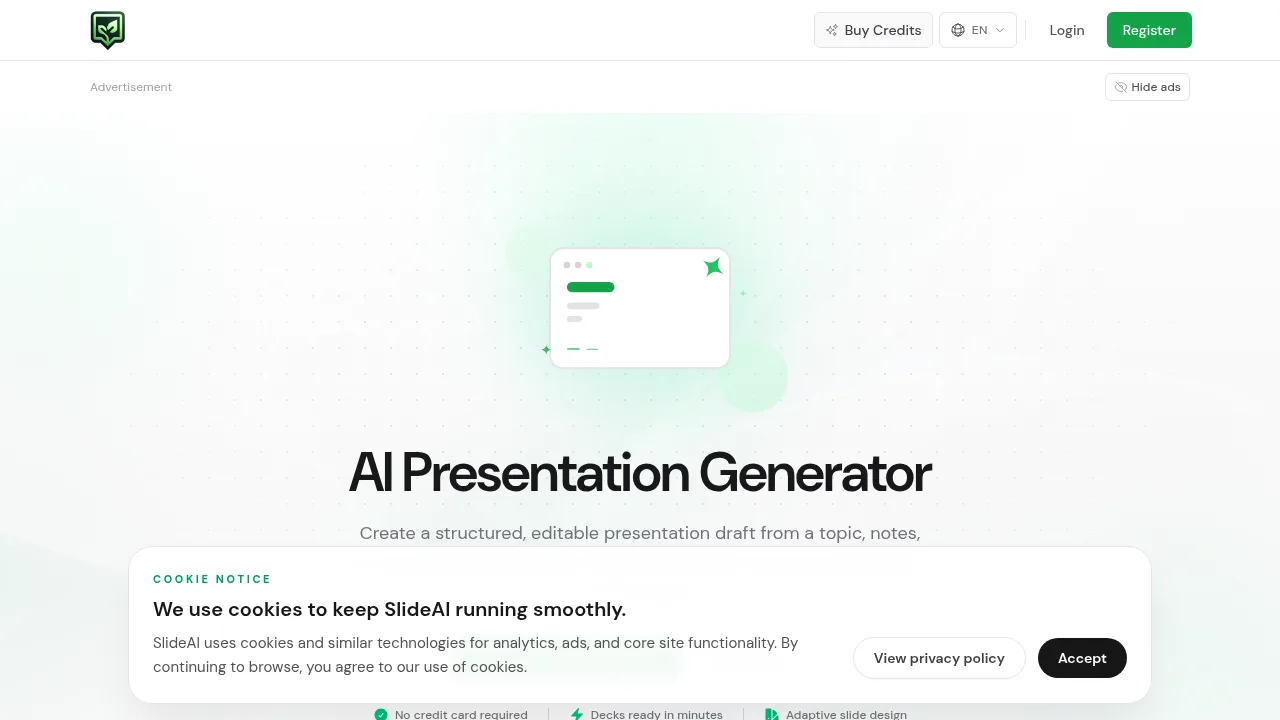
SlideAI generates editable PowerPoint-style presentation drafts from topics, outlines, or notes using a daily-refreshing credit system.

US
46.91%
5.6K
0
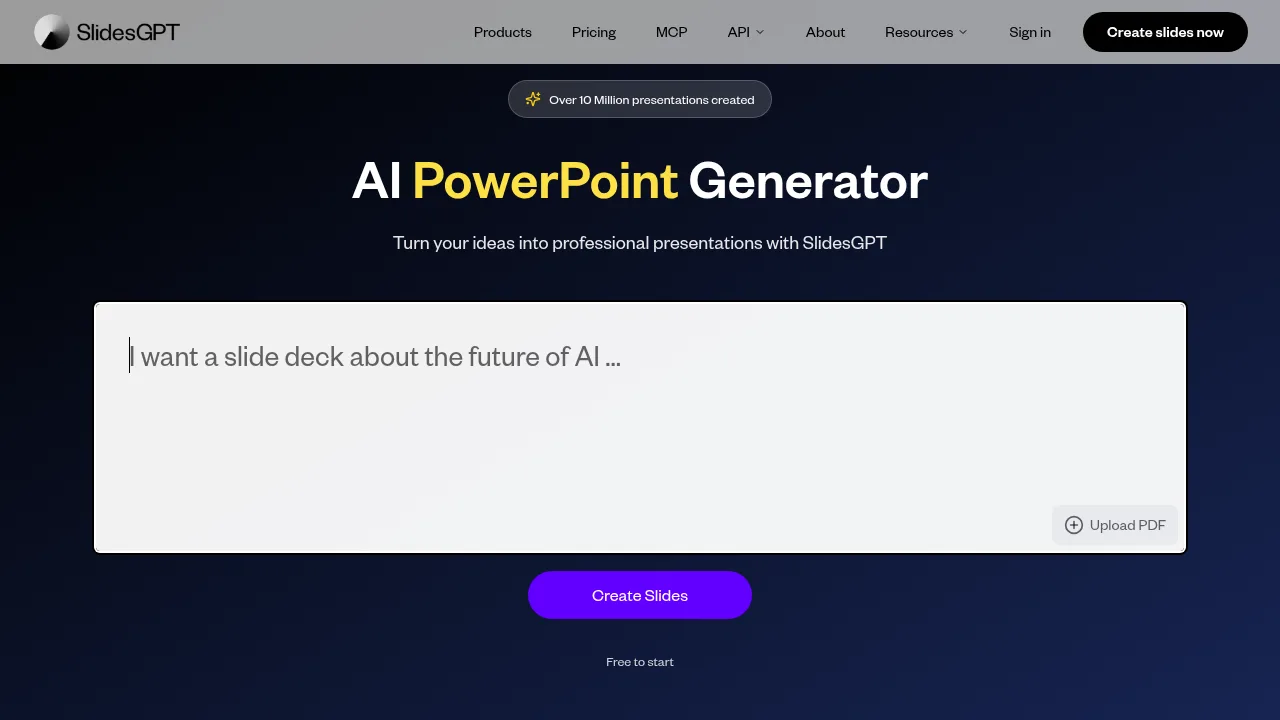
SlidesGPT

SlidesGPT

SlidesGPT generates PowerPoint, Google Slides, and PDF presentations from text prompts or uploaded documents.

US
17.36%
110.8K
0
Decktopus AI

Decktopus AI

Decktopus AI generates branded slide decks from text prompts or uploaded files and tracks viewer engagement on shared links.

IN
11.52%
80.7K
0
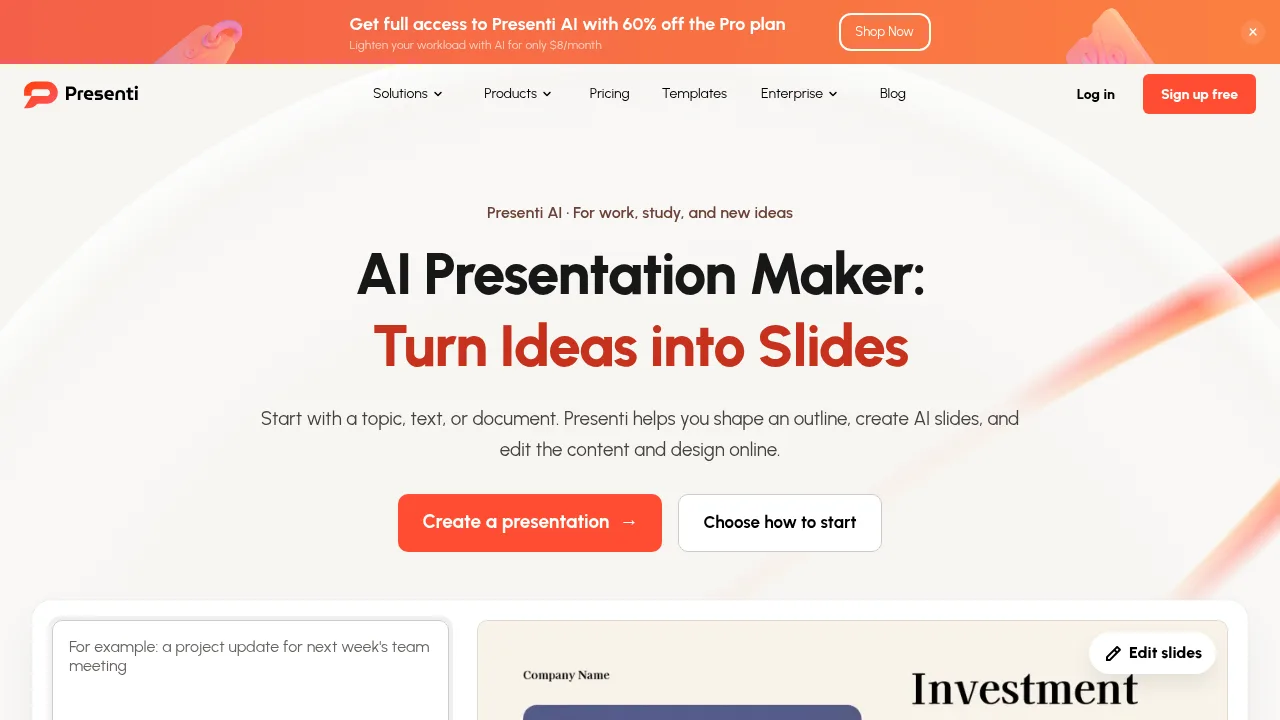
Presenti AI

Presenti AI

Presenti AI converts topics, text, and documents like Word, PDF, and Markdown into editable online slide presentations.

IN
23.25%
316.7K
0

Tosea AI Related Other Categories

Tosea AI Traffic Analysis

Website traffic estimates for tosea.ai. Visits are not unique users or product usage.

Data month: 2026-10

💡 Insights

⭐
Medium Scale
Estimated monthly visits exceed 100,000 and are at most 1 million.
⚠️
Slight Decline
Estimated visits decreased 8.0% from the previous month.
👍
Bounce rate below 60%
The estimated bounce rate is 43%.
🔎
Search-led traffic
Search accounts for 63% of estimated visits.
  • Monthly Visits

    141.19K

  • Bounce Rate

    43.29%

  • Pages Per Visit

    1.66

  • Visit Duration

    00:00:30

  • Global Rank

    319048

  • Country Rank

    481837

Visits Over Time

Traffic Sources

Search Organic62.53%
Direct23.52%
Referrals10.08%
Social Organic2.58%
Gen Ai0.90%
Mail0.39%
Search Paid0.00%
Social Paid0.00%
Affiliate0.00%

Top Keywords

1
codegraph
CPC$2.41
2.73KTraffic
2
openmontage
CPC$1.17
1.41KTraffic
3
matt pocock skills
CPC$2.54
930Traffic
4
open montage
CPC$0.81
700Traffic
5
tosea
670Traffic

Top Regions

RegionPercentage
United States
United States
16.94%
Brazil
Brazil
5.33%
India
India
5.07%
Vietnam
Vietnam
3.80%
Germany
Germany
3.56%
Low
High

Powered by SimilarWeb

Tosea AI FAQ

What are the limits of the free plan?

The free plan gives you 200 credits per month, allows one task at a time, and includes basic templates and basic models. You can test Tosea without any payment.

Can I cancel my subscription anytime?

Yes, you can cancel at any time. If you're on an annual plan, cancellation stops future renewals; you'll keep access for the remainder of the paid period.

Does Tosea auto-renew?

Yes, subscriptions renew automatically unless you cancel before the next billing cycle. You can manage renewal settings in your account.

Will the AI invent content or hallucinate?

No. Tosea is designed to extract and reproduce only what's in your source document. Charts, formulas, and data points stay true to the original — you won't find made-up numbers.

What input and output formats are supported?

Input: PDF, Word, and other common document formats. Output: PPTX, PDF, and more. The generated PPTX can be edited in PowerPoint.

Does Tosea work for finance, consulting, medicine, law, and research?

Yes. Tosea is built for professionals across all industries. It handles technical papers, financial reports, medical research, legal documents, and consulting deliverables with equal accuracy.

Can I continue editing the PPTX in PowerPoint?

Absolutely. Exported PPTX files are fully editable in Microsoft PowerPoint and Google Slides — all text, images, and tables are standard objects.

How large a PDF can Tosea handle? Is there a page limit?

The free plan has a limit; Pro and Max plans allow up to 100 slides per generation. There's no strict file size limit, but very large documents may take longer to process. Check your plan's details for exact limits.

What if I have other questions?

You can reach out via the Tosea website's contact form or community channels. The support team is responsive.

Tosea AI Reviews

0
0 Reviews
Sign Into leave a review

Recent Reviews

No reviews yet

Tosea AI Embed

Use website badges to drive community support for SeekTool.ai. They are easy to embed in your homepage or footer.

Light
Dark
Tosea AI - Featured on SeekTool.aiTosea AI - Featured on SeekTool.ai
How to install?