
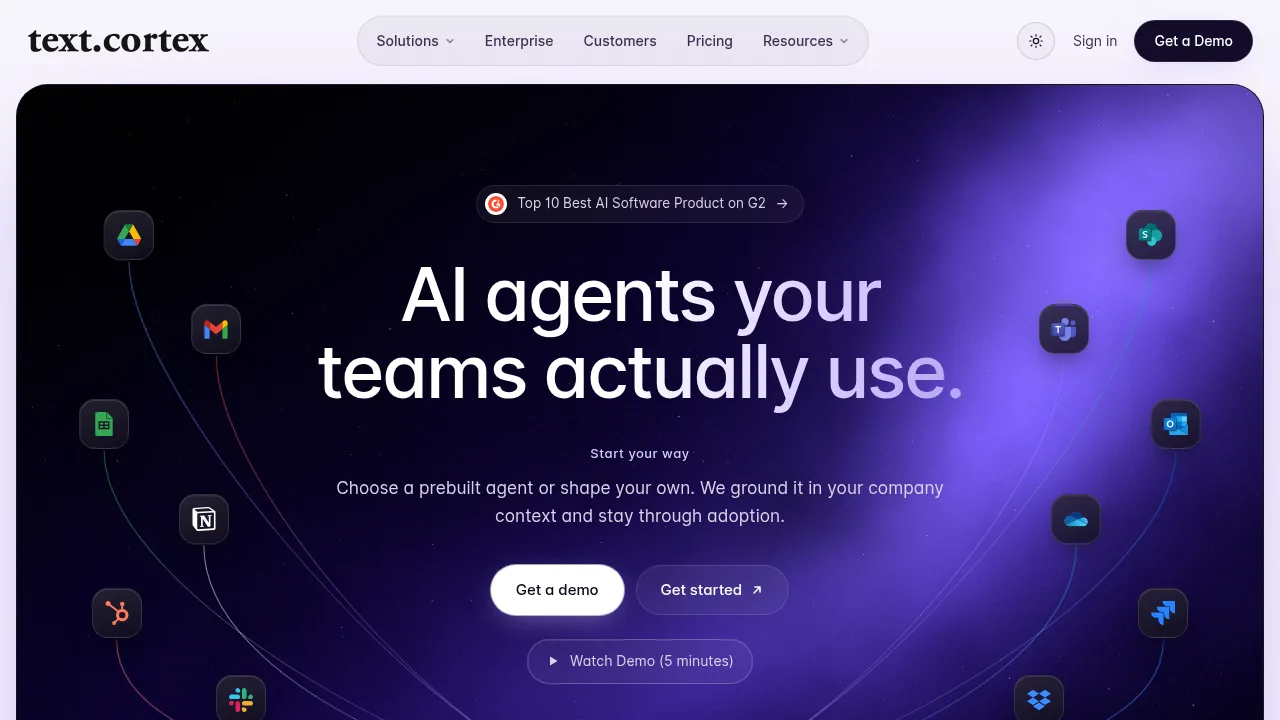
What is TextCortex AI?
TextCortex AI is an enterprise platform for building, deploying, and governing AI agents without writing code. It connects to internal company data and external sources to automate workflows across communication tools like Slack and Microsoft Teams. The platform offers shared cloud infrastructure alongside a self-hosted on-premise deployment option.
What are the features of TextCortex AI?
- Visual agent builderConfigures AI agents through a no-code interface by selecting underlying models, connecting knowledge sources, and enabling tools like internet search or image generation.
- Multi-model accessRoutes requests across multiple large language models from different providers, with the vendor stating that user data is not used for training.
- Scheduled automationsRuns agents on recurring daily, weekly, or monthly schedules and delivers results via email or in-app notifications while users are offline.
- Node-based workflow editorBuilds multi-step automations visually by linking triggers, actions, and integrations such as Gmail or Microsoft Teams.
- Integrated researchCombines internal documents, wikis, and web results into multi-step research outputs.
- On-premise deploymentRuns the platform within a customer's own data center to keep prompts, documents, and answers inside the local network.
What are the use cases of TextCortex AI?
- Internal expertise retrievalSearches connected company knowledge to return answers for employee queries, which one customer reported reduced lookup times from minutes to seconds.
- Investment team workflowsIntegrates agents into deal evaluation processes, with one firm reporting over 70% team activation during rollout.
- Recurring competitive intelligenceSchedules an agent to compile industry reports at a set time each day and emails the output automatically.
How to use TextCortex AI?
- Configure the agentSelect an AI model, attach knowledge sources such as SOPs or purchase orders, and enable tools in the visual builder.
- Invoke the agentType an @mention followed by the agent name and a question directly within Slack or Microsoft Teams.
- Receive the responseThe agent returns an answer grounded in the connected knowledge sources within the chat thread.