
O que é Taja AI?
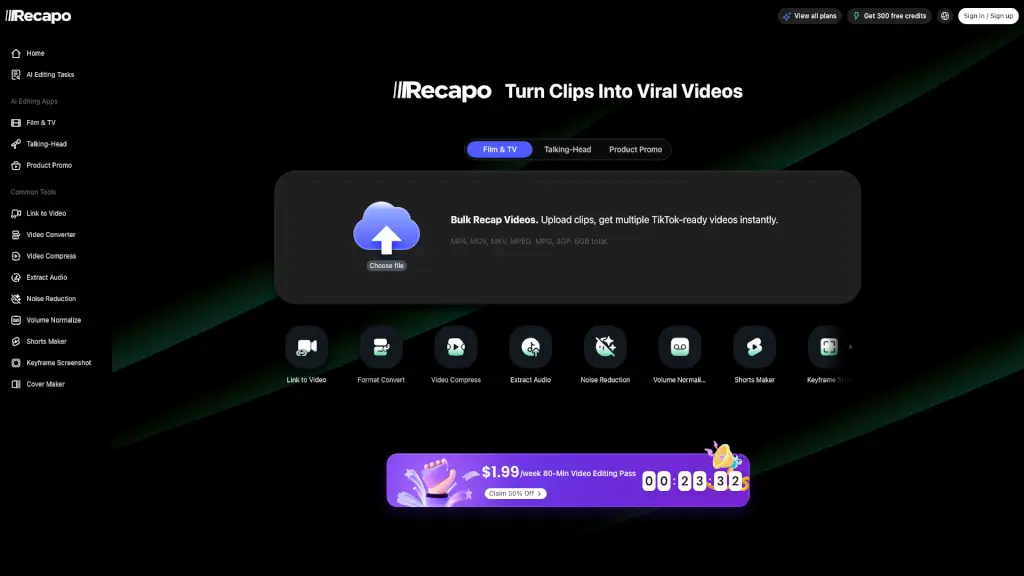
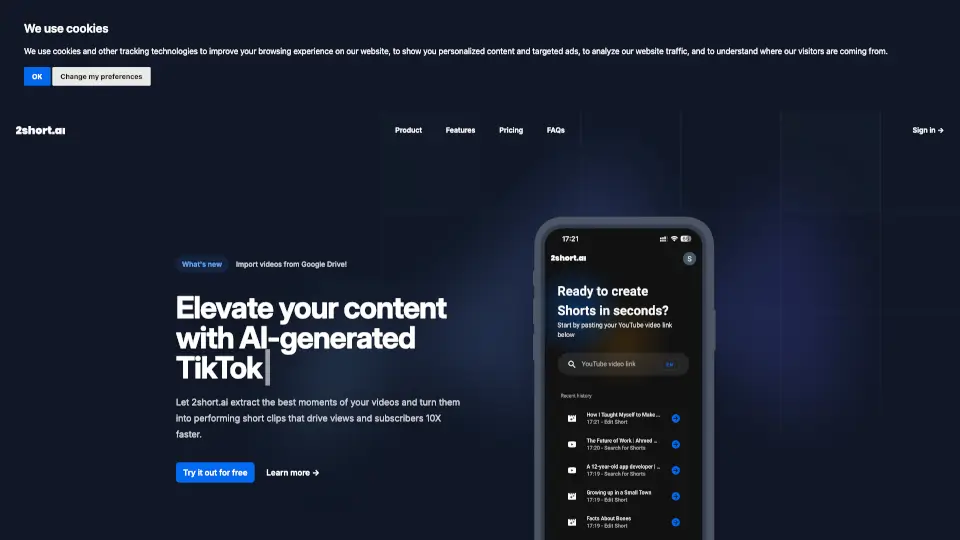
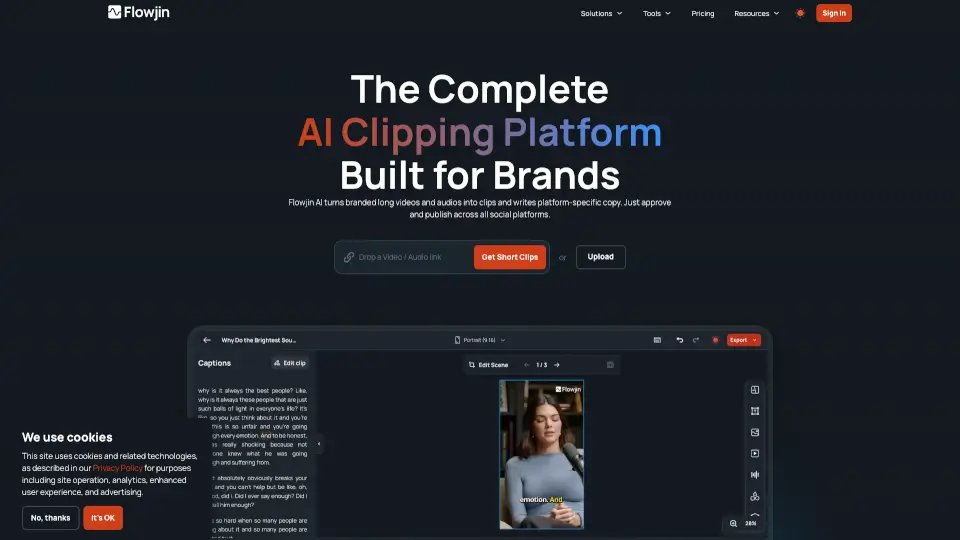
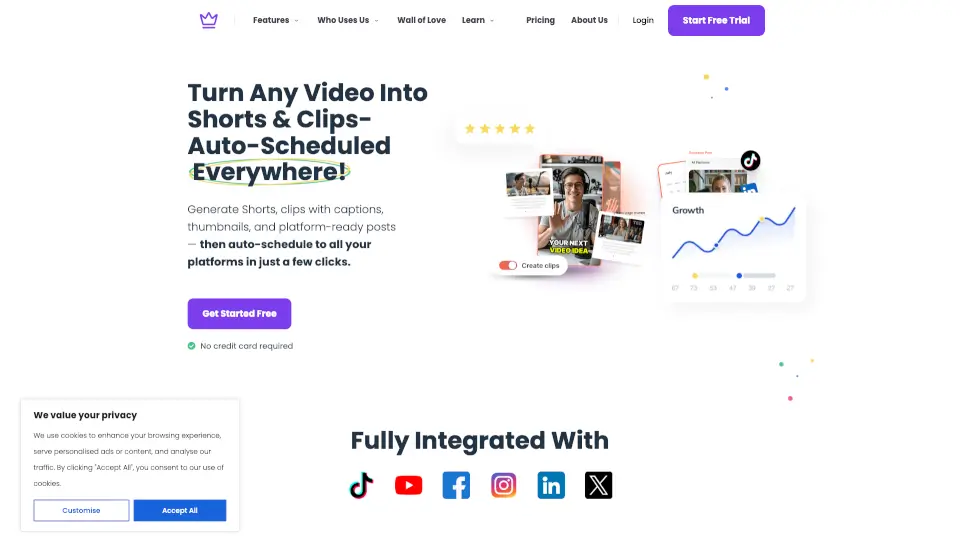
Já imaginou transformar um único vídeo em dezenas de conteúdos prontos para redes sociais, blogs e shorts — tudo em minutos? Com o Taja AI, isso é possível. Ele usa inteligência artificial para repensar seu conteúdo longo (como vídeos do YouTube, entrevistas ou podcasts) e gerar automaticamente clipes curtos, legendas, thumbnails e até posts para redes sociais, otimizados para cada plataforma.
Ideal para quem não tem tempo (ou paciência) para editar manualmente, o Taja AI ajuda solopreneurs, corretores de imóveis, líderes religiosos e criadores de conteúdo a manterem uma presença constante online sem gastar horas por semana. E o melhor: você começa grátis, sem precisar informar cartão de crédito.
Quais são as características de Taja AI?
- Shorts, Clipes & Saídas de Texto: Transforma vídeos longos em até 27 clipes curtos, legendas e textos prontos para redes sociais.
- Agendamento Automático: Agende semanas de conteúdo com um clique para YouTube, Instagram, TikTok, Facebook, X (Twitter) e LinkedIn.
- Gerador de Miniaturas: Cria thumbnails atraentes com apenas um clique, alinhadas à sua identidade visual.
- Backlog Boost: Revive vídeos antigos já publicados, dando nova vida ao seu conteúdo esquecido.
- Otimização SEO Instantânea: Melhora automaticamente a visibilidade do seu vídeo longo com palavras-chave estratégicas.
- Ideia do Próximo Vídeo: Sugere temas com alto volume de busca e baixa concorrência, baseados no seu nicho.
- Auto Kick-Off: Processa e otimiza seu vídeo assim que você faz o upload — sem configurações manuais.
Quais são os casos de uso de Taja AI?
- Um solopreneur que grava vídeos educativos e precisa de conteúdo diário para Instagram e TikTok sem perder tempo editando.
- Um corretor de imóveis que quer transformar tours de casas em clipes rápidos para atrair mais leads nas redes sociais.
- Uma congregação religiosa que deseja compartilhar trechos inspiradores de sermões como shorts e posts semanais.
- Criadores de podcasts que precisam extrair clipes virais com legendas e thumbnails para crescer no YouTube Shorts.
- Pequenas empresas que querem reaproveitar webinars ou treinamentos internos como conteúdo orgânico multiplataforma.
- Professores ou coaches que desejam escalar seu alcance com clipes educativos agendados automaticamente.
Como usar Taja AI?
- Faça upload do seu vídeo (de arquivo local ou link do YouTube) diretamente na plataforma Taja AI.
- Deixe a IA analisar seu conteúdo, identificar seu tom de marca e sugerir os melhores momentos para clipes.
- Revise e edite os shorts, legendas e thumbnails gerados — tudo num editor simples e intuitivo.
- Escolha as plataformas onde quer publicar e agende todo o conteúdo com um único clique.
- Use o "Next Video Idea" para descobrir novos temas com base em tendências reais do seu público.
- Ative o "Backlog Boost" para resgatar vídeos antigos e transformá-los em novo conteúdo engajador.