
What is Sybill?
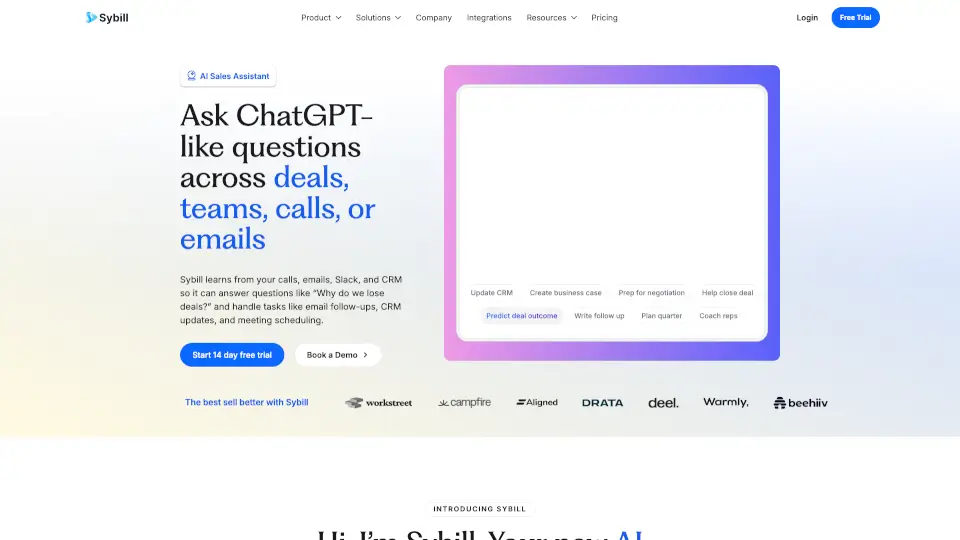
Sybill is an AI sales assistant for revenue teams that helps with deal management, meeting prep, follow-ups, and CRM updates. It learns what wins and loses deals at your company, then applies that knowledge to answer deal questions, create sales assets, and automate busywork like email follow-ups and CRM autofill. Designed for account executives, sales managers, revops, and sales leaders, Sybill fits into a sales workflow after calls and meetings, turning raw transcripts and data into actionable insights and automated tasks. It replaces tools like Gong, Clari, Granola, and Outreach by connecting email, calendar, Slack, and CRM into a single context-aware system.
What are the features of Sybill?
- Ask Sybill (Deal Intelligence): Ask any question about deals, pipeline, or reps in natural language. Sybill surfaces answers from transcripts, call recordings, and CRM data without requiring manual digging. Useful for checking deal risks, qualification status, or competitor mentions.
- AI Automation (Execution): Automates repetitive sales admin tasks: pre-meeting briefs, magic summaries (deal and meeting summaries), email follow-ups, CRM autofill, and AI tasks (capture, manage, and execute to-dos). Saves time spent on post-call admin.
- Deal Workspace: A dedicated workspace for managing individual deals, seeing the pipeline, and sharing insights with team members. Allows collaboration, call snippet sharing, and coaching without switching tabs.
- Coaching & Performance: Diagnoses rep performance and provides coaching based on actual deal outcomes and call patterns. Helps managers coach reps and identify what top performers do differently.
- Competitor Intelligence: Tracks when, where, and how competitors appear in conversations, helping reps understand competitive threats and respond with relevant plays.
- Sales Plays & Win/Loss Analysis: Learns from past wins and losses to offer deal guidance. Sybill remembers what worked for enterprise deals in Q3, what failed in competitive displacements, and applies that knowledge to future deals.
- Context Graph (Institutional Memory): Maps hidden relationships between people, products, playbooks, and sales processes across channels. Builds a living memory of every deal, objection, and selling pattern so nothing is lost when a rep leaves.
What are the use cases of Sybill?
- Account Executive – Automate follow-up emails and CRM notes after a call, cutting admin time from 1 hour to 15 minutes per call, then focus on the next meeting.
- Sales Manager – Inspect deal pipeline, spot risks early, and coach reps using call snippets and win/loss analysis without manual transcript review.
- Revenue Operations (RevOps) – Automate CRM hygiene, update fields, and generate deal summaries to keep data clean and pipeline forecasts accurate.
- Sales Leader – Diagnose which deals are at risk, see competitor intelligence across segments, and get a macro view of pipeline health without surfing multiple tools.
- Customer Success Team – Hand off deals with full context (objections, stakeholder map, meeting summaries) so expansion and retention conversations are informed.
- New Hire Onboarding – Ramp 50% faster by accessing Sybill’s institutional memory of past wins, objections, and playbooks instead of relying on tribal knowledge.
How to use Sybill?
- Start with a free trial – Go to the Sybill website and sign up for the 14-day team trial. No credit card is required.
- Connect your tools – Integrate your email, calendar, Slack, and CRM (e.g., Salesforce, HubSpot) so Sybill can pull call recordings, transcripts, and deal data.
- Record or import a call – Let Sybill automatically record your next meeting (via browser or mobile) or upload existing call recordings/transcripts.
- Ask Sybill a question – In the Sybill app or Slack, type a question like “What objections did we see in the ABC Corp deal?” or “Which deals are at risk this week?” Sybill will answer from your team’s collective memory.
- Review and edit automation – Check the generated email follow-ups, CRM notes, and summary drafts. Sybill learns from your edits to match your tone and preferences.
- Explore the workspace – Open the Deal Workspace to see your pipeline, collaborate on individual deals, and share call snippets for coaching.