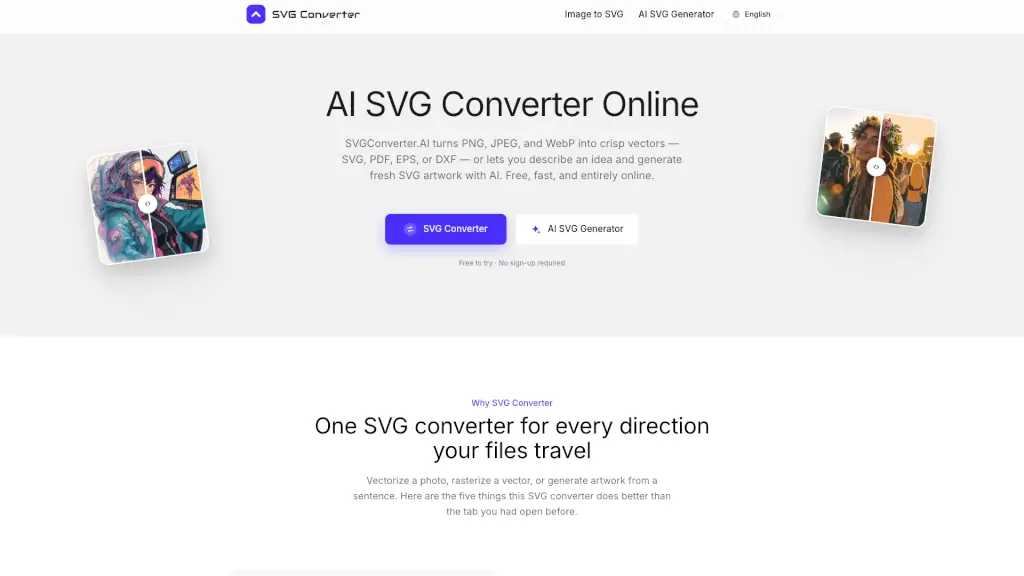
What is SVG Converter?
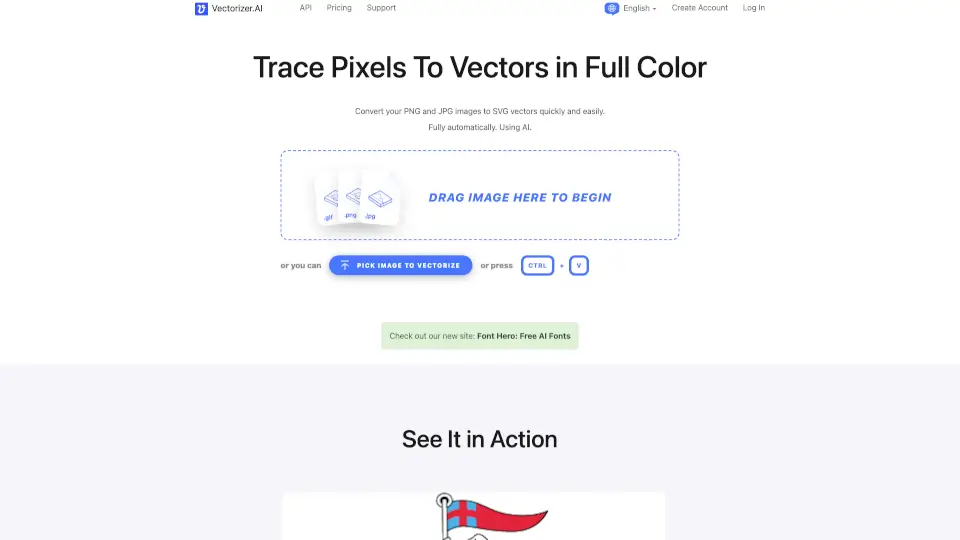
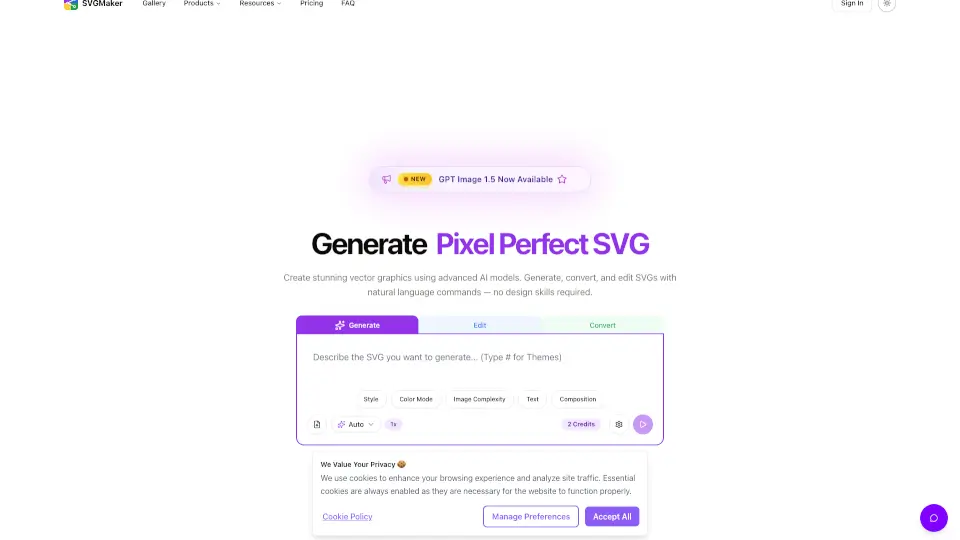
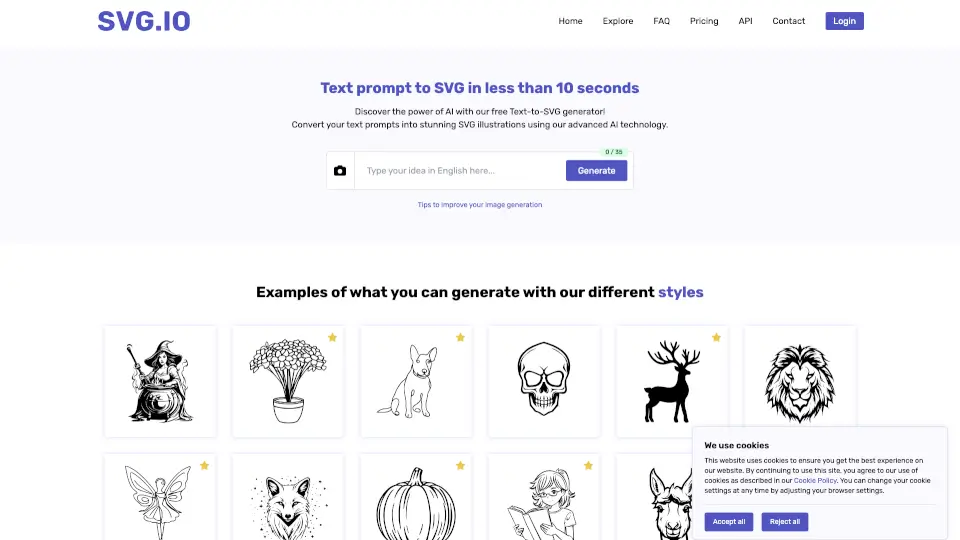
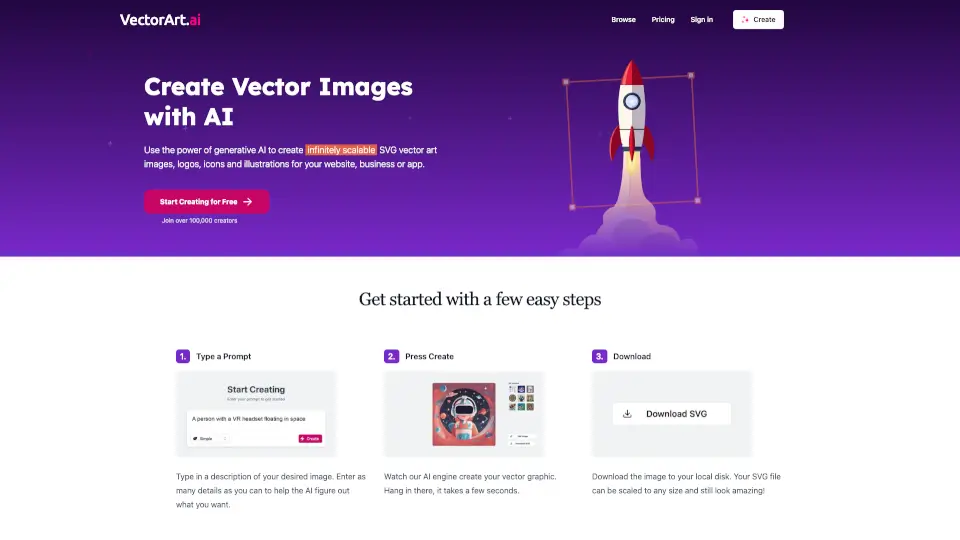
SVGConverter.AI is a free online AI tool that converts PNG, JPEG, and WebP images into clean vector formats like SVG, PDF, EPS, or DXF. It also generates original SVG artwork from text descriptions. Designed for designers, developers, and print shops, it runs entirely in the browser with no account or software installation required, making it useful for quick vectorization or rasterization tasks.
What are the features of SVG Converter?
- Bidirectional Image Conversion: Convert raster images (PNG, JPG, WebP) to vectors (SVG, PDF, EPS, DXF) and convert vector files back to raster formats (PNG, JPG, WebP, AVIF, GIF) in one tool.
- AI-Powered Vector Generation: Describe an idea in plain language — such as "a minimal mountain badge" — and receive layered, editable SVG paths instead of a flat image. Refine by typing more details.
- Multi-Format Output for Web and Print: Choose SVG for web and animation, PDF for documents, EPS for commercial print and embroidery, or DXF for laser cutters, plotters, and CAD applications.
- Sub-Pixel Tracing Accuracy: Edges are followed at sub-pixel precision, brand colors are clustered for accuracy, and paths are placed in sensible stacking order with editable node counts. Compression artifacts and scanner noise are cleaned automatically.
- No Sign-Up File Privacy: Files travel over an encrypted connection, are used only to generate your download, and are deleted automatically afterward. No account, trial, or watermark required.
What are the use cases of SVG Converter?
- Vectorize a scanned logo for signage: Upload a low-resolution PNG or JPG and download a clean SVG or PDF ready for large-format printing.
- Generate custom icons from a text prompt: Describe a set of matching finance icons or a line-art coffee cup, and receive editable vector artwork without uploading any image.
- Prepare print-ready artwork: Convert a client's EPS or DXF file to PDF for document proofs, or rasterize finished SVG artwork to JPG for product listings.
- Export web-optimized images: Convert SVG files to WebP or AVIF for fast-loading web pages, or to transparent PNG for UI elements.
- Create DXF files for laser cutting: Upload a design or vector file and export DXF format for use with CAD software, plotters, and laser cutters.
How to use SVG Converter?
- Convert an image to vector: Upload a PNG, JPG, or WebP file, select your desired output format (SVG, PDF, EPS, or DXF), and click to convert.
- Generate SVG with AI: Type a sentence describing the artwork you want, then refine the result with additional plain-language instructions until the shape is correct.
- Rasterize a vector file: Upload an SVG, PDF, EPS, or DXF file and choose a raster output format like PNG, JPG, GIF, WebP, or AVIF.
- Download and edit your result: Open vector output files directly in Illustrator, Figma, Inkscape, or CAD programs to move nodes, recolor fills, and rescale without loss.
- No account or install needed: Visit the site, upload or describe your file, and download the result — everything runs in your browser on any device.