
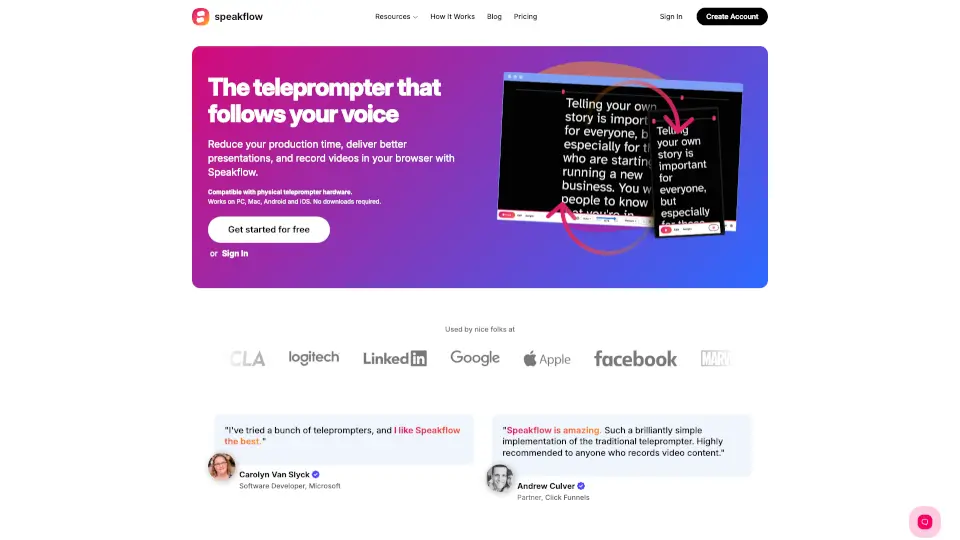
What is Speakflow?
Speakflow is an online teleprompter designed to help creators, presenters, and teams deliver flawless performances. Whether you're recording videos, hosting webinars, or presenting live, Speakflow makes it easy to stay on script and save time. With voice-activated scrolling, cross-device syncing, and real-time collaboration, it’s the ultimate tool for anyone looking to level up their content creation game. Plus, it works on Windows, Mac, iOS, Android, and more—no downloads required!
What are the features of Speakflow?
- Voice-Activated Scrolling: Speakflow follows your voice, so you can focus on your performance.
- Cross-Device Compatibility: Use it on any phone, tablet, or computer seamlessly.
- Real-Time Collaboration: Invite your team to write, edit, and organize scripts together.
- HD Video Recording: Record up to 1080p videos directly in your browser and share them with a link.
- Remote Sync: Control your teleprompter across devices with just a click.
- Auto-Save & Revision History: Never lose your work with automatic saving and easy access to past versions.
What are the use cases of Speakflow?
- YouTubers & Content Creators: Deliver polished scripts without fumbling your words.
- Business Presenters: Nail your pitches and meetings with confidence.
- Educators & Trainers: Create engaging lessons and lectures effortlessly.
- Production Teams: Collaborate on scripts and sync devices for smooth shoots.
How to use Speakflow?
- Sign Up or Log In: Create a free account or sign in to get started.
- Write Your Script: Use the intuitive editor to draft and organize your content.
- Adjust Settings: Set your scrolling speed or enable voice activation.
- Record Your Video: Hit record and deliver your lines with confidence.
- Share & Collaborate: Export your video or invite team members to edit scripts in real time.