
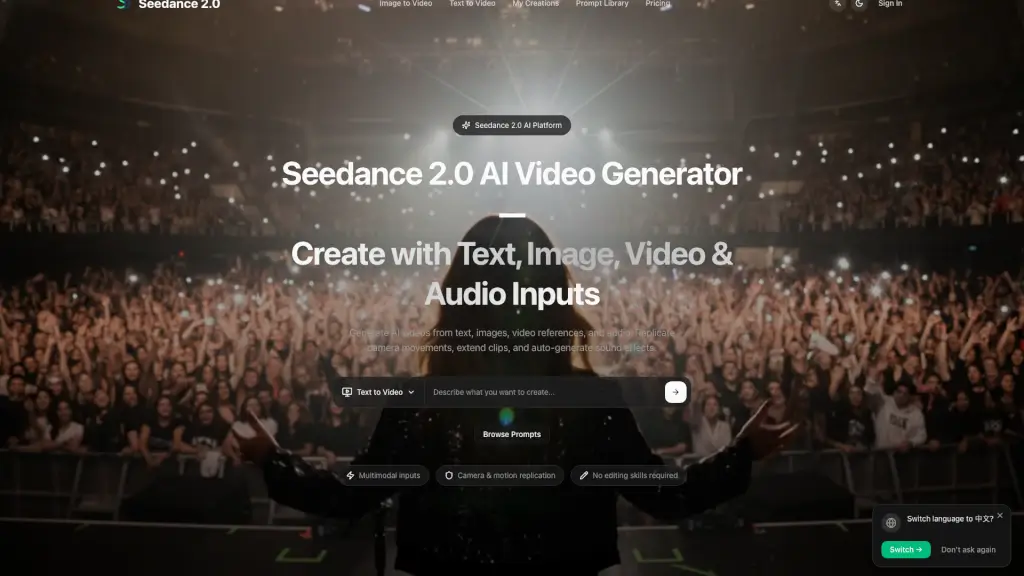
What is Seedance 2?
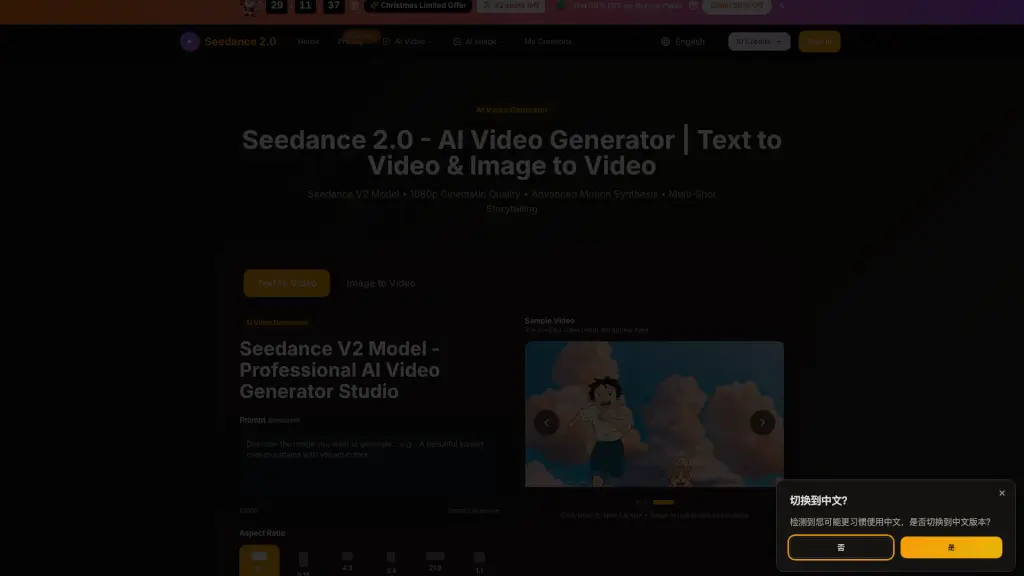
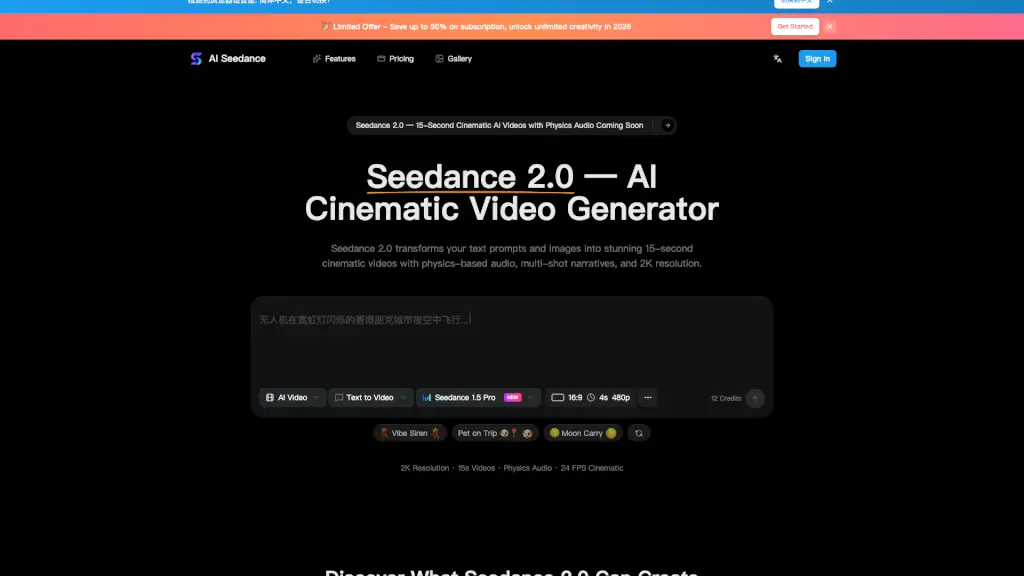
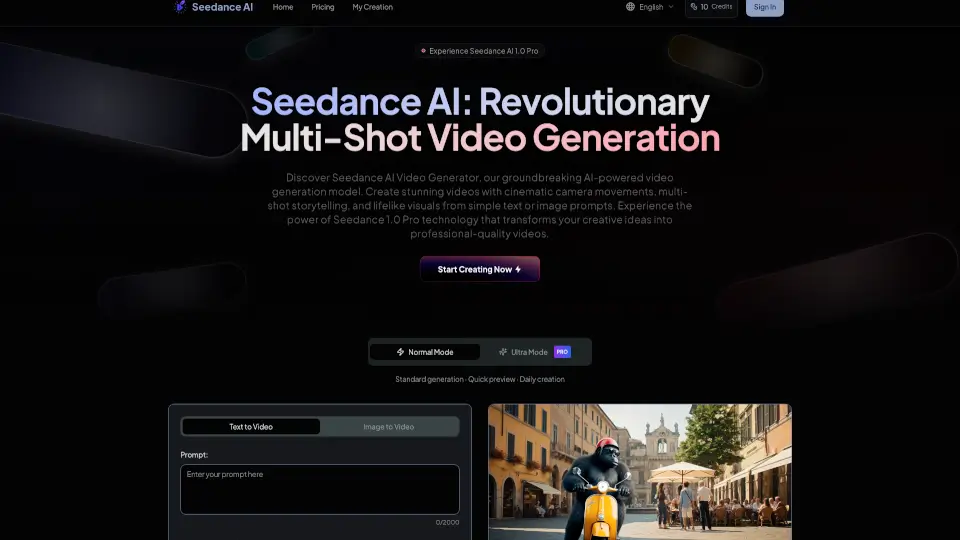
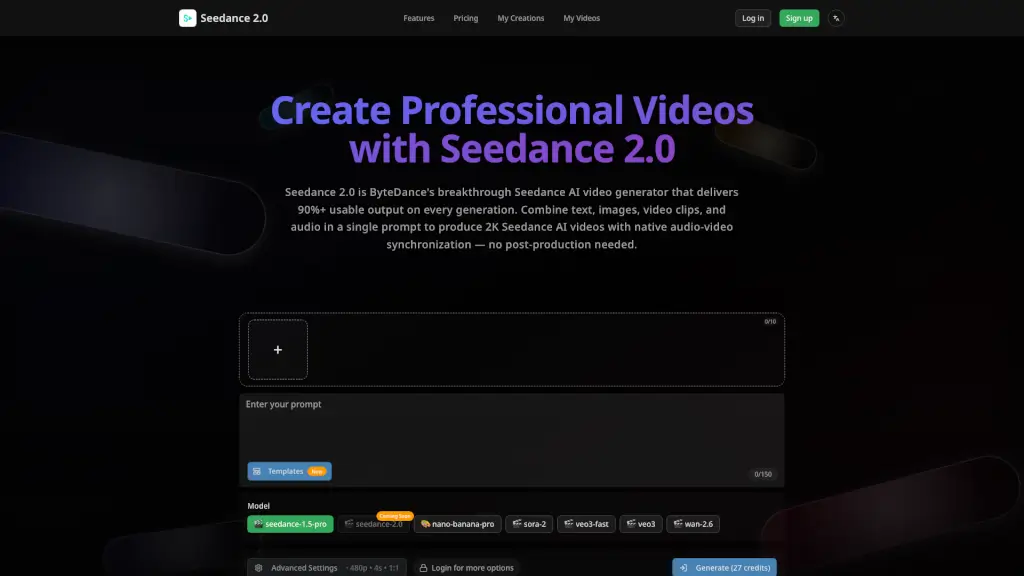
Seedance 2.0 is a cutting-edge AI video generator that makes it easy for anyone to create professional-looking videos. Whether you're a social media manager, a filmmaker, or just someone with a creative idea, Seedance 2.0 lets you turn your visions into reality. With the ability to generate videos from text, images, video references, and audio, you can control every aspect of your creation, from camera movements to sound effects. This powerful tool is designed to help you bring your ideas to life without needing advanced editing skills.
What are the features of Seedance 2?
- Multimodal Inputs: Combine up to 12 files (text, images, videos, and audio) in one generation.
- Camera & Motion Replication: Upload a reference video to replicate its camera movements and actions.
- Video Extension & Continuation: Extend existing videos forward or backward seamlessly.
- Character Replacement & Scene Editing: Swap characters or objects within a video while keeping the scene intact.
- Auto-Generated Sound Effects & Music: Automatically generate sound effects and background music, or upload your own MP3s.
- One-Take Long Shots & Multi-Segment Generation: Create long, continuous shots or multi-segment videos with consistent visual flow.
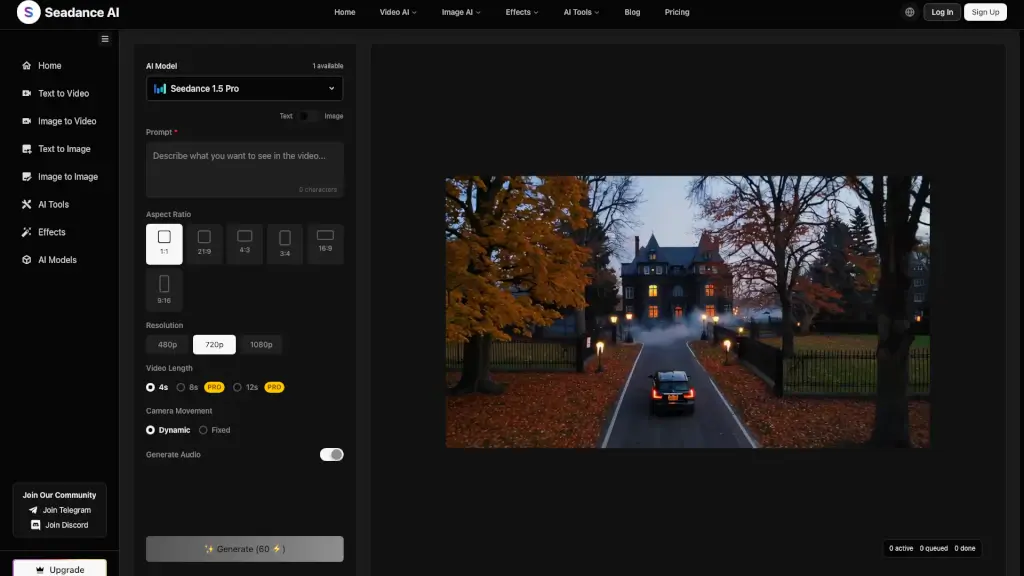
- Generation Settings & Output Control: Customize settings like aspect ratio, duration, and generation mode, and export at 720p resolution.
What are the use cases of Seedance 2?
- Social Media Marketing: Draft short-form video concepts for TikTok, Instagram Reels, and YouTube Shorts.
- E-commerce Product Videos: Turn product images into engaging video drafts for promotional use.
- Video Production & Filmmaking: Storyboard ideas and create concept visualizations for pre-production.
- Business Presentations: Create video drafts for presentations, training materials, and internal updates.
- Creative & Artistic Projects: Experiment with video art, music visualizations, and other experimental concepts.
- Educational Content: Illustrate abstract concepts visually and create educational and explainer videos.
How to use Seedance 2?
- Choose Your Input: Select text-to-video or image-to-video, then enter a prompt or upload a reference image.
- Set Parameters: Pick settings like model, aspect ratio, and duration.
- Start Generation: Click to start the generation process.
- Refine & Iterate: Adjust prompts and settings, and compare results to refine your video.
- Export Your Video: Once satisfied, export your video based on your plan and options.
- Use Commercially: Ensure your plan includes commercial usage rights before using the generated content.