
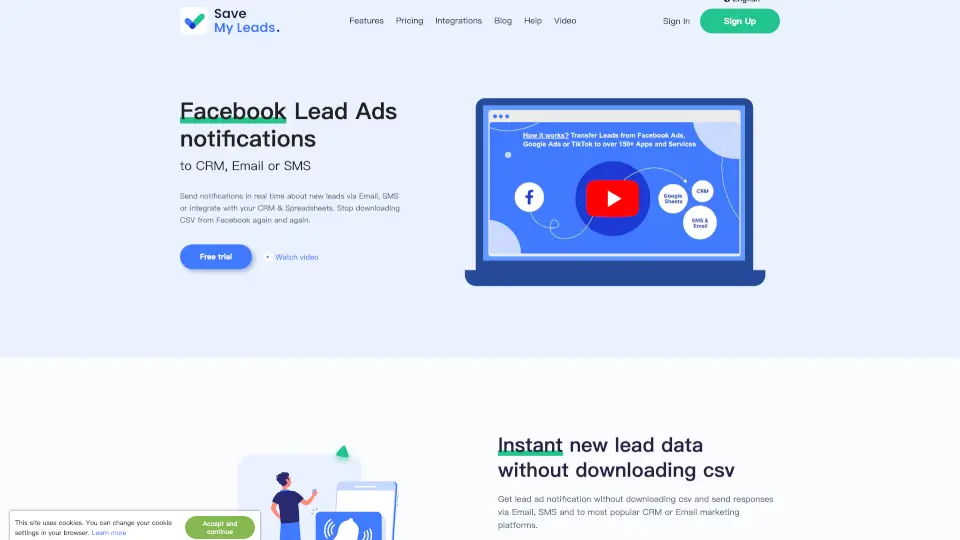
What is SaveMyLeads?
Tired of manually downloading CSV files every time you get a new lead from Facebook? SaveMyLeads solves that headache by instantly sending your Facebook Lead Ads data wherever you need it—CRM systems, email inboxes, SMS, or spreadsheets like Google Sheets. No more delays, no more missed opportunities.
With research showing that responding within 5 minutes boosts conversion chances dramatically, SaveMyLeads helps you act fast by automating lead notifications and follow-ups. Whether you're a solo marketer, an agency managing multiple clients, or a small business owner, this tool keeps your sales pipeline moving without any coding.
What are the features of SaveMyLeads?
- Real-Time Lead Sync: Get new Facebook leads delivered instantly—no manual CSV downloads.
- Multi-Channel Notifications: Send automatic alerts via email, SMS, or directly into tools like Slack or Telegram.
- CRM & Email Platform Integrations: Connect seamlessly with HubSpot, Zoho CRM, Mailchimp, GetResponse, MailerLite, and 100+ other platforms.
- Spreadsheet Automation: Auto-add leads to Google Sheets or Airtable as soon as they come in.
- Zero-Code Setup: Build powerful workflows in minutes—no developers or technical skills needed.
- Agency-Friendly Client Notifications: Notify your clients of new leads using your own branded email (e.g., your@agency.com), even if they don’t have a SaveMyLeads account.
- Auto-Responders: Automatically send personalized SMS or email replies to leads while you’re busy.
- Webhook & Custom URL Support: Push lead data to any system that accepts webhooks for maximum flexibility.
What are the use cases of SaveMyLeads?
- A digital marketing agency runs lead-gen campaigns for 10 clients and uses SaveMyLeads to notify each client instantly when a new lead arrives—without sharing Facebook access.
- An e-commerce store captures leads via Facebook forms and automatically adds them to Mailchimp with name and email, triggering a welcome sequence.
- A local service business (like HVAC or plumbing) receives SMS alerts the moment a lead submits a form, enabling same-minute callbacks.
- A real estate agent syncs all Facebook leads directly into their CRM (e.g., HubSpot or Zoho) to track deals without manual entry.
- A freelancer uses Google Sheets as their lead tracker—SaveMyLeads auto-populates each new row so nothing gets lost.
- An online course creator adds every Facebook lead to their email list (e.g., ConvertKit or Sendinblue) and sends an instant “Thanks!” email with next steps.
- A SaaS company routes high-intent leads to Slack channels for immediate team follow-up.
How to use SaveMyLeads?
- Connect your Facebook Lead Ads account to SaveMyLeads using secure OAuth (no passwords needed).
- Choose your destination: pick a CRM, email service, SMS provider, spreadsheet, or custom webhook.
- Map the lead form fields (name, email, phone, etc.) to the corresponding fields in your chosen app.
- Customize your notification message or auto-responder text (optional but recommended for personalization).
- Activate the integration—leads will now flow automatically in real time.
- Monitor performance with built-in logs and use Auto Failure Resync (on paid plans) to recover any missed leads.