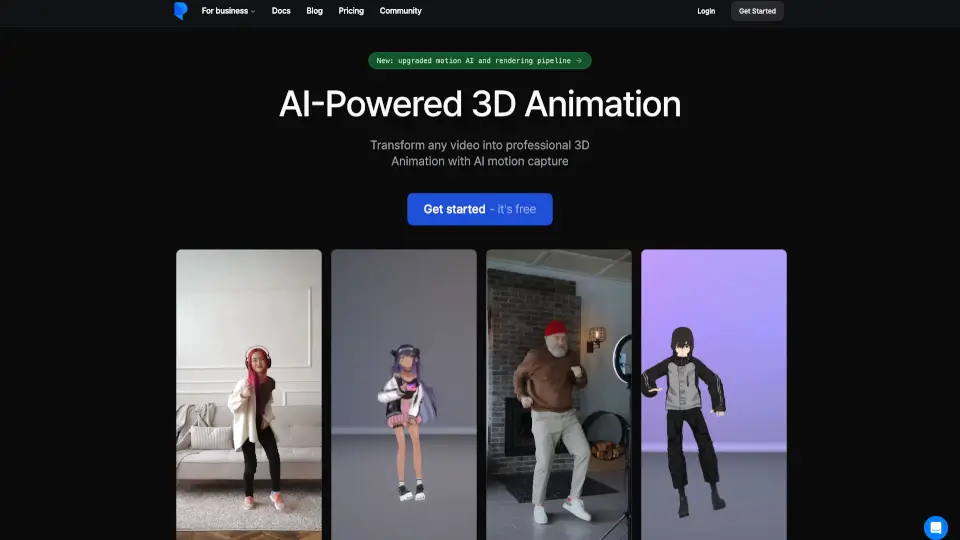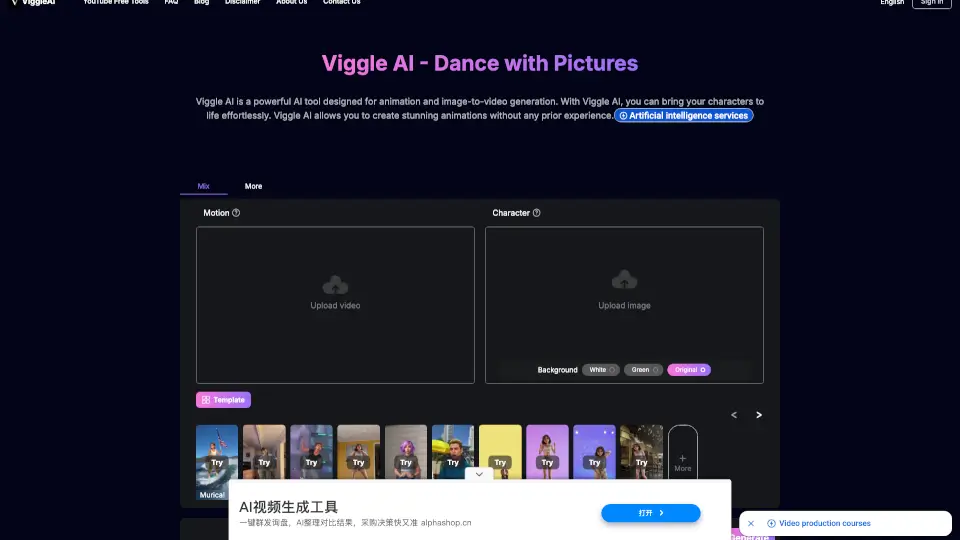

O que é Rokoko Video?
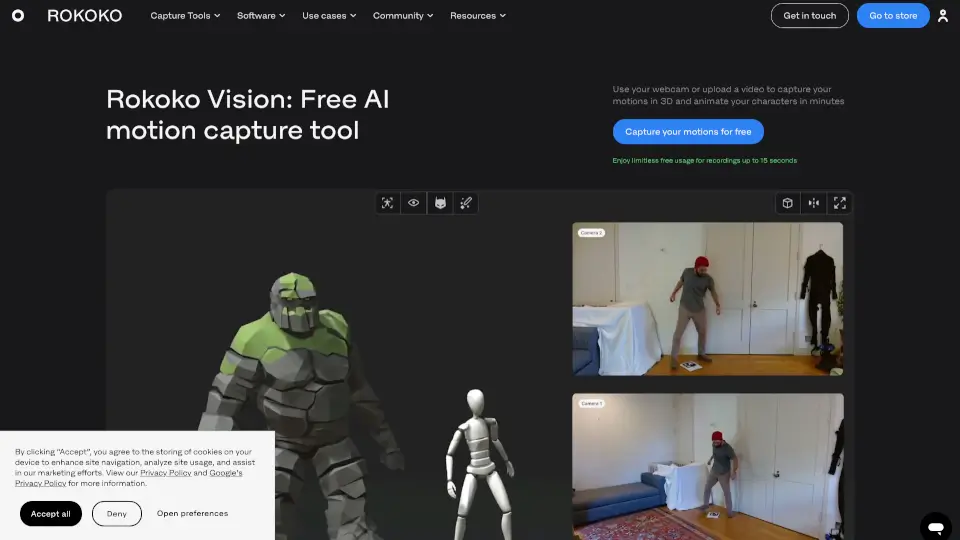
O Rokoko Vision é uma ferramenta gratuita de captura de movimento baseada em inteligência artificial que transforma vídeos ou gravações da sua webcam em animações 3D realistas — sem precisar de equipamentos caros. Basta usar sua câmera, gravar um movimento e, em minutos, aplicar a animação em personagens dentro de softwares como Blender, Unity ou Unreal Engine.
Ideal tanto para iniciantes curiosos quanto para artistas profissionais que querem pré-visualizar ideias rapidamente, o Rokoko Vision democratiza o acesso à captura de movimento. Com planos gratuitos ilimitados para clipes de até 15 segundos, ele oferece uma porta de entrada acessível ao mundo da animação profissional, com opções avançadas (como o modo dual-câmera) para quem busca mais precisão.
Quais são as características de Rokoko Video?
- Captura por webcam ou upload de vídeo: Grave diretamente pelo navegador ou envie um vídeo já gravado — desde que o corpo inteiro esteja visível.
- Modo single-cam e dual-cam: Use uma câmera para projetos simples ou duas câmeras sincronizadas para maior precisão, menos oclusão e melhor percepção de profundidade.
- Gratuito para clipes curtos: Aproveite uso ilimitado e gratuito para gravações de até 15 segundos.
- Integração com Rokoko Studio: Visualize, refine e exporte seus dados de mocap no software gratuito da Rokoko, com filtros como foot locking para correção automática dos pés.
- Exportação em .FBX ou .BVH: Escolha entre esqueletos populares (como HIK ou Mixamo) e use diretamente em suas ferramentas 3D favoritas.
- Retargeting fácil: Aplique os movimentos capturados em qualquer personagem 3D que você fizer upload.
Quais são os casos de uso de Rokoko Video?
- Criar animações rápidas para protótipos de jogos indie
- Pré-visualizar cenas de filme ou VFX sem investir em equipamento caro
- Estudantes de animação praticarem captura de movimento em casa
- Desenvolvedores de VR/AR testarem interações corporais reais
- Artistas digitais gerarem referências de movimento para ilustrações ou storyboards
- Produtores independentes adicionarem movimento realista a personagens em curtas-metragens
Como usar Rokoko Video?
- Certifique-se de que todo o corpo da pessoa está visível no quadro durante toda a gravação.
- Use roupas justas e evite preto ou tecidos muito soltos — isso ajuda o IA a rastrear melhor os movimentos.
- Mantenha a câmera fixa (use um tripé, se possível) e grave em um ambiente bem iluminado com fundo claro e contrastante.
- Faça login com a mesma conta no site do Rokoko Vision e no Rokoko Studio para ver seus dados automaticamente.
- Após processar, use o Rokoko Studio para ajustar pequenos erros antes de exportar.
- Para melhores resultados, experimente o modo dual-câmera com duas webcams posicionadas em ângulos diferentes.