
What is Convert Text to PNG with Transparent Backgrounds?
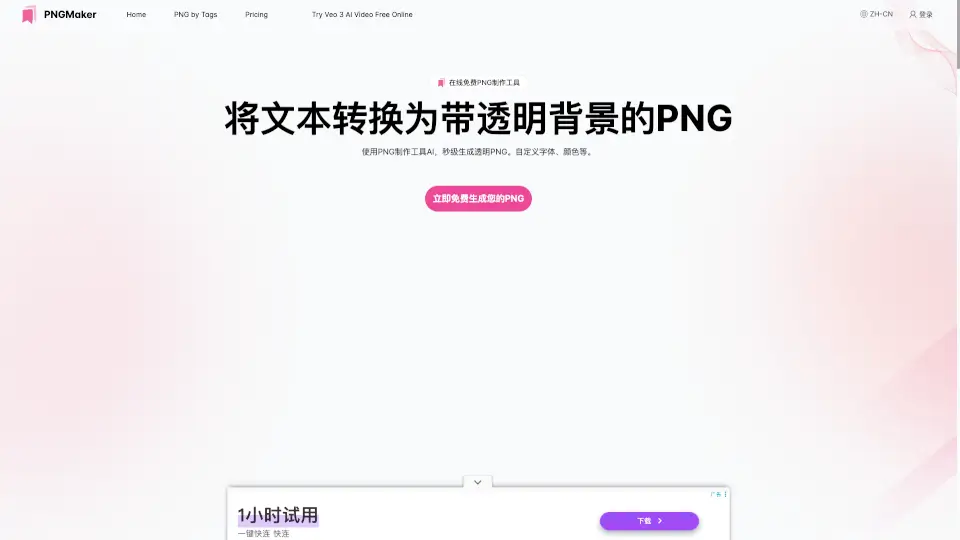
PNG Maker is an AI-powered text-to-PNG tool that converts typed text into transparent background PNG images. It helps web designers, content creators, and marketers generate professional-looking PNGs without needing design software. Users simply input text, customize fonts, colors, and size, and the AI produces a high-resolution transparent PNG ready for websites, social media, or digital projects. The tool is free online and requires no account, making it a quick solution for anyone needing custom transparent PNGs from text.
What are the features of Convert Text to PNG with Transparent Backgrounds?
- AI-Driven Text-to-PNG Conversion: Transforms plain text descriptions into clean PNG images using AI, ideal for turning brand names, quotes, or labels into graphics.
- Transparent Background Output: Creates PNGs with transparent backgrounds by default, allowing seamless integration into any design, website, or marketing material.
- Customizable Font, Color, and Size: Users can adjust text appearance—choose font style, color, and size—to match branding or project requirements.
- Free Online Access with No Sign-Up: The entire tool is available directly in the browser at no cost; no registration or download needed for basic use.
- High-Resolution PNG Download: Generated images are saved in high-resolution PNG format, suitable for both web and print-ready use cases.
What are the use cases of Convert Text to PNG with Transparent Backgrounds?
- Web designers needing quick transparent PNG icons or text overlays for website headers and banners.
- Content creators generating custom text-based watermarks, logos, or social media graphics without design software.
- Marketers producing branded promotional images with transparent backgrounds for ad campaigns or email templates.
- E-commerce sellers creating product labels, badges, or sale signs with clear text on transparent backgrounds.
- Developers testing or prototyping UI elements that require placeholder text as PNG assets.
How to use Convert Text to PNG with Transparent Backgrounds?
- Enter your desired text into the input field on pngmaker.io to start the conversion.
- Preview the generated PNG and adjust the text prompt, font, color, or size if needed.
- Customize the text appearance using the available options (font, color, size) to match your design.
- Once satisfied, download the transparent PNG image directly to your device.
- For best results, use clear and concise text descriptions, and iterate on prompts if the first output isn’t ideal.