
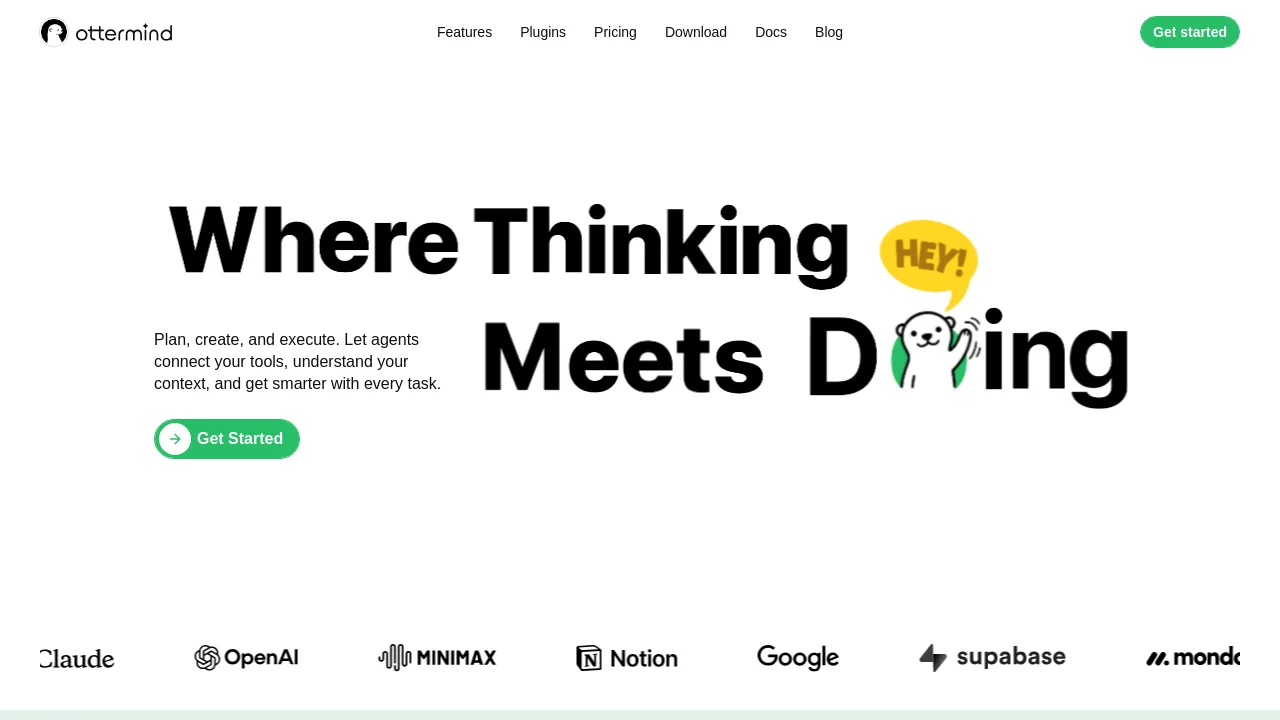
What is Ottermind?
Ottermind is an AI agent workspace for professionals who need to turn rough ideas, files, or recordings into finished work. Unlike chat-based AI models, it retains project memory, connects your existing tools (docs, code environments, plugins), and orchestrates agents to carry tasks through completion. It adapts to your preferences over time and works across devices, letting you start on mobile and finish on desktop or let tasks run autonomously in the cloud.
What are the features of Ottermind?
- Retains Project Context: Files, decisions, and history stay organized around each project rather than disappearing into a chat thread, making it easy to pick up where you left off.
- Acts Across Connected Tools: Agents work directly with your docs, code environments, plugins, and connected services to execute tasks without you switching between apps.
- Adapts to Your Preferences: Ottermind learns your recurring patterns, decisions, and feedback through ongoing collaboration, so future tasks start with more relevant context.
- Runs Tasks Anywhere: Start work on your phone, finish on desktop, and let longer-running tasks execute autonomously in the cloud without keeping your device online.
- Resilient Error Recovery: If an agent hits an error, it can inspect logs, adjust its approach, and attempt recovery. Critical actions require your approval before proceeding.
What are the use cases of Ottermind?
- Marketers can create a slide deck from a rough outline or raw notes, with agents formatting content and pulling visuals.
- Developers can build a simple website or prototype by giving the agent a description and letting it work with connected code environments.
- Analysts can upload a spreadsheet and have the agent analyze data, summarize findings, and generate a formatted report.
- Content creators can submit a raw recording or file and have the agent generate a summary, extract key points, or create a video clip.
- Project managers can distill long meeting transcripts or documents into actionable summaries with decisions and next steps highlighted.
How to use Ottermind?
- Start by creating a new project and uploading a raw file, recording, or typing a rough idea as your initial input.
- Connect your preferred tools and services (docs, code environments, plugins) so agents can access and act on them.
- Give the agent a clear task description, then review its initial output and provide feedback to refine the result.
- Monitor agent progress for longer tasks; critical actions like file deletions or external submissions will require your approval.
- Review finished work in the project workspace, where history, decisions, and files stay organized for future reference.