
OpenDesign logo

OpenDesign

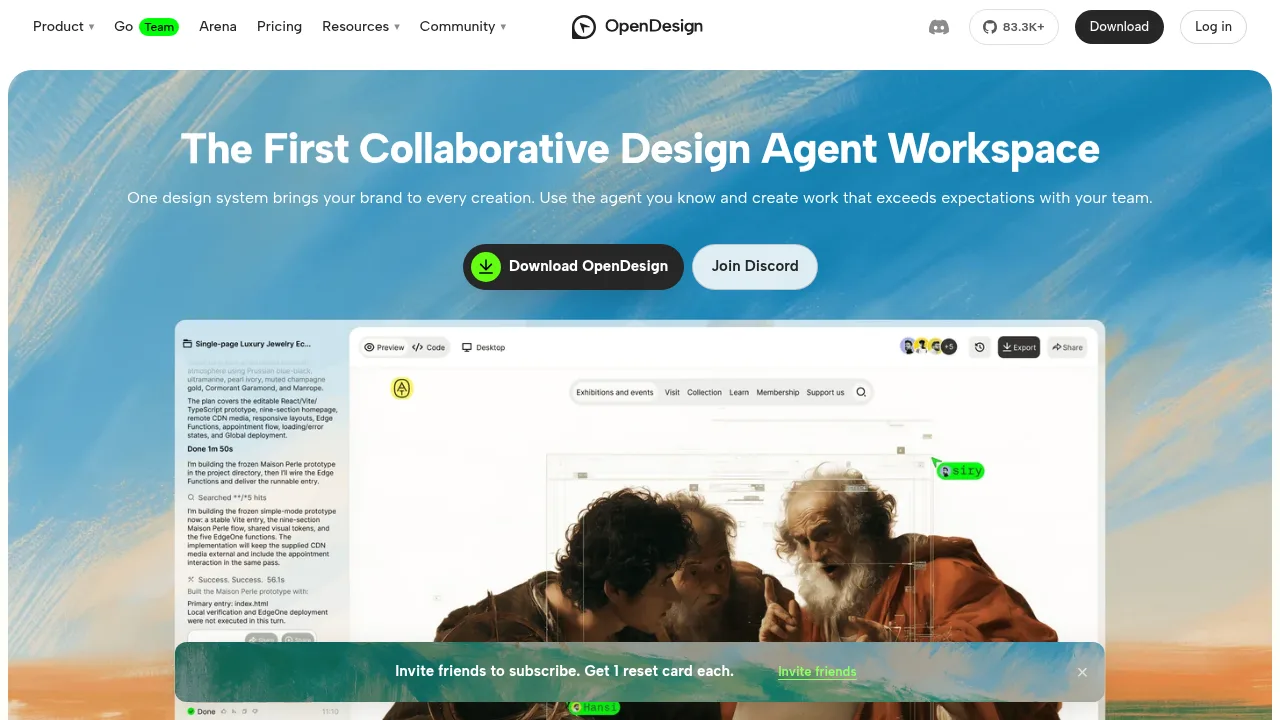
OpenDesign generates editable HTML prototypes from text prompts using connected coding agents and customizable design systems.

Social Media:
OpenDesign

OpenDesign Product Information

What is OpenDesign?

OpenDesign is an open-source desktop workspace that uses coding agents to generate and refine HTML prototypes from text descriptions. It connects to local agents such as Claude Code or Codex, a user-supplied API key, or hosted models on OpenDesign Cloud. The free desktop app requires no account when using local agents or your own API key, while hosted model access requires a paid plan.

What are the features of OpenDesign?

  • Agent-generated prototypes
    A connected coding agent writes working HTML screens into the project based on a text description and a selected design system.
  • Direct visual editing
    Users can move, resize, and edit elements, text, color, spacing, and alignment directly without regenerating the prototype.
  • Design system integration
    Over 150 open-source design systems can be applied or created from a website, GitHub repo, or Figma file to control styling.
  • Team commenting
    Prototypes can be published as share links or opened in a shared workspace where teammates click through screens and leave comments.
  • File export
    Projects export as standalone HTML, PDF, PNG, or editable PowerPoint for decks; there is no Figma export.
  • Extension skills
    Community skills add capabilities for research, content, design, and delivery, which users can customize or create.

What are the use cases of OpenDesign?

  • Team design review
    Share a generated prototype link so teammates can click through screens and leave comments that are sent back to the agent as a single revision task.
  • Custom-branded prototyping
    Import a design system from a Figma file or website so the agent applies specific colors, type, and components to every generated screen.
  • Handoff to engineering
    Export the finalized prototype as HTML files or hand the project folder directly to a coding agent for further development.

How to use OpenDesign?

  1. Connect an agent
    Sign in to OpenDesign Cloud or connect a local coding agent such as Claude Code or Codex installed on your computer.
  2. Generate a prototype
    Choose a design system and describe the screens so the agent writes a working HTML prototype into the project.
  3. Preview and refine
    Review the live preview and adjust the output by asking the agent again or editing elements directly.
  4. Share for feedback
    Publish the prototype to a team workspace or share link so teammates can click through and comment on the design.
  5. Revise and export
    Send the collected comments back to the agent for revision, then export the files as HTML or PDF or hand them to engineering.

OpenDesign Pricing Information:

  • Free desktop app
    Full application access with a local coding agent or your own API key at no cost from OpenDesign; no account required. Your agent subscription or provider bills usage separately.
  • Plus, Pro, and Max
    Paid plans adding hosted models on OpenDesign Cloud with monthly model credits, plus publishing and share links.
  • Team
    Shared workspace for projects, design systems, and plugins with owner, admin, and member roles, priced per seat.
  • Promotional offer
    $8 first month including $220 usage credit; standard Plus up to $220/month and Go Plus up to $310/month.

Do you like this tool?

Upvote to help others discover it!

OpenDesign Alternatives

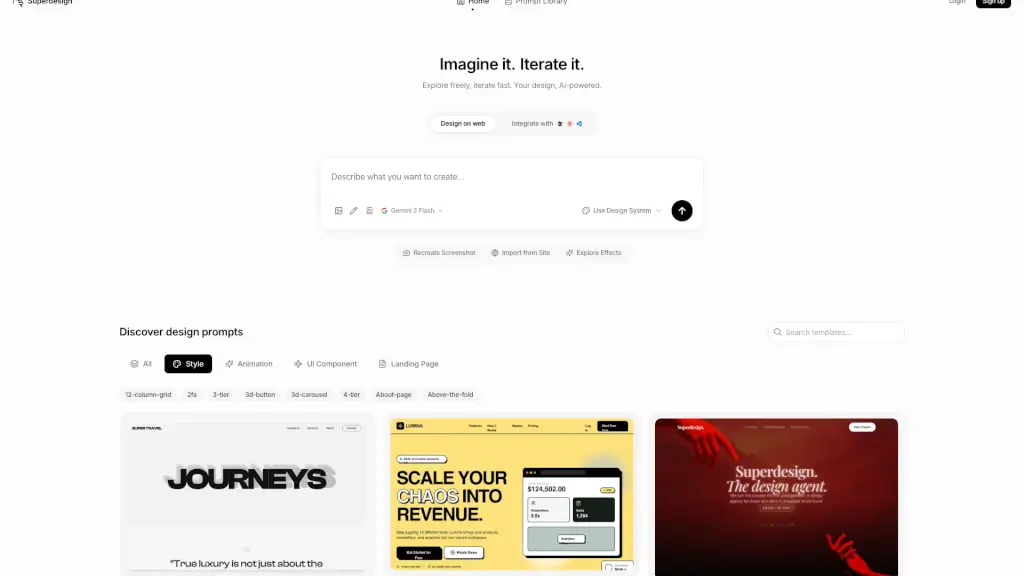
Superdesign

Superdesign

Superdesign is an AI-powered web platform that instantly turns text prompts into beautiful, code-ready user interfaces for faster, smarter design workflows.

US
18.77%
234.1K
0
Penpot

Penpot

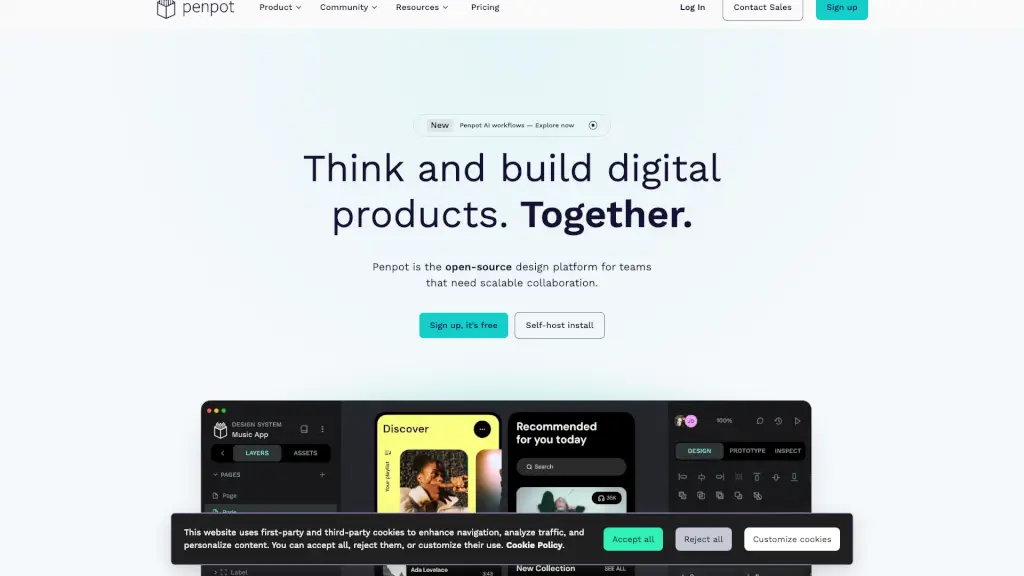
Penpot is the leading open-source design platform for teams that enables scalable collaboration across designers, developers, and AI workflows.

US
13.08%
576.6K
0
Magic Patterns

Magic Patterns

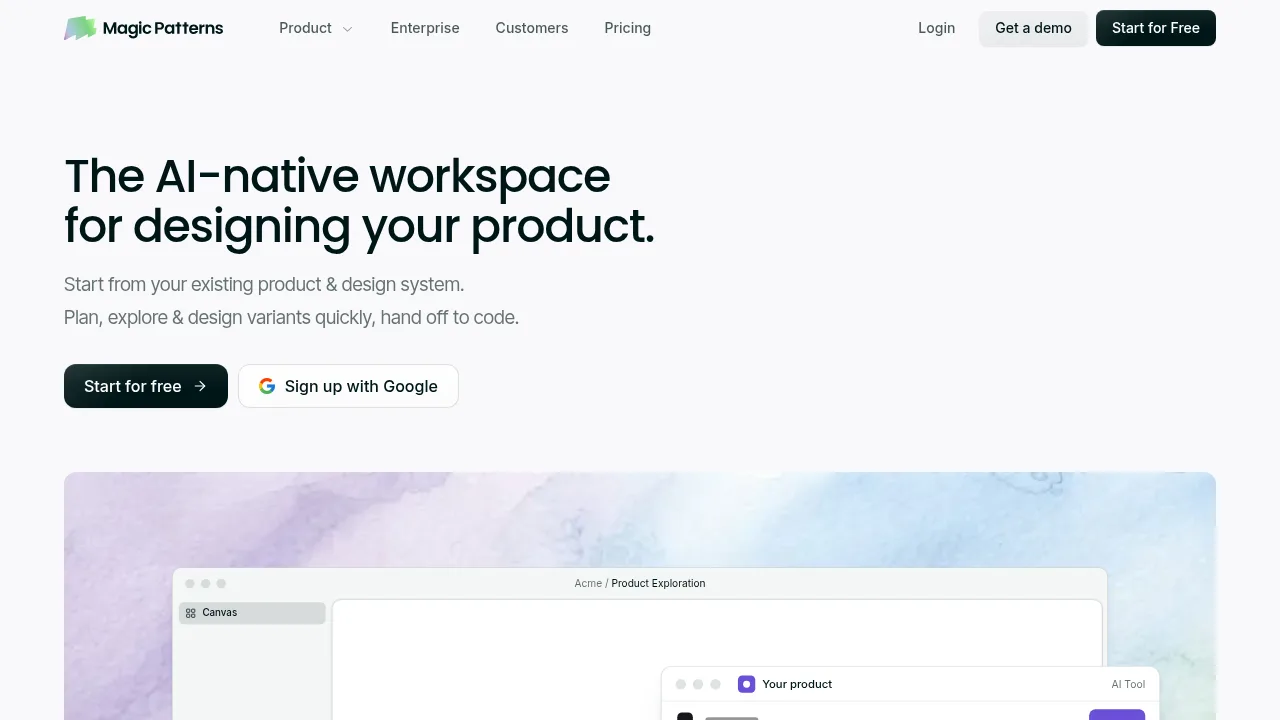
Magic Patterns generates high-fidelity UI prototypes from prompts or PRDs while matching imported design systems for direct code handoff.

US
27.14%
193.6K
0
Flowstep

Flowstep

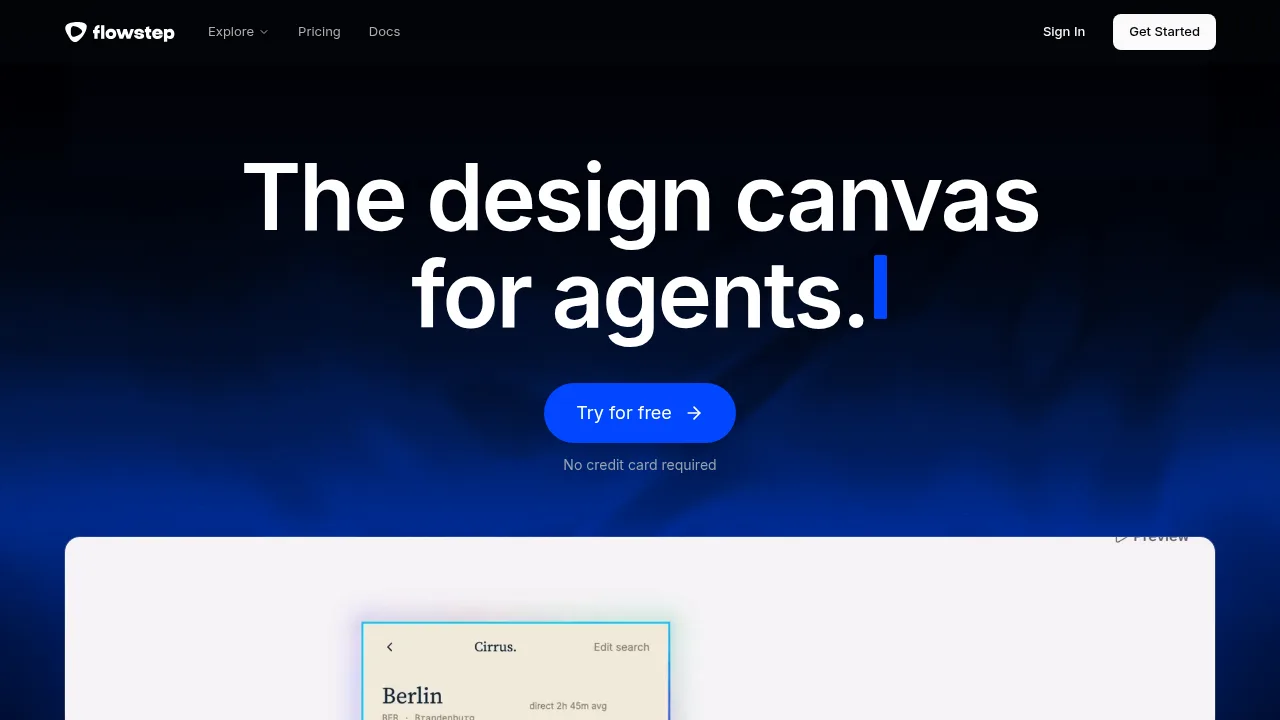
Flowstep generates interactive UI designs from PRDs, screenshots, or URLs and exports code-aligned results.

US
17.16%
89.0K
0
OpenUI

OpenUI

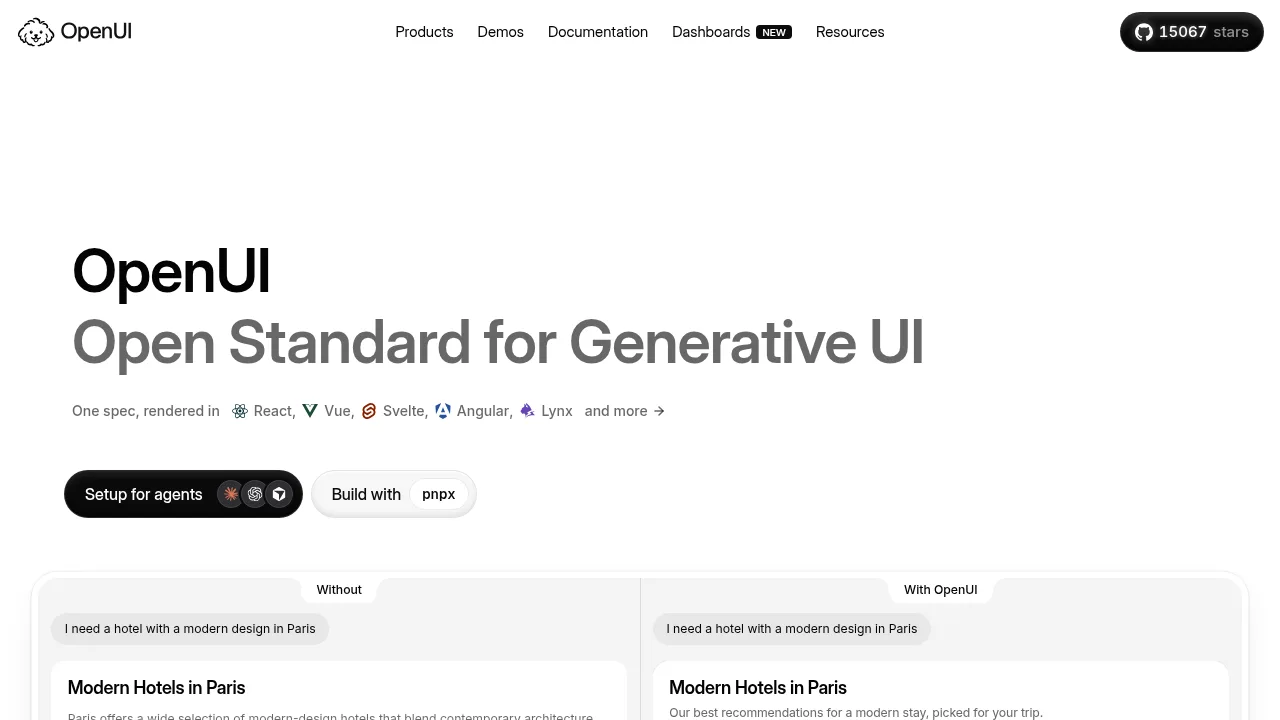
OpenUI lets developers generate interactive UI components from AI responses using a compact, streaming-first specification.

US
34.74%
149.9K
0
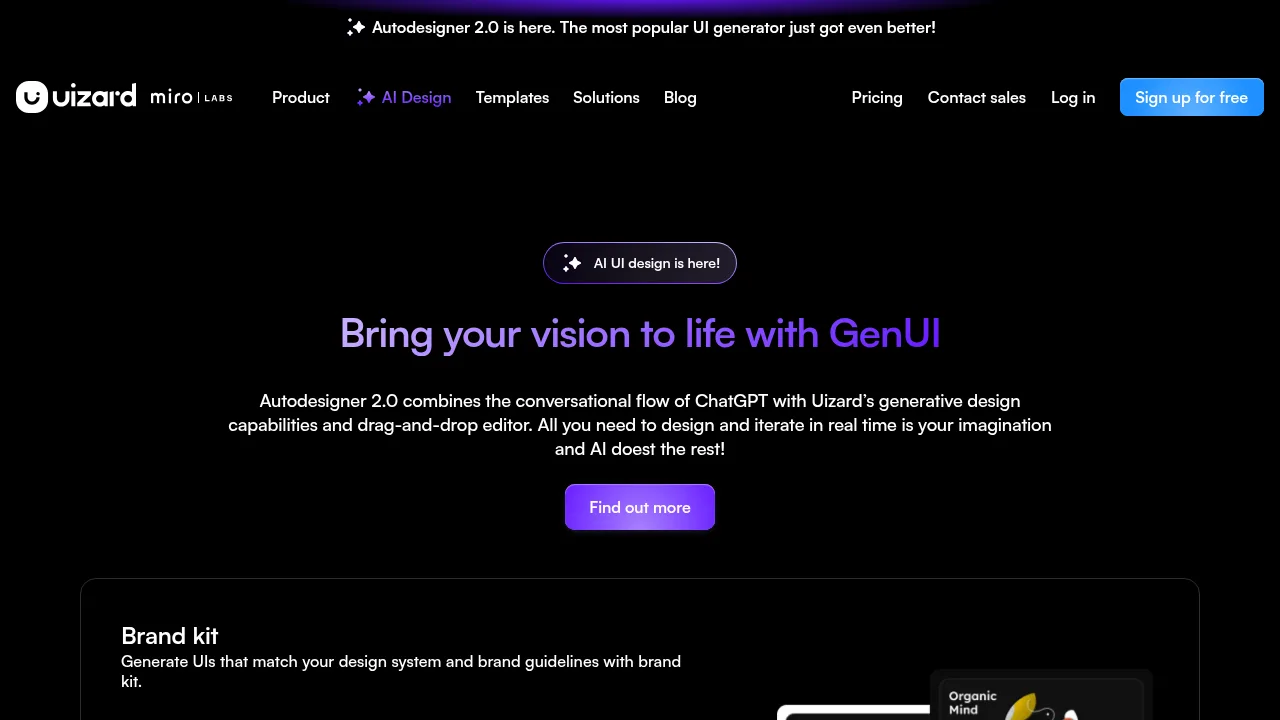
Uizard Autodesigner

Uizard Autodesigner

Uizard Autodesigner converts plain English text prompts into editable, multi-screen UI prototypes using generative AI.

IN
24.30%
294.6K
0
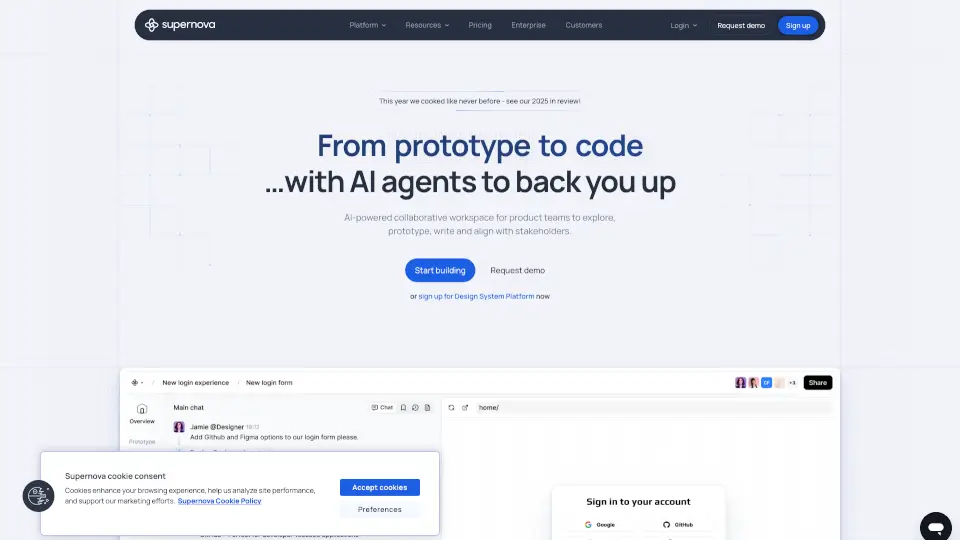
Supernova.io

Supernova.io

Supernova.io is an AI-powered platform for product teams to design, prototype, document, and manage design systems collaboratively and securely.

US
23.51%
64.7K
0
Draftly

Draftly

Draftly is an AI-powered UI design generator that turns your app ideas into stunning, production-ready interfaces in seconds, making it easy for anyone to create professional designs.

TR
47.25%
5.3K
0

OpenDesign Related Other Categories

OpenDesign Traffic Analysis

Website traffic estimates for open-design.ai. Visits are not unique users or product usage.

💡 Insights

⭐
Medium Scale
100K-1M monthly visits. Growing tool with active development.
📊
Steady Growth
Recent growth of 23%. Product is in a healthy upward trend.
👍
Good Experience
Bounce rate of 44%. Users are willing to explore features.
  • Monthly Visits

    784.32K

  • Bounce Rate

    43.74%

  • Pages Per Visit

    3.37

  • Visit Duration

    00:02:35

  • Global Rank

    63797

  • Country Rank

    8926

Visits Over Time

Traffic Sources

Search Organic43.25%
Direct36.38%
Referrals9.72%
Social Organic5.57%
Social Paid2.74%
Gen Ai1.57%
Mail0.55%
Display Ads0.15%
Search Paid0.05%
Affiliate0.00%

Top Keywords

1
opendesign
CPC$1.67
60.04KTraffic
2
open design
CPC$1.51
40.16KTraffic
3
opendesign go
3.83KTraffic
4
open design ai
CPC$0.24
3.11KTraffic
5
open design motion
2.37KTraffic

Top Regions

RegionPercentage
China
China
22.96%
United States
United States
14.15%
India
India
9.50%
Vietnam
Vietnam
4.95%
Indonesia
Indonesia
3.95%
Low
High

Powered by SimilarWeb

OpenDesign FAQ

Can I use my own API key to edit generated files?

No. Using your own API key generates designs but cannot edit files in your project; a local coding agent is required for file editing.

What operating systems does the desktop app support?

macOS 11 Big Sur or newer on Apple Silicon and Intel, and Windows 10 or 11 (x64) as an installer or portable zip. Linux users can run it from source.

OpenDesign Reviews

0
0 Reviews
Sign Into leave a review

Recent Reviews

No reviews yet

OpenDesign Embed

Use website badges to drive community support for SeekTool.ai. They are easy to embed in your homepage or footer.

Light
Dark
OpenDesign - Featured on SeekTool.aiOpenDesign - Featured on SeekTool.ai
How to install?