
What is ngram?
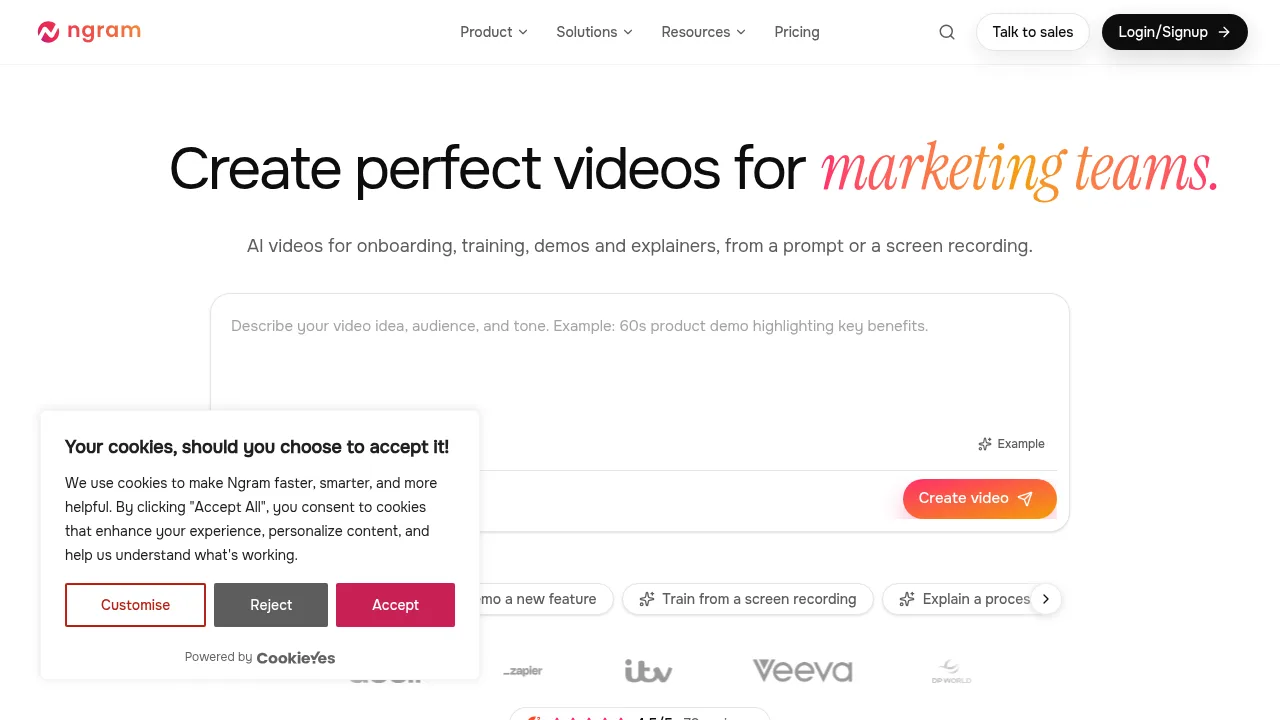
ngram is a web-based AI video generator that builds narrated videos from text prompts, screen recordings, screenshots, documents, or URLs. It targets teams producing explainers, demos, training, and launch content, offering an editor for post-generation refinement. Free access limits output to shareable links, while downloadable files require a paid plan.
What are the features of ngram?
- Prompt-to-video generationDescribe the video idea, audience, and tone in plain words; ngram outlines a scene-by-scene plan for approval before generating narration, soundtrack, visuals, and animation.
- Asset-based inputsStart from uploaded screen recordings, screenshots, PDFs, documents, or a product URL instead of a blank prompt.
- Live browser capture (Browser Handoff)Provide a page URL and task; ngram opens a live browser to click through steps and capture real screens for a walkthrough, available with a compatible director such as Opus 5.5.
- AI presentersGenerate avatar videos where presenters speak with expressions and hand gestures, selectable from a library or created from a user portrait.
- Iterative editingRequest changes by clicking a specific frame and describing the edit in plain language, or adjust captions, music, and scenes directly in the timeline editor.
- Brand consistencyApply a saved Brand Kit containing colors, fonts, logos, and reusable intro or outro templates to generated videos.
What are the use cases of ngram?
- Product website walkthroughSupplying a URL and a customer task lets ngram navigate the live site, capture screens, and produce a help-center video without manual recording.
- Stakeholder demo from a recordingUploading a long screen recording with instructions to shorten it yields a condensed, narrated demo video.
- Board update from a reportUploading a PDF document generates a short animated briefing summarizing the data for leadership review.
How to use ngram?
- Describe the videoEnter the video idea, audience, and tone in plain words on the web app.
- Approve the planReview the scene-by-scene outline ngram generates and confirm it before production begins.
- Watch it buildObserve as the system records narration, composes the soundtrack, generates visuals, and assembles the animation.
- Request editsClick a specific frame in the preview and describe the desired change in plain language to generate a new version.
- Download or shareExport the finished video as an MP4 or GIF file, or share a public link.
ngram Pricing Information:
- Free tierNo credit card required; allows video creation and sharing via public watch links, but does not include downloadable files.
- Paid planRequired to download finished videos as MP4 or GIF files; specific pricing amounts are not stated in the source.