
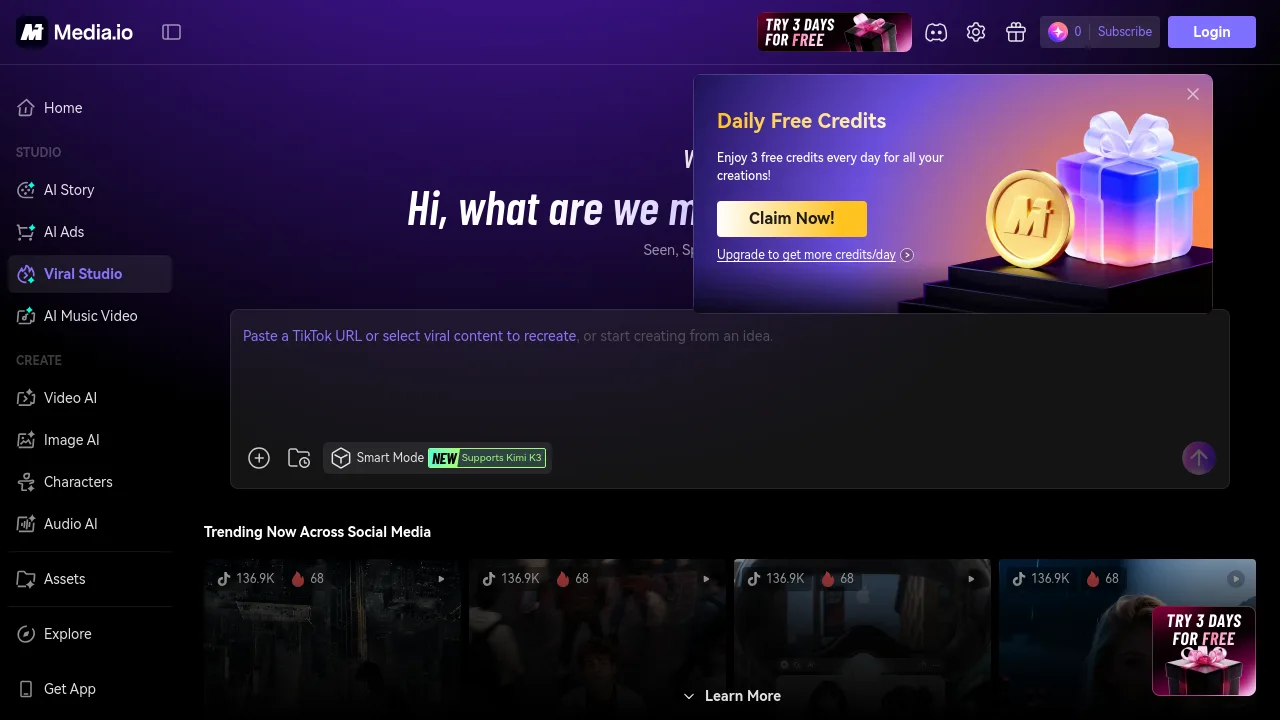
What is Media.io Viral Studio?
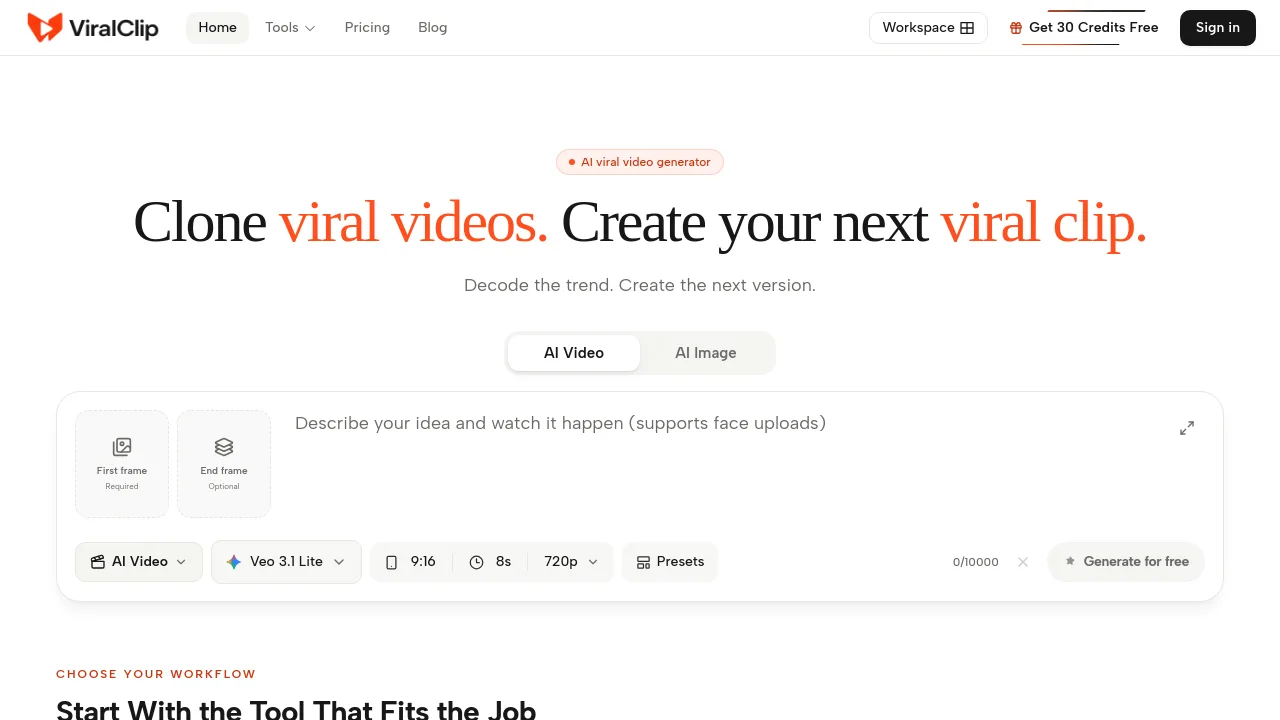
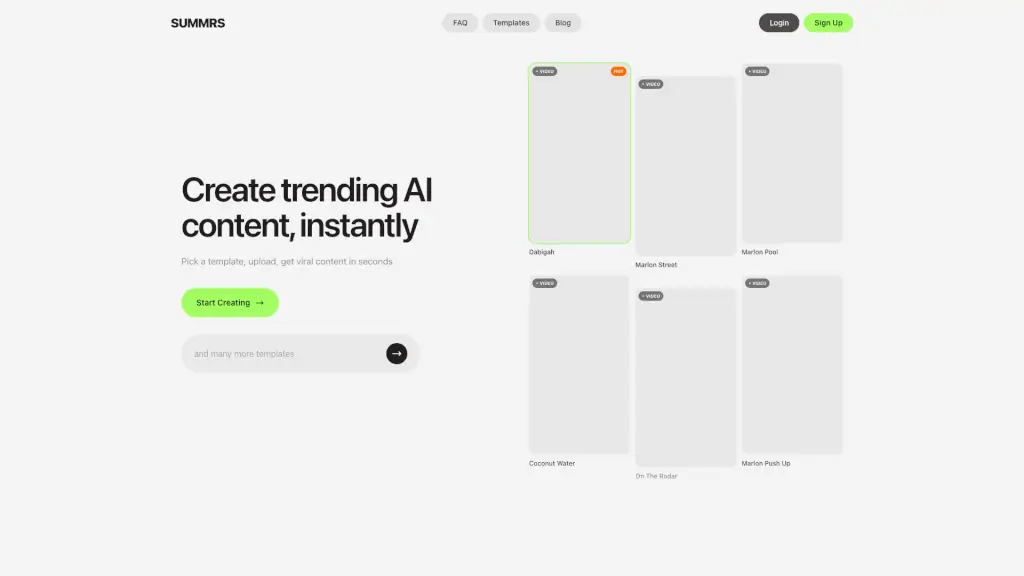
Viral Studio is an AI-powered content creation tool designed for social media creators, marketers, and small business owners who want to turn trending videos and images into their own personalized posts. By pasting a TikTok URL or selecting from a built-in trend library, the AI analyzes the creative pattern—structure, style, and key message—then helps you remake it with new copy, visuals, and your own angle. It supports content from TikTok, YouTube, Instagram, and X, and provides AI heat scores to prioritize high-potential trends. The tool is built for users who want to recreate viral formats without editing skills, saving research and production time.
What are the features of Media.io Viral Studio?
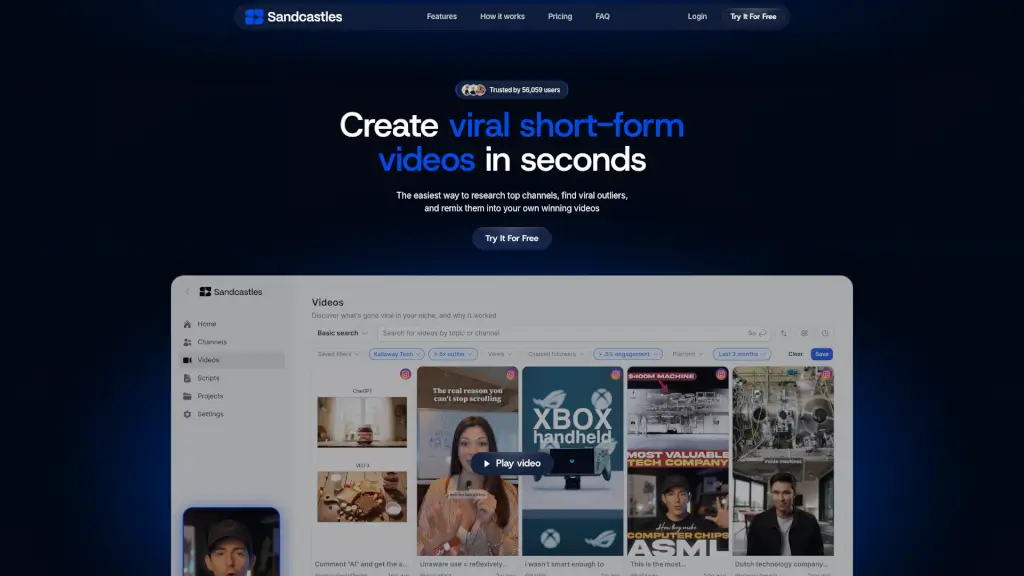
- Trend Discovery Library: Browse trending videos and images from multiple social platforms, with AI-powered heat scores and performance insights to spot high-potential content before creating.
- URL to Video/Image Cloning: Paste a supported TikTok link and the AI agent analyzes the content’s structure, style, and key message, then generates a personalized video or image in minutes.
- AI Trend Remix: Transform a viral video into your own version by uploading personal assets and customizing the format, with no manual editing required.
- Daily Content Workflow Support: Build a repeatable process: find a daily trend, remix it with AI, and publish consistently across platforms to maintain an active content calendar.
- Multi‑Platform Trend Coverage: Sources trending content from TikTok, YouTube, Instagram, and X, so you can adapt formats that work across different social networks.
What are the use cases of Media.io Viral Studio?
- Content matrix operators managing multiple brand accounts can produce trend‑based videos faster and keep posting schedules consistent.
- Side‑hustle beginners with no editing experience can turn scrolling time into ready‑to‑share content using pre‑analyzed viral formats.
- Trend‑driven creators can capture emerging hot topics quickly, recreate timely content, and turn viral moments into views and followers.
- Small business owners can discover trending product video formats, adapt them to their own items, and generate fresh ideas without starting from scratch.
- Marketing teams can test campaign ideas by pasting a trending TikTok link and generating a branded version that fits their message.
How to use Media.io Viral Studio?
- Step 1 – Open the trend library or paste a TikTok URL, then click “Clone it” to let the AI analyze the creative pattern.
- Step 2 – Upload your own assets (images, video clips, logo) and enter your specific requirements, then click “Generate.”
- Step 3 – Review the output, download or share it directly, and refine further by continuing the conversation with the AI agent.