
What is LightVela?
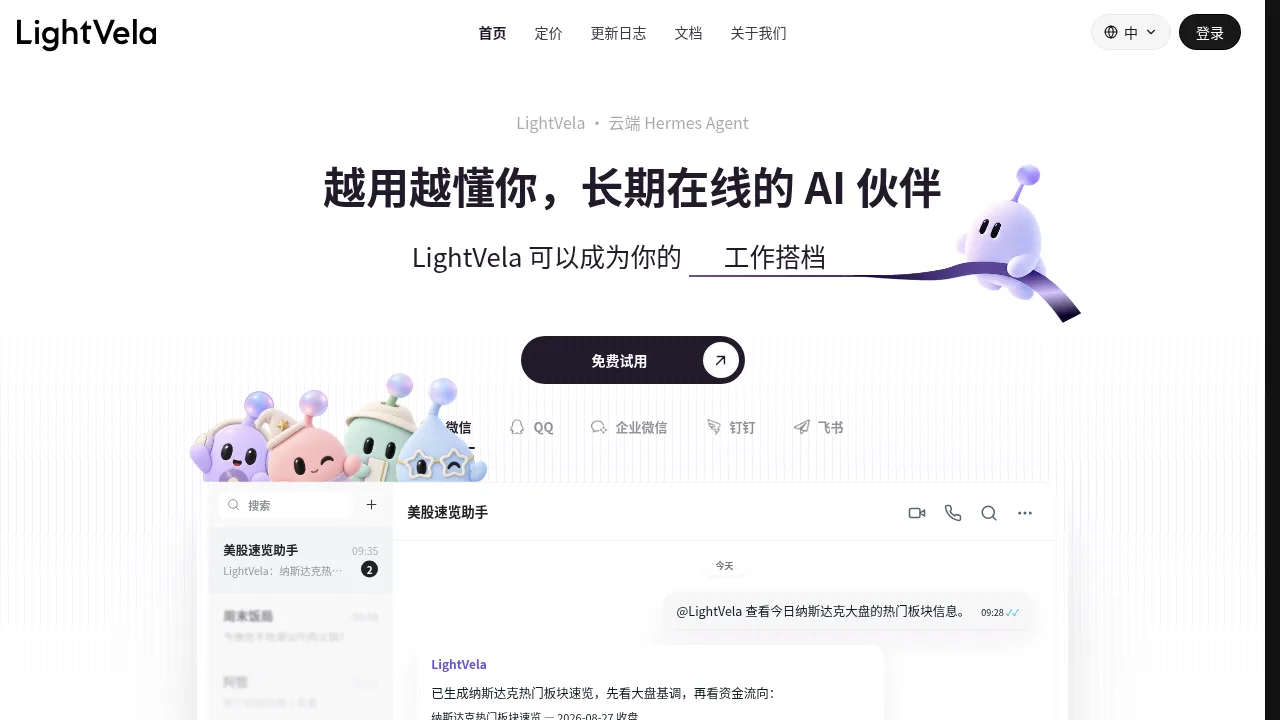
LightVela is a cloud-hosted AI agent that operates continuously through messaging platforms such as WeChat, QQ, Slack, Discord, and Telegram. It executes scheduled tasks, monitors conditions, and maintains persistent memory of user preferences without requiring the host computer to remain online. The vendor states that actions involving external sends or modifications pause for user confirmation before executing.
What are the features of LightVela?
- Multi-platform chat integrationConnects to WhatsApp, Telegram, Discord, Slack, QQ, WeChat, Feishu, and DingTalk so users can issue commands and receive updates within existing messaging channels.
- Persistent long-term memoryStores project facts, writing formats, approval boundaries, and user preferences in editable files like
MEMORY.md, applying them automatically to future interactions. - Scheduled and conditional automationRuns recurring tasks at set times or triggers actions when monitored conditions are met, such as checking order delays every 20 minutes.
- Document analysis with citationsIngests uploaded PDFs, meeting notes, and spreadsheets to extract key points, generate summaries, and provide links back to original source pages.
- Installable skill extensionsAdds specific capabilities including web search, content writing, SEO optimization, market monitoring, image generation, data analysis, and API connections.
- Natural language website publishingGenerates shareable web pages such as personal homepages, dashboards, or event sites from text descriptions, allowing updates directly from chat.
What are the use cases of LightVela?
- Retail order monitoringChecks an order queue every 20 minutes for payments unshipped beyond 60 minutes, alerts staff, and escalates unresolved delays without altering inventory or issuing refunds.
- Sales objection handlingReviews recent chat history when a client objects to pricing, drafts a staged pilot proposal based on stored sales rules, and waits for approval before sending.
- Personal knowledge base retrievalIndexes multiple uploaded PDFs into searchable segments, then answers questions about customer complaints with direct links to the originating document pages.
How to use LightVela?
- Create the assistantAssign a name and select a model; wait until the status displays "Running" (web).
- Connect channelsLink supported messaging platforms such as WeChat, QQ, Feishu, or DingTalk in the channel settings (web).
- Start conversingSend instructions directly in the connected chat interface to define tasks and collaborate (web or messaging app).
LightVela Pricing Information:
- Free trialFree for 1 month for new users, includes 4500 AI credits.
- Scheduled tasksNotification and script-based scheduled tasks consume 0 tokens.