
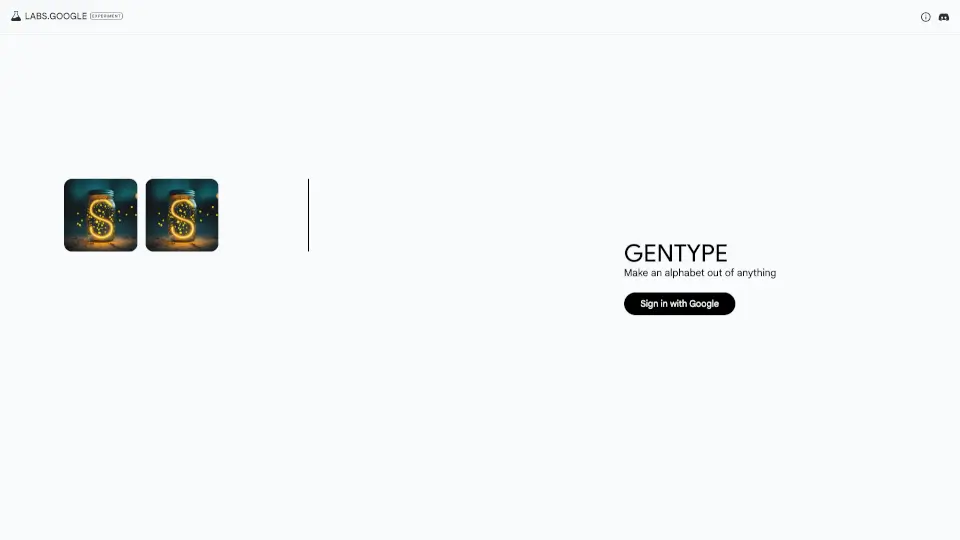
What is GenType?
GenType is a creative AI-powered typography tool from Google that lets you generate custom alphabets from simple text prompts. Whether you're a designer, student, or hobbyist, GenType turns your ideas—like “futuristic neon letters” or “handwritten fairy tale script”—into fully formed typefaces in seconds. No design experience needed!
Originally launched as an experimental project, GenType has now moved to Google AI Studio, where it offers higher-resolution outputs, more stylistic control, and expanded creative capabilities. It’s perfect for anyone who wants unique fonts for logos, posters, social media graphics, or personal projects—but doesn’t want to spend hours designing letterforms by hand.
What are the features of GenType?
- Prompt-to-Alphabet Generation: Create entire custom alphabets just by describing your desired style in plain English.
- High-Resolution Output: Get crisp, scalable vector-style results suitable for both digital and print use.
- Seamless Integration with Google AI Studio: Access GenType alongside other cutting-edge generative AI tools for richer creative workflows.
- No Design Skills Required: Intuitive interface makes typography creation accessible to beginners and non-designers.
- Rapid Iteration: Tweak your prompt and regenerate new alphabets instantly to explore different visual directions.
- Free to Use: Available at no cost through Google’s experimental AI platform.
What are the use cases of GenType?
- Designing a unique logo font for a startup or small business
- Creating themed lettering for event invitations (e.g., wedding, birthday, or holiday cards)
- Generating custom type for social media posts or YouTube thumbnails
- Developing educational materials with playful or thematic alphabets for kids
- Prototyping font ideas before working with a professional type designer
- Adding personalized typography to DIY crafts, merchandise, or art projects
How to use GenType?
- Go to https://labs.google/gentype and click through to Google AI Studio
- Sign in with your Google account if prompted
- Enter a clear, descriptive prompt like “graffiti-style alphabet with bold outlines” or “elegant serif letters inspired by vintage books”
- Review the generated alphabet and refine your prompt if needed for better results
- Download or copy your custom type for use in design apps like Canva, Photoshop, or Illustrator
- Experiment with different styles—try mixing moods, eras, or materials (e.g., “metallic cyberpunk letters”)