What is Kaspersky?
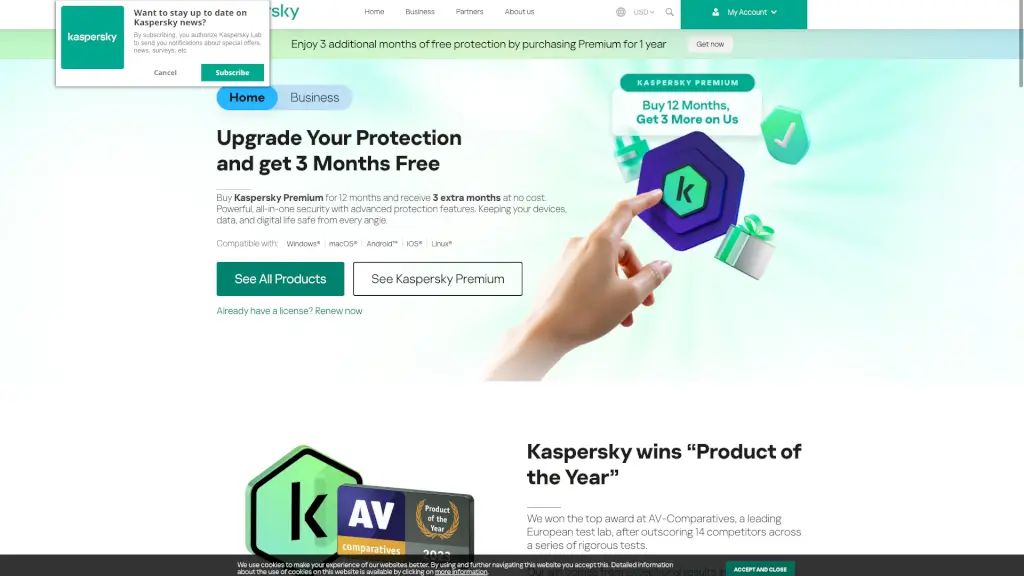
Kaspersky offers powerful, easy-to-use cybersecurity solutions designed to protect everything you do online—whether you're at home or running a business. With decades of expertise in threat detection and prevention, Kaspersky combines advanced AI technology with real-world usability to stop malware, phishing, ransomware, and data leaks before they cause harm.
From everyday browsing to online banking and gaming, Kaspersky ensures your devices stay safe without slowing them down. Trusted by millions worldwide, its home plans—Standard, Plus, and Premium—scale from essential antivirus to full digital life protection, including identity monitoring, unlimited VPN, password management, and parental controls.
What are the features of Kaspersky?
- Real-Time Antivirus: Blocks viruses, spyware, ransomware, and zero-day threats as they emerge.
- Online Payment Protection: Launches a secure, isolated browser for shopping and banking to prevent financial fraud.
- Unlimited Superfast VPN: Encrypts your internet connection on any network to protect privacy and bypass geo-restrictions.
- Data Leak Checker: Scans the dark web and alerts you if your personal info (like emails or passwords) appears in breaches.
- Identity Protection: Monitors for suspicious use of your personal details across websites and services.
- Kaspersky Safe Kids (1 year free): Helps parents manage screen time, filter content, and track location—all included with Premium and Plus plans.
- Performance Optimization: Runs quietly in the background with minimal impact on system speed or battery life.
- Expert Virus Check & Removal: Get direct support from Kaspersky specialists if malware slips through.
What are the use cases of Kaspersky?
- A family wants to protect multiple devices (Windows PCs, Macs, Android phones, and iPads) under one plan with parental controls for kids.
- Online shoppers and remote workers need secure payment sessions and identity theft prevention.
- Gamers require lightweight security that won’t interfere with performance during intense gameplay.
- Frequent travelers use public Wi-Fi and need encrypted connections via a reliable, unlimited VPN.
- Seniors targeted by scams want simple, automatic protection against phishing emails and fake websites.
- Tech-savvy users appreciate customizable features like scheduled scans and selective component installation.
How to use Kaspersky?
- Download and install your chosen Kaspersky plan (Standard, Plus, or Premium) from the official website.
- Activate your license key during setup or log in with your My Kaspersky account.
- Run the initial full system scan to detect any existing threats.
- Enable Online Payment Protection automatically when visiting banking or shopping sites.
- Set up Kaspersky Safe Kids through the parent dashboard if managing children’s devices.
- Use the Data Leak Checker in your account portal to monitor personal information exposure.