
What is Kahma?
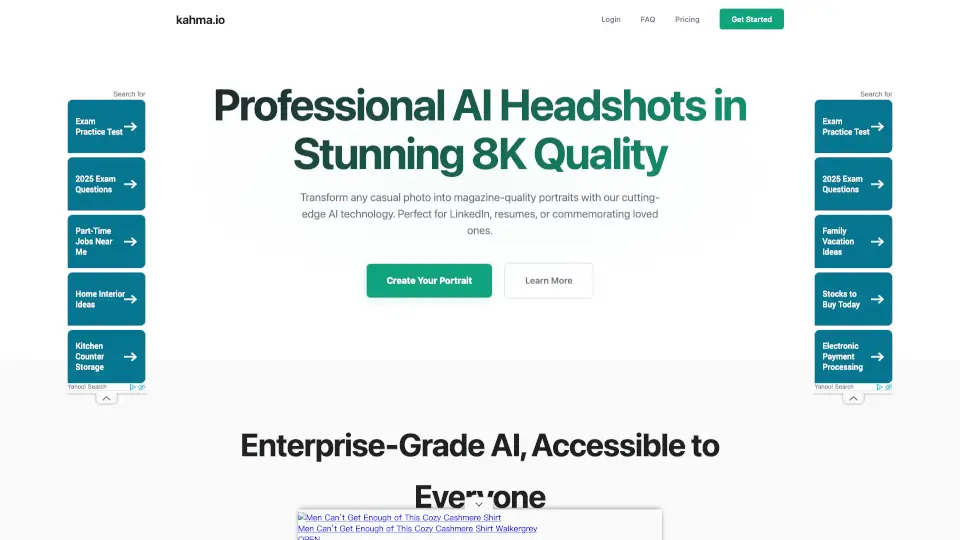
Looking for professional headshots without the hassle or high cost? kahma.io uses advanced AI to turn any casual photo into a stunning, magazine-quality portrait in 8K resolution. Whether you're updating your LinkedIn profile, creating a resume, or making a heartfelt gift for someone special, kahma.io delivers photorealistic results in minutes—not hours.
Unlike traditional photoshoots that require scheduling, lighting setups, and expensive sessions, kahma.io puts enterprise-grade AI portrait generation in your hands. Just upload one clear photo, and their smart system handles the rest, preserving your unique look while enhancing it to professional standards—all with complete privacy and no hidden fees.
What are the features of Kahma?
- 8K Print-Ready Quality: Get ultra-high-resolution portraits perfect for large prints or crisp digital displays.
- Photorealistic AI Rendering: The AI captures your true likeness and personality with impressive accuracy—no cartoonish filters here.
- Lightning-Fast Processing: Upload one photo and receive multiple polished portraits in just minutes.
- Complete Privacy Protection: Your images are processed on-site and automatically deleted after 7 days; never used to train models.
- Affordable Professional Results: Access billion-image-trained AI technology at a fraction of traditional photography costs.
- One Photo, Multiple Portraits: Submit a single casual snapshot and get several unique, high-quality variations to choose from.
What are the use cases of Kahma?
- Creating a polished LinkedIn or resume headshot without booking a photographer
- Making a touching memorial portrait of a loved one for a keepsake or special occasion
- Updating your professional online presence quickly for job applications or networking
- Generating high-res images for business websites, speaker bios, or social media profiles
- Crafting personalized gifts like framed portraits or holiday cards with lifelike quality
- Small business owners needing consistent, professional imagery across marketing materials
How to use Kahma?
- Choose a clear, well-lit photo of yourself (front-facing works best)
- Upload it to kahma.io through their simple web interface
- Let the AI process your image—no manual editing required
- Review the multiple 8K portrait options generated for you
- Download your favorites instantly for digital use or printing
- Share or print confidently knowing your data is protected and auto-deleted