
Jeda.ai logo

Jeda.ai

8
4.0
(0 Reviews)
India13.73%

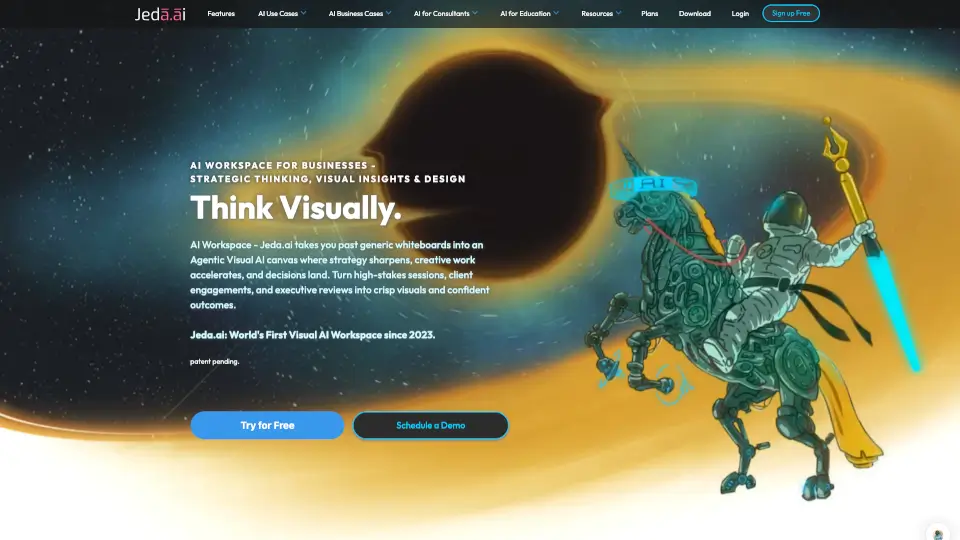
Jeda.ai is a patented Visual AI Workspace merging 18 AI models and 300+ frameworks on one collaborative canvas for faster, smarter decision-making.

Verified by SeekTool
Social Media:
Jeda.ai

Jeda.ai Product Information

What is Jeda.ai?

Jeda.ai is the first patented Visual AI Thinking OS built to turn messy brainstorming into clear, actionable strategy. Instead of bouncing between chatbots, spreadsheet trackers, and manual whiteboards, this workspace drops 18 top-tier AI models and over 300 battle-tested business frameworks onto one infinite, collaborative canvas. Whether you’re mapping a product roadmap, running a competitive scan, or planning a quarterly initiative, Jeda.ai strips away the guesswork so your team can focus on making confident choices instead of drowning in raw data.

What are the features of Jeda.ai?

  • Multi-LLM Reasoning Engine: Runs queries across GPT, Claude, Gemini, Grok, Llama, and more at the same time. The system compares outputs to spot bias or gaps, giving you balanced insights instead of relying on a single model’s limited perspective.
  • 300+ AI Recipe Frameworks: Skip blank-page anxiety by picking instantly applicable methods like SWOT, TRIZ, BCG, or OKR planning. Just fill in your context and watch professional-grade layouts appear.
  • 11 One-Click Visual Commands: Create matrices, mind maps, flowcharts, UI wireframes, infographics, and live widgets directly on the canvas without leaving the tab.
  • Vision Transform Tool: Click any shape, note, or diagram and instantly swap its format. Turn a loose brainstorm session into a structured process map while keeping all your connections intact.
  • Data & Document Intelligence: Drop in CSVs, Excel sheets, PDFs, or Word docs to instantly extract trends, highlight key metrics, and auto-generate clean visual summaries.
  • Built-In Live Web Search: Every generation pulls fresh, real-time internet data so your strategies stay grounded in current market conditions rather than stale training info.

What are the use cases of Jeda.ai?

  • Management Consulting: Build client-ready engagement plans, org charts, and scenario matrices in minutes, letting you spend more time advising and less time formatting slides.
  • Product & UX Design: Chart user journeys, rank features with prioritization grids, and sketch quick low-fidelity wireframes before handing designs to engineers.
  • Engineering & Technical Planning: Draft system architecture diagrams, database schema maps, and hardware decision trees while cross-verifying facts across multiple AI engines.
  • Marketing & Sales Strategy: Run PESTEL scans, map customer touchpoints, generate buyer personas, and lay out campaign workflows without hiring external research firms.
  • Corporate Education & Training: Instructors break down tough subjects into visual roadmaps and branching logic flows, making complex material stickier for students and trainees.

How to use Jeda.ai?

  • Start by typing a straightforward prompt or dragging a file onto the canvas—the AI handles formatting automatically.
  • Click AI Auto Extend on any selected item to let the platform suggest logical next steps, fill in missing branches, or add supporting details.
  • Hit the Dynamic Prompt icon after entering your first idea if you want the system to rewrite it into the most effective structure for your goal.
  • Use Vision Transform whenever you need to shift from rough notes to polished visuals without manually recreating links or labels.
  • Invite teammates to jump onto the shared canvas, debate the AI-generated points, and finalize the best approach before exporting or presenting.

Do you like this tool?

Upvote to help others discover it!

Jeda.ai Alternatives

Mural

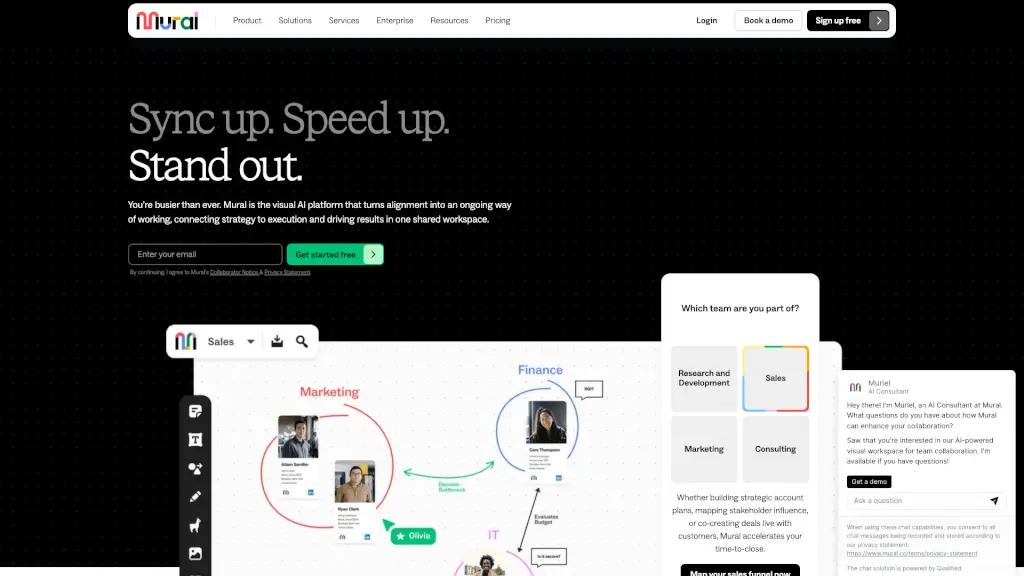
Mural is an AI-powered visual collaboration platform that helps teams align, innovate, and execute faster on a shared digital canvas.

US
32.07%
|
2.0M
|
5.0
Edraw.AI

Edraw.AI is an AI-powered visual collaboration platform with 40+ tools and 700+ templates to help teams create, collaborate, and manage projects efficiently. ---

IN
14.15%
|
305.3K
|
5.0
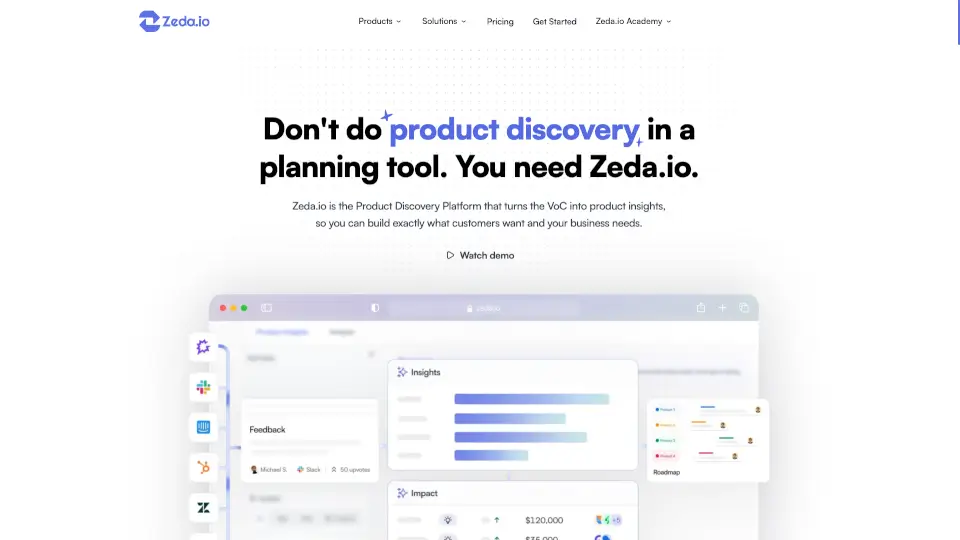
Zeda.io

Zeda.io turns customer feedback into AI-driven product insights, helping businesses build what customers want and drive revenue.

US
36.48%
|
7.7K
|
3.0
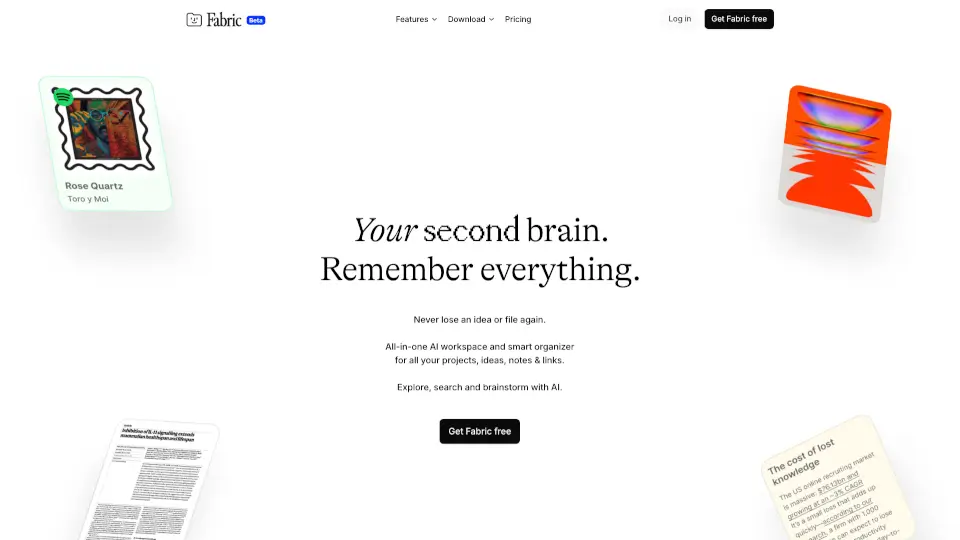
Fabric

Fabric is an AI workspace that thinks with you, connecting your files, ideas, and collaborations in one intelligent, secure platform.

US
24.93%
|
196.2K
|
5.0
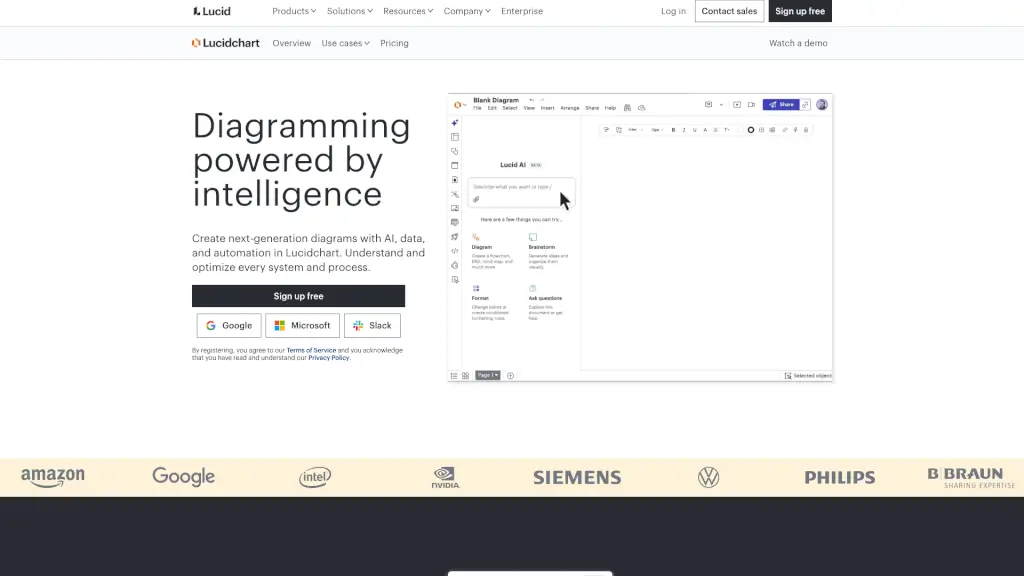
Lucidchart

Lucidchart is an AI-powered diagramming platform that helps teams visualize and optimize processes, systems, and structures through smart automation, real-time collaboration, and seamless app integrations.

US
18.48%
|
1.7M
|
5.0
Boardmix

Boardmix is an AI-powered online whiteboard that lets teams brainstorm, diagram, and collaborate in real time with mind maps, flowcharts, and AI tools—starting at $99 per seat.

RU
33.00%
|
617.6K
|
5.0
Walling

Walling turns scattered project notes into stunning visual boards using AI-powered organization, embedded media files, and instant shareable links today.

US
32.79%
|
15.0K
|
4.0
ジェンスパーク

Genspark is an all-in-one AI workspace for creating slides, documents, images, videos, and live dashboards from plain English questions.

JP
34.16%
|
11.5M
|
5.0

Jeda.ai Related Other Categories

Jeda.ai Traffic Analysis

💡 Insights

🌱
Emerging Tool
10K-100K monthly visits. Niche or new tool with potential unique value.
➡️
Stable
Traffic remains stable, indicating a mature product.
👍
Good Experience
Bounce rate of 38%. Users are willing to explore features.
🌐
Global Reach
Balanced user distribution worldwide.
  • Monthly Visits

    42.73K

  • Bounce Rate

    37.60%

  • Pages Per Visit

    1.97

  • Visit Duration

    00:00:24

  • Global Rank

    751781

  • Country Rank

    230685

Visits Over Time

Traffic Sources

SearchOrganic49.83%
Direct43.85%
Referrals6.31%
GenAi0.00%
SocialOrganic0.00%
SearchPaid0.00%
SocialPaid0.00%
Affiliate0.00%

Top Keywords

1
whiteboard created with ai
230Traffic
2
pdf to visual repreentation
160Traffic
3
corporate illustrtion style visual ai model
160Traffic
4
ai for consultants
150Traffic
5
best ai generator to create my own widget for free unlimited use on blogger
140Traffic

Top Regions

RegionPercentage
India
India
13.73%
United States
United States
12.43%
Oman
Oman
9.21%
Vietnam
Vietnam
5.52%
Netherlands
Netherlands
5.18%
Low
High

Powered by SimilarWeb

Jeda.ai FAQ

What is an AI Workspace?

An AI Workspace is a shared digital hub where teams create, analyze, and refine their work visually. Rather than working inside isolated chat windows, you get an infinite canvas powered by smart agents that turn prompts, data, and documents into structured diagrams and frameworks.

How does Jeda.ai's AI Workspace differ from other AI tools?

Most AI platforms just spit out text or give you manual whiteboards. Jeda.ai actually thinks alongside you using 18 models, applies proven analytical frameworks automatically, and presents everything as editable visuals on one canvas. You get validated, structured outputs instead of generic drafts.

What can I do with an AI Workspace?

You can generate strategic matrices, brainstorm mind maps, map out workflows, draft UI wireframes, pull insights from uploaded PDFs or spreadsheets, and even build live calculators or widgets—all without switching tabs or learning complicated software.

Who should use an AI Workspace?

It’s built for anyone who needs to untangle complex information quickly. That includes consultants, product managers, engineers, marketers, educators, MBA students, and executive teams who want to move from endless meetings to clear action plans.

How does the Three-Pillar approach work in Jeda.ai?

The platform tackles three big problems head-on: solving analysis paralysis by applying frameworks instantly, shifting from chaotic tool-hopping to a unified canvas, and replacing single-model guesswork with multi-engine validation. Together, they turn noise into structured clarity.

What is Jeda.ai's Visual Thinking OS?

Think of it as an operating system specifically designed for visual strategy. It bundles cognitive science, AI automation, and collaborative design into one space so your brain can process patterns and relationships faster than reading pages of text.

Is Jeda.ai free? What's the pricing model?

Yes, there’s a solid free plan to explore the core features. Paid tiers (Black Belt, Shifu, and Alchemist) unlock faster processing, premium AI models, advanced document/data intelligence, and dedicated support. Everything scales based on your workload and team size.

How does real-time collaboration work in an AI Workspace?

Multiple people can jump onto the same infinite canvas at once. Your team can comment, reorganize shapes, challenge AI-generated points, and watch changes update live, making virtual workshops feel as natural as being in the same room.

What are AI Recipes in Jeda.ai?

They’re pre-built, ready-to-use prompts tied to industry-standard methodologies like SWOT, TRIZ, BCG, or Customer Journey Mapping. Instead of typing out complex instructions, you just pick a recipe and fill in the blanks to get instant, professional-grade visuals.

What is the Multi-LLM Agent and how does it work?

The Multi-LLM Agent runs your query across 18 different AI models at the same time. It doesn’t just paste every answer back to you; it analyzes, compares, and aggregates the strongest reasoning so you get balanced, well-checked insights instead of one-sided opinions.

How does Web Search integration enhance the AI Workspace?

Every single command pulls live internet data by default. This means your matrices, reports, and frameworks are always backed by current market trends, competitor moves, and fresh statistics rather than outdated training data.

What security and compliance features does Jeda.ai have?

It’s hosted on enterprise-certified cloud infrastructure following SOC 2 Type II and ISO 27001 standards. Data stays protected with AES-256 encryption at rest and TLS in transit, with options for single-tenant setups and private clouds for strict governance needs.

Can I export my work from an AI Workspace?

Absolutely. Once your visual strategy is ready, you can easily download or share your canvases, diagrams, and generated files in common formats so they fit right into your existing slide decks, documentation, or client presentations.

Who uses Jeda.ai's AI Workspace?

Over 150,000 professionals across 11,000+ companies trust it daily. Major organizations like Google, Tesla, Microsoft, Amazon, NASA, Oracle, and dozens of agencies and startups use it to streamline everything from quarterly OKRs to complex product launches.

How do I get started with an AI Workspace?

Just sign up for the free plan to explore the interface, drag in a sample document or type your first idea, pick a framework from the library, and start shaping your canvas. If you prefer guidance, you can also book a guided demo to see the full workflow in action.

Jeda.ai Reviews

0

0

0 Reviews
Sign Into leave a review

Recent Reviews

No reviews yet

Jeda.ai Embed

Use website badges to drive community support for SeekTool.ai. They are easy to embed in your homepage or footer.

Light
Dark
Jeda.ai - Featured on SeekTool.aiJeda.ai - Featured on SeekTool.ai
How to install?

Looking for Jeda.ai Alternatives?

Compare top AI tools similar to Jeda.ai. Find the best option for your needs.

View Alternatives

Reviews

0.0

Share your experience with this tool...

Trending

Featured

Subscribe to our AI Newsletter

Get the top AI stories delivered to your inbox weekly.