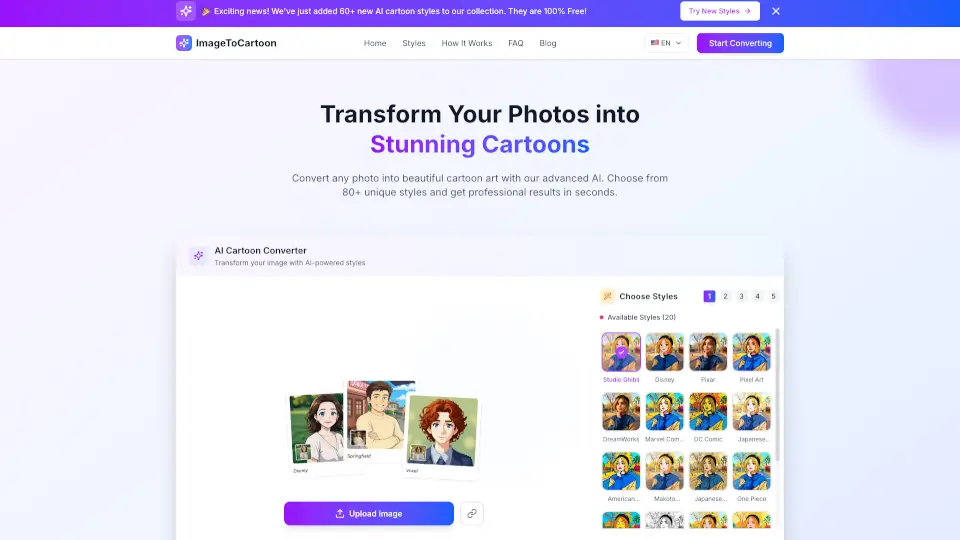
What is ImagetoCartoon?
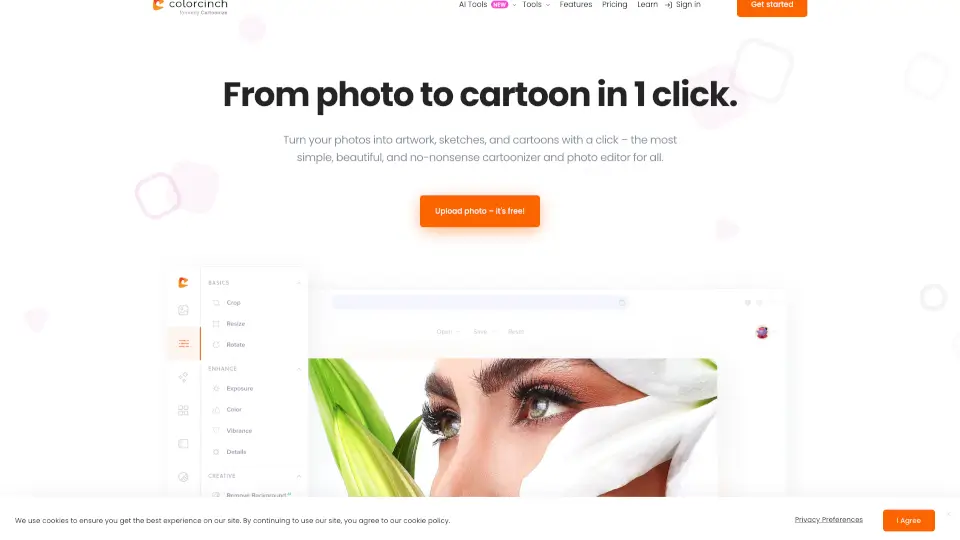
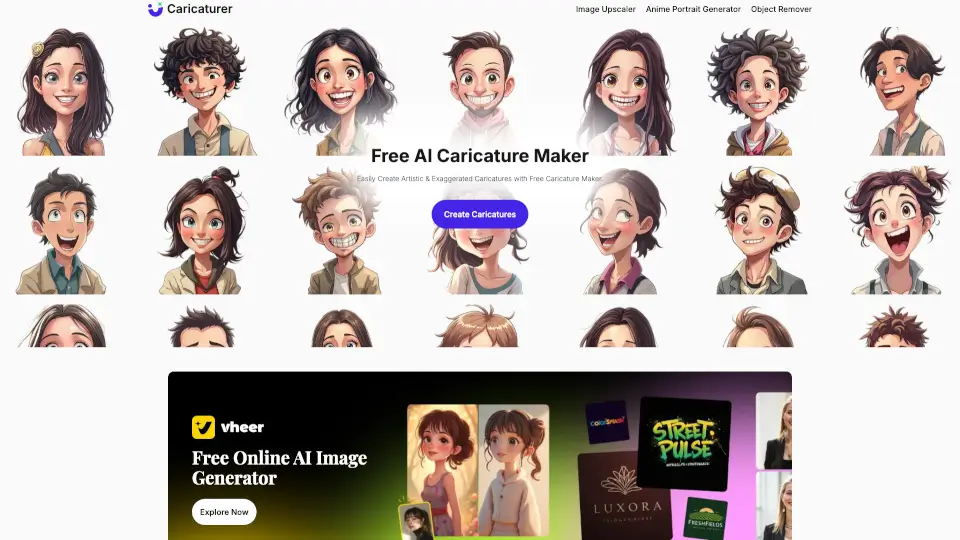
ImageToCartoon is an AI-powered online tool that converts photos into cartoon-style artwork. It supports over 80 unique styles including Studio Ghibli, Disney Pixar, anime, manga, 3D animation, claymation, and comic effects. The tool is free to use with no sign-up required, making it ideal for anyone wanting to create cartoon avatars, profile pictures, pet cartoons, or social media posts. Users upload a photo, choose a style, and download the result in seconds. The service works entirely in a browser on desktop or mobile and automatically deletes uploaded images within two hours for privacy.
What are the features of ImagetoCartoon?
- 80+ Artistic Styles: Choose from anime, Disney Pixar, manga, 3D, claymation, pop art, and more. Each style transforms the photo with distinctive visual effects.
- AI-Powered Processing: The tool automatically detects faces and converts photos into cartoon images with clean outlines and vibrant colors, no manual editing needed.
- No Sign-Up Required: Upload a photo, select a style, and download the result without creating an account or providing payment details.
- Automatic Privacy Deletion: Original and generated images are automatically deleted from the system within two hours, with no registration or login required.
- Multi-Platform Support: Works on any device with a browser – PC, Mac, tablet, or smartphone – and supports JPG, PNG, and WebP formats up to 10MB.
- Aspect Ratio Control: Option to match input image aspect ratio or choose preset ratios like 1:1, 16:9, or 2:3 for different output formats.
What are the use cases of ImagetoCartoon?
- Social media users creating custom cartoon profile pictures or avatars for platforms like Instagram, Twitter, or Discord.
- Pet owners turning animal photos into cartoon-style images for gifts, personalized merchandise, or fun sharing.
- Content creators generating comic-style or anime-inspired visuals for thumbnails, posts, or digital art projects.
- Businesses or teams producing cartoon versions of team photos for internal communications, presentations, or branded materials.
How to use ImagetoCartoon?
- Upload an image by dragging and dropping or clicking the upload area – supports JPG, PNG, and WebP up to 10MB.
- Browse the available styles (over 80) and select one that matches your creative vision, such as Studio Ghibli or Comic.
- Optionally adjust the aspect ratio to match your output needs, then click "Convert to Cartoon."
- Wait a few seconds for the AI to process your photo, then download the high-quality cartoon result.