
What is Hume AI?
Hume AI provides APIs and an evaluation platform for measuring and improving voice AI performance. It targets developers building voice models and agents who need to analyze audio beyond transcripts. Access is provided via API, with the Audio Decisions API currently available through a waitlist.
What are the features of Hume AI?
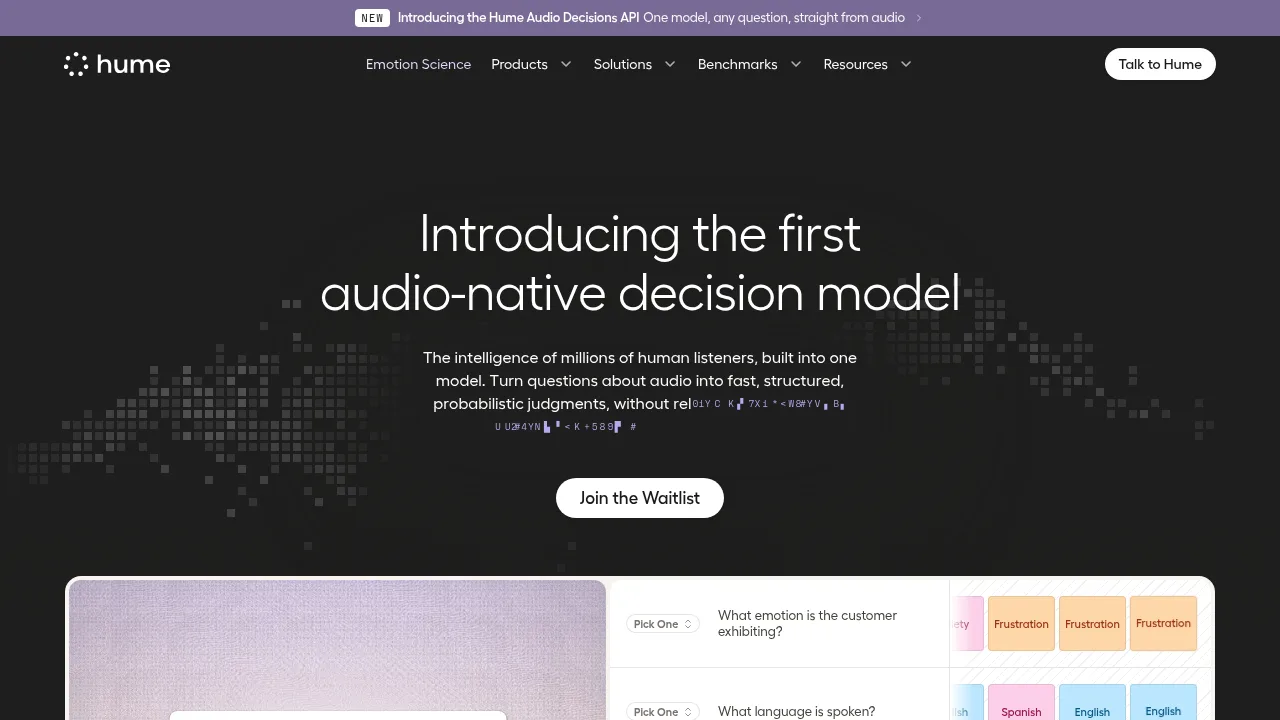
- Audio-native decision model (Audio Decisions API)Answers custom questions about audio inputs, such as speaker count or emotion, returning structured probabilistic judgments without requiring transcripts.
- Vocal expression measurement (Expression APIs)Analyzes vocal expression, timing, and conversational dynamics from audio inputs to detect states like frustration, sighs, doubt, or calmness.
- Automated user testing (User Testing API)Recruits participants across specified locales to test a voice agent endpoint and collect survey responses on attributes like naturalness and trust.
- Human rating collection (Human Feedback API)Gathers evaluations from trained raters to score recorded audio interactions on dimensions such as empathy and naturalness.
- Voice agent evaluationSimulates customer calls to measure response gaps, intent detection, and tone alignment, producing automated and human scores to guide improvements.
- Voice model benchmarking (VoiceEQ)Assesses voice systems under real conditions using objective metrics and human insights, comparing models across emotion alignment, naturalness, and reliability.
What are the use cases of Hume AI?
- Customer support quality assuranceEvaluates whether a voice agent acknowledges caller urgency and measures response latency during simulated order-status inquiries.
- Audio content moderationUses the decision model to classify audio segments for harassment or determine if a voice is AI-generated, returning confidence percentages.
- Voice model developmentCompares training checkpoints by rerunning automated stress tests and human ratings to identify gains or regressions in clarity.
How to use Hume AI?
- Initialize clientImport
HumeClientfrom the"hume"package and instantiate it withHUME_API_KEYusing TypeScript. - Create studyCall
hume.userTesting.createwith parameters including the agent WebSocket URL, participant count, locales array, and survey criteria. - Receive responseThe API returns a study identifier and status, such as
study_8f2a · recruiting 50 participants.