What is GetLayers?
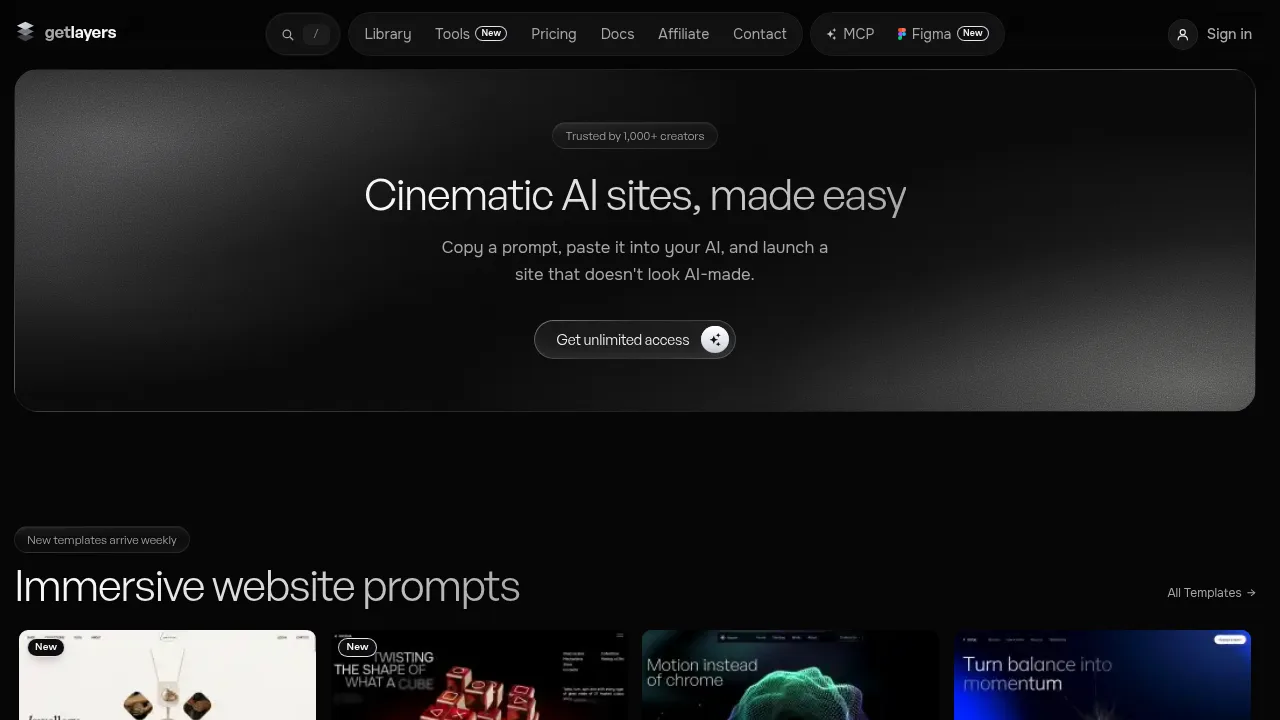
GetLayers is a library of structured prompts and design assets for generating cinematic websites using AI coding tools. Users search templates, 3D scenes, sections, backgrounds, and gradients, then paste the resulting prompt into an AI code editor to build a site. Commercial use requires a paid plan, while a curated set of free layers is available without a credit card.
What are the features of GetLayers?
- Unified asset searchSearches across website templates, 3D scenes, interactive sections, animated backgrounds, gradients, and AI design tools from a single interface.
- Prompt-based generationOutputs structured language prompts that users paste into AI coding tools like Claude Code, Cursor, or Copilot to generate self-contained HTML or framework-specific code.
- Live parameter tuningAllows users to adjust 3D scenes and gradients directly on the page before copying, so the generated prompt reflects the customized values.
- MCP agent integration (GetLayers MCP)Connects to AI agents to find, tune, build, and ship a complete website from a single sentence.
- Figma pluginImports templates and sections as editable Figma designs, with live-tuned gradients and image or video assets for 3D scenes and backgrounds.
- Full Stack starter projectProvides a Next.js project containing agent rules, skills, commands, subagents, and documentation for AI-assisted development.
What are the use cases of GetLayers?
- Converting a Figma design to a live siteUses the GetLayers MCP to rebuild an editable Figma frame into a deployed website.
- Rebuilding prompts in a specific frameworkAdds one line to a copied prompt so the AI generates the site in Next.js, Astro, Vue, WordPress, or other supported stacks instead of default HTML.
How to use GetLayers?
- Search the libraryFind a template, 3D scene, section, background, gradient, or tool using the unified search.
- Tune parametersAdjust elements such as scenes or gradients live on the page to customize the output.
- Copy the promptSelect the copy action to capture the structured prompt carrying the chosen values.
- Paste into an AI coding toolInsert the prompt into an AI assistant such as Claude, ChatGPT, Cursor, Copilot, Lovable, Bolt, or v0 to generate the code.
GetLayers Pricing Information:
- Free accessA curated set of free layers with full prompts included; no credit card required. Intended for trying the product rather than shipping as-is.
- Paid plansIncludes a commercial license, no attribution requirement, and no cap on the number of sites. Specific prices are not stated in the source.