

What is 智声云配?
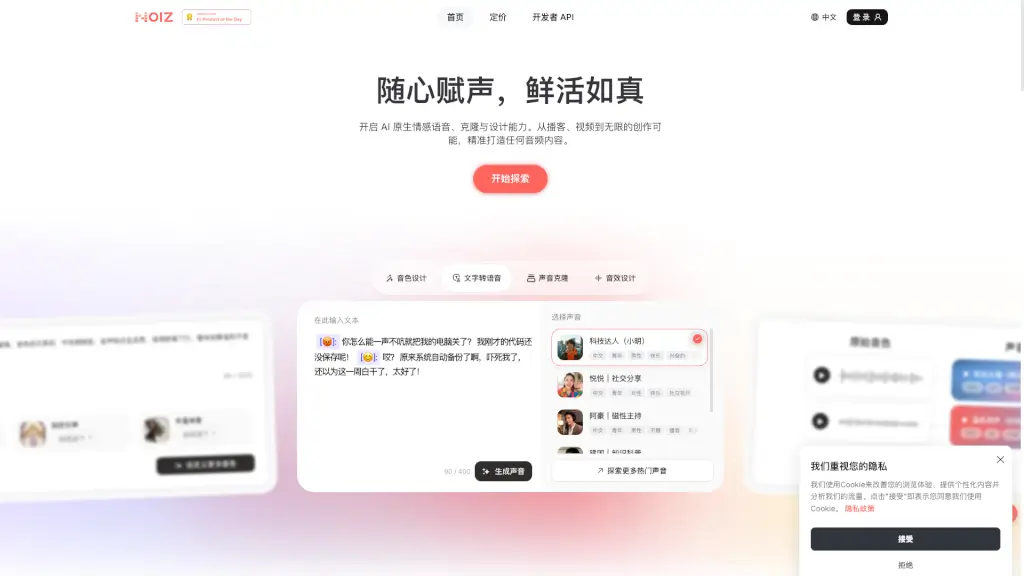
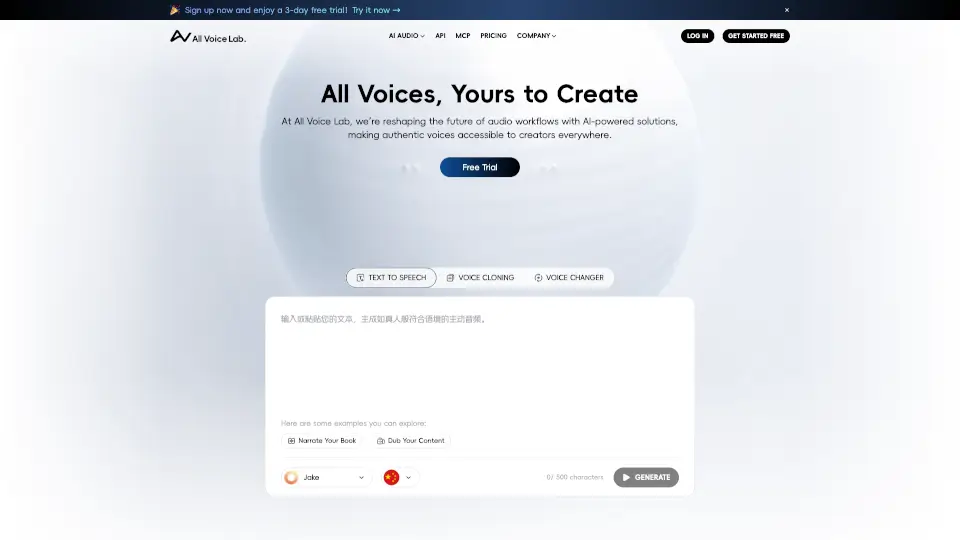
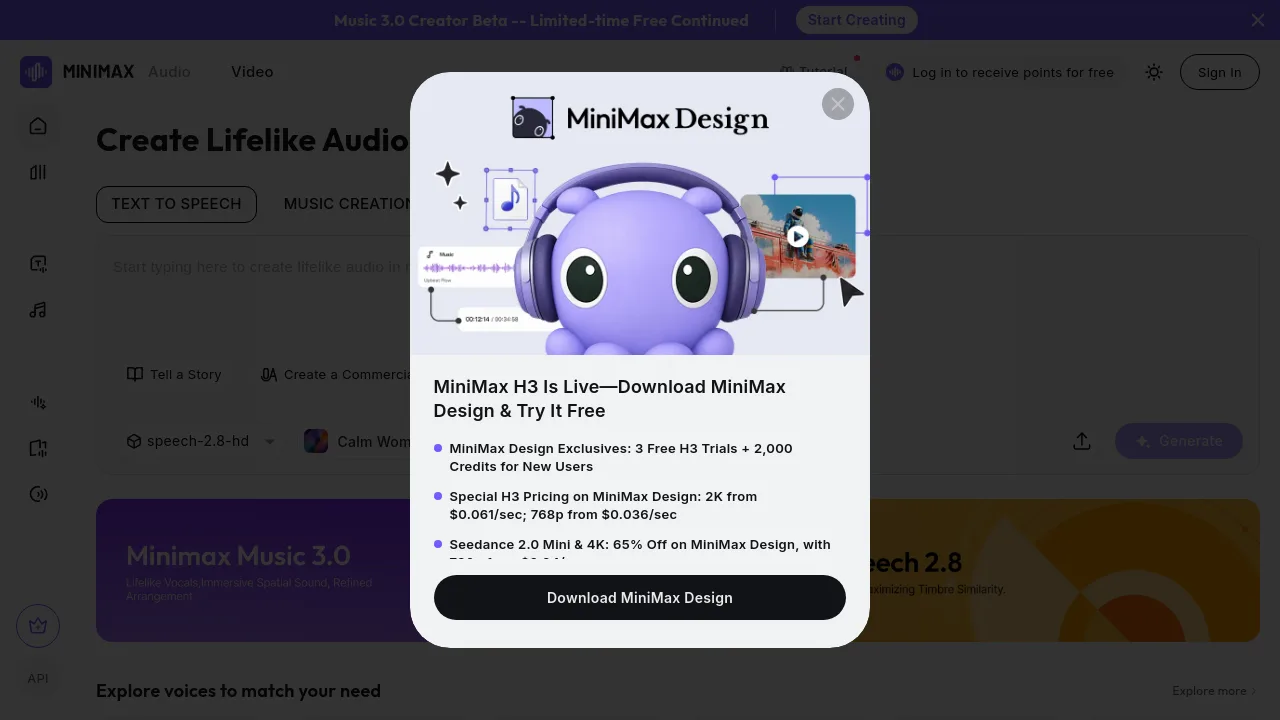
Meet DubbingX, your go-to AI-powered audio solution for all your voice needs. Whether you're creating a captivating audiobook, producing an engaging ad, or adding the perfect voice to your video, DubbingX has got you covered. With its advanced technology, this tool can clone voices, generate music, and even mimic different emotions and speaking styles. It's like having a professional voice actor at your fingertips, 24/7. Say goodbye to expensive recording sessions and hello to high-quality, customizable audio content.
What are the features of 智声云配?
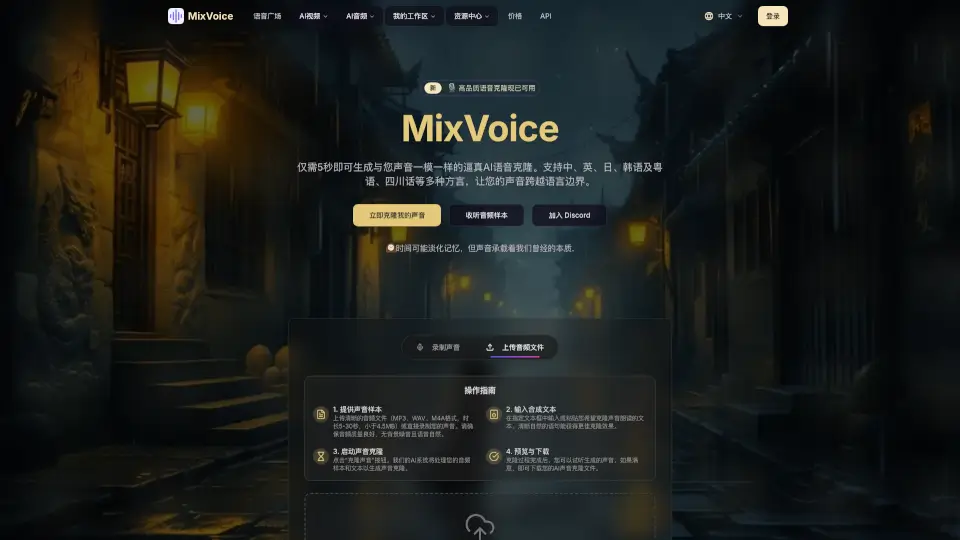
- AI Voice Cloning: Quickly and easily clone any voice, making it sound just like the original.
- Multi-Emotion Support: Choose from nearly 2500 different emotional tones to bring your content to life.
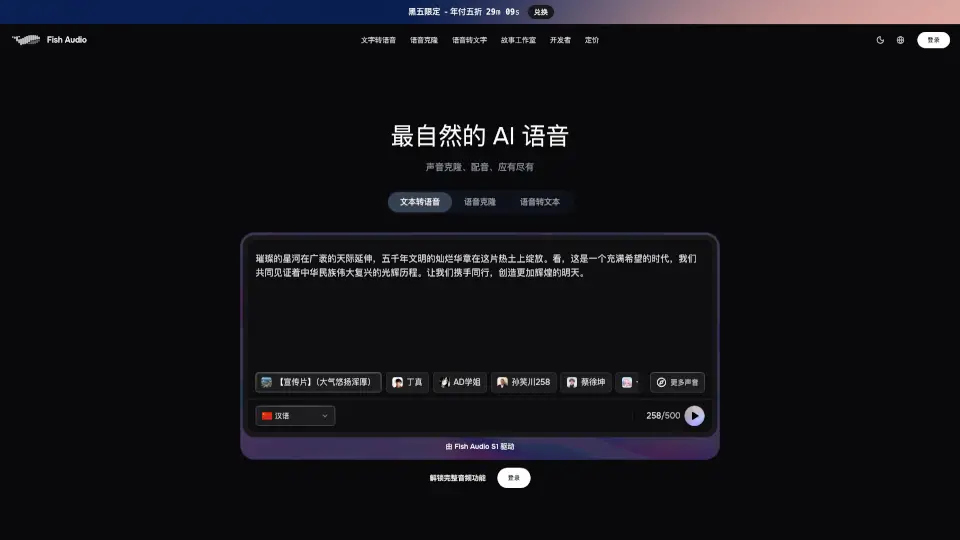
- Text-to-Speech (TTS): Convert written text into natural-sounding speech in multiple languages.
- Voice Conversion: Transform one voice into another, adjusting pitch, tone, and more.
- Custom Voice Creation: Build and customize unique voices tailored to your specific needs.
- AI Music Generation: Create original music tracks that perfectly match your project's vibe.
- Legal Compliance: All voices are legally authorized for commercial use, ensuring peace of mind.
What are the use cases of 智声云配?
- Audiobooks: Narrate entire books with a consistent, professional voice.
- Ad Campaigns: Produce compelling ads with the right tone and emotion.
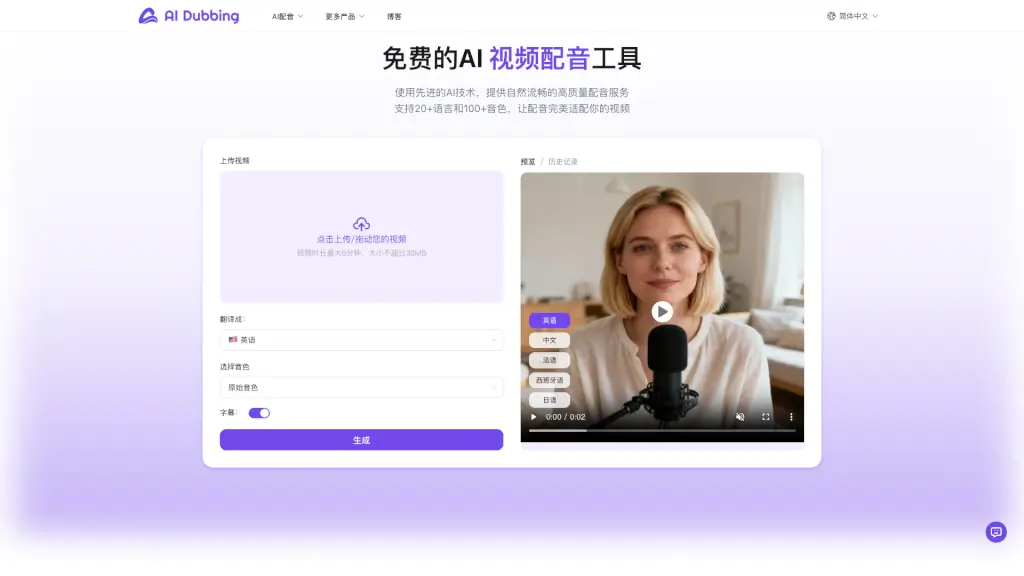
- Video Content: Add engaging voiceovers to your YouTube videos, explainer clips, and more.
- Game Development: Bring characters to life with dynamic, expressive voices.
- Virtual Assistants: Give your AI assistants a human touch with natural-sounding voices.
- E-Learning: Create engaging educational content with clear, easy-to-understand narration.
- Podcasts: Enhance your podcast with high-quality, consistent voiceovers.
How to use 智声云配?
- Choose Your Voice: Select from a wide range of pre-existing voices or upload a sample to create a custom one.
- Input Your Text: Enter the text you want to convert into speech.
- Select Emotions and Styles: Pick the appropriate emotional tone and speaking style for your content.
- Generate and Preview: Click to generate the audio and listen to the preview.
- Edit and Fine-Tune: Make any necessary adjustments to the generated audio.
- Export and Use: Download the final audio file and integrate it into your project.