What is CreativeMode?
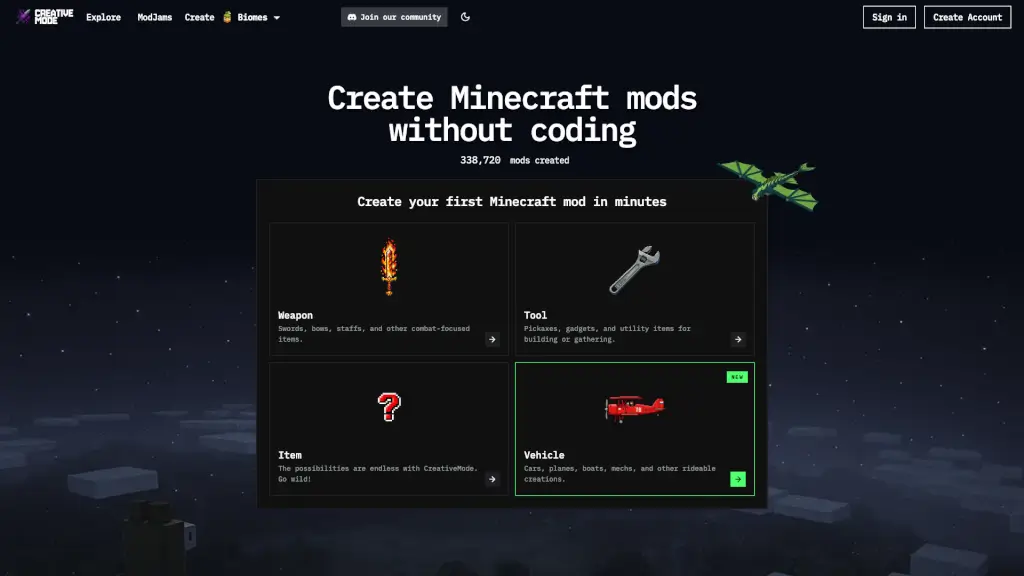
Tired of needing to learn Java just to make your dream Minecraft mod? CreativeMode lets you build full, playable mods—complete with custom items, weapons, mobs, blocks, biomes, and even vehicles—without writing a single line of code. Powered by smart AI tools and an intuitive visual editor, it turns your ideas into working mods in minutes, not months.
With over 500,000 players already creating and sharing their mods, CreativeMode is the go-to platform for both beginners and experienced builders who want to skip the coding grind. Whether you play on Minecraft Java or Bedrock Edition, you can design, test, and publish your creations—and even play them with friends instantly using built-in multiplayer servers.
What are the features of CreativeMode?
- No-Code Mod Builder: Describe your item, mob, or block in plain English, and CreativeMode’s AI generates the functional mod automatically.
- Full Java & Bedrock Support: Create mods for Minecraft Java Edition and add-ons for Bedrock (including mobile, Windows 10, and consoles).
- Rich Content Types: Make weapons, armor, tools, rideable vehicles, custom biomes, magical staves, lighting systems, and more.
- One-Click Multiplayer: Launch a modded server instantly so you and your friends can play your creation together—no setup needed.
- Publish & Share: Upload your mod to the Explore page, get downloads, climb leaderboards, and join community ModJams.
- Console-Friendly: Install and use CreativeMode add-ons on Xbox, PlayStation 5, and Nintendo Switch with guided support.
What are the use cases of CreativeMode?
- A student designs a Naruto-themed RPG mod with chakra jutsu, tailed beasts, and the Rinnegan—no programming required.
- A builder creates automatic walking bridges that deploy when stepping off ledges, perfect for parkour maps.
- A content creator crafts a laser-firing helmet (like Voltage Mullet) with beam-clash duels for PvP servers.
- Someone adds ambient prank biomes with Trickster Spirits that temporarily alter terrain and mobs for chaotic fun.
- A redstone enthusiast builds ceiling glow panels powered by wall-mounted electric switches for realistic indoor lighting.
- A survival player invents a sniper rifle (Copperstrike Longshot) with scoped aiming and custom ammo for tactical combat.
How to use CreativeMode?
- Sign up for a free CreativeMode account at creativemode.com.
- Choose “Create Mod” and select your Minecraft version (Java or Bedrock).
- Use the AI assistant or visual editor to define your item, block, mob, or vehicle by describing its behavior and appearance.
- Preview and test your mod instantly in-game using the CreativeMode Launcher.
- Publish your mod to share with others or launch a multiplayer session with friends.
- Join ModJams or browse the Explore page for inspiration and trending creations.