O que é CodeBuddy?
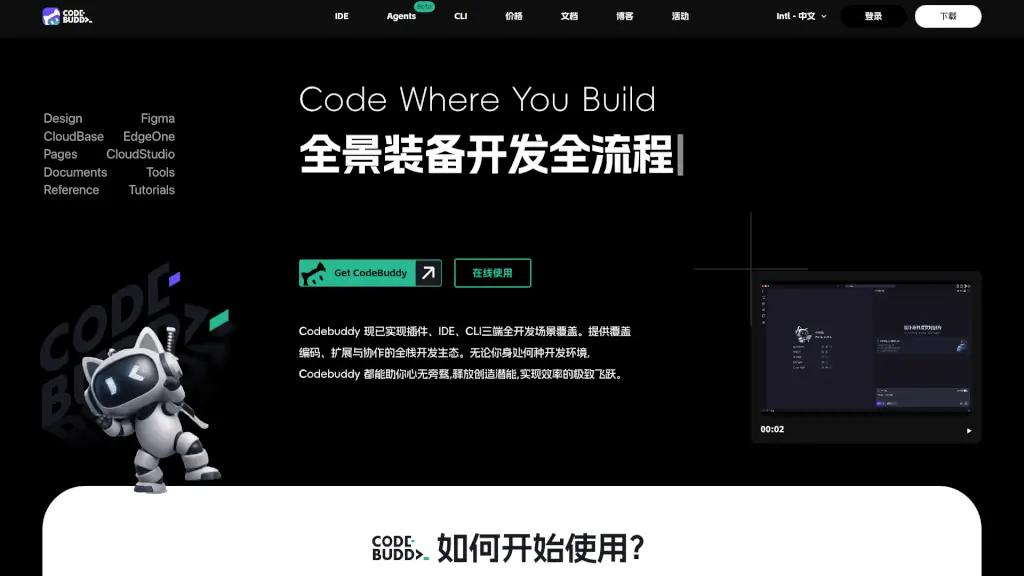
O Tencent Cloud Code Assistant CodeBuddy é um editor de código inteligente impulsionado por inteligência artificial, projetado para tornar a programação mais rápida, fácil e precisa. Desenvolvido com base no poderoso modelo de linguagem Tencent Yuanbao Code, ele entende seu estilo de codificação e oferece sugestões em tempo real — como um par de olhos experientes ao seu lado enquanto você programa.
Seja você um estudante aprendendo os primeiros comandos ou um desenvolvedor profissional trabalhando em projetos corporativos, o CodeBuddy ajuda a escrever código com menos erros e mais eficiência. Com suporte às principais linguagens de programação, ele se adapta ao seu fluxo de trabalho e entrega resultados reais: até 90% mais produtividade e 35% menos bugs no código final.
Quais são as características de CodeBuddy?
- Autocompletar Inteligente: Sugere trechos completos de código com base no contexto atual, não apenas palavras isoladas.
- Diagnóstico de Erros em Tempo Real: Identifica bugs e problemas de sintaxe assim que você digita, com explicações claras.
- Respostas Técnicas Instantâneas: Faça perguntas como “Como ordenar um array em Python?” e receba respostas diretas dentro do editor.
- Otimização de Desempenho: Aponta trechos lentos ou ineficientes e sugere melhorias práticas.
- Suporte Multilinguagem: Funciona com linguagens populares como Python, JavaScript, Java, C++, Go e mais.
- Integração Simples: Funciona diretamente no seu ambiente de desenvolvimento favorito, sem configurações complicadas.
Quais são os casos de uso de CodeBuddy?
- Estudantes de programação que querem aprender mais rápido com feedback imediato e exemplos práticos.
- Times de desenvolvimento corporativo buscando reduzir bugs e acelerar entregas de software.
- Professores que usam o CodeBuddy em aulas para demonstrar boas práticas de codificação em tempo real.
- Desenvolvedores freelancers que precisam entregar código limpo e eficiente sob prazos apertados.
- Iniciantes que se sentem perdidos com mensagens de erro — o CodeBuddy explica o problema em linguagem simples.
Como usar CodeBuddy?
- Instale a extensão do CodeBuddy na sua IDE (como VS Code) ou acesse diretamente pela plataforma Tencent Cloud.
- Comece a digitar seu código normalmente — o assistente já vai sugerir autocompletar inteligente.
- Se encontrar um erro, clique na mensagem destacada para ver uma explicação clara e sugestão de correção.
- Para tirar dúvidas técnicas, use o painel de perguntas dentro do editor (ex: “Como conectar ao MySQL em Node.js?”).
- Revise as sugestões de otimização após escrever uma função — elas podem melhorar muito a performance.
- Atualize regularmente a extensão para aproveitar os novos modelos e melhorias do Tencent Yuanbao Code.