

What is Cluely?
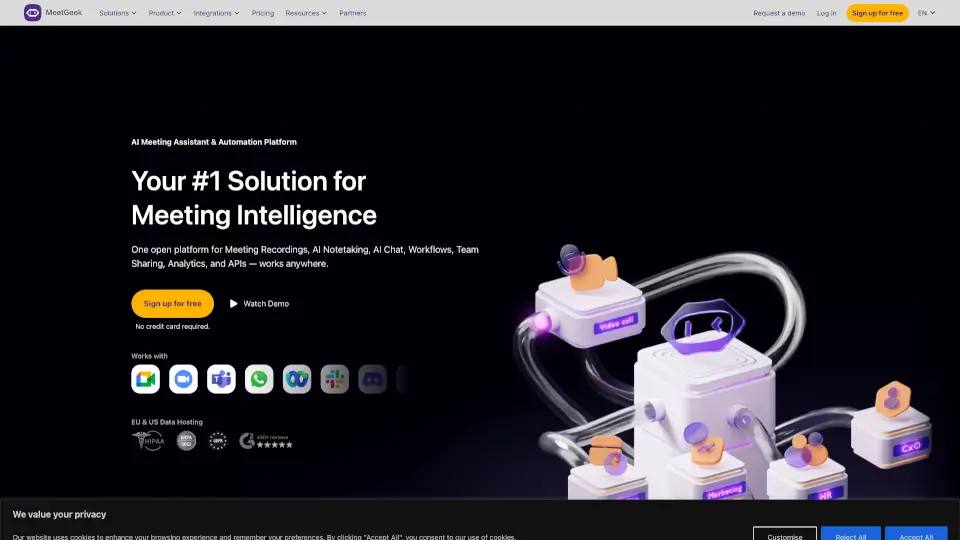
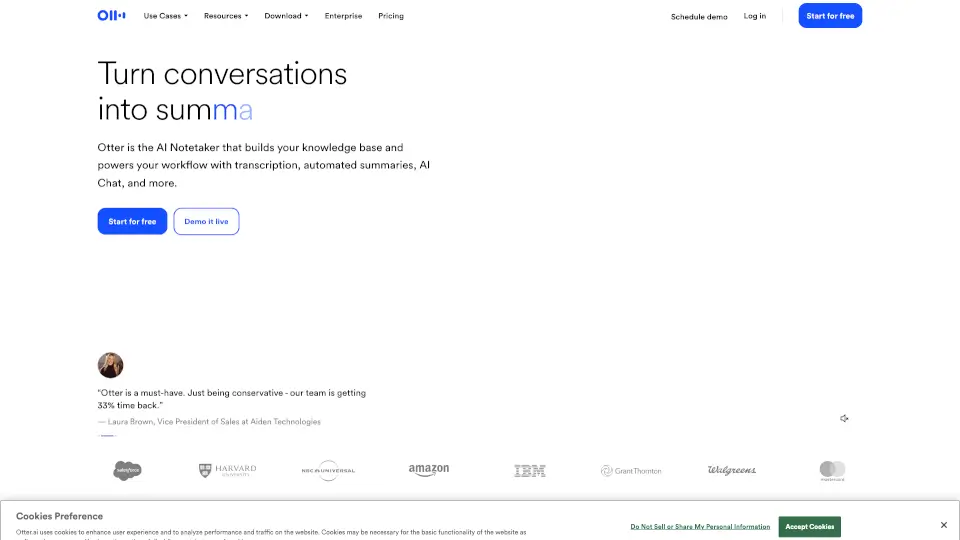
Tired of scrambling to take notes while trying to actually participate in meetings? Meet Cluely—the live AI meeting assistant that works with you during calls, not just after. Unlike tools like Otter or Grain that only give you transcripts once the meeting ends, Cluely listens in real time and gives you instant help when you need it most.
Whether you're stuck on what to say next, need a quick recap, or want smart follow-up questions generated on the fly, Cluely has your back—all without anyone else knowing it’s there. It’s designed to be completely undetectable, so you stay focused and professional while getting AI-powered support right on your screen.
What are the features of Cluely?
- Real-Time Meeting Notes: Automatically captures clear, shareable notes as your meeting happens—with 95% transcription accuracy and support for 12+ languages.
- Instant AI Assistance: Press Cmd/Ctrl + Enter to get immediate help—like drafting responses, summarizing key points, or suggesting next steps.
- Fully Undetectable: Cluely never joins your meeting, shows up in recordings, or appears during screen sharing. No bots, no extra participants—just you and your private AI helper.
- Eye-Tracking Window: The Cluely window moves with your focus so it’s always where you’re looking, keeping distractions minimal.
- Ultra-Fast Response: Delivers live transcription in just 300ms—faster than most competitors.
- Works Everywhere: Compatible with Zoom, Slack, Webex, Microsoft Teams, Google Meet, and more.
What are the use cases of Cluely?
- Jump into investor calls confidently by getting real-time suggestions for explaining complex topics like DCF models.
- Stay engaged in team syncs while Cluely quietly logs action items and decisions for you.
- Handle client meetings smoothly by instantly generating follow-up questions based on what’s being discussed.
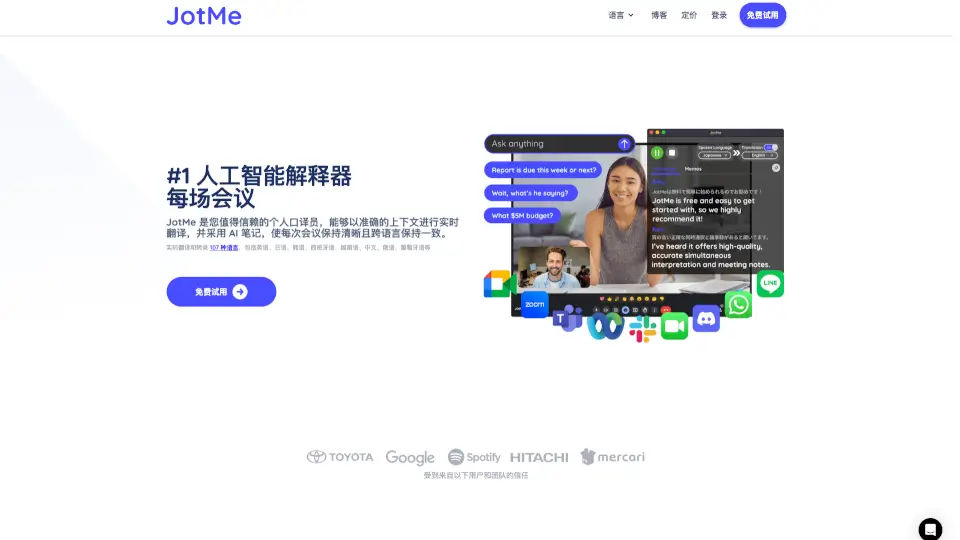
- Participate fully in multilingual meetings with live transcription in English, Spanish, Chinese, and 9+ other languages.
- Avoid awkward pauses by using Cluely’s “What should I say?” feature to craft thoughtful responses on the spot.
- Review your own screen content privately—Cluely can analyze what’s on your display and help you reference it during the call.
How to use Cluely?
- Download and install the Cluely desktop app for Mac or Windows.
- Open Cluely before your meeting—it runs silently in the background.
- Position the Cluely window anywhere on your screen; it won’t appear if you share your screen.
- During the call, press Cmd (Mac) or Ctrl (Windows) + Enter to activate AI assistance.
- Ask questions like “Recap the last 2 minutes” or “What should I say about pricing?” for instant help.
- After the meeting, export or share your polished notes directly from the app.