
What is Google Cloud Vision AI?
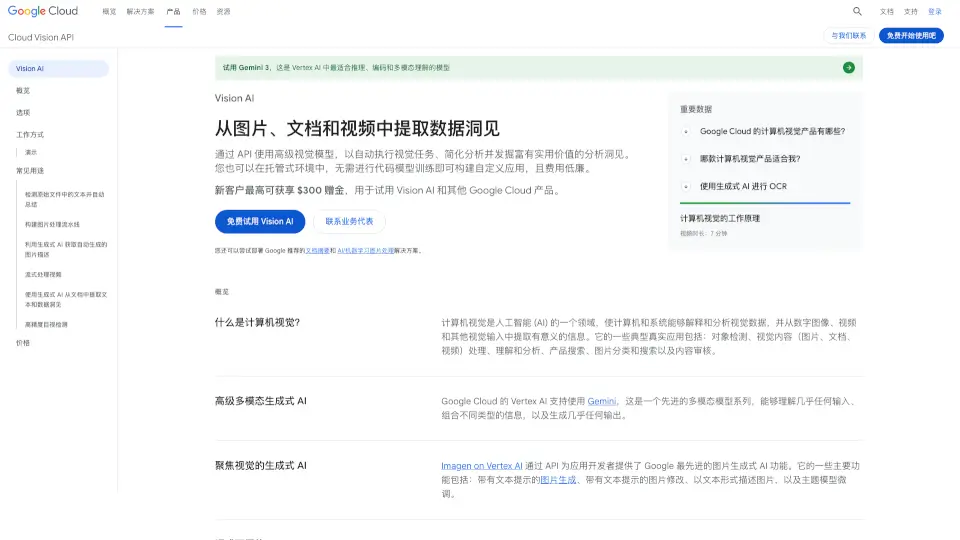
Google Cloud Vision AI is a powerful suite of image and video analysis tools that lets developers and businesses extract meaningful insights from visual content—without needing deep machine learning expertise. Powered by Google’s advanced pre-trained models and generative AI, it can detect objects, read text in images (OCR), analyze faces, label scenes, and even generate human-like descriptions of photos.
Whether you're processing scanned documents, moderating user-uploaded content, or building searchable video archives, Vision AI automates complex visual tasks through simple APIs. Best of all, it scales effortlessly and integrates smoothly into existing workflows, so you can focus on innovation—not infrastructure.
What are the features of Google Cloud Vision AI?
- Cloud Vision API: Pre-trained models for image labeling, face/landmark detection, OCR, and explicit content moderation.
- Document AI: Extracts structured data from PDFs, forms, and scanned documents using generative AI–enhanced OCR and NLP.
- Video Intelligence API: Analyzes stored or live video to detect objects, track motion, recognize text, and identify scenes.
- Imagen on Gemini Enterprise Agent Platform: Generates automatic image captions, modifies images via text prompts, and creates detailed visual metadata.
- Generative AI Summarization: Automatically summarizes large volumes of documents after extracting text—ideal for legal, financial, or research use.
- Free Tier & Pay-as-you-go Pricing: Get started with 1,000 free feature units/month on Vision API and $300 in credits for new Google Cloud users.
What are the use cases of Google Cloud Vision AI?
- Automatically extract and summarize key points from hundreds of PDF reports or contracts.
- Build a scalable image moderation pipeline to flag unsafe or inappropriate user uploads.
- Digitize printed or handwritten forms by converting them into structured, searchable data.
- Create searchable video libraries by detecting objects, logos, and spoken text in media files.
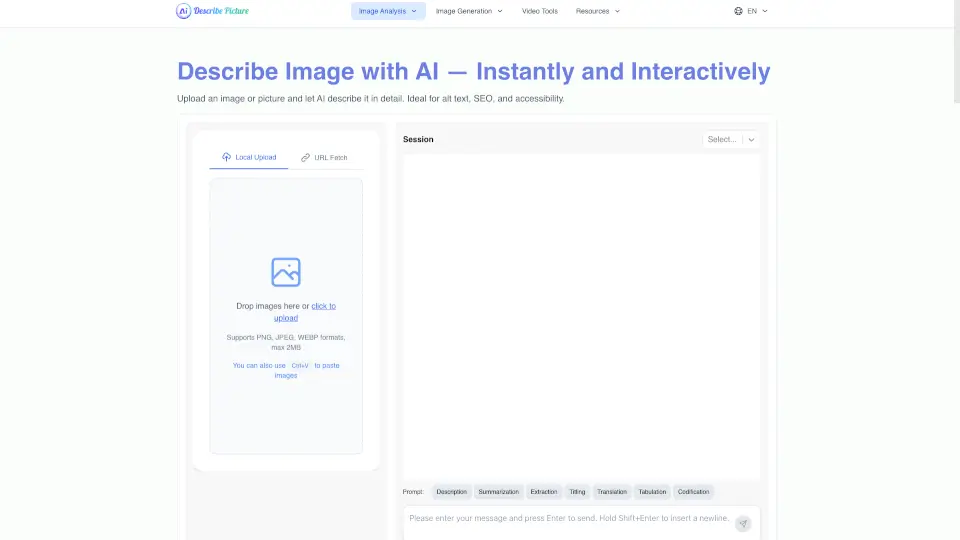
- Generate alt-text descriptions for images to improve accessibility and SEO.
- Power e-commerce product search by analyzing visual attributes like color, style, or category.
How to use Google Cloud Vision AI?
- Sign up for Google Cloud and enable the Vision AI APIs (e.g., Cloud Vision API or Document AI).
- Upload your image, document, or video to Cloud Storage or send it directly via REST/RPC API calls.
- Choose the right tool: Use Document AI for forms/PDFs, Vision API for general image analysis, and Video Intelligence API for video.
- For generative features like auto-summarization or image captioning, leverage Imagen via the Gemini Enterprise Agent Platform.
- Monitor usage and costs in the Google Cloud Console—remember you get free monthly quotas to start.
- Deploy full solutions quickly using reference architectures and Terraform templates provided by Google.