
What is Bark?
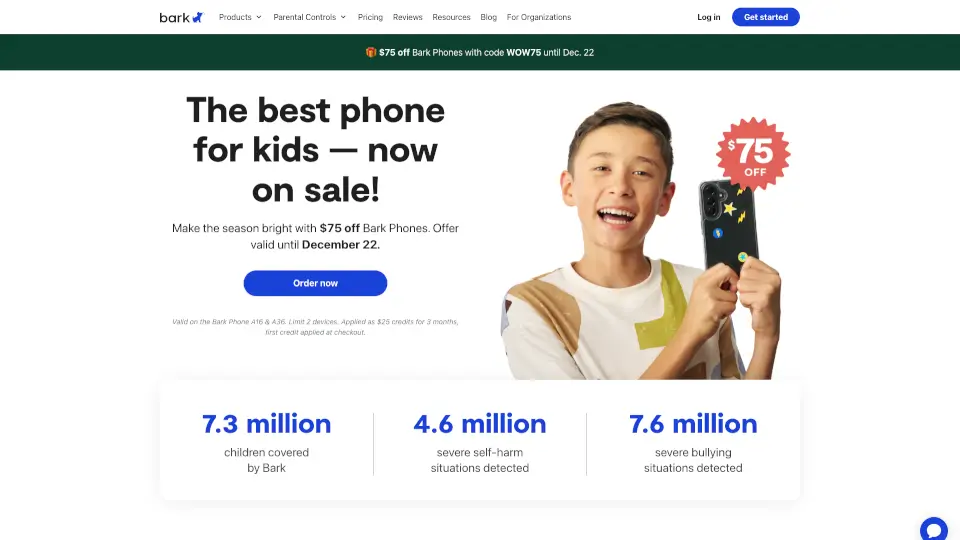
Bark's parental controls give you a smarter way to keep your kids safe online and in real life. Instead of just blocking content or setting timers, Bark uses advanced AI to actually monitor what your child is doing across texts, social media, emails, and web browsing. You get real alerts for real dangers—things like bullying, self-harm, or inappropriate content—so you can step in when it matters most. Whether you choose the Bark Phone with built-in controls, the Bark Watch for younger kids, or the Bark App for their existing devices, Bark helps you protect your family without being overbearing.
What are the features of Bark?
- AI-Powered Content Monitoring: Scans texts, 30+ social media apps, emails, web searches, images, videos, and audio. Detects dangers in over 29 categories including bullying, suicidal ideation, and sexual content.
- Screen Time Management: Create custom schedules for app use, set daily time limits, or pause the internet entirely. Perfect for school hours, bedtime, or family time.
- Website & App Blocking: Filter inappropriate content by category or block specific sites and apps. You decide what your child can access.
- GPS Location Tracking: Live map, location alerts, and check-ins so you worry less when your kid is out and about.
- Bark Assistant: A plain-language tool on your parent dashboard. Ask questions like "Who is my child texting most?" or give commands like "Block YouTube tonight."
- Contact Approvals: Choose who your child can talk to. Say goodbye to texts from strangers.
- Tamper-Proof Controls: On the Bark Phone, settings can't be deleted or disabled by your child. What you set stays set.
What are the use cases of Bark?
- First smartphone for a tween: Give your 10- to 13-year-old independence with a Bark Phone. You can approve contacts, block apps, and get alerts for anything concerning—without hovering over their shoulder.
- Busy family with multiple devices: Use the Bark App to monitor Android phones, iPhones, and even Chromebooks. One subscription covers every child and device in your home.
- Younger kid who needs a phone but not a smartphone: The Bark Watch lets them text a pre-approved contact list and lets you see their location. No games, no browsers, no social media.
- Teen with an iPhone or iPad: Pair the Bark App with the Bark Sync smart charger. It scans your child's iOS device for dangers every time they plug it in—no computer needed.
- Managing screen time at home: Use Bark Home to set limits on smart TVs, gaming consoles, and other connected devices. Pause the internet for the whole house at dinnertime.
- Protecting a child with special needs: Bark's personalized alerts and expert recommendations help you handle tough conversations. You get guidance with every alert, not just a red flag.
How to use Bark?
- Choose the right Bark product for your child: Bark Phone (built-in controls), Bark App (for existing devices), Bark Watch (for younger kids), or Bark Home (for household devices).
- Download the Bark parent app on your own phone to review alerts, add children, connect accounts, and update settings.
- Install the Bark Kids app on your child's Android device, or use the Bark Sync smart charger for iOS devices. No extra apps needed for the Bark Phone.
- Set up monitoring by adding your child's social media accounts, email, and device. Customize alert sensitivity—choose what matters to your family.
- Use the Bark Assistant on your dashboard to ask questions or make changes. Say "Show me my child's current location" or "Pause phone for 30 minutes."
- Regularly check your alerts and personalized reports. Bark gives you expert recommendations with each alert to help you start the right conversation.