
What is Intellimize?
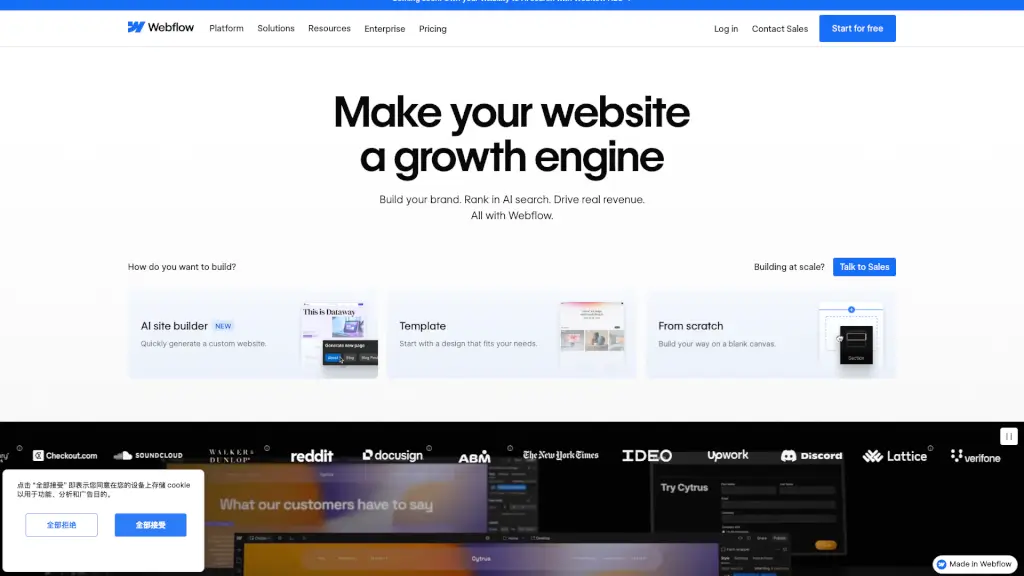
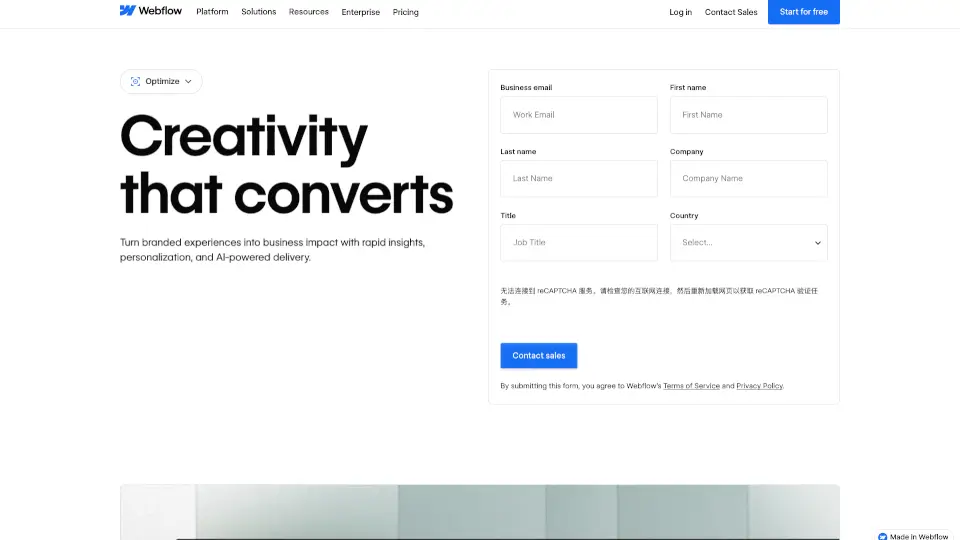
Webflow Optimize is an AI-powered experimentation and personalization tool for marketers and digital teams. It combines A/B testing, rules-based personalization, and AI-driven optimization to help you identify what content works and deliver tailored experiences to visitors. The tool works with any CMS—natively on Webflow sites or via a lightweight JavaScript snippet on non-Webflow sites. It integrates with services like Salesforce, HubSpot, 6sense, and Demandbase for advanced audience targeting. This makes it a practical choice for teams that want to run experiments without developer dependencies and scale winning variations across their site.
What are the features of Intellimize?
- A/B Testing & Experiments: Run quick A/B tests on copy, images, CTAs, or entire page sections to learn what drives higher engagement and conversions.
- Rules-Based Personalization: Segment visitors by device, location, traffic source, UTM parameters, or behavioral patterns to show tailored content and offers.
- AI-Powered Optimization: Let AI automatically test multiple variables at once and dynamically deliver the best-performing variant to each visitor in real time.
- Enterprise Integration: Connect with marketing platforms like Salesforce, Marketo, HubSpot, 6sense, and Demandbase for firmographic and CRM data targeting.
- Native Webflow Integration: Create and launch variations directly in Webflow’s visual editor without complex code or developer backlogs.
- Audience Insights: Monitor performance and learn from native audience behavior data directly within the Webflow platform.
What are the use cases of Intellimize?
- Marketers running A/B tests on landing page headlines and CTAs to improve conversion rates.
- ABM teams personalizing site experiences for target accounts using firmographic data from 6sense or Demandbase.
- Ecommerce stores showing different offers to returning vs. new visitors based on behavioral segmentation.
- Content teams testing multiple image and copy combinations to see which variant drives more engagement.
- B2B companies integrating CRM data to serve personalized content by lead score or deal stage.
How to use Intellimize?
- Start by adding the Webflow Optimize JavaScript snippet to your site (or enable natively on Webflow).
- Create a new experiment or personalization rule in the Optimize dashboard, choosing your target audience.
- Define variants by editing content, images, or CTAs directly in the visual editor or using the code editor.
- Launch the test and monitor real-time performance data; AI mode will automatically allocate traffic to winning variants.
- Review results and apply the winning experience to your live site with one click.