
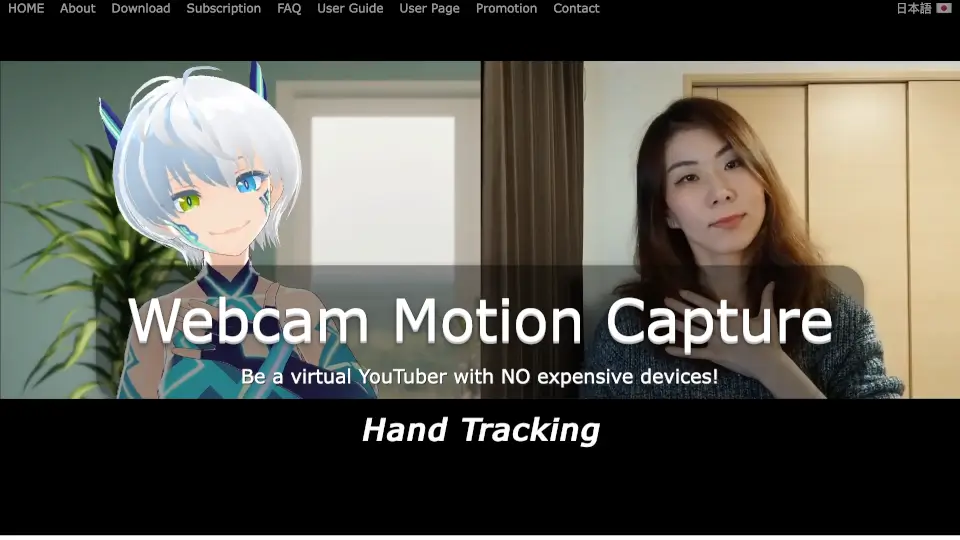
What is Webcam Motion Capture?
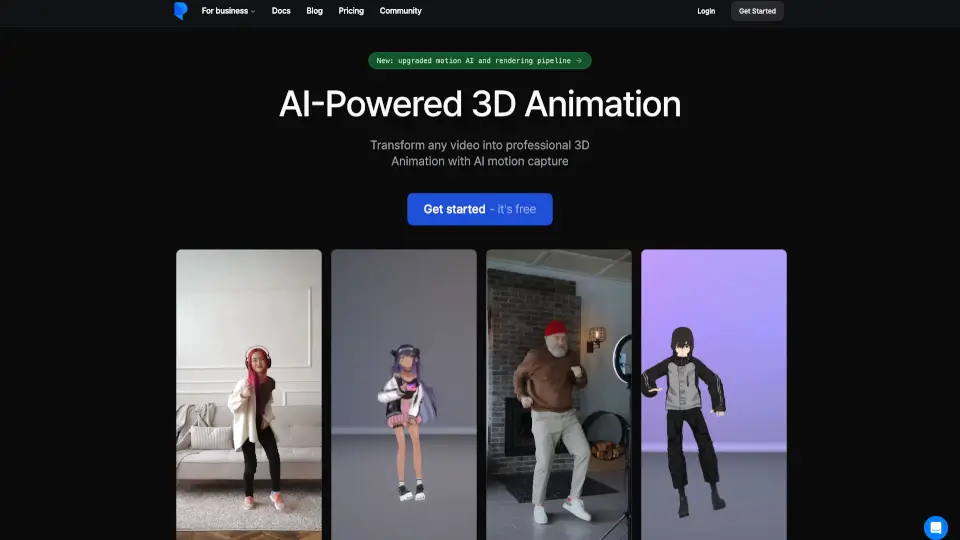
Turn your everyday laptop or phone camera into a full motion capture studio with Webcam Motion Capture. This AI-driven software lets you control a 3D avatar in real-time using just your built-in webcam, so you don’t need pricey cameras, gloves, or body suits to start VTubing or creating animations. Since late 2021, over 38,000 creators across 120 countries have used it to bring animated characters to life. Whether you’re streaming on YouTube, making short-form videos, or prototyping indie games, this tool handles head movement, facial expressions, eye tracking, lip syncing, and precise hand gestures—all without breaking the bank or requiring technical expertise.
What are the features of Webcam Motion Capture?
- AI-Powered Hand & Finger Tracking: Captures natural finger and palm movements straight from a standard webcam, cutting out the need for specialized glove hardware.
- Complete Facial & Head Tracking: Monitors head position, micro-expressions, eye gaze, blinking, and lip sync so your avatar feels genuinely reactive.
- VMC Protocol Support: Push tracking data directly to external apps like VSeeFace, Unity, or Unreal Engine without messy middleware.
- FBX Animation Export: Record sessions and save them as standard FBX files ready for Blender, Maya, or 3ds Max pipelines.
- Cross-Platform & Mobile Offloading: Works natively on Windows 10+ and macOS Catalina+, plus supports iWebcamMotionCapture for iOS to shift processing load away from weaker PCs.
- Real-Time Performance Tuning: Built-in resolution scaling, capture speed toggles, and GPU sliders let you keep frame rates smooth even on budget hardware.
What are the use cases of Webcam Motion Capture?
- Launch a VTuber channel on YouTube or Twitch without investing in professional mocap rigs
- Produce quick 3D character animations for TikTok, Reels, or creative portfolios
- Capture gesture reference footage for indie game developers and animators
- Host virtual classes or livestreams while keeping your physical webcam feed hidden
- Test and tweak new VRM avatar rigs before purchasing premium character models
How to use Webcam Motion Capture?
- Download the installer for your operating system, run the executable, and launch both Webcam Motion Capture and Webcam Motion Receiver from your desktop shortcuts.
- Open the capture window menu, go to Preferences, and set your camera resolution to 640x360 for snappier tracking on standard laptops.
- Find a well-lit spot with minimal visual clutter, place your camera at roughly eye level, and roll up long sleeves so your elbows and wrists stay clearly visible.
- If you notice frame drops during streams, open the receiver window, click App Settings, and switch Graphics Quality & GPU Usage to Low.
- To share data outside the app, enable the VMC protocol for third-party software, or press the record button to export an FBX file for offline editing.