
What is Miraga?
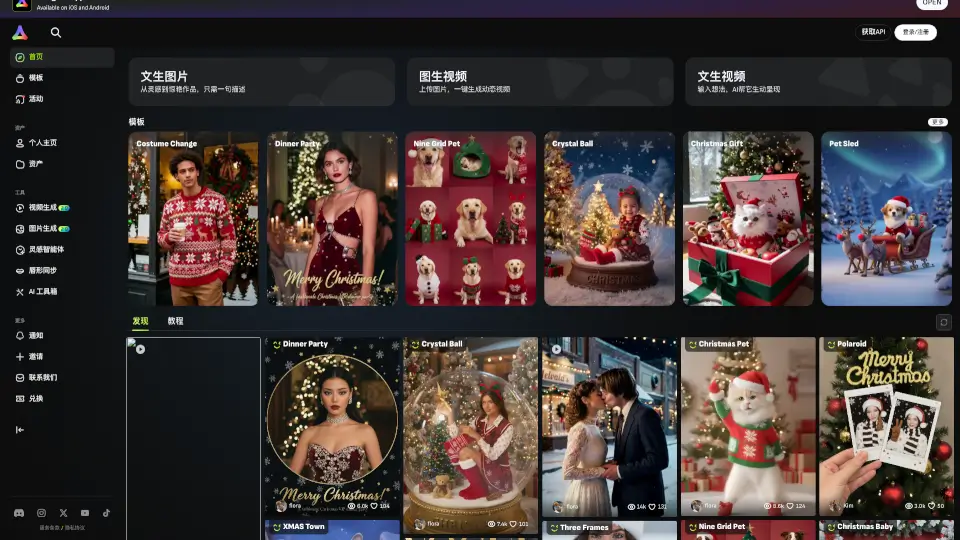
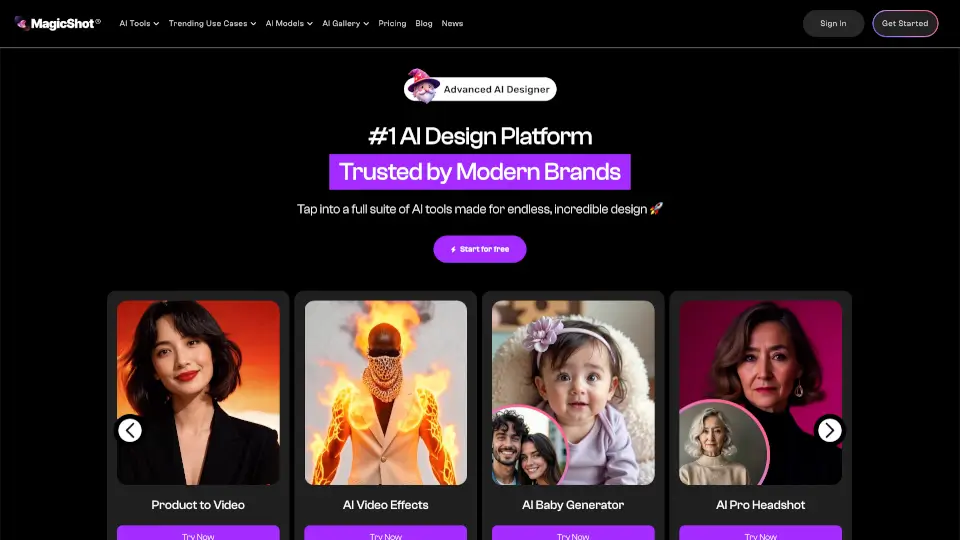
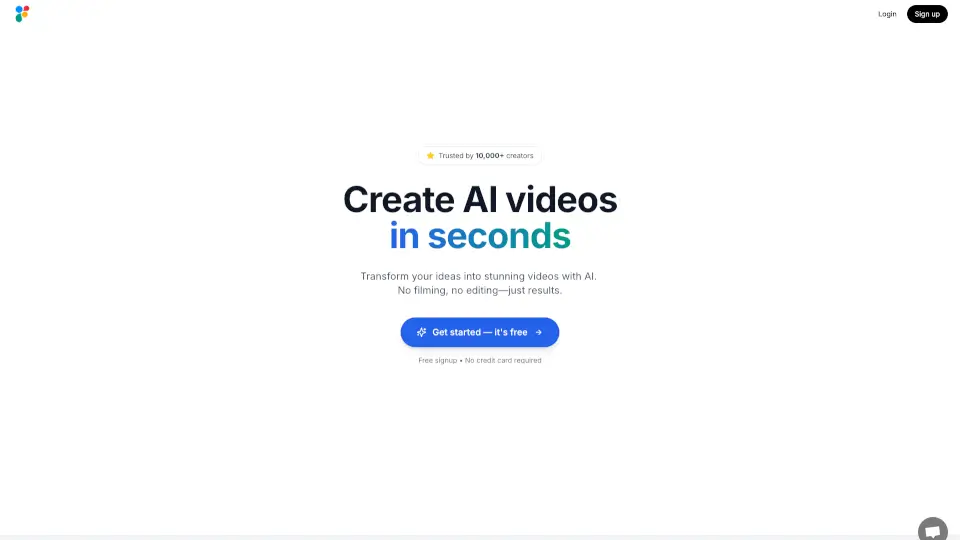
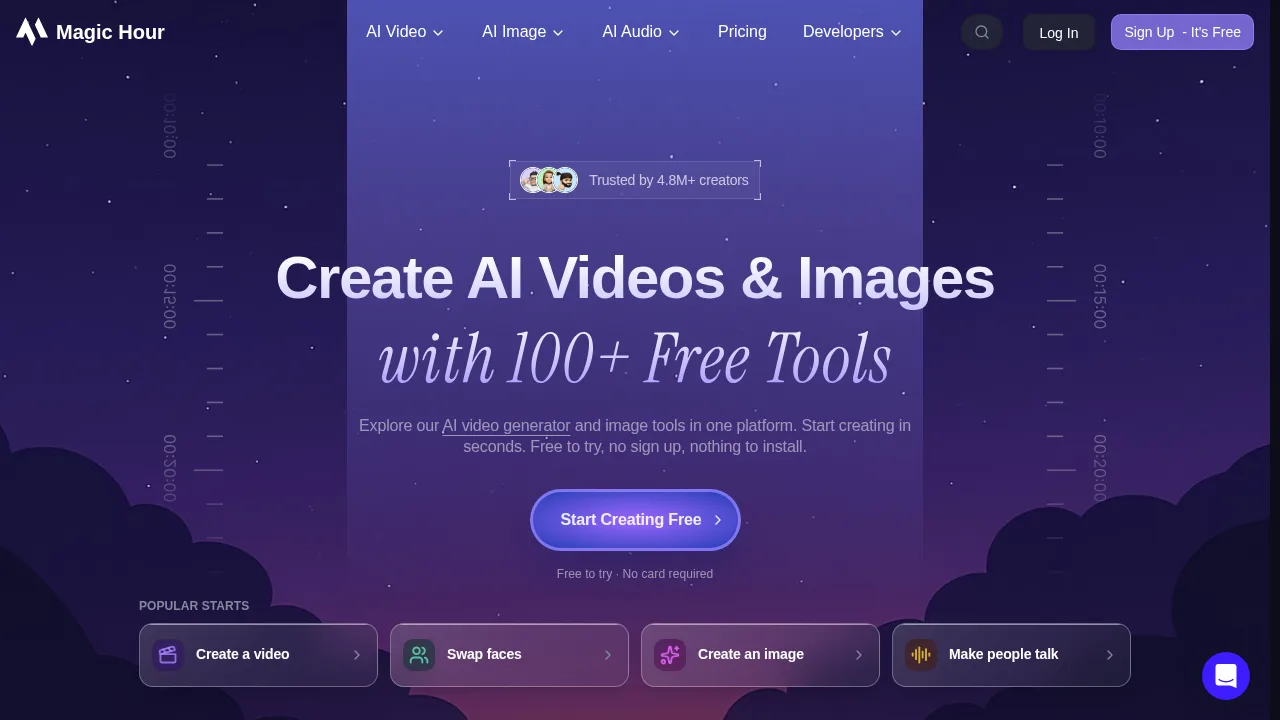
Miraga is an AI video, image, and audio generation platform that converts photos into videos, plans long-form story projects, and produces audio content. It is accessible via web workspace, mobile apps for Android and iOS, or API integration with external AI agents. The vendor states that all uploaded and generated data is automatically deleted after 24 hours.
What are the features of Miraga?
- Image to video conversionTransforms uploaded photos into videos, with the vendor claiming cinematic quality and export up to 4K resolution.
- Story planning workspace (Studio)Organizes long-form projects by managing episodes, characters, locations, and storyboard panels, converting each panel into prompts for image and video generation.
- Audio creation agentProduces voice-overs, audio translations, podcasts, and speech by transcribing references, translating dialogue, and maintaining consistent voices through conversational revision.
- Interactive fiction generationCreates interactive novels by generating characters, plots, and worlds from user input.
- MCP and API accessProvides API keys to connect Miraga with external AI agents such as ChatGPT, Claude Code, Trae, WorkBuddy, and OpenClaw for generating images, launching videos, querying tasks, and checking credits.
- Prompt guidesOffers documentation for structuring image prompts (portraits, products, reference-image workflows) and video prompts (storyboard structure, motion detail, camera language).
What are the use cases of Miraga?
- Long-form episode productionPlan stories, manage characters and locations, and convert storyboard panels into production-ready image and video prompts within the Studio workspace.
- Multilingual audio post-productionTranscribe reference files, translate dialogue, maintain consistent voices, and revise scenes through conversation to produce finished voice-overs or podcasts.
- External agent automationConnect Miraga via MCP and API keys so tools like ChatGPT or Claude Code can generate media, inspect models, and check credits directly.
How to use Miraga?
- Upload or promptDrag and drop a photo or enter a text prompt on the web interface.
- GenerateThe AI renders the video in real-time.
- DownloadExport the completed video in 4K resolution.
Miraga Pricing Information:
- Free planNew users receive free credits upon registration; no watermarks are added to videos. Additional credits can be earned by sharing created templates with the community.
- Pro planPrice not stated. Videos generated on this plan are available for commercial use.