
What is Vidu Studio AI?
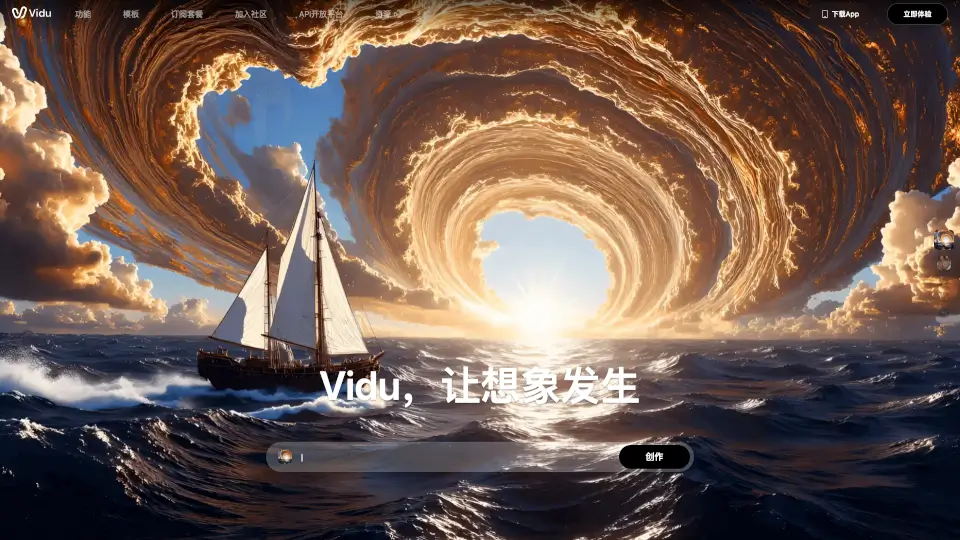
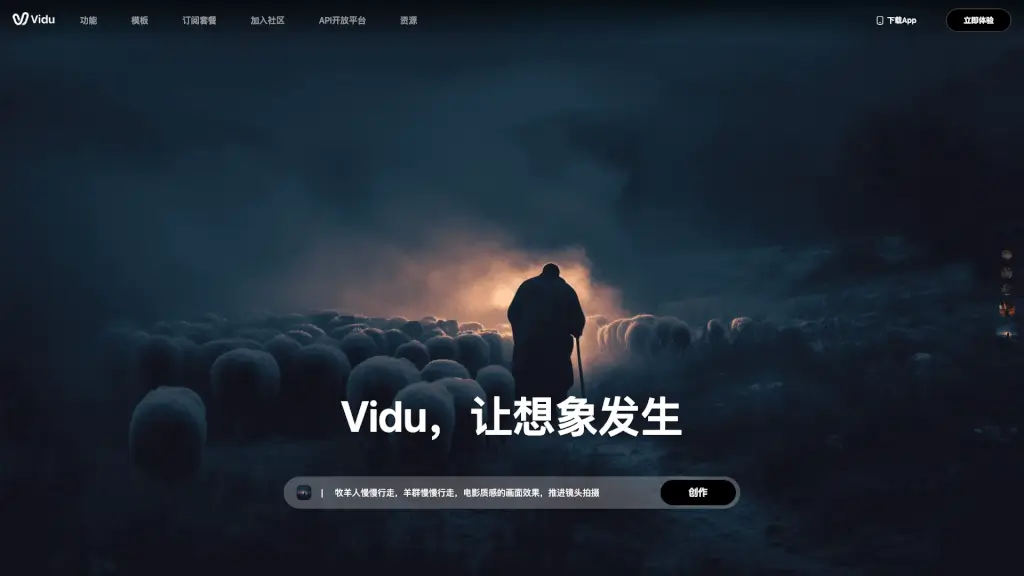
Vidu AI is a groundbreaking AI content production platform that turns your creative ideas into stunning videos with just a few clicks. Whether you're an aspiring animator, a social media creator, or a business looking to jazz up your marketing, Vidu AI makes it easy to bring your visions to life. With its advanced AI technology, Vidu AI can transform text and images into high-quality, dynamic videos, ensuring that the main subjects in your video stay consistent and natural throughout.
What are the features of Vidu Studio AI?
- Text-to-Video: Convert your written descriptions into vivid, moving scenes.
- Image-to-Video: Bring your static images to life with smooth, animated transitions.
- Reference Video Generation: Upload multiple reference images to maintain consistency in your video's characters, objects, and settings.
- High Dynamic Range: Enjoy movie-like quality with fluid animations and lifelike movements.
- Fast Video Generation: Get your videos ready in as little as 10 seconds, making it perfect for quick content creation.
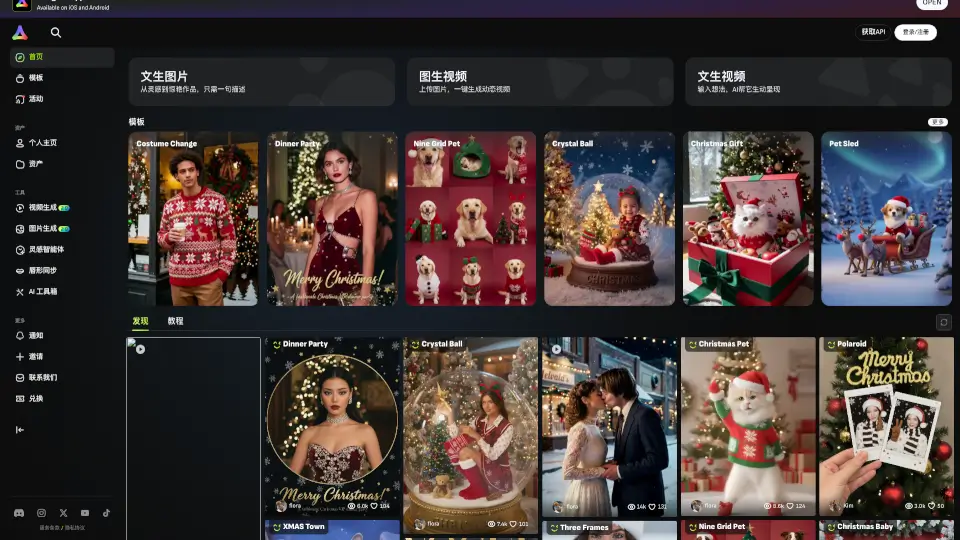
- Customizable Templates: Choose from a variety of templates to create engaging and professional-looking videos, from romantic gestures to product showcases.
What are the use cases of Vidu Studio AI?
- Social Media Content Creation: Make eye-catching, shareable videos for platforms like Instagram, TikTok, and YouTube.
- Animation Projects: Develop 2D animations with natural, non-mechanical character movements.
- Advertising: Create compelling ads that feature dynamic, attention-grabbing visuals.
- Educational Materials: Produce engaging educational videos that help explain complex concepts through animation.
- Event Promotions: Design promotional videos for events, complete with dramatic, cinematic effects.
- Personal Projects: Bring your personal stories and ideas to life with high-quality, custom-made videos.
How to use Vidu Studio AI?
- Start by Describing Your Vision: Write a detailed description of what you want to see in your video.
- Upload Reference Images (Optional): If you have specific images or characters, upload them to ensure consistency.
- Choose a Template or Start from Scratch: Select a template that fits your needs or start with a blank canvas.
- Preview and Edit: Watch the generated video and make any necessary adjustments.
- Download and Share: Once satisfied, download your video and share it on your preferred platform.