
What is TestMu AI?
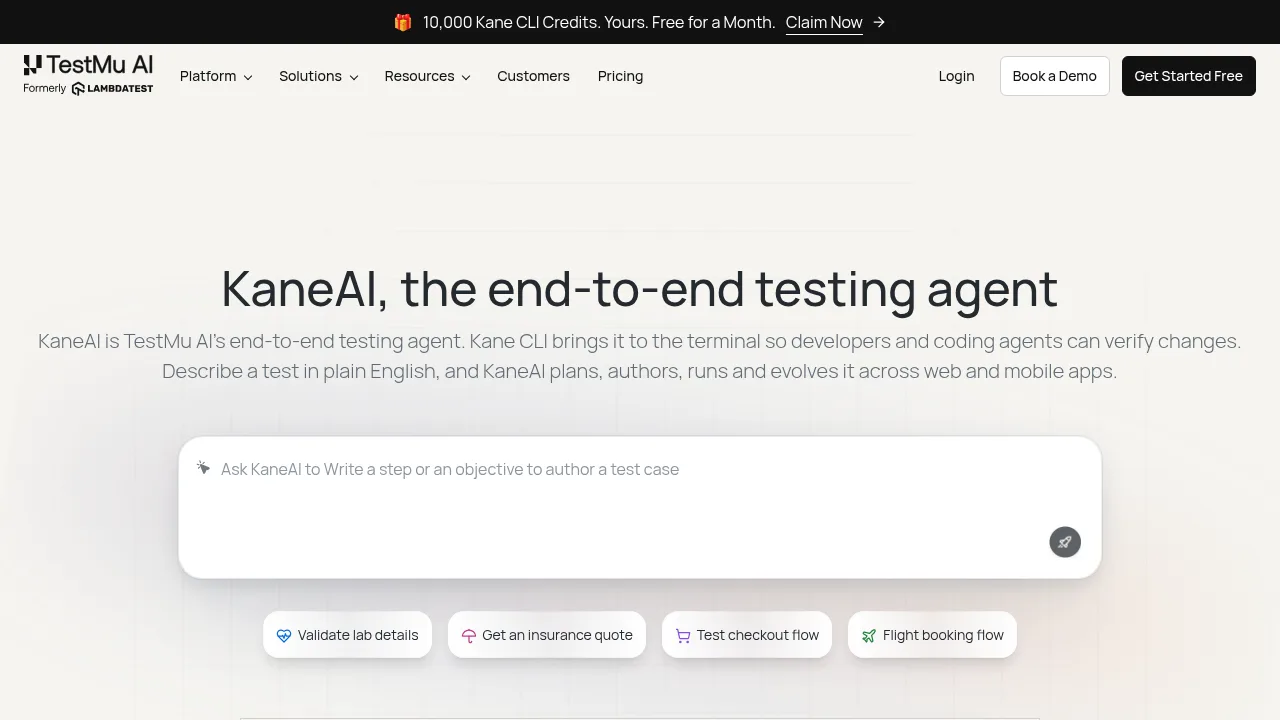
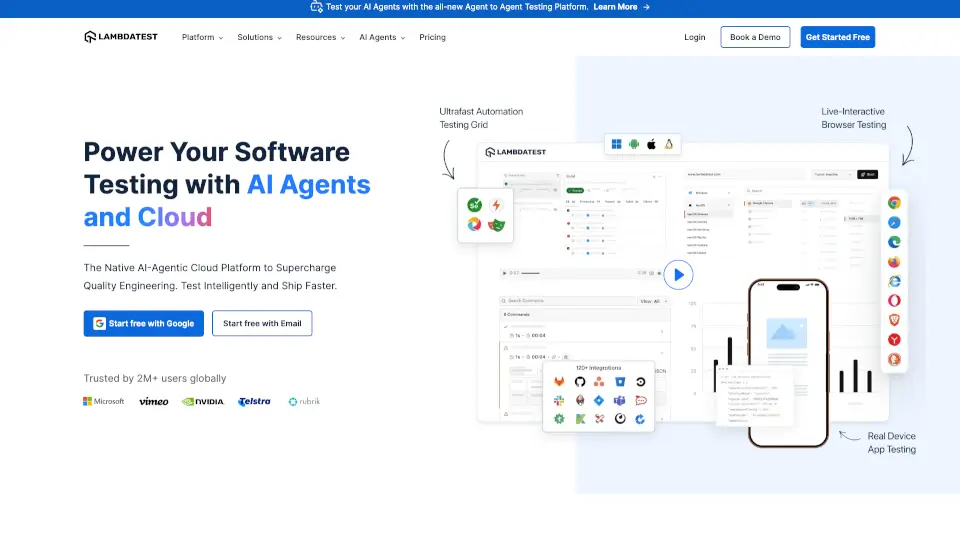
TestMu AI (formerly LambdaTest) is a cloud platform for automating end-to-end testing across web, mobile, and AI applications. It provides autonomous test authoring, real device infrastructure, and evaluators for conversational agents. Users can start free with Google or email authentication, while enterprise deployments offer private cloud and on-premise options.
What are the features of TestMu AI?
- Natural language test authoring (KaneAI)Accepts text, diffs, tickets, documents, images, or media to automatically plan scenarios, write test cases, and generate automation without code.
- Terminal-based test execution (Kane CLI)Runs browser and mobile automation commands from a terminal or CI pipeline, returning pass or fail exit codes that sync back to the dashboard.
- Conversational agent evaluationDeploys autonomous AI evaluators to test chatbots, voice assistants, IVR, phone, and video agents for hallucinations, bias, toxicity, and compliance.
- Real device cloudProvides access to over 50,000 real iOS and Android devices for manual and automated app testing, including pre-installed DevTools and network throttling.
- Test orchestration (HyperExecute)Cloud infrastructure for running tests with AI-powered root cause analysis, fail-fast aborts, and intelligent retries.
- Centralized test managementGenerates test cases with AI, deduplicates them, and supports two-way synchronization with Jira and Azure DevOps.
What are the use cases of TestMu AI?
- Coding agent verificationA coding agent runs Kane CLI after each change to verify results in a real browser, receiving an exit code to fix failures before reporting work complete.
- Enterprise application testingSupports testing workflows for Salesforce, SAP, ServiceNow, Snowflake, Workday, Oracle, and mainframe environments.
- Agentic workflow assurance (Agent Assurance)Tests how tool-using, back-office, async report, and multi-agent systems behave across workflows and actions before deployment.
How to use TestMu AI?
- Install the CLIRun
npm install -g @testmuai/kane-cliin your terminal. - Add the skillExecute
npx @testmuai/kane-cli-skillfor Claude Code, Codex CLI, or Gemini CLI, or add it to the AGENTS.md file for Cursor and Copilot. - Run a test commandExecute a command such as
kane-cli run "Go to http://localhost:3000/cart, apply coupon SAVE10, then verify the cart shows the SAVE10 discount" --agent --headless. - Review the resultThe CLI checks the result in a real browser and returns a JSON object with a status and summary, along with an exit code indicating pass or fail.
TestMu AI Pricing Information:
- Free accessStart free using Google or email authentication; specific usage quotas are not detailed in the source.
- EnterpriseIncludes advanced access controls, advanced data retention rules, advanced local testing, premium support options, early access to beta features, a private Slack channel, and unlimited manual accessibility DevTools tests. Requires contacting sales or booking a demo.