
Teal logo

Teal

5.0
(0 Reviews)
United States58.23%

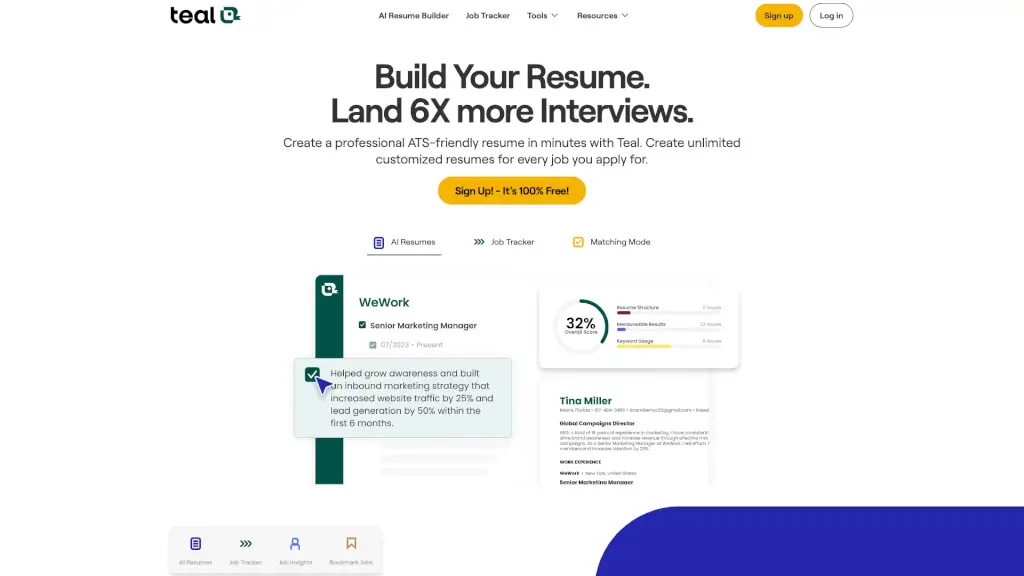
Teal’s AI resume builder and job tracker help you create tailored, ATS-friendly resumes and manage your entire job search to land interviews 6x faster.

Verified by SeekTool
Social Media:
Teal

Teal Product Information

What is Teal?

Looking for a smarter way to land a job? Teal is an all-in-one job search platform that combines an AI resume builder, job tracker, and application tools to help you create tailored resumes and manage your entire job hunt. Stop guessing what works—Teal shows you exactly how your resume matches each job description, so you can apply with confidence and land interviews 6x faster.

What are the features of Teal?

  • AI Resume Builder: Quickly tailor your resume for any job with AI. Use the right keywords from job descriptions to highlight your qualifications.
  • Job Application Tracker: One place to organize and manage your job search. Bookmark jobs from any board using the Chrome extension.
  • Resume Job Description Match: Compare your resume to any job description and get a personalized Match Score.
  • Resume Bullet Point Generator: Generate metric-focused bullet points that highlight your biggest career achievements.
  • Resume Keyword Scanner: Analyze and refine your resume keyword usage to align with the job you're applying for.
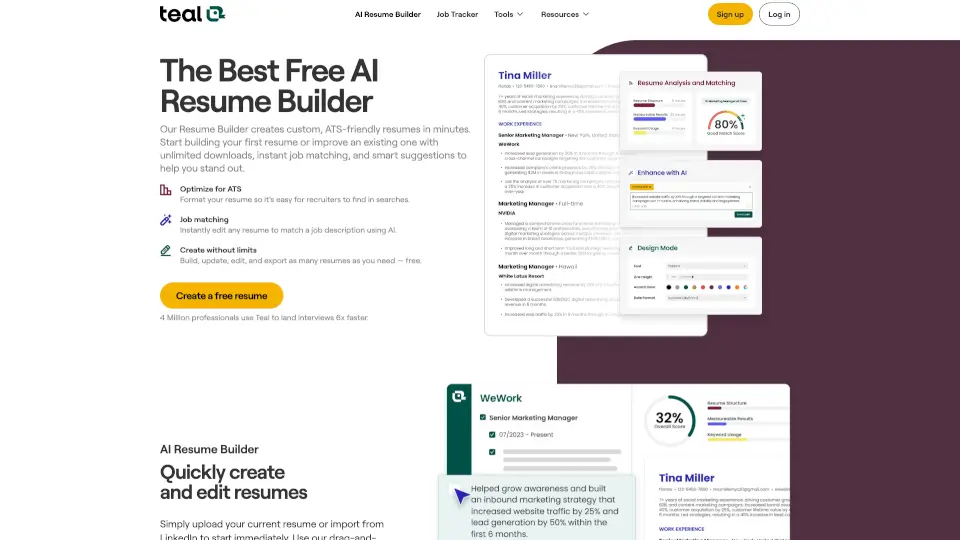
  • ATS Resume Checker: Check your current resume score to see how it stacks up against the job you're targeting.
  • Resume Summary Generator: Generate a tailored, attention-grabbing professional summary that makes an impact.

What are the use cases of Teal?

  • Tailoring a resume for a specific job: You find a great role but your resume is generic. Use Teal to match keywords and adjust your bullet points instantly.
  • Managing multiple job applications: You're applying to 10+ jobs and losing track. Use the job tracker to save opportunities, write notes, and follow up.
  • Using the Chrome extension on job boards: You're browsing LinkedIn or Indeed. Save jobs with one click and import them into your dashboard.
  • Practicing for interviews: After finding a match, use AI-powered interview practice to prepare for questions specific to the role.
  • Negotiating salary and offers: Leverage data and insights to know your value and negotiate confidently.

How to use Teal?

  • Sign up for a free account: Go to Teal's website and create an account. It's 100% free and no credit card is required.
  • Set up your goals: Choose your target area (role, industry, experience level) to get tailored guidance and curated tools.
  • Search and save jobs: Install the Chrome extension, browse job boards, and bookmark opportunities directly into your job tracker.
  • Tailor your resume: Use the AI Resume Builder to match your resume to a specific job. Review the Match Score and keyword recommendations.
  • Submit applications and track progress: Apply with your customized resume, then use the tracker to monitor stages, set reminders, and follow up.
  • Upgrade for premium features: If you need unlimited resumes, advanced keyword matching, and premium templates, consider a paid plan (billed weekly, monthly, or quarterly).
Do you like this tool?

Upvote to help others discover it!

Teal Alternatives

Teal Resume Builder

Teal Resume Builder

Teal’s Free AI Resume Builder creates ATS-friendly, job-matched resumes in minutes—helping you land interviews 6x faster with unlimited downloads and smart AI optimization.

US
58.23%
1.8M
5.0
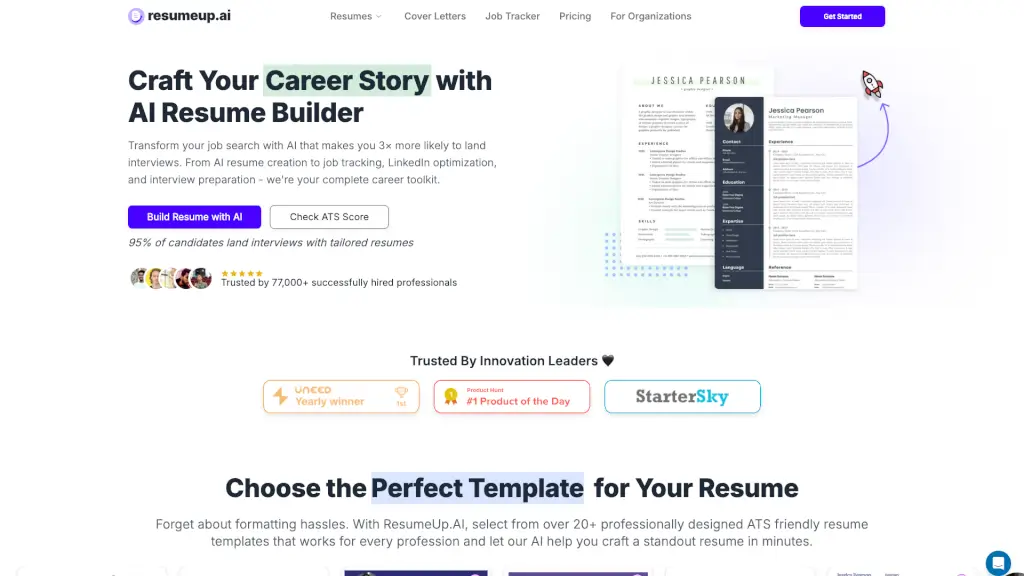
ResumeUp.AI

ResumeUp.AI

ResumeUp.AI is your go-to AI-powered career toolkit, helping you create standout resumes, cover letters, and optimize your LinkedIn profile for maximum impact.

IN
46.70%
83.5K
5.0
Rezi

Rezi

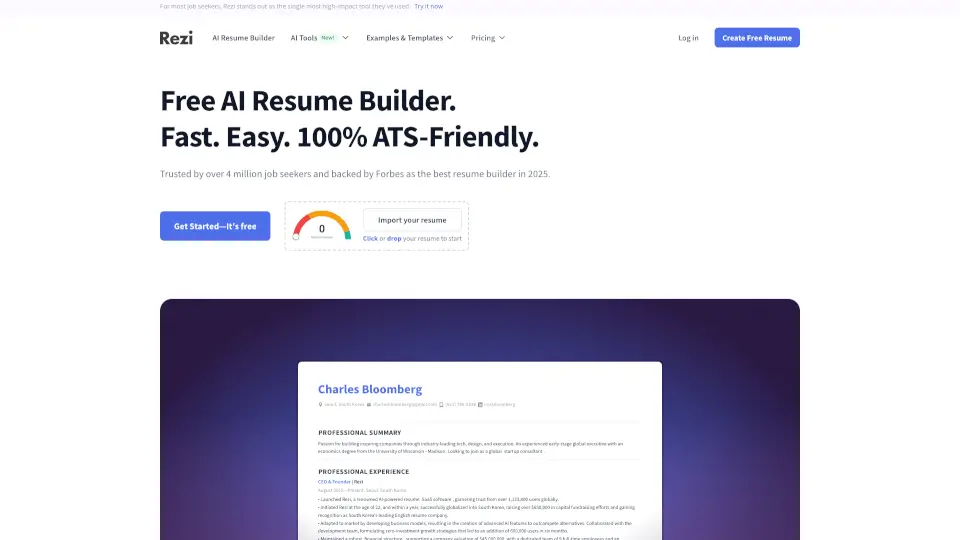
Rezi is the #1 AI resume builder trusted by 4M+ users, offering ATS-optimized resumes with keyword targeting and real-time scoring to help you land more interviews.

US
37.84%
694.0K
5.0
ResumeMaker.Online

ResumeMaker.Online

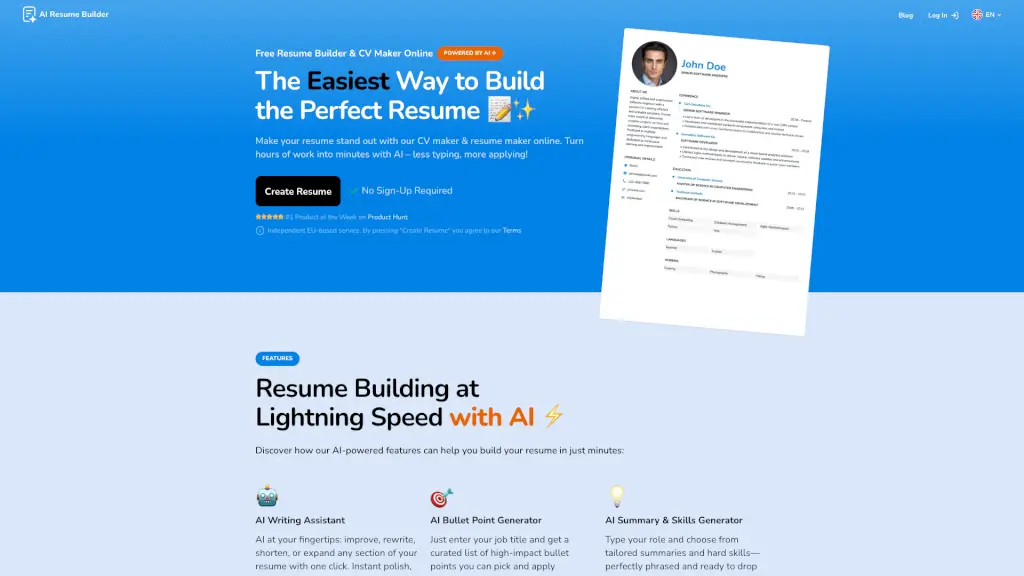
Create a standout resume in minutes with the Free Resume Builder & CV Maker Online, powered by AI for a seamless and efficient experience.

US
13.36%
99.5K
5.0
ResumeCoach

ResumeCoach

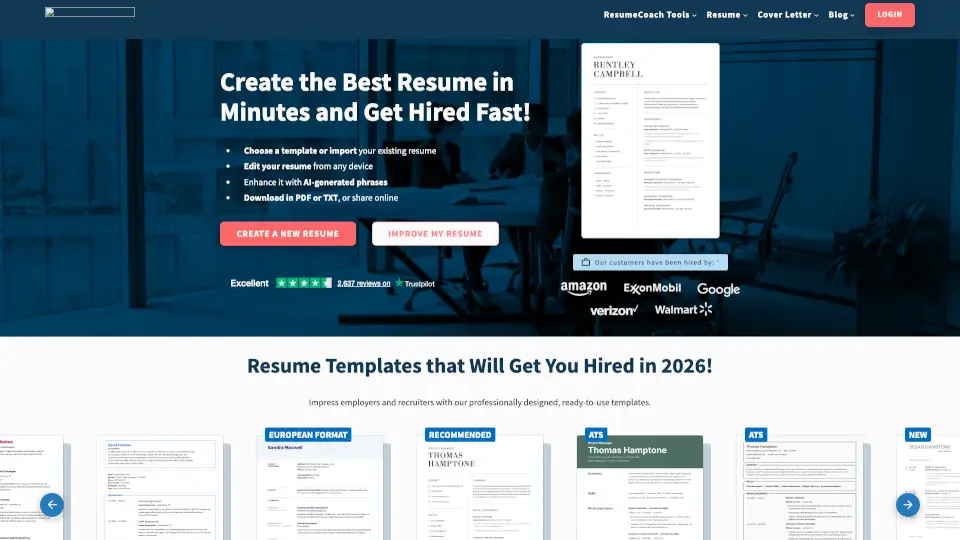
Create professional resumes and cover letters in minutes with ResumeCoach’s AI resume builder, ATS-ready templates, and recruiter-approved tips to stand out.

US
58.96%
174.9K
5.0
Resumod.co

Resumod.co

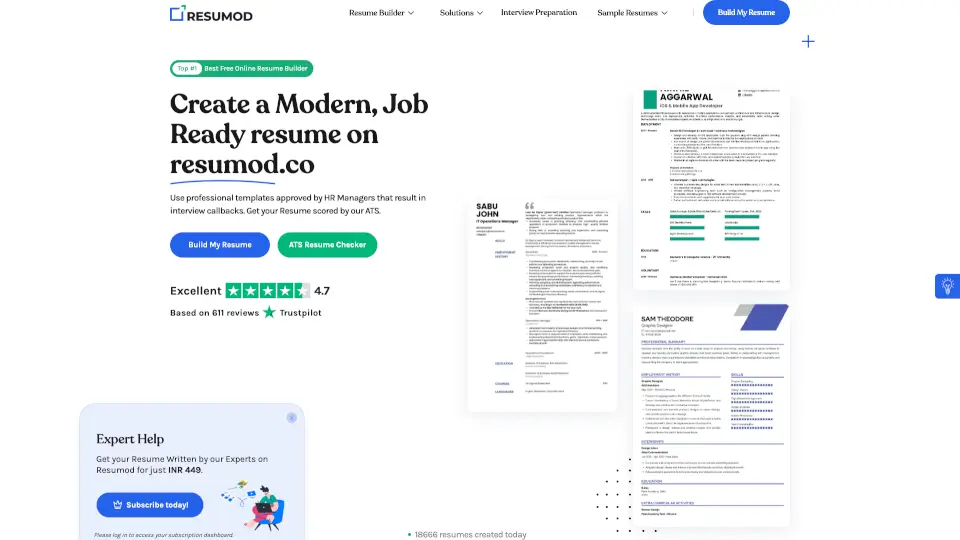
Resumod.co's free AI resume builder creates modern, ATS-friendly resumes in minutes using smart parsing, scoring, and role-specific templates.

IN
29.21%
64.9K
5.0
Jobscan

Jobscan

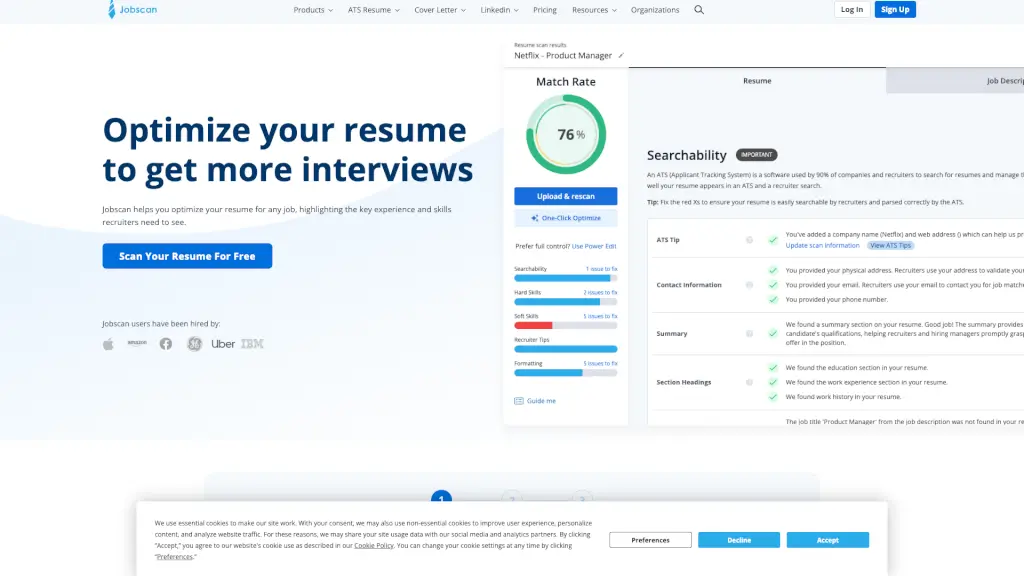
Jobscan helps you optimize your resume and cover letter for specific job listings, increasing your chances of getting more interviews.

US
38.47%
1.4M
5.0
Free AI Resume Generator

Free AI Resume Generator

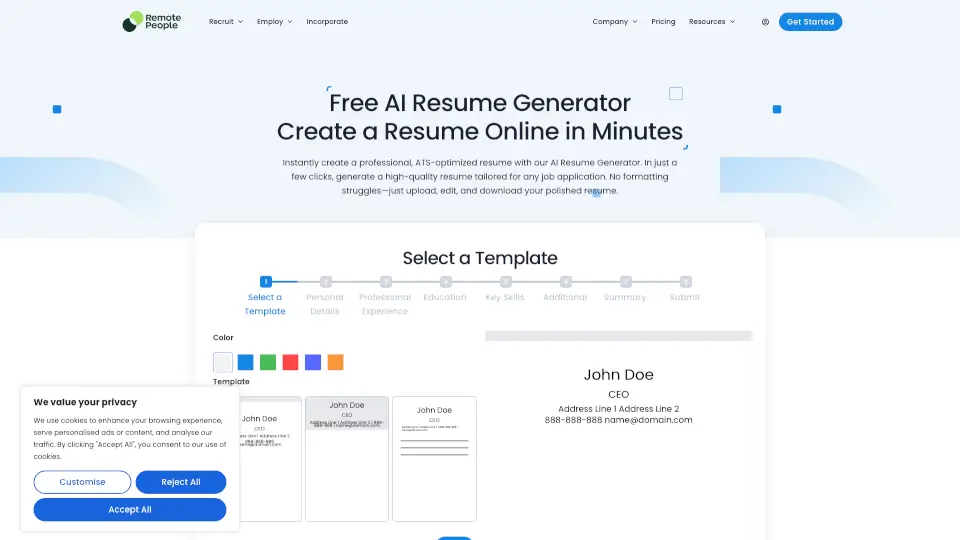
Create ATS-friendly resumes in minutes with our Free AI Resume Generator. Tailor your resume for any job, save time, and land your dream role.

US
11.75%
163.8K
5.0

Teal Related Other Categories

Teal Traffic Analysis

💡 Insights

📈
High Traffic
Over 1M monthly visits. Widely recognized and stable choice.
➡️
Stable
Traffic remains stable, indicating a mature product.
👍
Good Experience
Bounce rate of 50%. Users are willing to explore features.
🌍
United States Dominant
58% users from United States. Optimized for this market.
  • Monthly Visits

    1.83M

  • Bounce Rate

    49.80%

  • Pages Per Visit

    4.61

  • Visit Duration

    00:03:16

  • Global Rank

    25685

  • Country Rank

    9564

Visits Over Time

Traffic Sources

Search Organic37.62%
Direct29.18%
Search Paid13.49%
Referrals5.09%
Gen Ai4.39%
Social Organic3.35%
Mail3.16%
Display Ads3.15%
Social Paid0.46%
Affiliate0.11%

Top Keywords

1
teal
CPC$1.27
136.04KTraffic
2
tealhq
CPC$1.63
7.14KTraffic
3
teal resume builder
CPC$2.01
6.78KTraffic
4
teal resume
CPC$2.18
4.82KTraffic
5
ai resume builder
CPC$4.51
4.06KTraffic

Top Regions

RegionPercentage
United States
United States
58.23%
India
India
11.08%
Canada
Canada
4.82%
United Kingdom
United Kingdom
2.99%
Philippines
Philippines
1.44%
Low
High

Powered by SimilarWeb

Teal FAQ

Is Teal really free to use?

Yes! Teal has a generous Free Forever plan that includes basic resume building, job tracking, and limited AI credits. You can sign up without a credit card.

How does the ATS resume checker work?

Teal analyzes your resume against the job description you're applying for. It gives you a score and shows you exactly where you're missing keywords or formatting issues that could hurt your chances with Applicant Tracking Systems.

Can I create multiple resumes for different jobs?

Absolutely. With the free plan, you can create a few resumes. Upgrading to Teal+ unlocks unlimited resumes and unlimited job tracking, so you can customize every single application.

How does the job tracker help me stay organized?

The job tracker is like a CRM for your job search. You can save jobs from over 40 boards (using the Chrome extension), track application stages, write notes, set reminders, and follow up without messy spreadsheets.

What is the Resume Keyword Scanner?

It's a tool that analyzes the keywords in your resume versus the job description. It highlights which hard and soft skills you're missing and suggests improvements so your resume gets past automated filters.

Does the Chrome extension work with all job boards?

It works with over 40 popular job boards including LinkedIn, Indeed, Glassdoor, and more. You can save jobs with one click and they automatically appear in your Teal dashboard.

How does the Resume Job Description Match work?

You paste or upload the job description, and Teal compares it to your resume. It gives you a Match Score (a percentage) and shows which skills and experiences you should add or emphasize.

Can I use Teal for cover letters too?

Yes! Teal includes an AI Cover Letter Generator that drafts personalized cover letters based on the job description and your resume. It's available in both free and premium plans.

Teal Reviews

0

0

0 Reviews
Sign Into leave a review

Recent Reviews

No reviews yet

Teal Embed

Use website badges to drive community support for SeekTool.ai. They are easy to embed in your homepage or footer.

Light
Dark
Teal - Featured on SeekTool.aiTeal - Featured on SeekTool.ai
How to install?