
What is Suno Downloader?
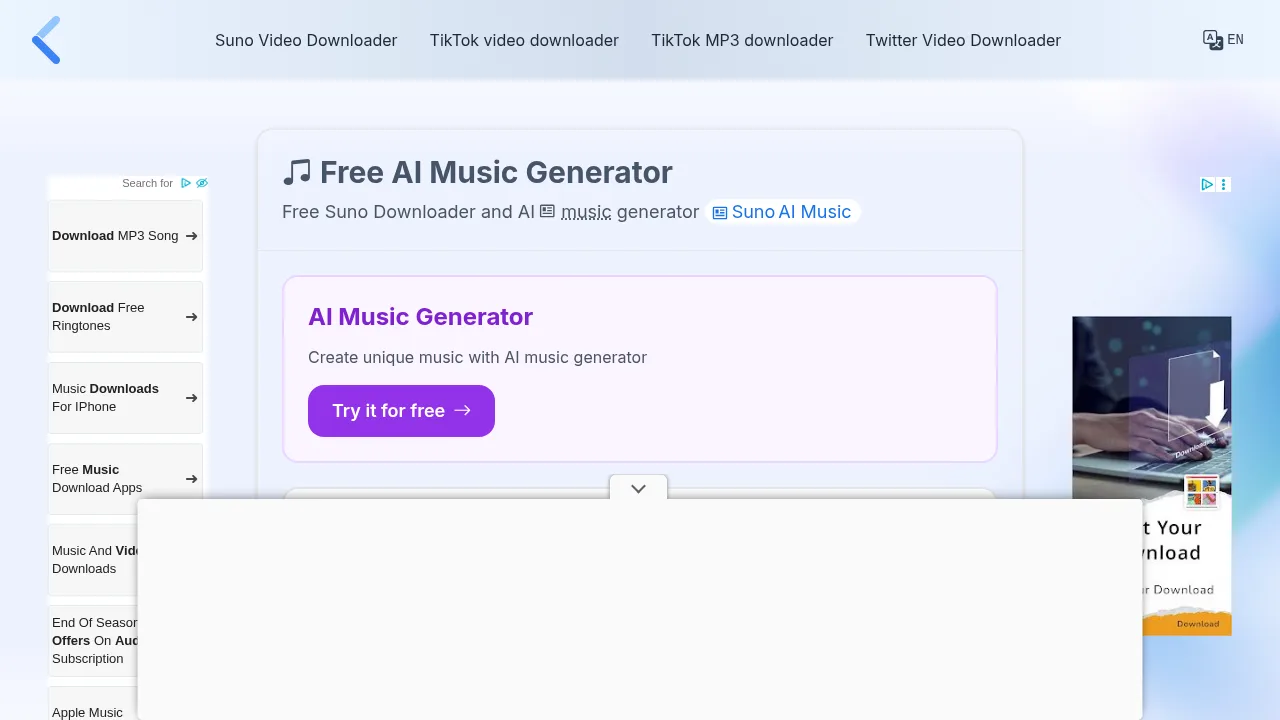
Suno Downloader is a third-party web tool that saves AI-generated music tracks from Suno AI to a local device. It allows users to download songs created by others, even without a Suno AI account. The service operates through a standard web browser on mobile or desktop devices.
What are the features of Suno Downloader?
- Third-party track savingDownloads any song created with Suno AI using its share link, including tracks generated by other users.
- Unlimited downloadsImposes no restrictions on the number of songs a user can save.
- Cross-platform browser accessRuns in any installed web browser on Windows, Mac, Linux, Ubuntu, and mobile operating systems.
What are the use cases of Suno Downloader?
- Saving community-created musicDownloading a track found on Suno AI when the user is not the original creator and lacks a Suno AI account.
How to use Suno Downloader?
- Copy the share linkFind the desired song on Suno AI and copy its URL from the Share icon.
- Paste the URLOpen the downloader website in a new browser tab and paste the copied link into the input field at the top of the page.
- Start the downloadClick the Download button next to the input field to fetch the download link.
- Save the fileOnce the link is ready, click the download button again to save the song to the device's default download folder.
Suno Downloader Pricing Information:
- Free accessNo cost to use; no stated limits on the number of downloadable tracks.