What is Spamdrain?
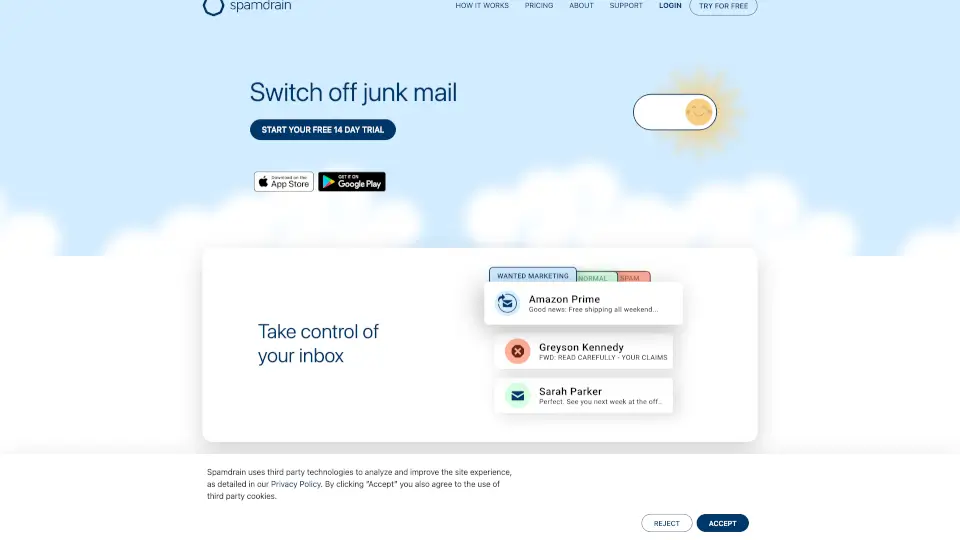
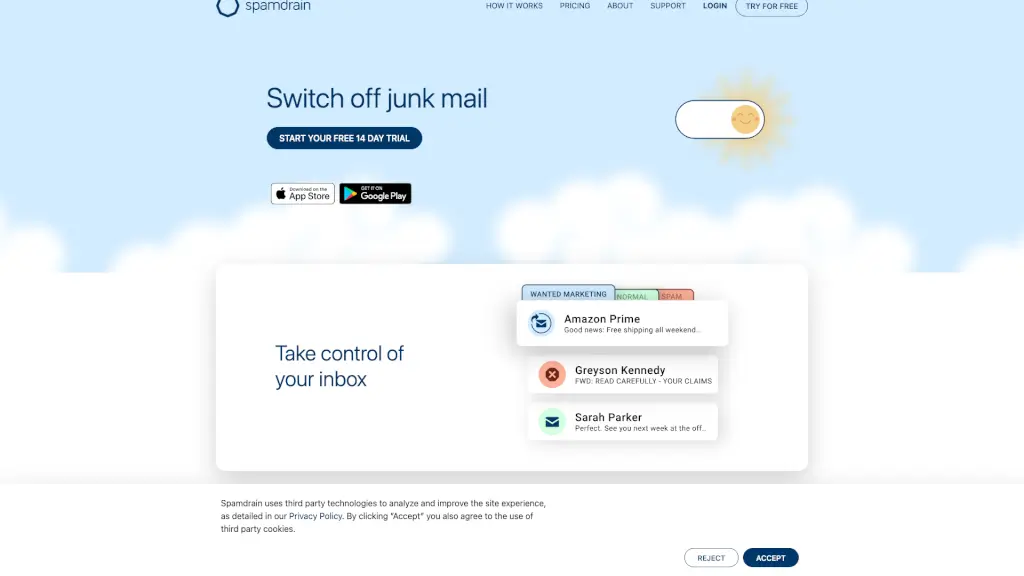
Tired of sifting through endless junk mail and spam? Spamdrain is here to help. This smart antispam filter works seamlessly with your email, whether you're using Android, iPhone, Office365, or Yahoo. It's designed to keep your inbox clean and clutter-free, so you can focus on the emails that matter most. With Spamdrain, you can take back control of your inbox and enjoy a more organized and efficient email experience.
What are the features of Spamdrain?
- Smart Antispam Filter: Automatically identifies and blocks spam, ensuring only important emails reach your inbox.
- Multi-Platform Compatibility: Works on Android, iPhone, Mac, PC, and various email providers like Office 365 and Yahoo.
- Newsletter and Marketing Filter: Allows you to manage which newsletters and marketing emails you receive, filtering out the ones you don't want.
- Virus and Phishing Protection: Keeps your inbox safe from malicious emails, protecting you from potential threats.
- Daily/Weekly Summary Emails: Provides a summary of filtered emails, so you can review and manage them easily.
- User-Friendly Interface: Simple and intuitive, making it easy to set up and use on any device.
- Customizable Filters: Fine-tune your personal filter settings to ensure it works exactly how you need it to.
What are the use cases of Spamdrain?
- Business Professionals: Keep your work email focused and free from distractions, ensuring you only see relevant messages.
- Students: Stay organized and avoid the clutter of unwanted emails, helping you stay on top of your studies.
- Small Business Owners: Protect your business from spam and phishing attempts, keeping your operations smooth and secure.
- Freelancers: Manage multiple email accounts and stay productive by filtering out unnecessary emails.
- Personal Users: Enjoy a cleaner, more organized inbox, making it easier to find and respond to important emails.
How to use Spamdrain?
- Connect Your Email: Sign up for Spamdrain and connect your email account to start the filtering process.
- Review and Adjust: Check your Spamdrain account periodically to fine-tune your filter settings.
- Set Up Notifications: Configure daily or weekly summary emails to stay informed about what's being filtered.
- Manage Newsletters: Easily unsubscribe from unwanted newsletters and marketing emails.
- Stay Secure: Rely on Spamdrain to block viruses and phishing attempts, keeping your inbox safe.