
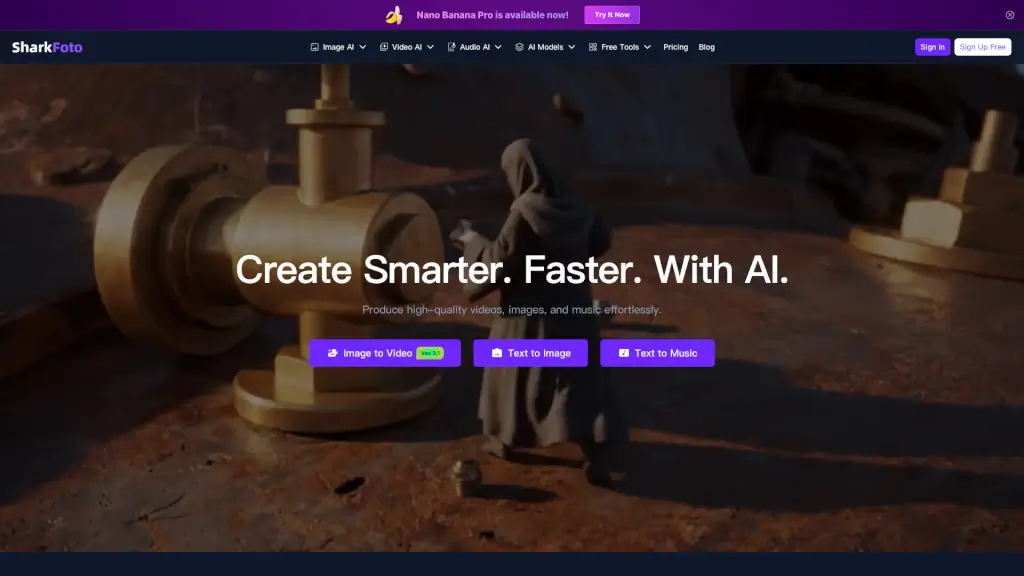
What is SharkFoto?
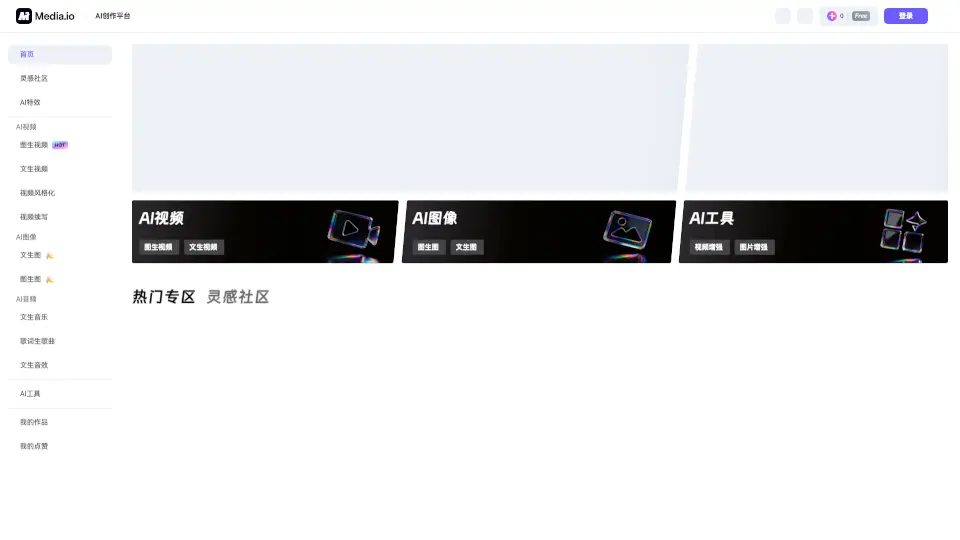
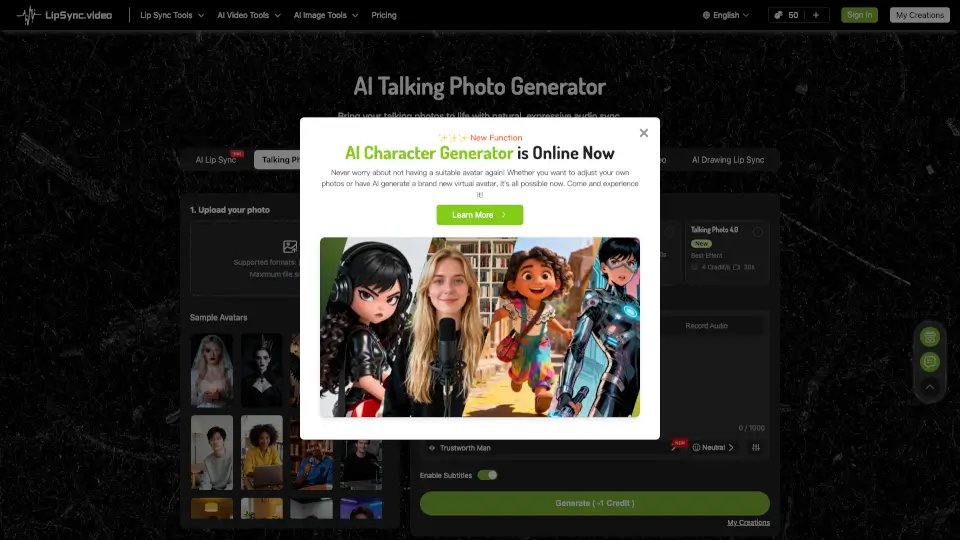
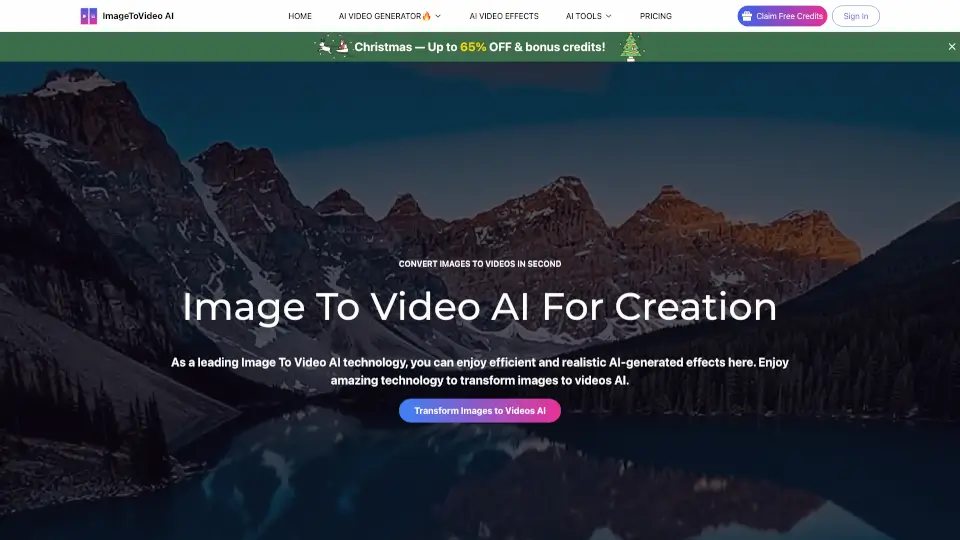
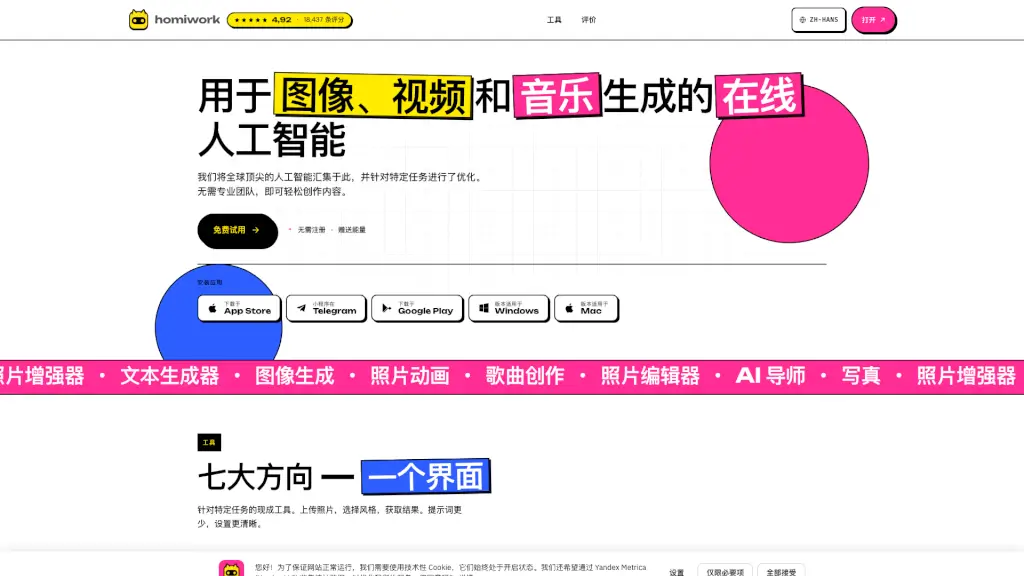
SharkFoto is your all-in-one AI media platform for creating, editing, and enhancing videos, images, and audio. Whether you're a social media manager, an indie musician, or a marketing specialist, SharkFoto's powerful AI tools make it easy to produce high-quality content right in your browser. With features like Image to Video, Text to Music, and Background Remover, you can bring your creative ideas to life with just a few clicks.
What are the features of SharkFoto?
- Image to Video: Upload an image and let AI animate it with smooth motion, effects, and cinematic storytelling.
- Text to Image: Type out your idea, and AI will paint it into a breathtaking image in seconds.
- Background Remover: Instantly remove backgrounds with a single click, perfect for portraits, eCommerce, and creative edits.
- Text to Music: Write lyrics or describe a vibe, and AI will compose original music that matches your mood perfectly.
- Lyrics to Song: Turn your written lyrics into a fully produced song, complete with vocals, melody, and rhythm.
- Color Enhancer: Instantly boost colors, contrast, and tones for a professional-grade finish with one click.
- Image Upscaler: Enlarge images up to 4K without losing quality, enhancing clarity and sharpening details.
What are the use cases of SharkFoto?
- Social Media Content Creation: Create engaging visuals and videos for your social media posts.
- Music Production: Transform your lyrics into full songs, even if you have no musical background.
- Marketing Campaigns: Produce high-quality video ads and promotional materials.
- E-commerce: Enhance product photos by removing backgrounds and boosting colors.
- Personal Projects: Bring old black-and-white photos back to life with realistic colors.
- Creative Editing: Add unique touches to your images and videos with AI-powered tools.
How to use SharkFoto?
- Upload Your Media: Start by uploading the image, video, or text you want to work with.
- Select the Tool: Choose the AI tool that best fits your needs, such as Image to Video or Text to Music.
- Customize Settings: Adjust the settings to your liking, adding any specific instructions or preferences.
- Preview and Edit: Preview the results and make any necessary adjustments.
- Download and Share: Once satisfied, download your creation and share it with the world.