What is Car MP3 Converter?
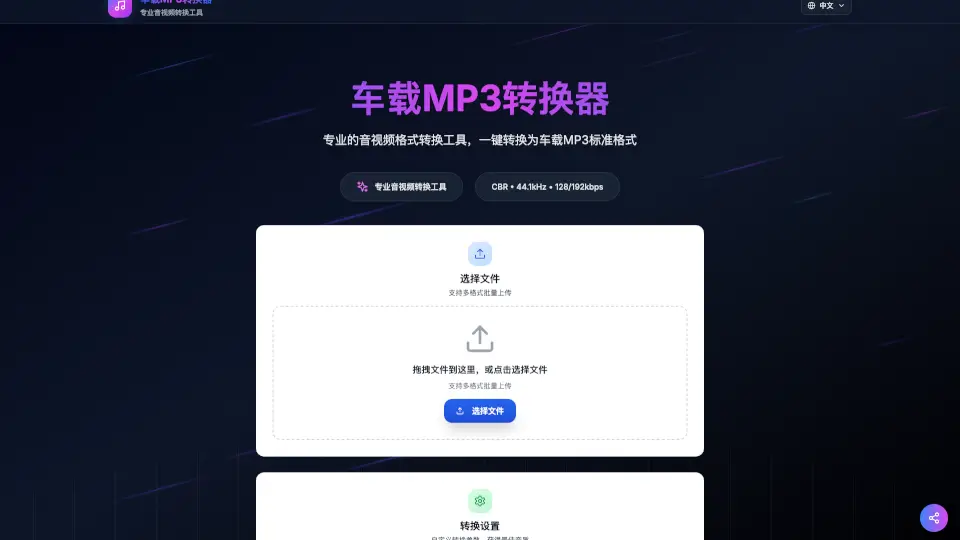
RoadMP3 is a free, easy-to-use online tool that converts any audio or video file into a car-friendly MP3 format. Whether you have songs from YouTube, TikTok, MP4, WAV, or FLAC, RoadMP3 quickly turns them into high-quality MP3s that work perfectly with your car stereo. No software installation needed, and all processing happens right in your browser to keep your files private and secure.
What are the features of Car MP3 Converter?
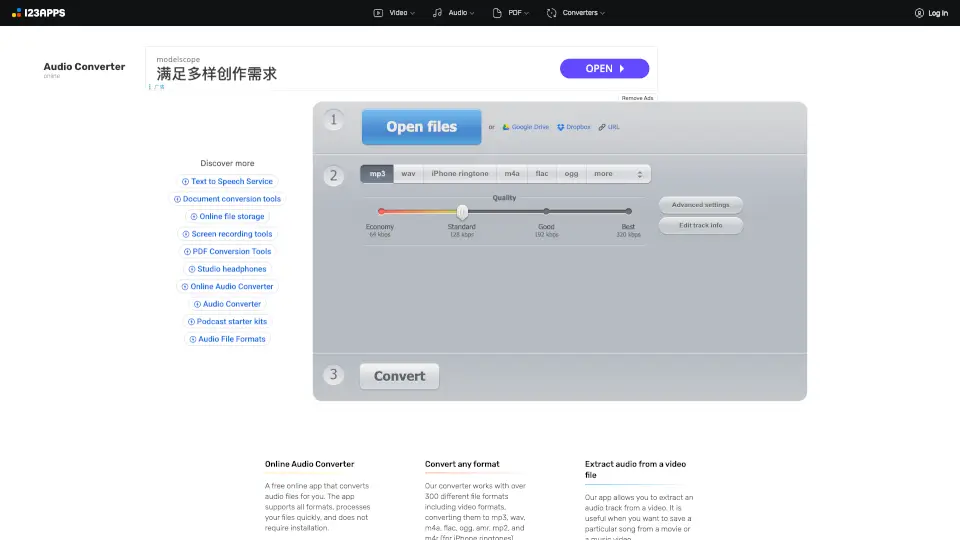
- Multi-format support: Convert MP4, AVI, MOV, FLV, WAV, AAC, and more.
- Car-compatible MP3 output: Standard MP3 with CBR encoding, 44.1kHz sample rate, and 128 or 192 kbps bitrate.
- Batch upload: Upload multiple files at once for quick conversion.
- Privacy protection: All conversions happen locally in your browser—no files are uploaded to any server.
- High-quality conversion: Choose between standard (128 kbps) and high-quality (192 kbps) audio.
- Mobile-friendly design: Works smoothly on phones and tablets.
What are the use cases of Car MP3 Converter?
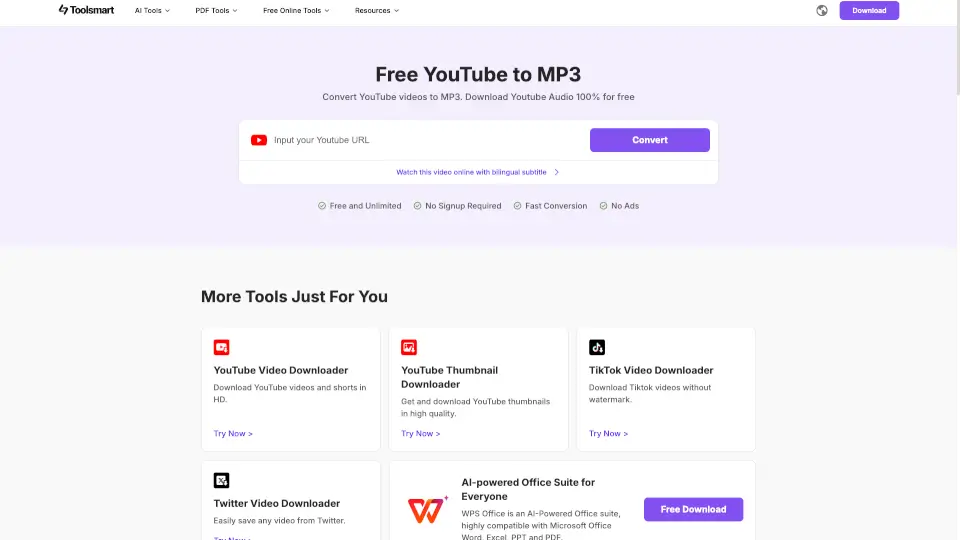
- Convert YouTube or TikTok videos into MP3s for your car playlist.
- Turn various audio formats like WAV or FLAC into car-compatible MP3 files.
- Batch convert multiple songs or videos for easy car stereo playback.
- Quickly prepare audio files for road trips without worrying about compatibility.
How to use Car MP3 Converter?
- Drag and drop your audio or video files, or click to select them.
- Choose your preferred MP3 bitrate: 128 kbps (standard) or 192 kbps (high quality).
- Start the conversion and wait a few moments.
- Download your car-ready MP3 files and enjoy hassle-free playback in your vehicle.