
What is Publer?
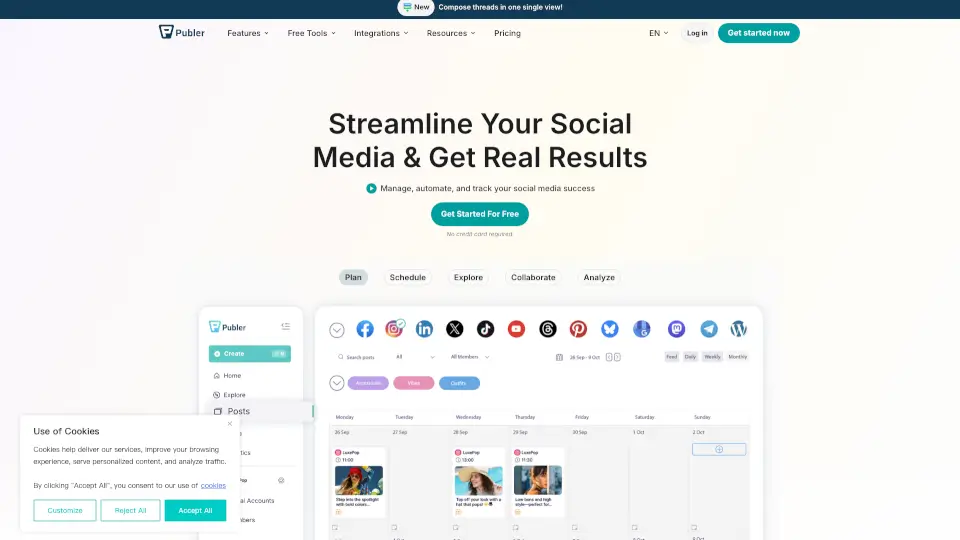
Publer is an all-in-one social media management and scheduling tool designed to help you manage, automate, and track your social media success. Whether you’re a small business owner, content creator, or agency professional, Publer lets you handle multiple accounts, schedule posts in bulk, collaborate with your team, and analyze performance—all from a single dashboard. It’s built to save you time, boost engagement, and keep your content consistent across all major platforms.
What are the features of Publer?
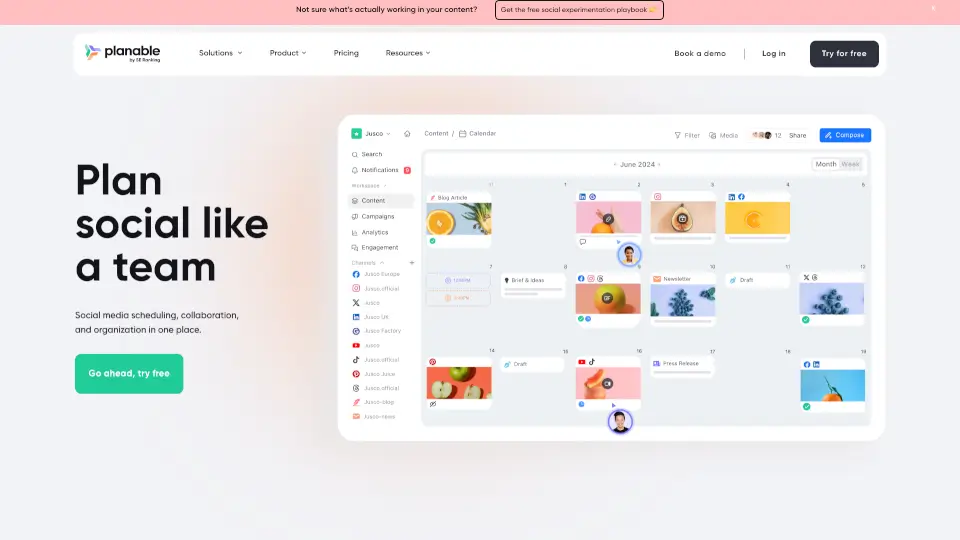
- 🗓️ Schedule & Save Time: Plan and schedule posts in advance with a drag-and-drop calendar, auto-schedule at optimal times, and bulk upload via CSV for offline posting.
- 📊 Analytics & Reporting: Track performance with in-depth analytics and monthly reports to measure engagement, reach, and growth.
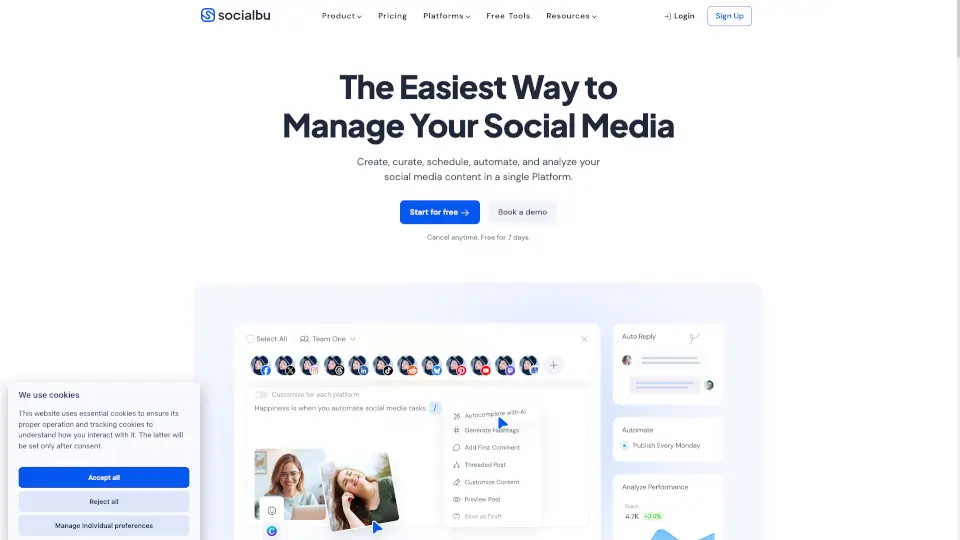
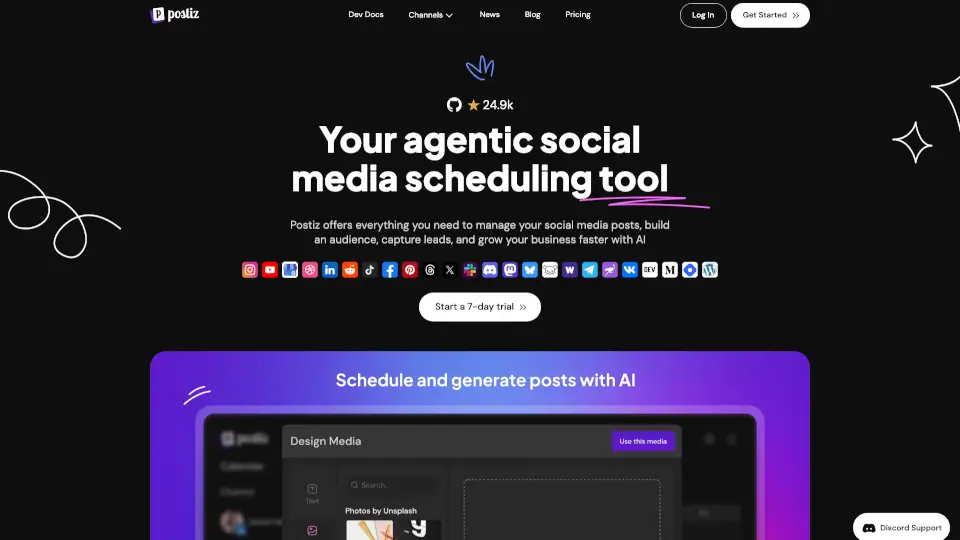
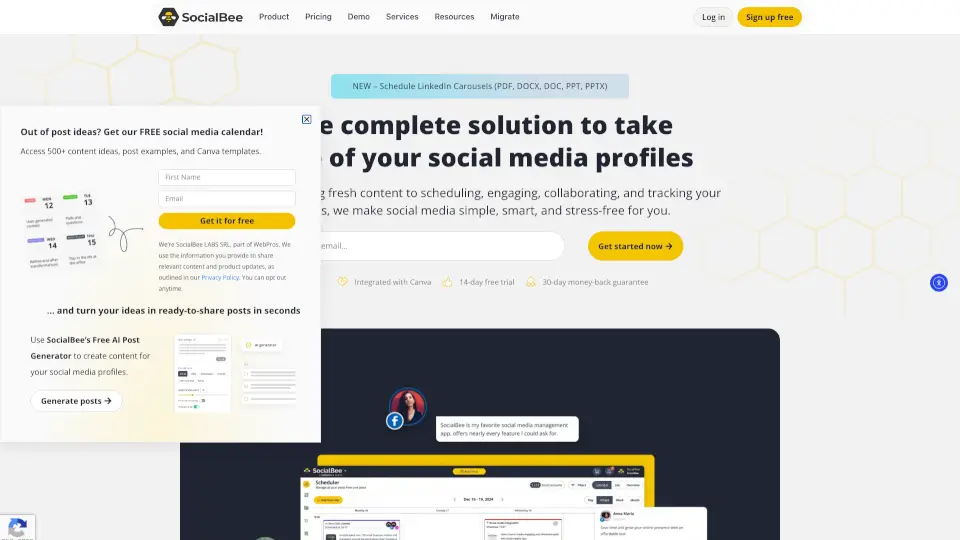
- ✍️ AI-Assisted Content Creation: Generate posts quickly with an AI Post Generator and integrate seamlessly with Canva for fast visual content.
- 🤝 Team Collaboration & Approvals: Streamline workflows with client approval features, team permissions, and review processes.
- 🔁 Auto-Recycling & First Comments: Repurpose top-performing content automatically and schedule first comments or threads for better engagement.
- 🌐 Link in Bio: Create a custom, free Link in Bio page for Instagram to drive clicks and sales.
- 📱 Mobile App & Browser Extension: Manage socials on the go with the Publer Mobile App and share content with one click using the browser extension.
- 🎯 Holiday Hashtag Reminders & Trends: Stay relevant with automated holiday hashtag suggestions and trend alerts.
What are the use cases of Publer?
- Small Business Owners: Maintain a consistent posting schedule across Facebook, Instagram, LinkedIn, and Google Business without spending hours each day.
- Content Creators & Influencers: Plan a month’s worth of content in one sitting, auto-schedule at peak times, and reuse high-performing posts to keep your feed active.
- Real Estate Agents: Showcase listings, client testimonials, and open houses across multiple platforms while using the Canva integration for professional images.
- Agencies Managing Multiple Brands: Use the agency features to collaborate with clients, get approvals before posting, and generate monthly performance reports for each brand.
- Freelancers & Solopreneurs: Save 5+ hours weekly by bulk uploading CSV files, scheduling first comments, and recycling evergreen content.
How to use Publer?
- Step 1: Sign up for a free account at Publer (no credit card required).
- Step 2: Connect your social media accounts (Facebook, Instagram, LinkedIn, Twitter/X, TikTok, YouTube, Google Business, etc.).
- Step 3: Create or import content using the drag-and-drop calendar, AI Post Generator, or bulk CSV upload.
- Step 4: Set your preferred posting times or enable auto-scheduling for optimal engagement.
- Step 5: Review posts in the calendar, collaborate with team members if needed, and hit schedule.
- Step 6: Monitor performance through in-depth analytics and adjust your strategy based on real results.