
What is ProtoFlow?
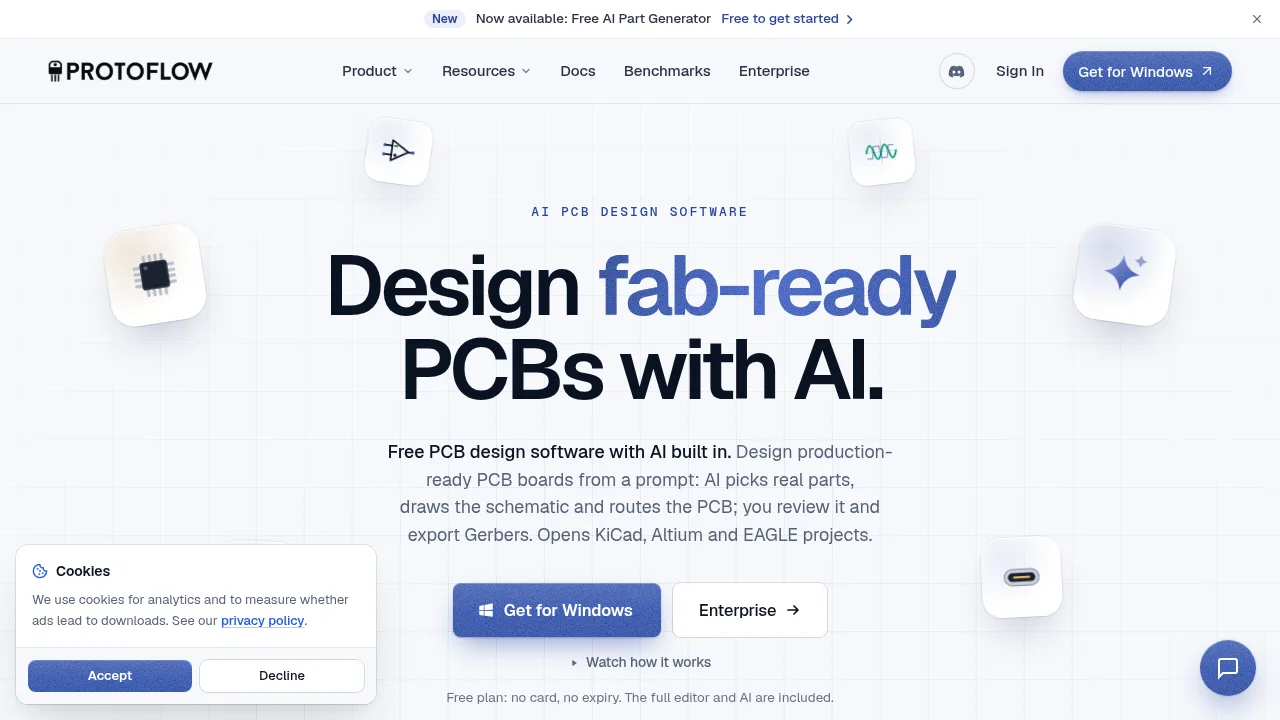
ProtoFlow is a desktop PCB design application for Mac, Windows, and Linux that uses AI to draft schematics from plain-language prompts and route boards. It imports and exports projects in KiCad, Altium, and EAGLE formats. The free plan includes the full editor and basic AI features with no expiration or credit card requirement.
What are the features of ProtoFlow?
- AI schematic generationDescribe a circuit in plain language; the tool drafts a schematic using real parts sourced from JLCPCB, DigiKey, LCSC, and Mouser.
- PCB layout and routingPlace components, configure stackups, pour copper, and route traces manually or with an autorouter using presets and layer filters.
- Design verificationRun electrical rule checks (ERC), design rule checks (DRC), and SPICE simulation via ngspice before manufacturing.
- Manufacturing exportOutput Gerber X2 files, Excellon drills, BOMs, and placement files formatted for JLCPCB assembly, including a pre-order audit.
- Project interoperabilityImport existing designs from KiCad, Altium, EAGLE, and EDIF, and export back to those formats plus PADS and STEP.
- Version control integrationTrack design changes with Git and view visual diffs directly inside the editor overlay.
What are the use cases of ProtoFlow?
- Robotics controller designDrafting a hollow-shaft joint controller with a three-phase MOSFET bridge, magnetic encoder, and CAN bus from a text description.
- Drone flight controller layoutRouting a board with an IMU, barometer, flash memory, and four motor outputs on a 30.5 mm mounting pattern.
- Legacy project migrationOpening an existing KiCad or Altium project to edit, verify, or route it within ProtoFlow without losing compatibility.
How to use ProtoFlow?
- Describe the circuitEnter a plain-language prompt specifying what the board should do in the desktop application.
- Review the drafted schematicInspect the AI-generated schematic, which uses real distributor parts, and edit symbols or footprints as needed.
- Lay out the PCBSync the schematic to the board editor, place components, set the stackup, and pour copper.
- Route and verifyRoute traces manually or with the autorouter, then run ERC, DRC, and SPICE simulation.
- Export for manufacturingGenerate Gerber X2, drill, BOM, and placement files, and run the JLCPCB audit before ordering.
ProtoFlow Pricing Information:
- Free$0, no card required, no expiry. Includes the full PCB editor with no cap on project count or board complexity, basic AI models, 5 Basic and 10 Pro AI messages per day, and 10 AI part generator units per month. Credit top-ups are available.
- Pro$19.99 per month, billed monthly. Adds 50 AI credits per day (250 per rolling week), live collaboration, simulation verification, Pro models (Gemini Flash), and 30 AI part generator units per month.
- Max and UltraFrom $39.99 per month. Specific limits are not detailed in the source.
- EnterpriseCustom pricing. Includes custom seat licensing, SSO and SAML authentication, dedicated AI capacity and SLAs, private model and data isolation, and onboarding sessions.