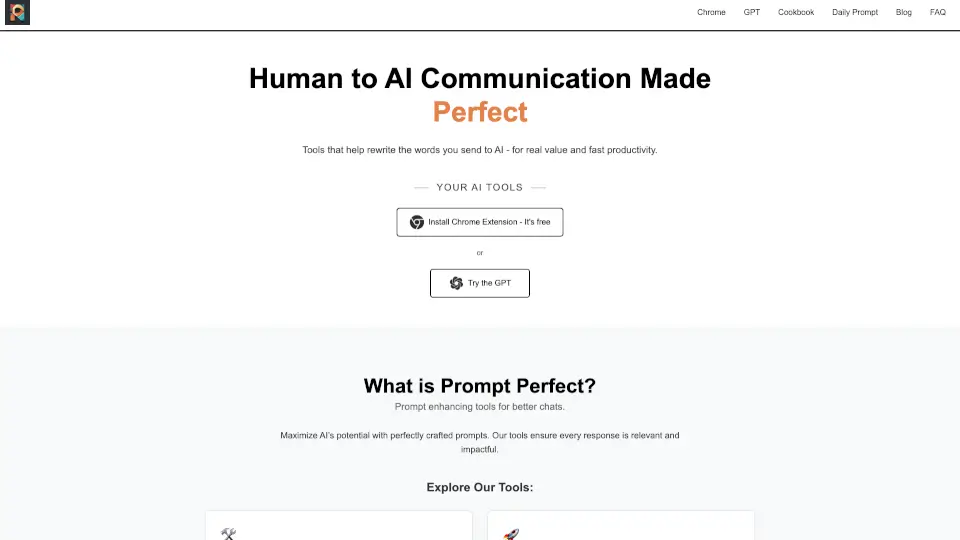
What is Prompt Perfect?
Meet Prompt Perfect, your go-to tool for enhancing AI interactions across writing, learning, research, and analytics. Whether you're a student, writer, or professional, Prompt Perfect helps you get the most out of AI by refining and perfecting your prompts. With both a Chrome extension and a custom AI assistant, it's designed to make your AI chats more effective and productive. Say goodbye to vague responses and hello to clear, impactful, and relevant AI-generated content.
What are the features of Prompt Perfect?
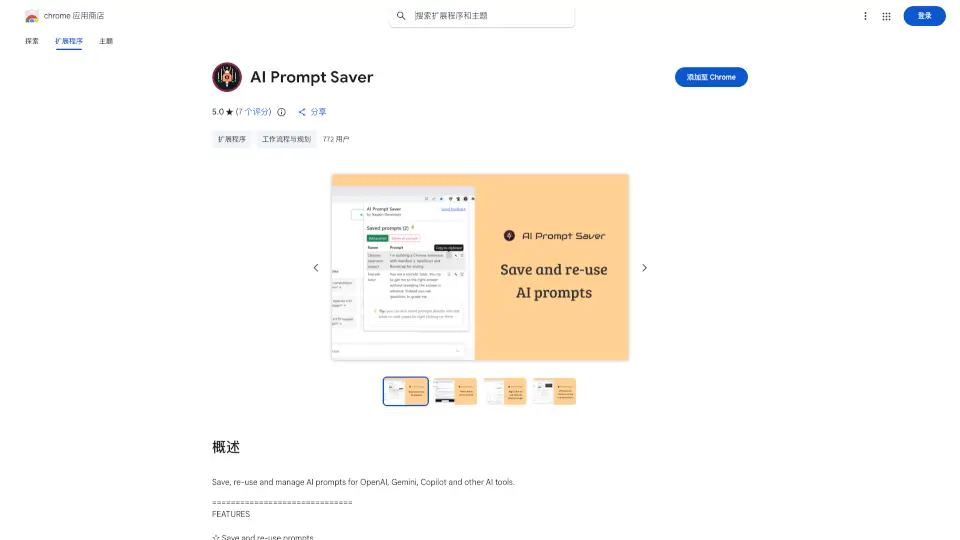
- Prompt Perfect Chrome Extension: A free browser extension that enhances your AI experience on multiple platforms like ChatGPT, Gemini, Claude, and more. It allows you to refine, enhance, and save your best prompts with just one click.
- Prompt Perfect GPT: A custom AI assistant available in ChatGPT's GPT Store. It automatically improves the clarity and detail of your prompts, providing smarter and more precise AI responses.
- One-Click Enhancements: Instantly refine and enhance your prompts with a single click, making your AI interactions faster and more effective.
- Personalized Feedback: Get unlimited feedback on your prompts, helping you improve and refine your input over time.
- Save and Manage Prompts: Easily save and manage your best prompts in the Sidebar for reuse across 10 different AI tools.
- Works Across Multiple Platforms: Compatible with top AI platforms including ChatGPT, Gemini, Claude, Copilot, DeepSeek, Sora, Grok, NotebookLM, AI Studio, and Perplexity.
What are the use cases of Prompt Perfect?
- Writing Assistance: Perfect for students and writers who need to generate high-quality content quickly and efficiently.
- Research and Analysis: Ideal for researchers and analysts who need to gather and analyze data from various sources.
- Learning and Education: Great for students and educators who use AI to enhance their learning and teaching experiences.
- Professional Communication: Useful for professionals who need to draft emails, reports, and other business documents.
- Creative Projects: Perfect for artists and creators who need to generate ideas and content for their projects.
- General AI Chats: Enhance any AI chat experience, whether you're using it for fun or for work.
How to use Prompt Perfect?
- Install the Prompt Perfect Chrome Extension from the Chrome Web Store.
- Open your preferred AI platform (e.g., ChatGPT, Gemini, Claude).
- Click on the Prompt Perfect button to refine and enhance your prompt.
- Use the Save feature to store your best prompts for future use.
- For Prompt Perfect GPT, simply start typing in ChatGPT, and let the AI assistant refine your input automatically.
- Explore the Sidebar to access and reuse your saved prompts across different AI tools.