
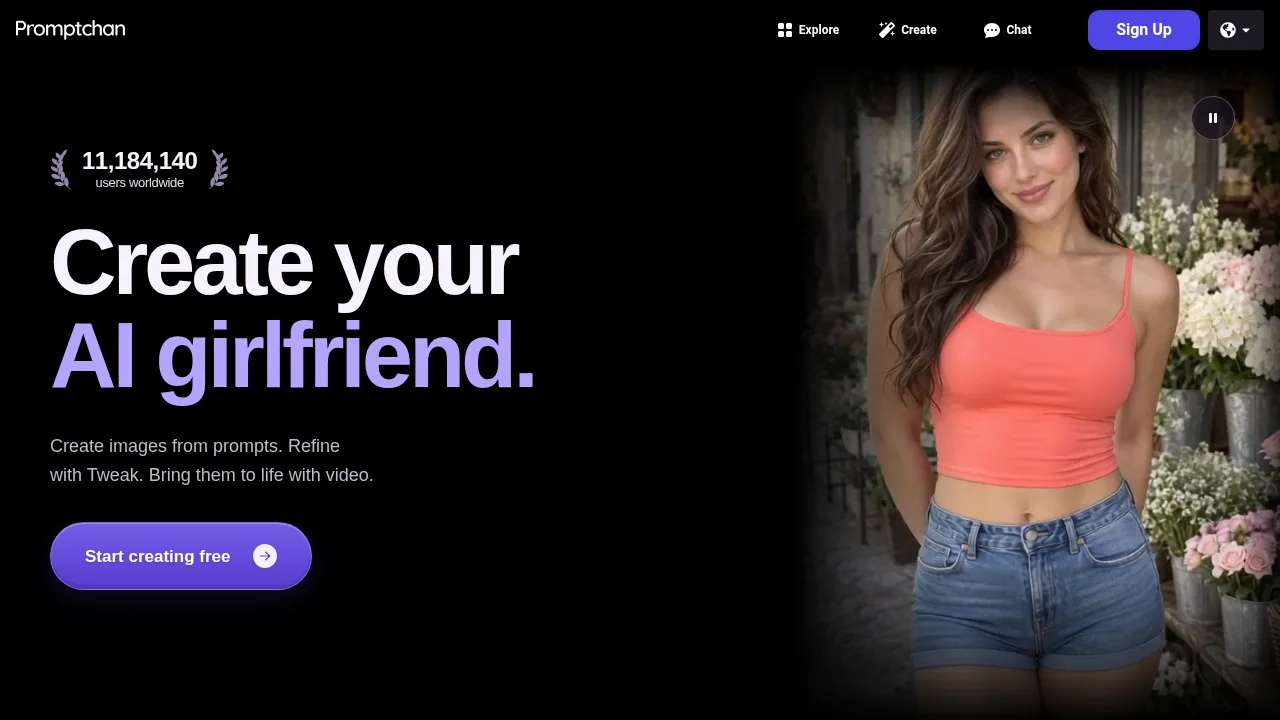
What is Promptchan AI?
Promptchan AI is a web platform for generating images, videos, and chat interactions with AI companions in realistic or anime styles. Users create visual content from text prompts or animate existing images, and converse with customizable characters. New accounts receive free starter credits, but AI video generation requires a paid Pro plan.
What are the features of Promptchan AI?
- Text-to-image generationProduces images from written prompts describing the subject, setting, mood, lighting, or camera angle across realistic, anime, fantasy, or illustration styles.
- Image refinement (Tweak)Modifies an existing image based on text instructions that change the outfit, background, pose, or lighting while maintaining the original character.
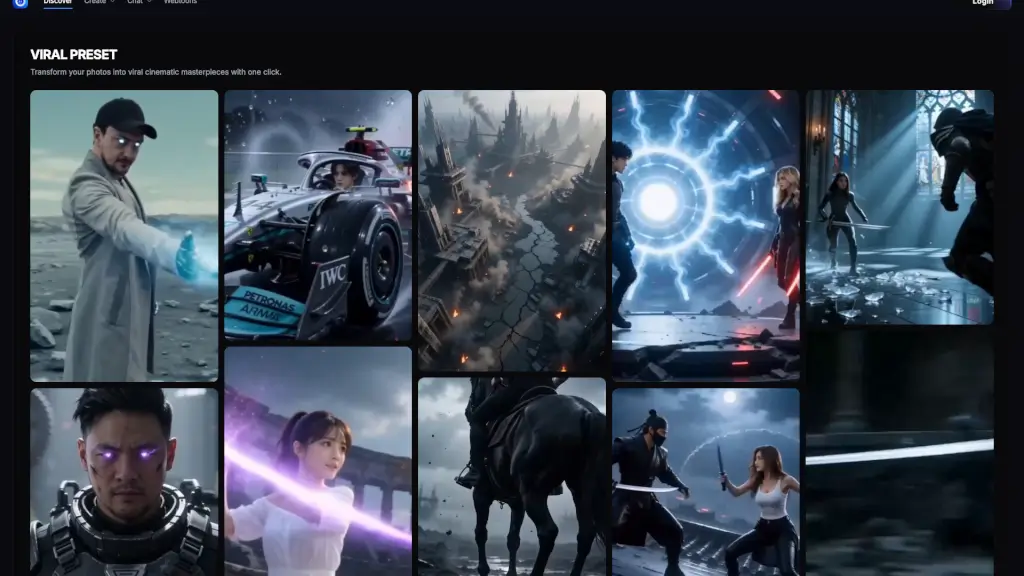
- Video creationAnimates a still image or generates video directly from a text prompt, supporting automatic motion, directed motion prompts, dialogue, sound, and clip extension.
- Community cloning (Clone)Loads another user's published prompt and settings into the creation tool so users can generate their own variation of a community image.
- AI companion chatSupports text roleplay with customizable male, female, or anime characters, including requests for scene photos or videos within the conversation.
- Voice interactionEnables voice calls initiated from the chat header and asynchronous voice message exchanges after assigning a voice to a character.
What are the use cases of Promptchan AI?
- Iterative character designGenerate a base portrait, use Tweak to change clothing or lighting one detail at a time, then animate the final result into a video scene.
- Interactive story roleplayChat with an AI companion in a specific scenario, request custom photos or videos depicting the narrative, and exchange voice messages.
- Prompt explorationBrowse the community gallery, clone a creation's settings to understand its structure, and modify the prompt for a new output.
How to use Promptchan AI?
- Write a promptDescribe the subject, setting, and mood in the Create section.
- Choose a styleSelect a model for realistic portraits, anime, fantasy, or illustration.
- Generate the imageProduce the visual output and adjust settings as needed.
- Refine with TweakOpen the Tweak tool and describe changes such as a new outfit, background, or lighting.
- Animate the resultSwitch to the Video tab to turn the image into a scene by selecting motion options or writing a motion prompt.
Promptchan AI Pricing Information:
- Free accountIncludes starter Gems and starter chat messages; allows image creation and basic access.
- Pro planAdds Gems, additional styles, and quality options. AI video generation requires this plan and consumes Gems.