
What is Prompt Manager?
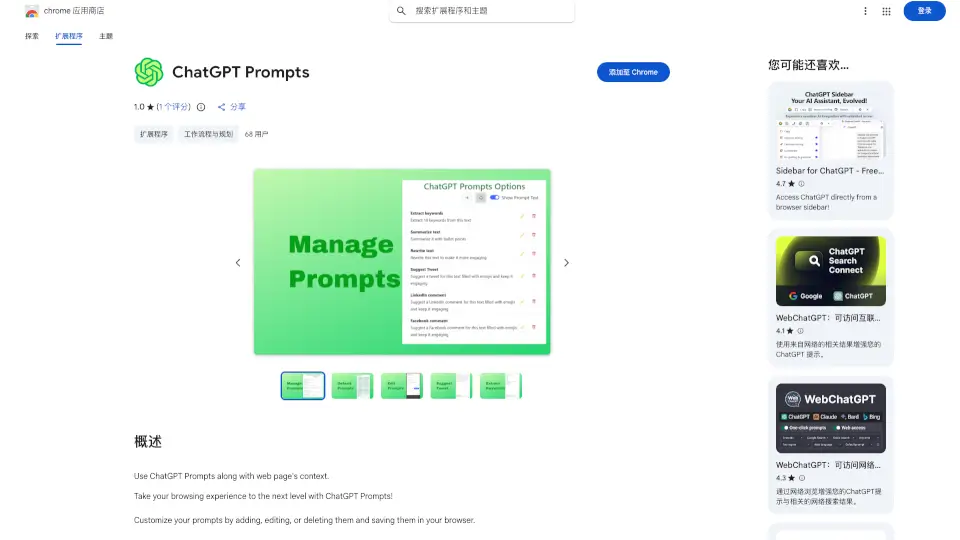
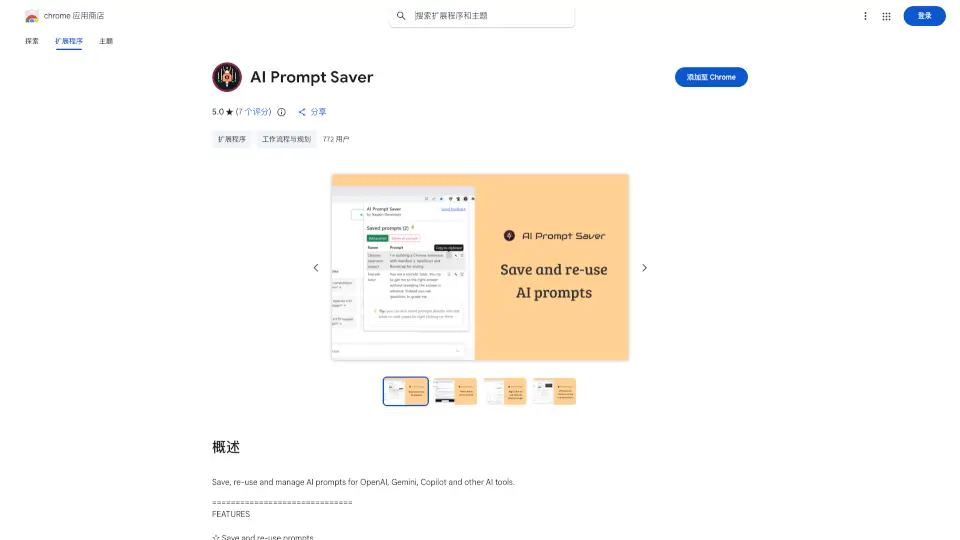
AI Prompt Saver is a handy Chrome extension designed to make your AI interactions smoother. Whether you're using OpenAI, Gemini, or Copilot, this tool helps you save and reuse prompts effortlessly. It’s perfect for anyone who frequently works with AI tools and wants to streamline their workflow.
What are the features of Prompt Manager?
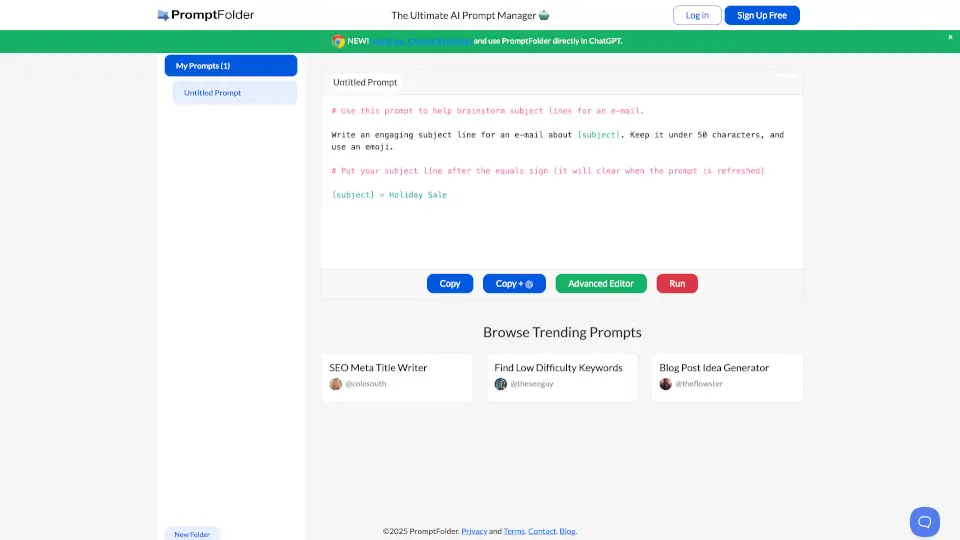
- Save and Reuse Prompts: Easily store and access your favorite prompts.
- Text Selection: Add prompts by selecting text on any webpage.
- Offline Storage: Keep your prompts secure and stored locally in your browser.
- Right-Click Insertion: Insert prompts directly into text areas with a simple right-click.
- Cross-Browser Sync: Sync your prompts across different browsers for seamless access.
What are the use cases of Prompt Manager?
- Frequent AI Users: Ideal for those who regularly use AI tools like ChatGPT or Gemini.
- Content Creators: Save time by reusing prompts for blog posts, articles, or creative writing.
- Developers: Quickly access coding prompts or debugging queries.
- Students: Store and reuse prompts for research or study purposes.
How to use Prompt Manager?
- Install the Extension: Add AI Prompt Saver to your Chrome browser.
- Save Prompts: Highlight text on a webpage or use the toolbar button to save prompts.
- Insert Prompts: Right-click in any text input area to insert your saved prompts.
- Sync Across Devices: Enable syncing to access your prompts on different browsers.