
What is Pikzels?
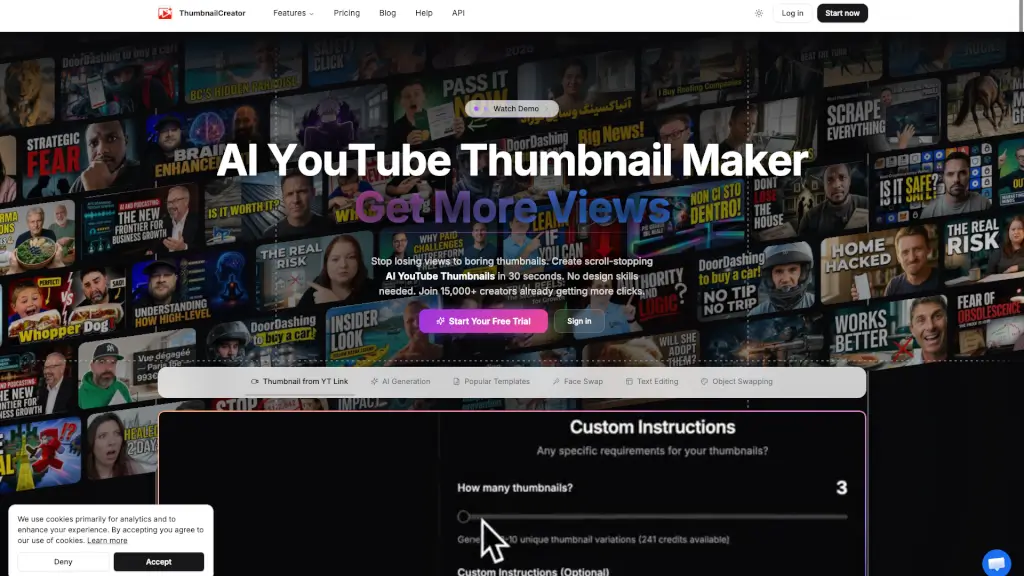
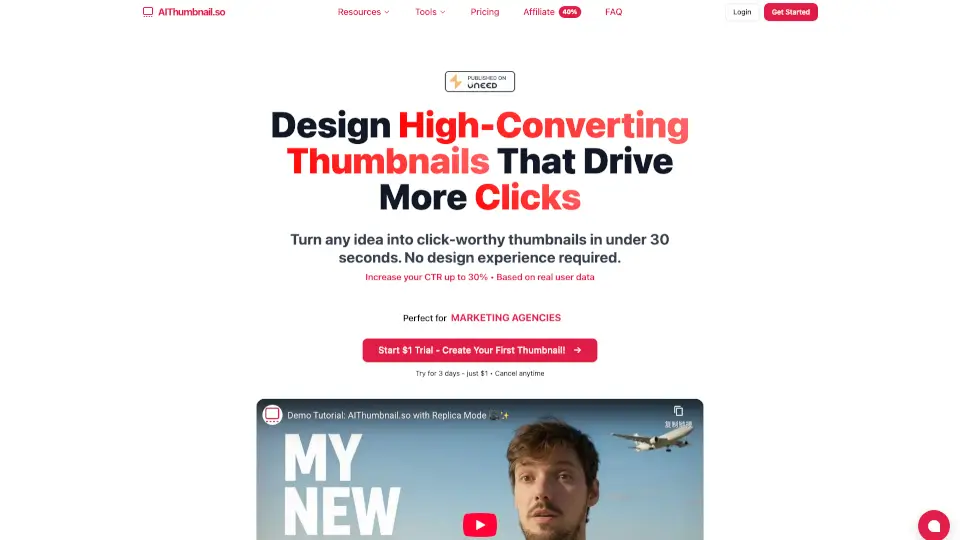
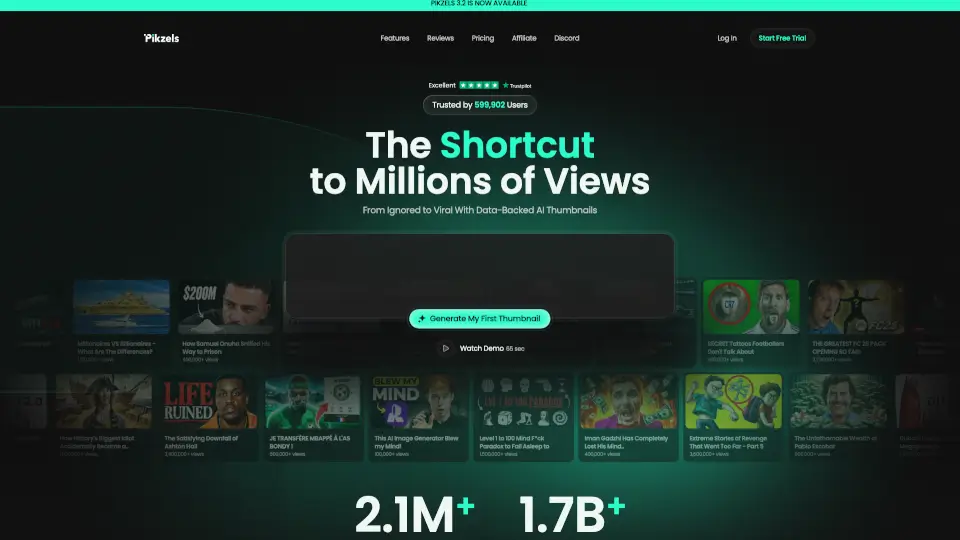
Pikzels is an AI thumbnail maker designed specifically for YouTube creators who want to improve click-through rates. It helps generate, analyze, and optimize thumbnails and titles without needing design skills. The tool is built for solo creators, teams, and channels looking to make packaging decisions based on data rather than guesswork. It replaces manual design tools like Photoshop or Canva with prompt-based generation, score-based testing, and one-click fixes.
What are the features of Pikzels?
- Pikzels Score™: Upload a thumbnail and title to receive a data-backed score across five performance pillars: Virality, Clarity, Idea, Curiosity, and Emotion.
- Prompt-to-Thumbnail: Describe a video concept in plain text, and Pikzels generates ready-to-test thumbnails in seconds without requiring design skills.
- Recreate: Paste any YouTube thumbnail link to recreate the format, then edit it to leverage proven visual structures for your own content.
- One-Click Fix™: Automatically apply data-backed improvements to weak packaging elements, turning underperforming thumbnails into higher-converting versions with a single click.
- Personas: Upload three photos of yourself once, then reuse your face consistently across all thumbnails without needing photoshoots or awkward poses.
- Styles: Train a visual style using three of your existing thumbnails, then maintain consistent branding across every new thumbnail generation.
What are the use cases of Pikzels?
- Solo YouTube creators who want to test thumbnail ideas quickly without hiring a designer or learning photo editing software.
- Multi-video channels that need consistent visual branding and recognizable faces across all uploads without repeated photoshoots.
- Content teams collaborating on thumbnail strategy, using data feedback to iterate on packaging before publishing.
- Creators who want to analyze existing thumbnails, identify weak points, and apply targeted improvements based on viewer behavior data.
How to use Pikzels?
- Create a free account and start with a prompt describing your video idea to generate a first thumbnail.
- Use the Recreate feature by pasting a YouTube link to remix a proven thumbnail format with your own content.
- Apply the Pikzels Score™ tool to any existing thumbnail and title combination to identify what is hurting performance.
- Train a Persona using three photos of yourself to keep your face consistent across all future thumbnails.