
What is PicStudio?
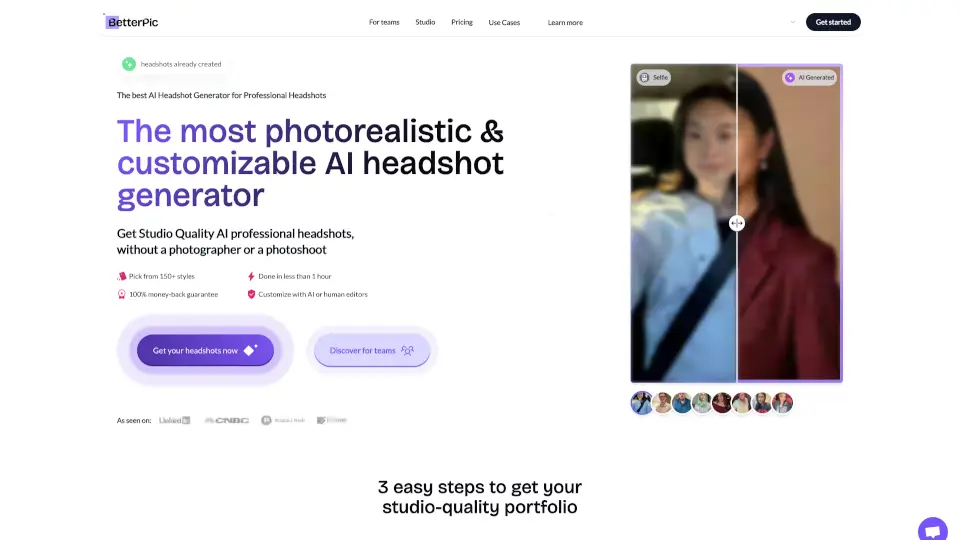
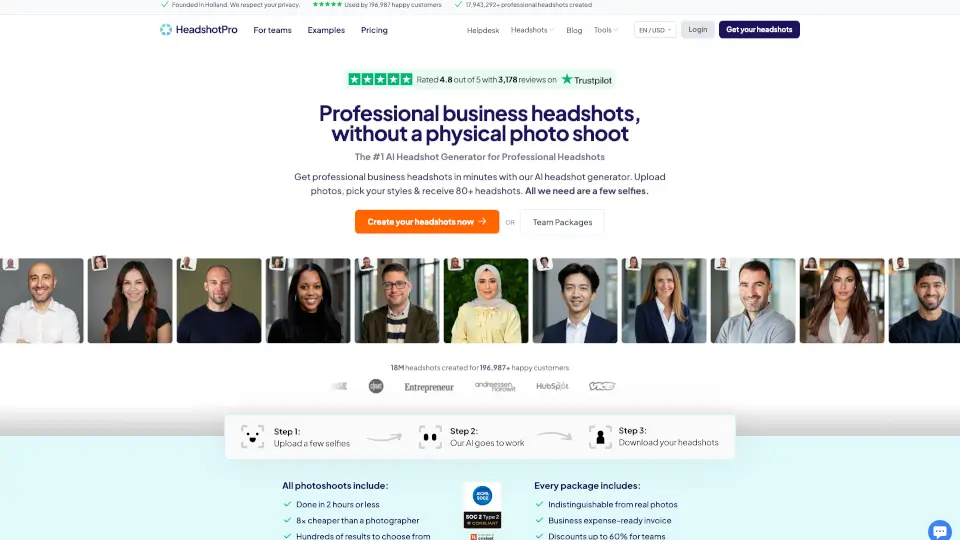
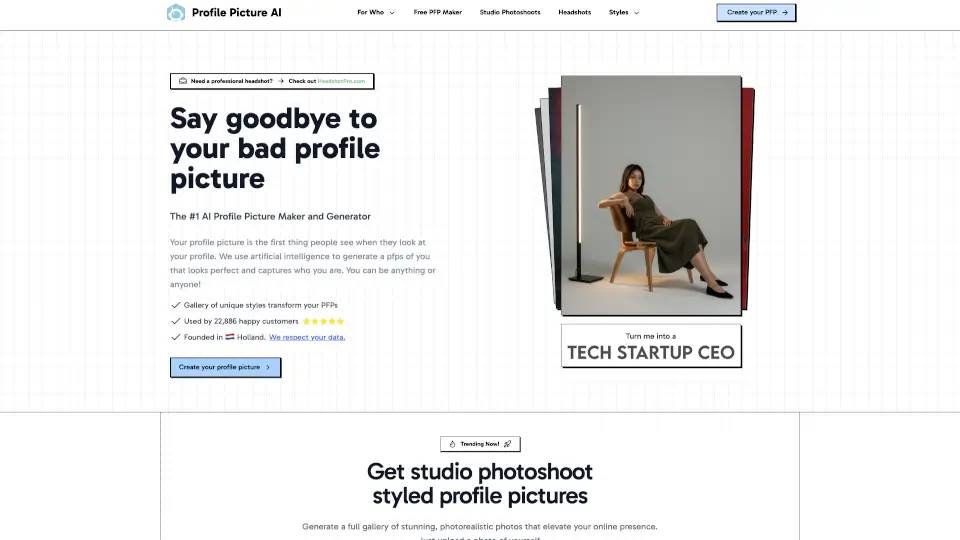
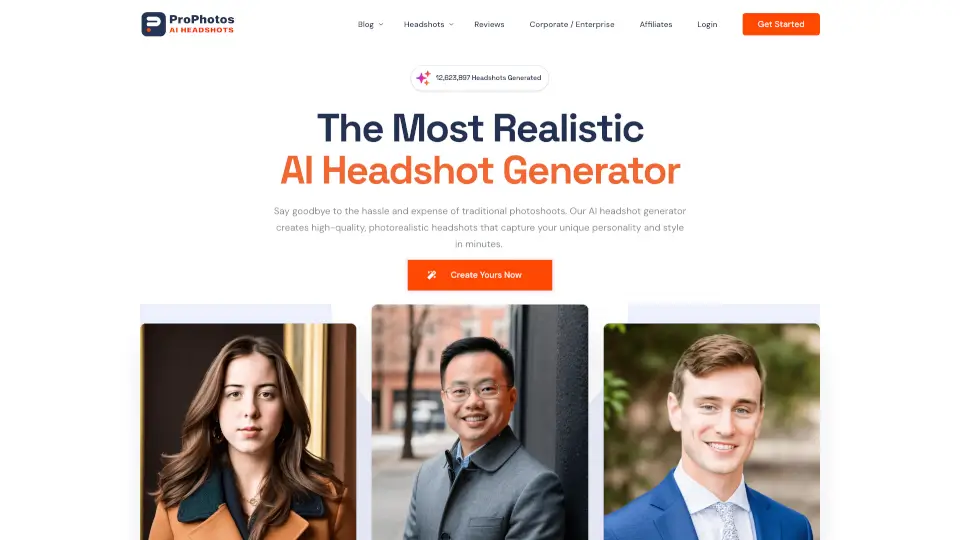
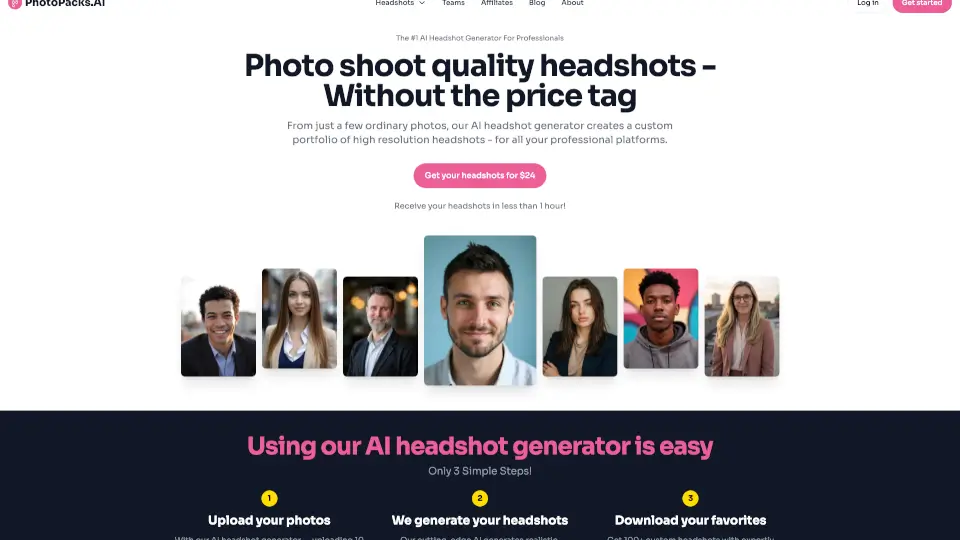
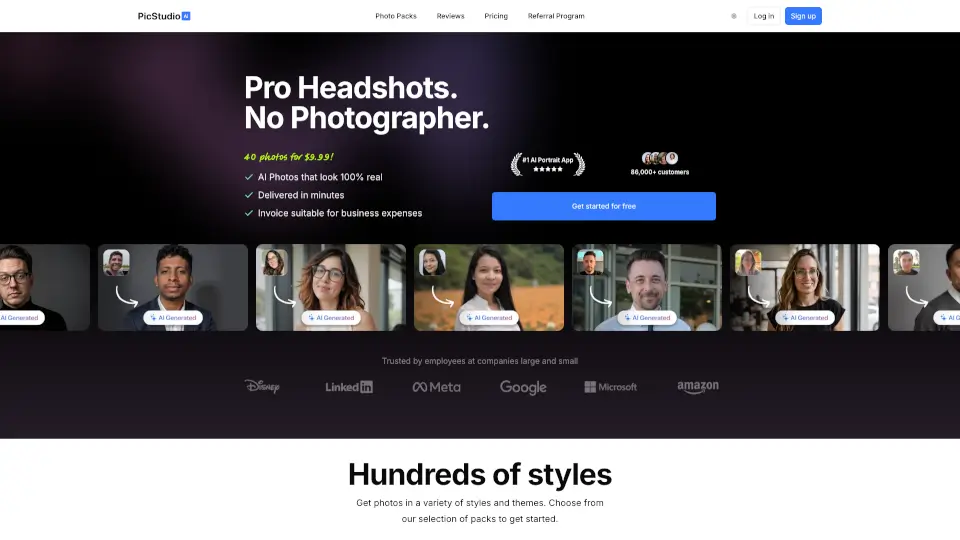
Tired of awkward photoshoots or blurry selfies? PicStudio.AI uses advanced AI to turn your everyday selfies into professional-quality portraits—no photographer, studio, or fancy gear needed. Just upload 8+ clear photos of yourself, pick a style, and get 120+ stunning, realistic headshots in minutes.
Whether you’re updating LinkedIn, leveling up your Instagram, or creating content for YouTube, PicStudio delivers photorealistic AI portraits that actually look like you—complete with natural skin texture, accurate hands, and professional styling. Trusted by over 86,000 customers, it’s the fastest, most affordable way to get headshots that impress.
What are the features of PicStudio?
- AI-Generated Realistic Portraits: Creates lifelike headshots that capture your unique features with precise skin, hair, and facial details.
- 120+ Photos per Bundle: The Pro Bundle gives you 120 high-resolution images across three photo packs—ideal for diverse social and professional use.
- Hundreds of Styles & Outfits: Choose from studio, office, casual, editorial, and more—with thousands of virtual outfits and backgrounds.
- Full Commercial License: You own all generated photos and can use them anywhere, including for business or client work.
- Built-in Editing Tools: Upscale resolution, remove backgrounds, and manage versions—all inside the app.
- Fast Turnaround: Get your first batch of portraits in as little as 30 minutes after uploading.
What are the use cases of PicStudio?
- LinkedIn Profile Upgrade: Replace your old photo with a polished, professional headshot that boosts credibility and connection requests.
- YouTube Thumbnail Creation: Generate eye-catching, consistent portraits that increase click-through rates on videos.
- Instagram Personal Branding: Post high-quality, styled portraits that elevate your feed and engagement.
- Dating Profile Refresh: Stand out with clean, confident photos that feel authentic—not staged.
- Corporate or Team Headshots: Founders and remote teams can get uniform, professional images without scheduling chaos.
- Actor or Real Estate Portfolios: Quickly produce industry-specific headshots tailored to your niche.
How to use PicStudio?
- Upload at least 8 diverse selfies—different lighting, expressions, and angles (no sunglasses, groups, or blurry shots).
- Fill in your model attributes (age, skin tone, hair color, etc.) to help the AI personalize results accurately.
- Choose a photo pack that matches your goal (e.g., “Office Pro” for LinkedIn, “Editorial” for creative roles).
- After generation, upscale your favorite images or remove backgrounds using the built-in tools.
- Download or share directly to social platforms—high-res files are ready for print or digital use.
- Not happy? Use the Do-Over feature ($14.99) to retrain your model with new photos.