
What is Photo AI Studio?
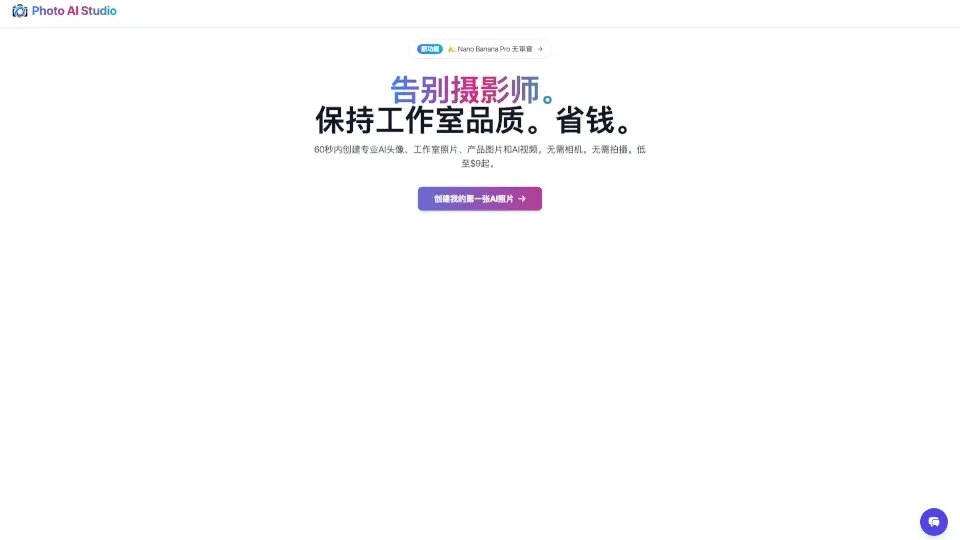
Welcome to Photo AI Studio™ 🍌 Nano Banana Pro! Say goodbye to the hassle of booking a photographer and hello to professional-quality photos and videos, all created in just 60 seconds. Whether you need a new headshot, product images, or even a full-blown video, this powerful AI tool has got you covered. No camera? No problem! Just upload a photo, and let the magic happen. Plus, with prices starting as low as $9, it’s a budget-friendly solution for anyone looking to elevate their visual content.
What are the features of Photo AI Studio?
- AI Photo and Video Generation: Create high-quality, professional-looking photos and videos in minutes.
- No Camera Needed: Forget about setting up a shoot; just upload your image and let the AI do the rest.
- Custom AI Models: Build your own AI model with just one photo, and generate unlimited content.
- Virtual Try-On: Test out different outfits on your AI model without needing a real-life fitting session.
- Unlimited Access: With the Pro version, enjoy unrestricted use of all features.
- Realistic Results: Our advanced AI technology ensures that every photo and video looks incredibly lifelike.
What are the use cases of Photo AI Studio?
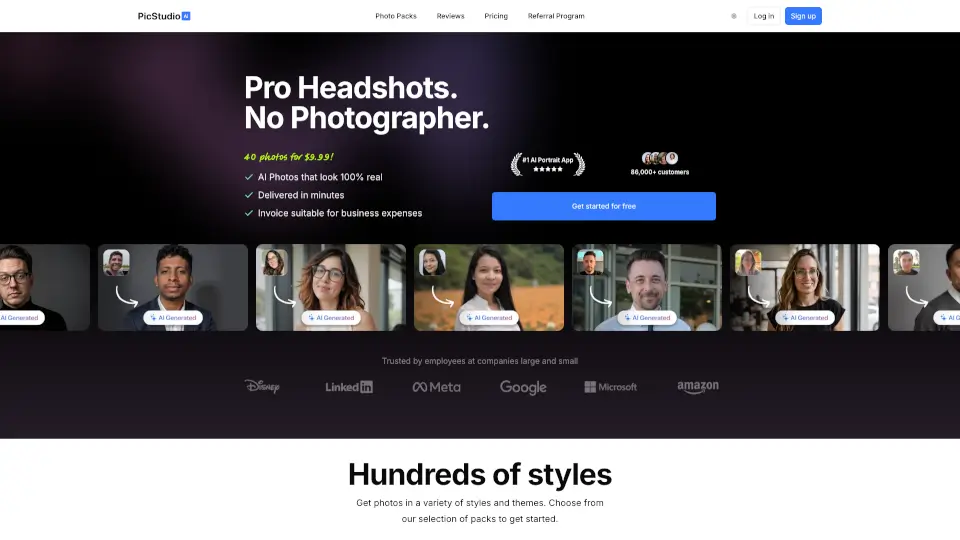
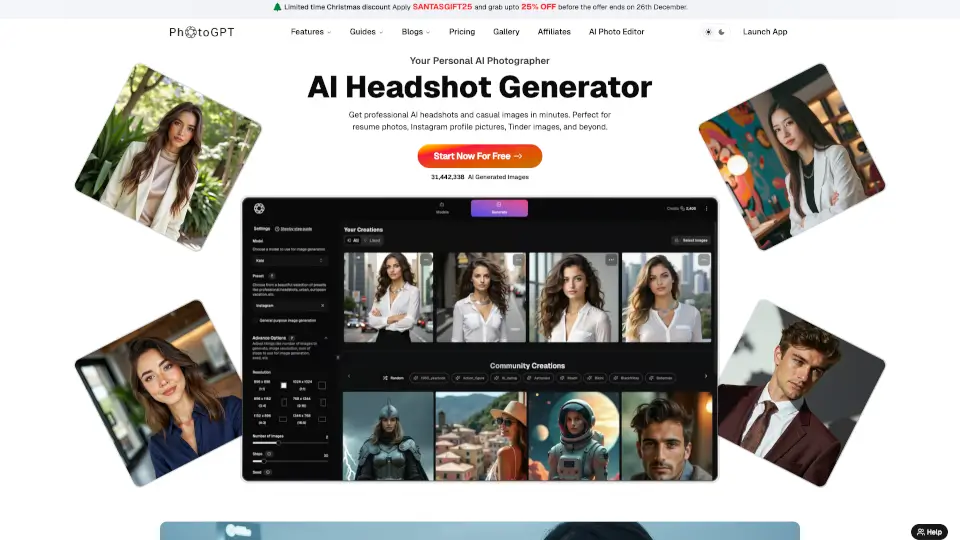
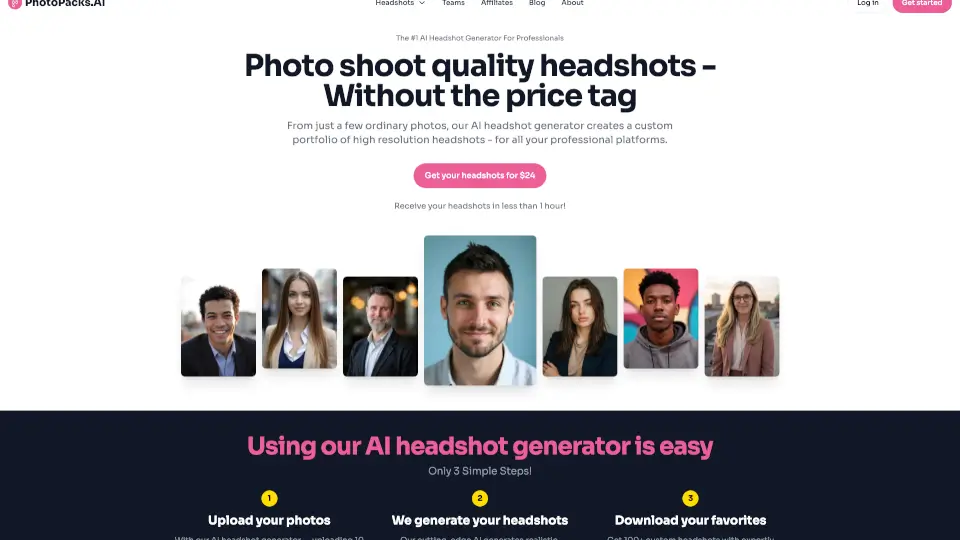
- Professional Headshots: Perfect for job applications, LinkedIn profiles, or personal branding.
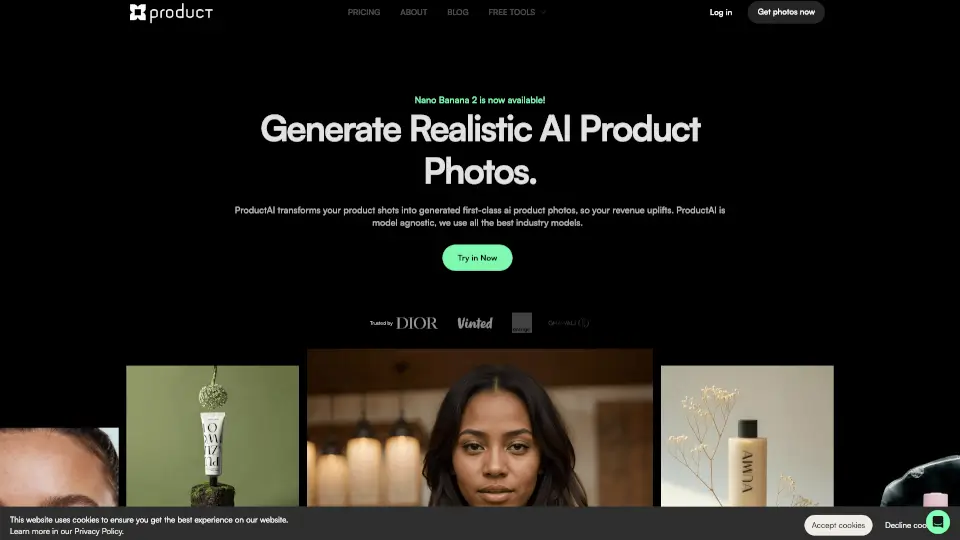
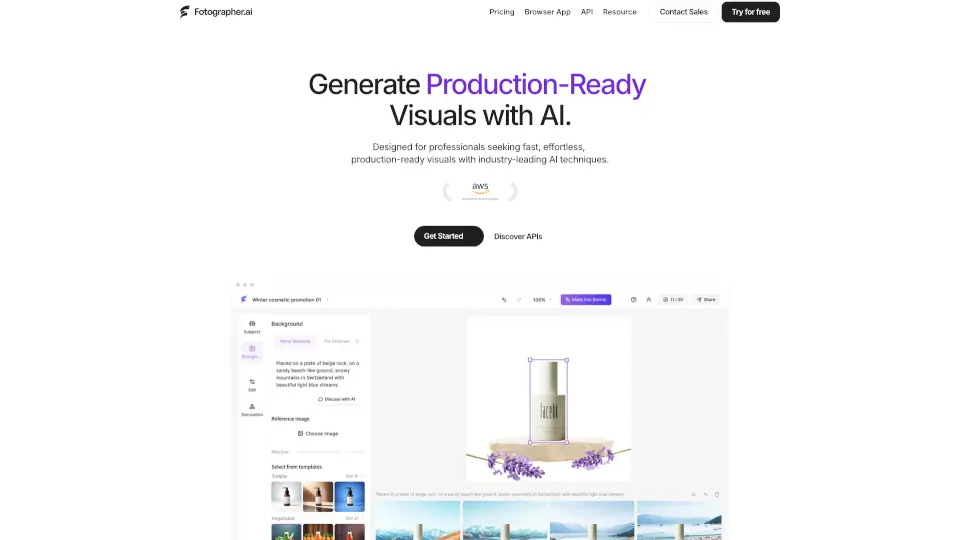
- Product Photography: Showcase your products in a professional light without the need for a studio.
- Social Media Content: Create engaging and visually appealing posts for Instagram, Facebook, and more.
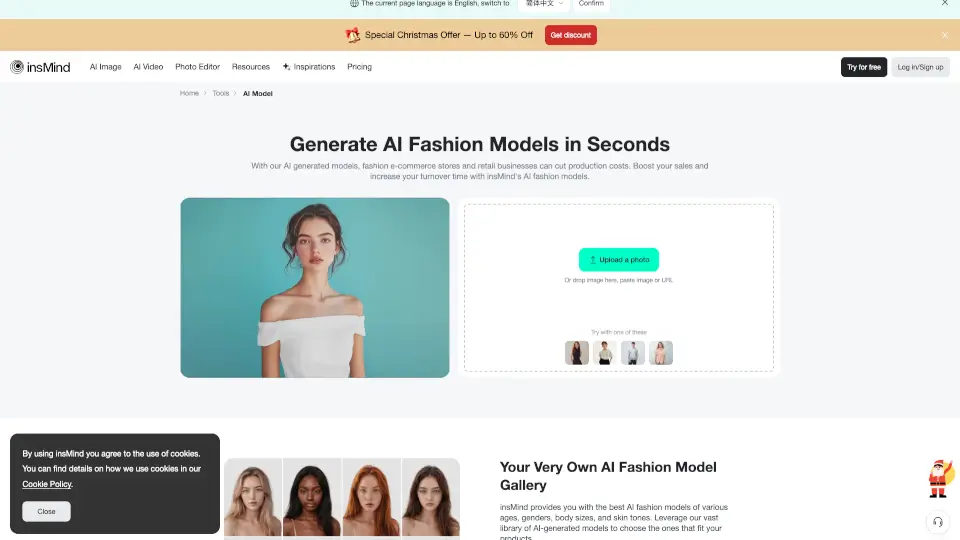
- Virtual Try-On for E-commerce: Ideal for online stores to show how clothes look on different body types.
- AI Influencer Creation: Design and create your own synthetic AI influencer for marketing campaigns.
- Event Photos: Generate group photos or event shots without the need for a live photographer.
How to use Photo AI Studio?
- Upload Your Photo: Start by uploading a clear, well-lit photo of yourself or the subject.
- Create an AI Model: Click the "Create New AI Model" button and wait a few seconds for the AI to process your image.
- Select a Style: Choose from a variety of styles and templates to match your desired look.
- Generate Your Content: Select the type of content you want (photo, video, etc.) and let the AI work its magic.
- Download and Share: Once your content is ready, download it and share it on your preferred platform.